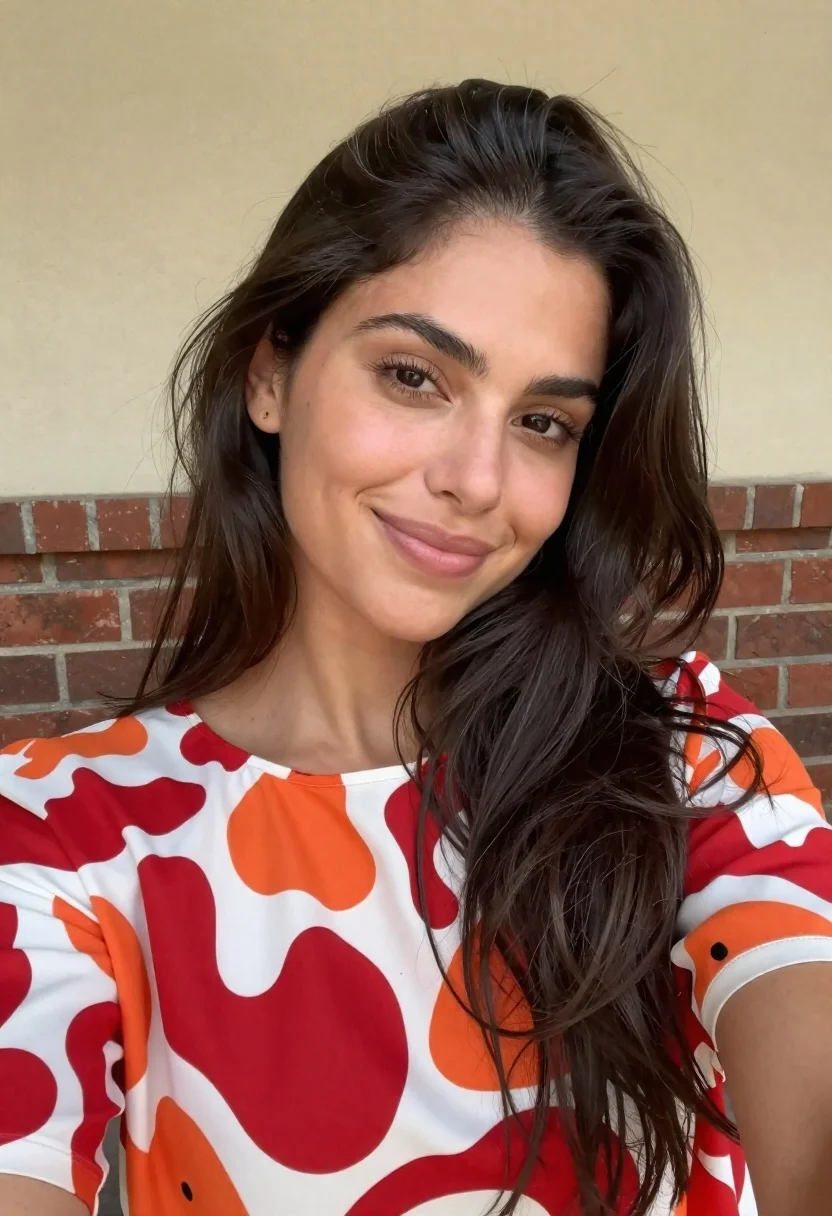
Close up selfie of woman with dark hair smiling against beige brick
Prompt
A close-up selfie of a woman with long dark hair and a warm smile looking directly at the camera.

Subject: A woman with long, voluminous dark brown hair that flows loosely over her shoulders and features subtle grey highlights near the roots. She has defined eyebrows, dark eyes, and a soft, natural complexion.

Clothing: She is wearing a loose-fitting top with a round neckline featuring a bold abstract pattern of red, orange, and cream-colored organic shapes on a white background.

Action: The woman is holding the camera at arm's length for a selfie, tilting her head slightly to one side while offering a gentle, closed-mouth smile.

Environment: The background consists of a plain beige wall above a section of reddish-brown brickwork, suggesting an outdoor or semi-outdoor setting like a patio.

Lighting: Soft, natural daylight illuminates the scene evenly from the front, creating a bright and airy atmosphere with minimal harsh shadows.

Camera: Shot as a close-up selfie with a slightly wide-angle perspective that captures the subject's face and upper torso clearly against the background.

Style Details: The image has a candid, authentic aesthetic with a natural color palette and a slight softness typical of mobile phone photography.
Description
This prompt is useful for creating casual social media portraits, personal blog headers, and lifestyle content mimicking smartphone snapshots. The combination of 'soft, natural daylight' and the 'close-up selfie' framing ensures an immediate connection with the viewer, while specifying a 'candid, authentic aesthetic' prevents the image from looking overly posed or studio-lit.
Suggestions
- Change 'beige wall above a section of reddish-brown brickwork' to 'weathered terracotta background' for more color contrast.
- Swap 'soft, natural daylight' for 'overcast window light' to reduce highlights on the hair.
- Adjust 'slightly wide-angle perspective' to 'standard portrait lens' for a less distorted facial appearance.
Category
Tags
Brown HairBrunetteCasual WearClose UpFemalePortrait ShotRealisticSelfie
Date added
June 19, 2026
Added by
PromptDexter Team
Related Prompts
More prompts with similar categories and tags.
Close up selfie portrait of woman with brown hair outdoors
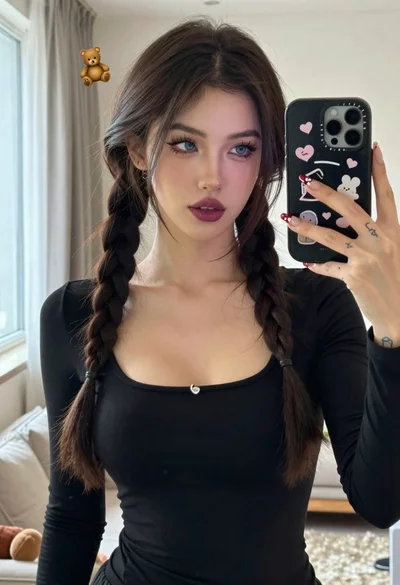
Young woman taking mirror selfie with braided hair indoors
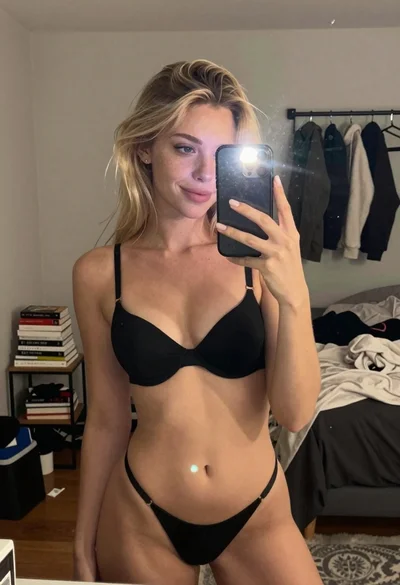
Blonde woman in black lingerie taking a mirror selfie
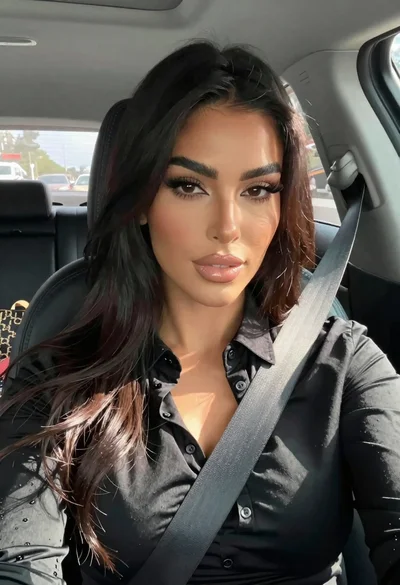
Close up portrait of woman in car seat with dark hair
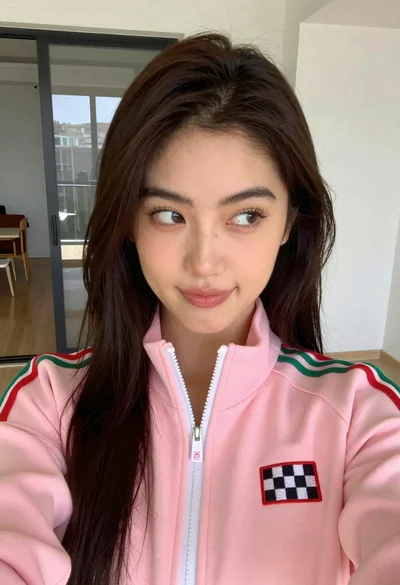
Close up selfie of young woman in pink track jacket indoors
Two women taking a selfie by red temple gate
Close up portrait of woman with wine glass
Selfie portrait of woman on busy city street at night

Close up selfie of woman in white top inside car with natural
Young woman smiling in a modern cozy living room