
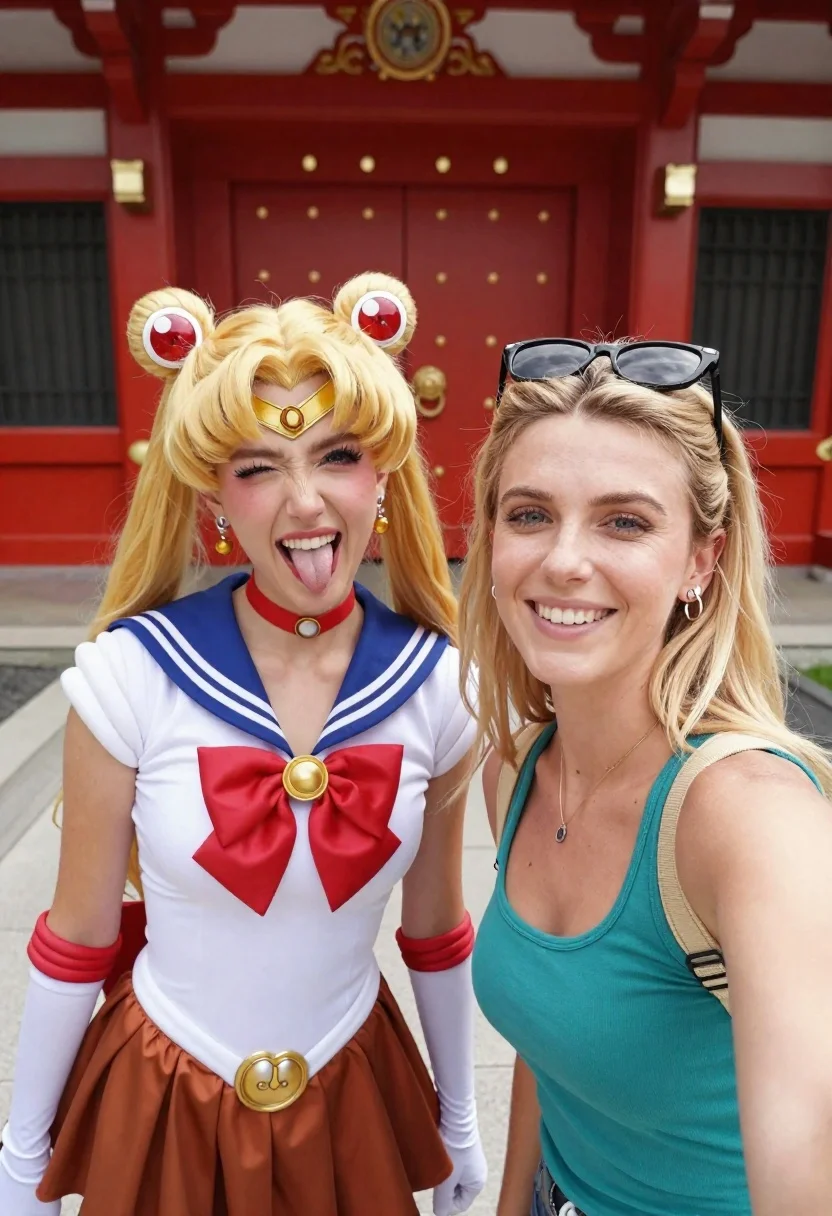
Two women taking a selfie by red temple gate
Prompt
Selfie of two women in front of a large red temple gate on a sunny day

Subject: blonde woman wearing Sailor Moon cosplay with pigtails and moon tiara sticking her tongue out playfully, next to another smiling blond woman holding the camera selfie-style

Clothing: left subject wears sailor uniform top, brown skirt, gold belt buckle, choker necklace and large red bow tie at chest, right subject in teal tank top with tan harness straps over shoulders wearing sunglasses pushed up on head

Action: both subjects facing forward for a close-up shot, one making exaggerated playful face while other smiles gently toward lens.
Description
This prompt is useful for creating themed cosplay group shots, fun travel memories, and character interaction mood boards. The combination of 'Sailor Moon cosplay' with the 'large red temple gate' provides a vibrant, high-contrast backdrop that anchors the playful energy suggested by one subject 'sticking her tongue out playfully,' ensuring the focus remains on the characters despite the busy environment.
Suggestions
- Change 'red temple gate' to 'vermilion pagoda entrance' for more architectural detail.
- Add 'Kodak Portra 400 film grain' to enhance the nostalgic selfie feel.
- Swap 'sunny day' for 'overcast daylight' if you want softer shadows.
Category
Tags
BlondeBrunetteCasual WearClose UpCosplay CostumeFemaleFull BodyPortrait ShotRealisticSelfie
Date added
June 19, 2026
Added by
PromptDexter Team
Related Prompts
More prompts with similar categories and tags.

Close up selfie portrait of woman with brown hair outdoors

Close up selfie of woman with dark hair smiling against beige brick

Selfie portrait of woman in cozy living room
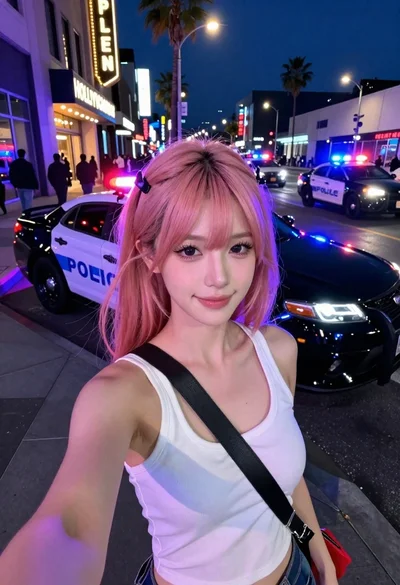
Selfie portrait on busy hollywood boulevard at night

Close up portrait of woman with wine glass

Young woman taking mirror selfie with braided hair indoors

Young woman taking selfie in public restroom stall with cigarette smoke

Smiling woman with cat ears holding orange tabby cat