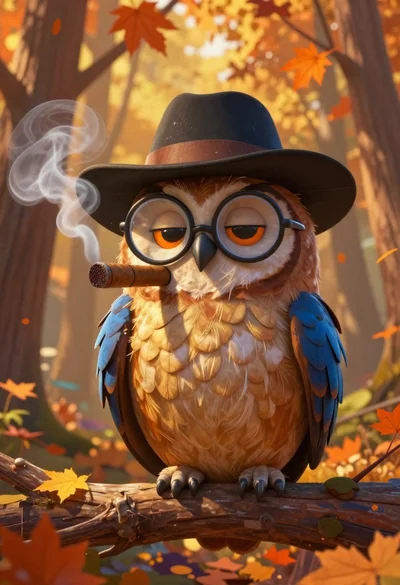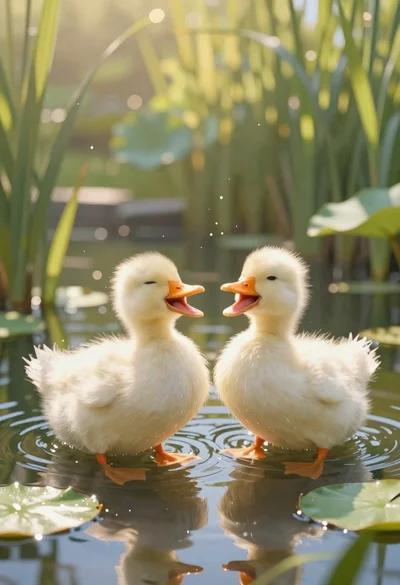
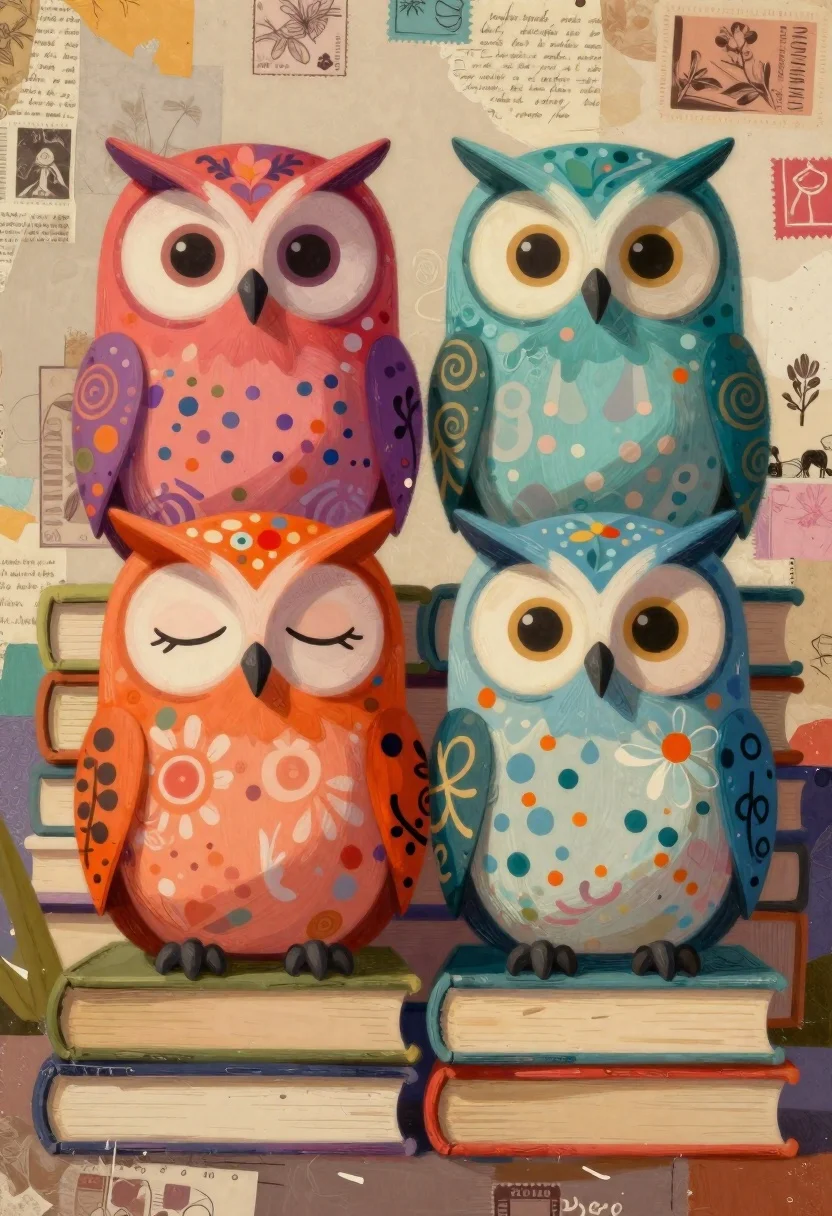
Colorful stylized owls sitting on stacked books
Prompt
Digital painting of a colorful group of stylized owls perched on books against an abstract collage background

Subject: Four large cartoonish owls with oversized eyes and expressive faces, each uniquely patterned in vibrant colors including red-orange, purple-pink, teal-blue, and peach tones.

Action: Owls sit calmly side by side on stacked books, facing forward with varied expressions some closed eyes suggesting sleepiness, others wide-eyed alertness.

Environment: Background is a textured collage of faded paper scraps, handwritten script fragments, vintage stamps, and subtle illustrations giving an artistic scrapbook feel.

Camera: Frontal view capturing all four owls equally; medium close-up framing focusing on upper bodies and faces with shallow depth implied by background blur.

Lighting: Soft diffused lighting from above creating gentle highlights on rounded owl shapes and muted shadows beneath them for grounded presence.

Style Details: Mixed-media aesthetic blending painterly brushwork with digital collage elements, rich saturated hues contrasting against desaturated vintage backdrops; whimsical folk-art influence in character design and surface patterns.
Description
This prompt is useful for creating children's book illustrations, whimsical nursery decor prints, and stylized educational infographics about nature. The combination of 'vibrant colors' on the owls contrasting against the 'desaturated vintage backdrops' ensures that the subjects pop while maintaining an aged, collected feel appropriate for scrapbook-style art.
Suggestions
- Change 'cartoonish owls' to 'anthropomorphic owls' for a more narrative feel.
- Swap 'red-orange' for 'emerald green' to shift the color palette.
- Adjust 'shallow depth implied by background blur' to 'strong bokeh effect' for greater separation.
Category
Tags
AnimalsDigital ArtForestMacro ShotMedium Shot
Date added
June 19, 2026
Added by
PromptDexter Team
Related Prompts
More prompts with similar categories and tags.
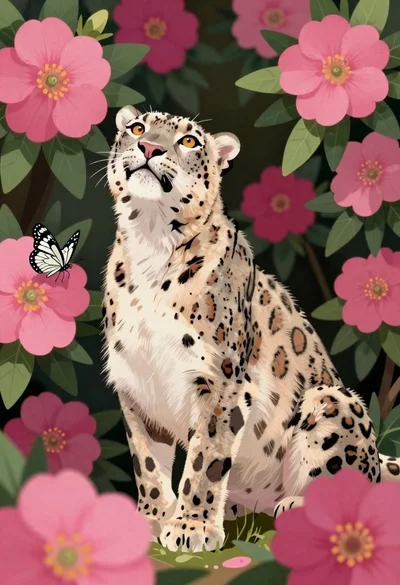
Snow leopard in a thicket of pink magenta flowers
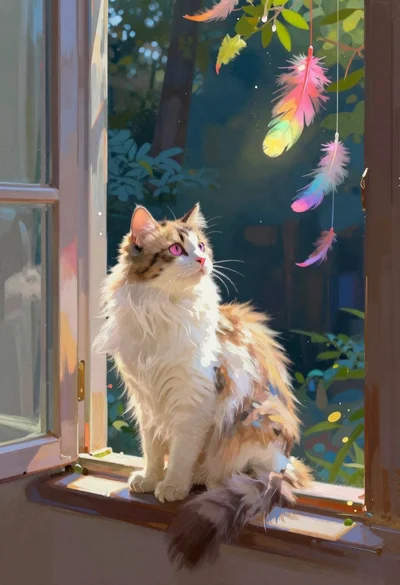
Fluffy calico cat on windowsill overlooking dark forest
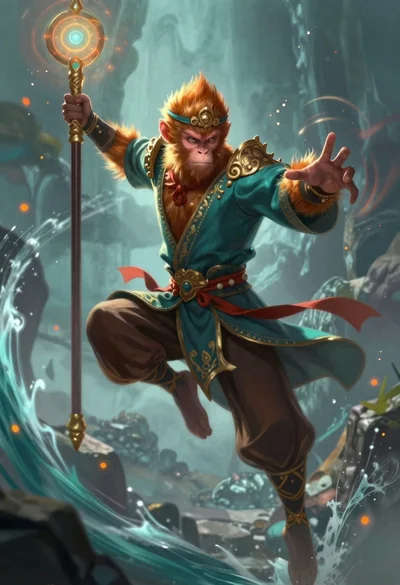
Monkey warrior leaping with magical staff in fantasy scene
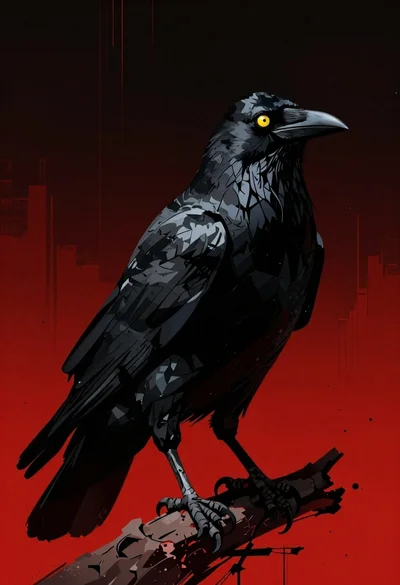
Menacing black crow on a red and black backdrop
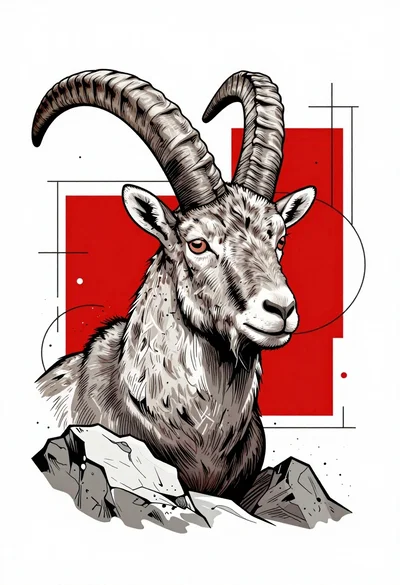
Line art head of an ibex among abstract geometric shapes
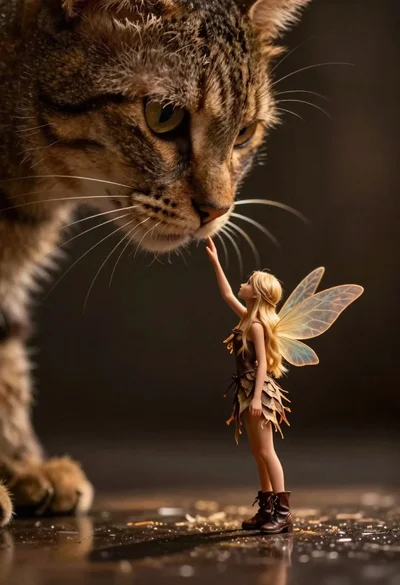
Fairy touching enormous tabby cat nose in shadow
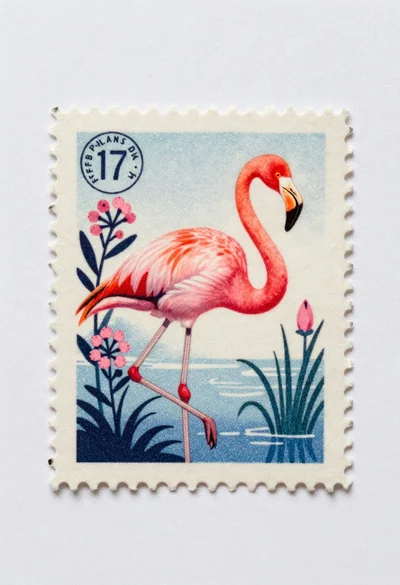
Vintage stamp design with pink flamingo illustration
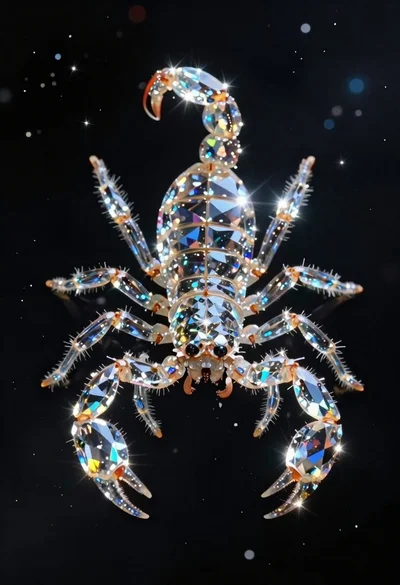
Crystalline scorpion suspended in deep space dust