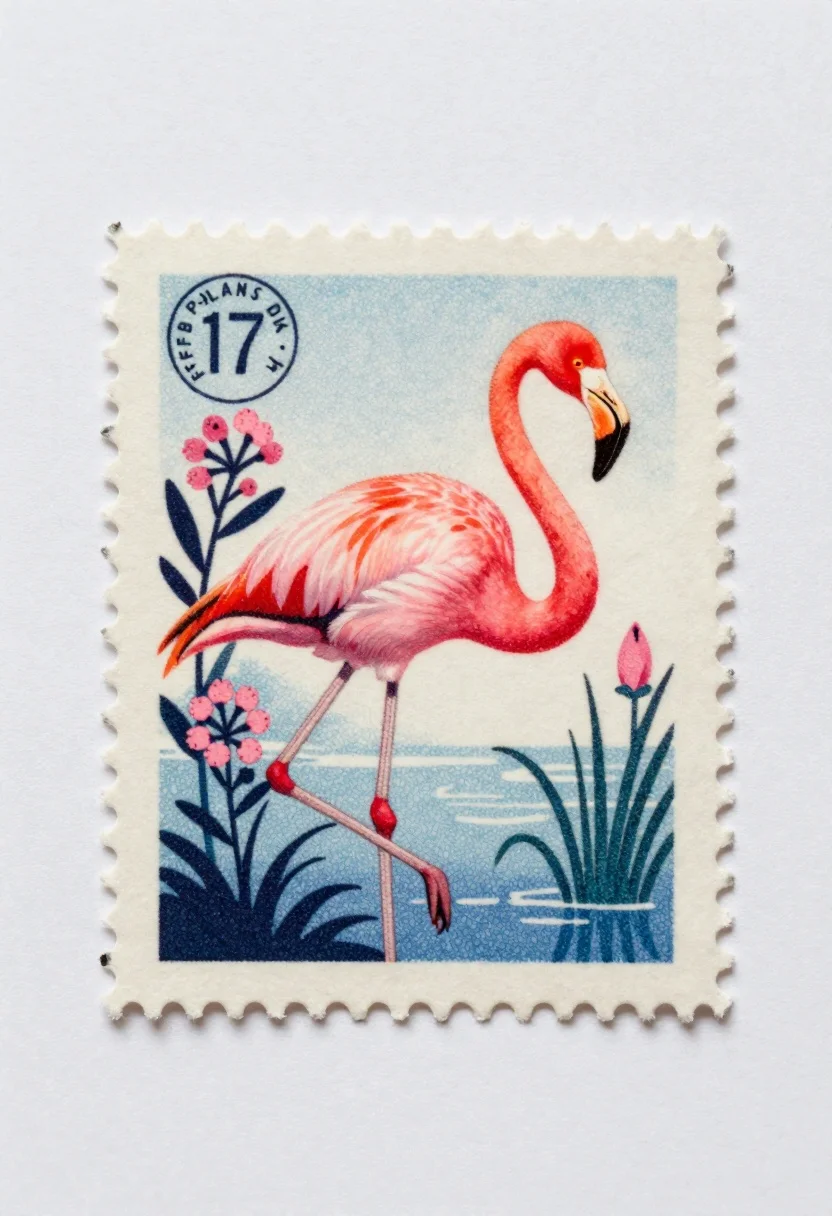
Vintage stamp design with pink flamingo illustration
Prompt
A vintage postage stamp with scalloped perforated edges resting on a plain off-white surface

Subject: A pink flamingo standing in profile facing right with its long neck curved gently downward and black beak tip visible

Action: The flamingo stands upright with one leg partially hidden behind the other, head slightly lowered as if inspecting or resting near water level

Environment: A stylized background of blue textured water at bottom edge, flanked by two flowering plants one on left bearing pink blossoms and dark leaves, another on right showing single bloom suggesting a marshland habitat

Lighting: Soft even illumination with subtle shadows beneath the stamp casting slight depth against paper surface

Camera: Top-down flat lay view centered squarely on the rectangular perforated stamp design

Objects: Small circular postmark in upper-left corner reading 'FFB PLANS DIK 4' and number '17', plus faint grainy texture typical of aged printed material

Style Details: Retro mid-century botanical illustration aesthetic with muted color palette, stippled shading effects mimicking lithographic printing technique.
Description
This prompt is useful for creating vintage stationery designs, themed greeting cards, and digital scrapbooking elements. The combination of 'scalloped perforated edges' and the 'retro mid-century botanical illustration aesthetic' grounds the flamingo subject within a believable ephemera format, while the 'stippled shading effects mimicking lithographic printing technique' ensures the final output avoids looking like modern vector art.
Suggestions
- Change 'pink flamingo' to 'pale blush flamingo' for a more muted palette.
- Replace 'blue textured water' with 'seafoam green textured water' to complement the pinks.
- Adjust 'Soft even illumination' to 'diffused daylight' for less harsh shadows.
Category
Tags
AnimalsDigital ArtMacro ShotTop Down
Date added
June 19, 2026
Added by
PromptDexter Team
Related Prompts
More prompts with similar categories and tags.
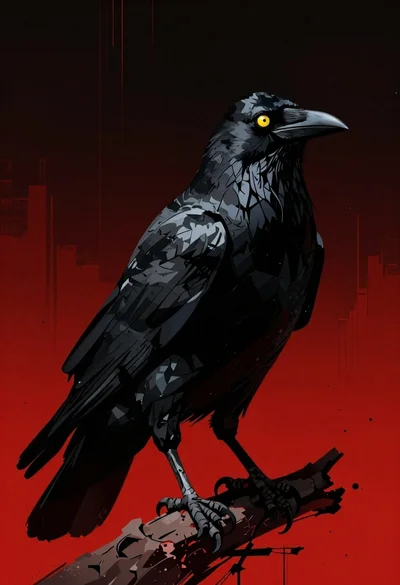
Menacing black crow on a red and black backdrop
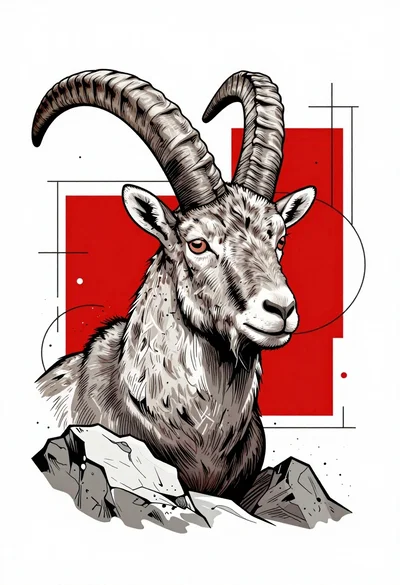
Line art head of an ibex among abstract geometric shapes
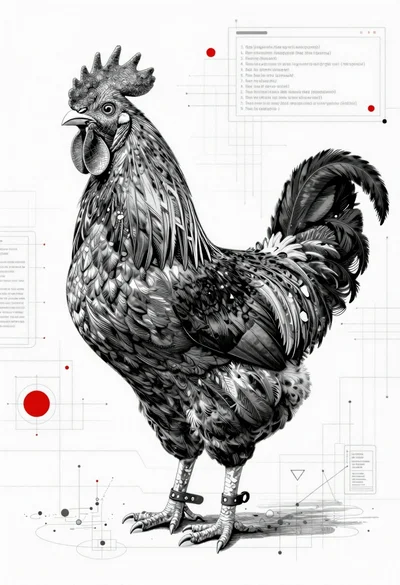
Black and white rooster on blueprint background
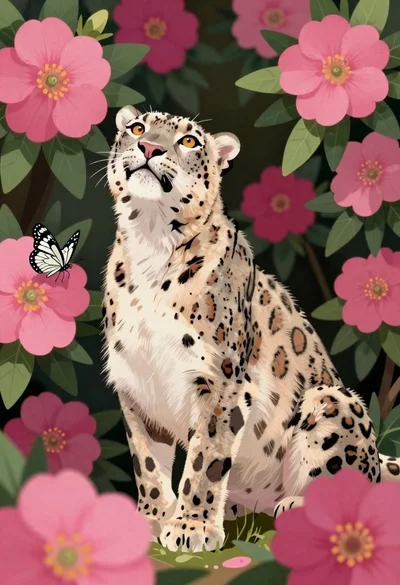
Snow leopard in a thicket of pink magenta flowers

Fluffy calico cat on windowsill overlooking dark forest
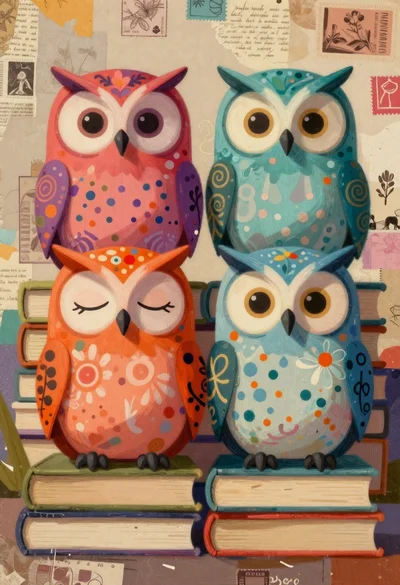
Colorful stylized owls sitting on stacked books
Vibrant hummingbird flying among blooming flowers illustration
Crystalline scorpion suspended in deep space dust