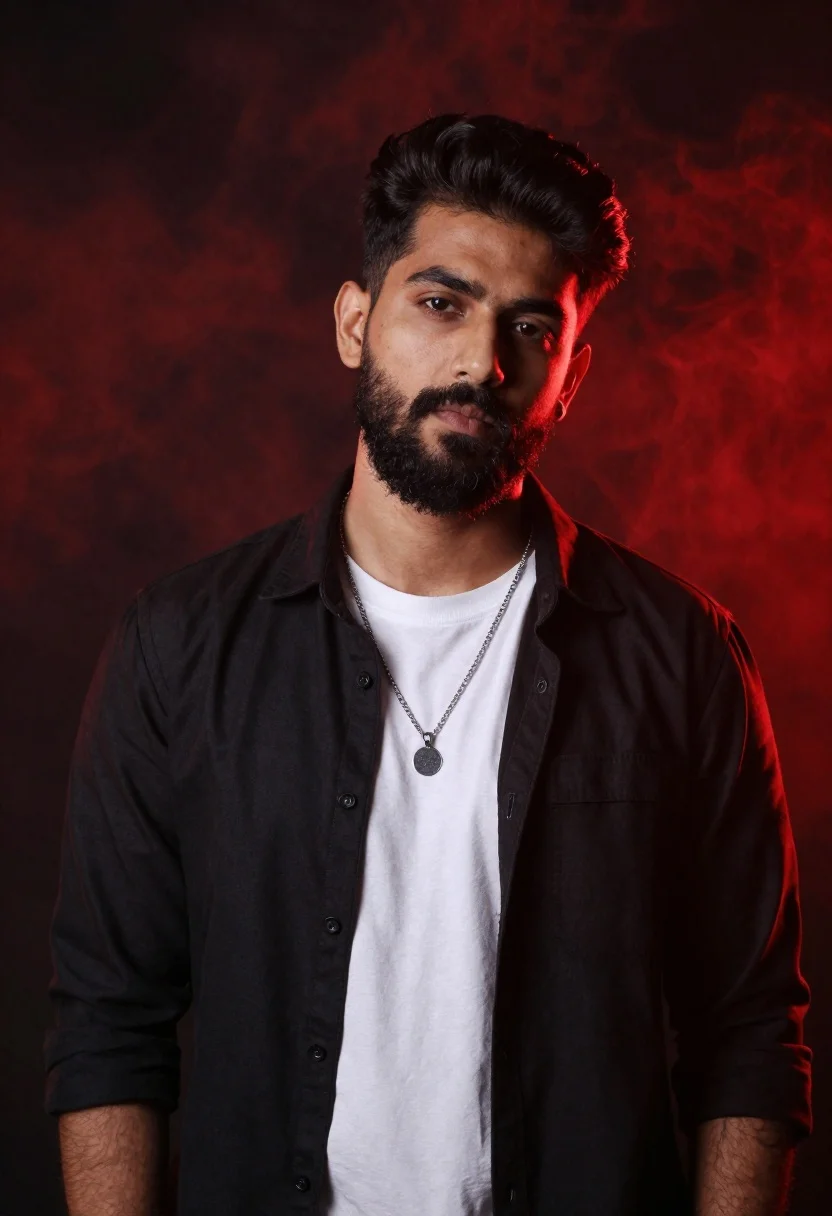
Confident man with dark hair and beard in black shirt against red
Prompt
A confident man with dark hair and a full beard stands against a dramatic red-lit background.

Subject: A young man with thick dark eyebrows, short dark hair, and a well-groomed full beard looking directly at the camera.

Clothing: He wears an unbuttoned black button-down shirt over a plain white t-shirt, accessorized with a silver chain necklace featuring a round pendant.

Action: He stands in a relaxed pose with his head slightly tilted, maintaining a serious and intense gaze.

Environment: The background is a deep black void illuminated by glowing red atmospheric smoke or mist.

Lighting: Strong rim lighting from the side highlights the contours of his face and hair against the dark backdrop, creating high contrast with deep shadows.

Camera: A medium close-up shot framed to focus on the upper body and head, utilizing a shallow depth of field that blurs the background slightly.

Style Details: High-contrast cinematic photography with a moody atmosphere, sharp focus on the subject, and vibrant red color grading.
Description
This prompt is useful for creating dramatic character portraits, album art concepts, and high-fashion editorial spreads requiring intense mood. The combination of 'strong rim lighting from the side' against a 'deep black void illuminated by glowing red atmospheric smoke or mist' sculpts the subject's features while the 'high-contrast cinematic photography' ensures that even with the 'vibrant red color grading,' the focus remains sharply on the man's face and beard.
Suggestions
- Change 'dramatic red-lit background' to 'deep crimson velvet backdrop' for a more contained feel.
- Swap 'silver chain necklace' for 'oxidized silver pendant' to complement the moodiness.
- Adjust 'medium close-up shot' to 'headshot' if you want less focus on the shirt.
Category
Tags
Black HairCasual WearDark SkinMaleMedium ShotOutdoorsRealisticStudio
Date added
June 26, 2026
Added by
PromptDexter Team
Related Prompts
More prompts with similar categories and tags.
Woman with dark hair in updo holding white lily flower in studio
Confident man in black tuxedo sitting on stool with ghostly face overlays
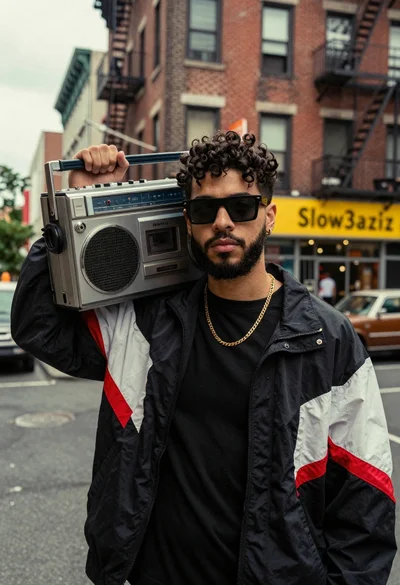
Young man with dark curly hair holding silver boombox on urban street
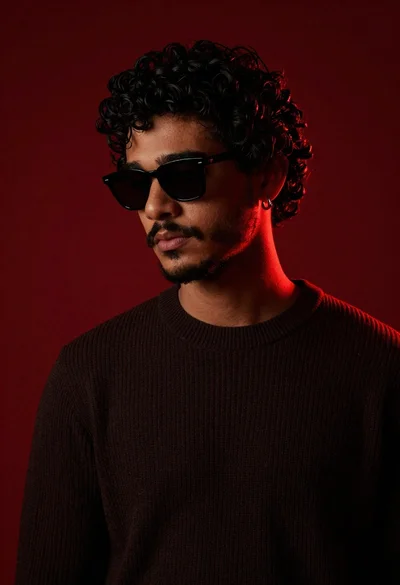
Young man with dark curly hair and beard in black sunglasses

Stylish man in black blazer against vibrant city skyline at night

Man in suit sitting in car at night

Portrait of man in black jacket by reflective glass window
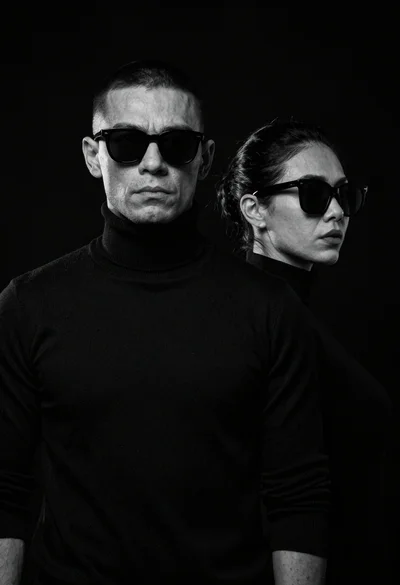
High contrast black and white studio portrait of muscular man and woman
