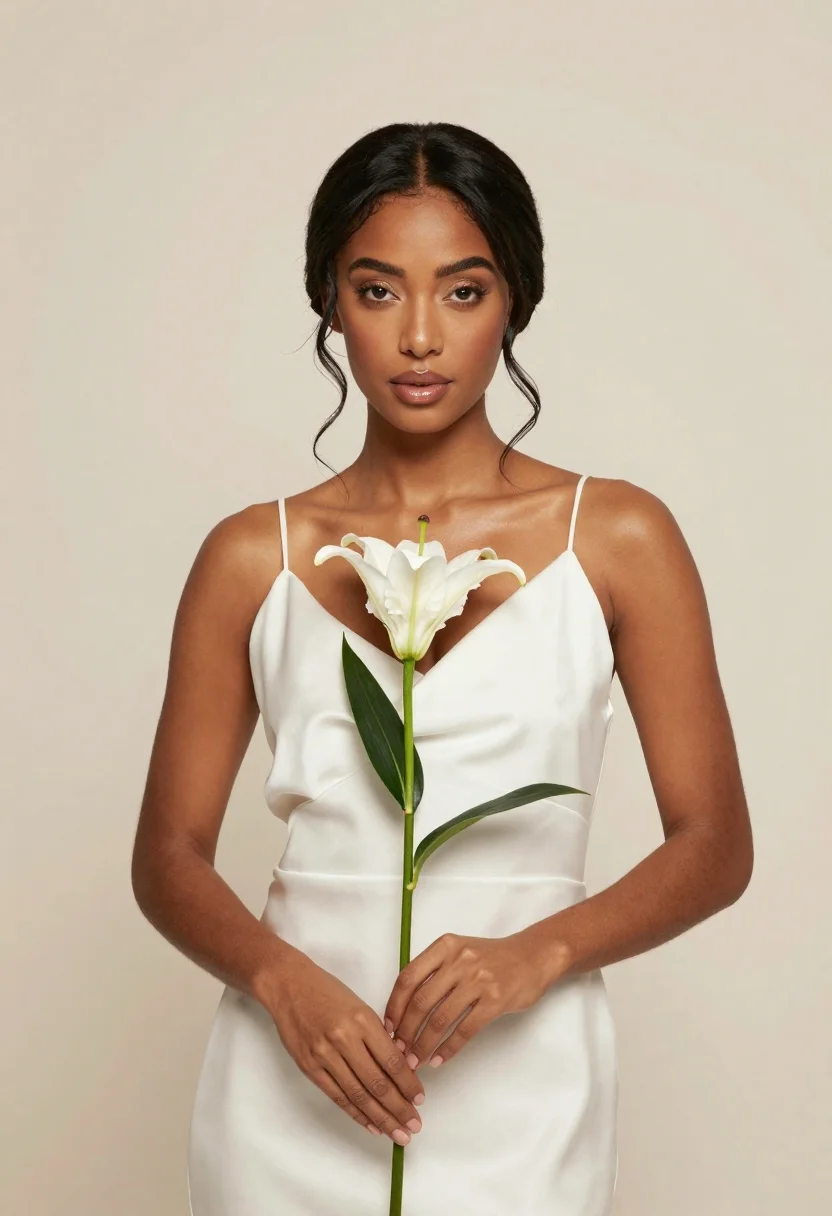
Woman with dark hair in updo holding white lily flower in studio
Prompt
A portrait of a woman with dark hair styled in an elegant updo holding a white lily flower against a plain background.

Subject: A woman with dark brown skin and long dark hair pulled back into a sophisticated updo with loose tendrils framing her face. She has defined eyebrows, subtle eye makeup, and glossy lips.

Clothing: She wears a simple white satin slip dress with thin spaghetti straps that drapes softly over her shoulders.

Action: She stands facing forward with a calm expression, holding the stem of a single white lily flower gently with both hands at chest level. Her gaze is directed straight at the viewer.

Environment: The setting is a minimalist studio space featuring a seamless, solid cream-colored background that provides a neutral backdrop.

Camera: The shot is a medium close-up framed from the waist up, utilizing soft lighting to create a flattering and high-fashion aesthetic.

Lighting: Soft, diffused light illuminates the scene evenly from the front, minimizing harsh shadows and highlighting the smooth texture of her skin and the fabric of her dress.

Objects: A single white lily flower with green leaves is held vertically in the center of the frame.

Style Details: The image features a clean, high-resolution digital photography style with a focus on elegance and soft color tones.
Description
This prompt is useful for creating fine art portraiture, beauty editorials, and luxury product catalog imagery featuring floral elements. The combination of 'soft, diffused light' and the 'plain background' ensures that the viewer's focus remains entirely on the subject's 'sophisticated updo' and the delicate texture of the white lily, preventing any distracting environmental noise.
Suggestions
- Change 'white satin slip dress' to 'ivory silk bias-cut gown' for more drape.
- Adjust 'soft, diffused light' to 'Rembrandt lighting' for added drama.
- Swap 'single white lily flower' for 'bouquet of white lilies' to increase visual weight.
Category
Tags
Black HairCasual WearDark SkinDigital ArtFemaleMedium ShotOutdoorsRealisticStudio
Date added
June 23, 2026
Added by
PromptDexter Team
Related Prompts
More prompts with similar categories and tags.

Young woman in black turtleneck looking over shoulder at street
Fair skinned young woman with blonde hair in black top standing in
Confident woman in red top and black leather pants on city street
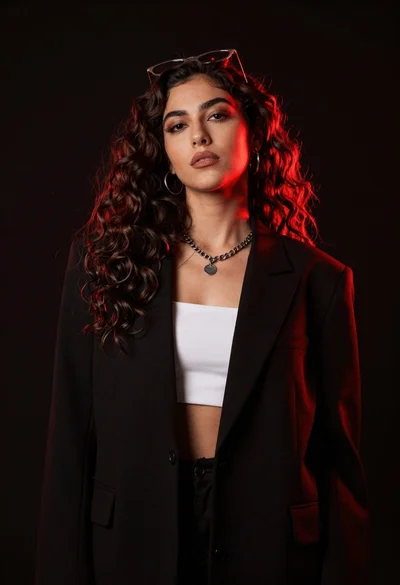
Confident woman with dark wavy hair in black blazer against red backlight

Confident man with dark hair and beard in black shirt against red

Young woman in silver sequin top and lace dress against beige wall

Woman in black dress by window overlooking ocean at golden hour
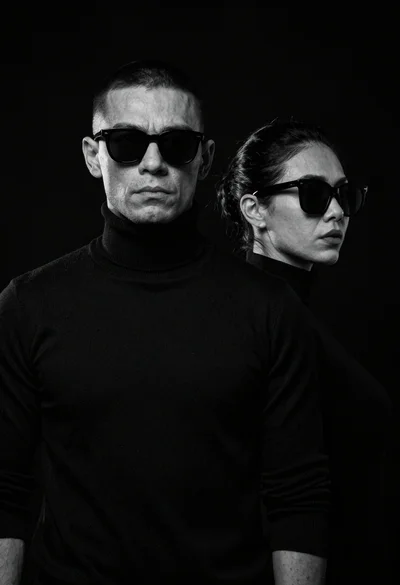
High contrast black and white studio portrait of muscular man and woman
