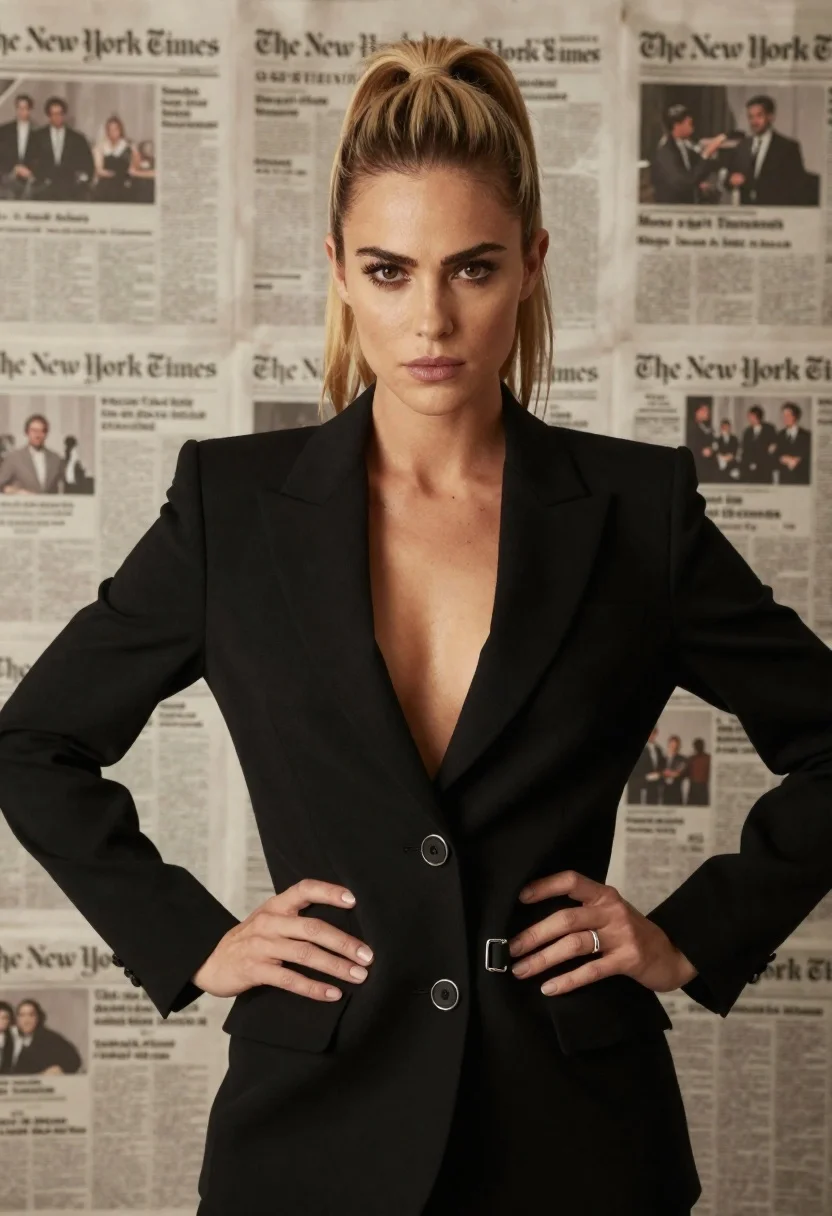
Confident woman in black blazer with hands on hips against newspaper wall
Prompt
A confident woman with blonde hair styled in a high ponytail stands facing the camera with a serious expression and hands on her hips.

Subject: A woman with fair skin and brown eyes looking directly at the viewer with a neutral, intense gaze. Her hair is pulled back into a sleek high ponytail with loose strands framing her face.

Clothing: She wears a structured black blazer featuring wide lapels, a deep V-neckline, and silver hardware including a ring detail on the pocket flap and belt buckles at the waist.

Action: The subject stands in a confident pose with both hands resting firmly on her hips, shoulders back, and maintaining steady eye contact.

Environment: The background consists of a wall covered in vintage newspaper clippings, featuring visible text such as "The New York Times" and various headlines and images.

Camera: A medium shot captures the subject from the waist up with a shallow depth of field that keeps the face sharp while softly blurring the newspaper background.

Lighting: Soft, even studio lighting illuminates the front of the face and torso, creating gentle shadows that define the jawline and clothing folds without harsh contrast.

Style Details: The image has a polished, high-definition quality with realistic skin textures and a cinematic color palette dominated by black and sepia tones.
Description
This prompt is useful for creating editorial fashion editorials, character portraits for film concepts, and sophisticated magazine features requiring an intellectual backdrop. The combination of 'structured black blazer' with the 'vintage newspaper clippings' background grounds the subject in a narrative context, while the 'soft, even studio lighting' ensures that the focus remains sharply on the model's intense gaze and defined silhouette rather than being lost in harsh shadows or distracting background detail.
Suggestions
- Change 'silver hardware' to 'gold hardware' for a warmer metallic accent.
- Swap 'sepia tones' for 'monochrome black and white' to increase graphic impact.
- Adjust 'medium shot' to 'full body shot' to better utilize the blazer's structure.
Category
Tags
BlondeFair SkinFemaleMedium ShotOutdoorsRealisticStudio
Date added
June 26, 2026
Added by
PromptDexter Team
Related Prompts
More prompts with similar categories and tags.

Blonde woman looking back over shoulder against white wall
Fair blonde woman in deep red velvet dress posing against plain white
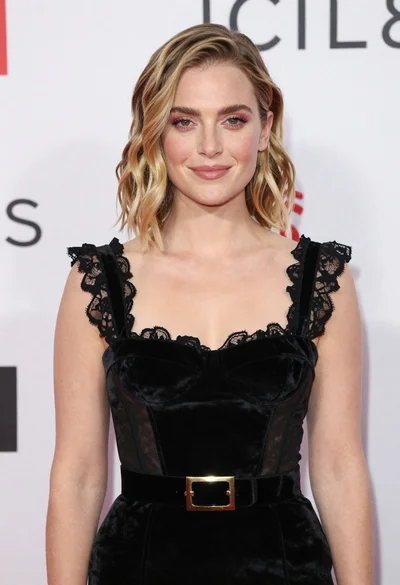
Fair skinned woman in black velvet dress at white step and repeat

Blonde woman reading at a cafe table with roses
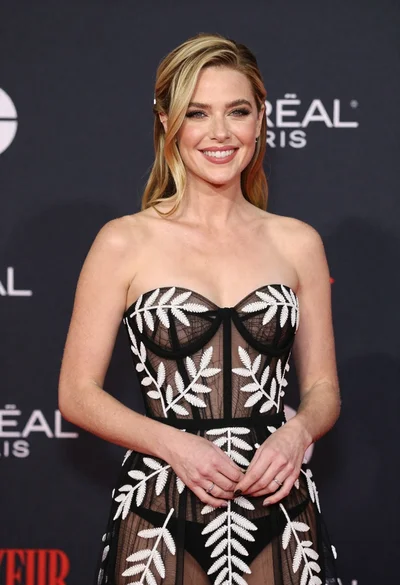
Smiling blonde woman in sheer black gown at a dark event backdrop
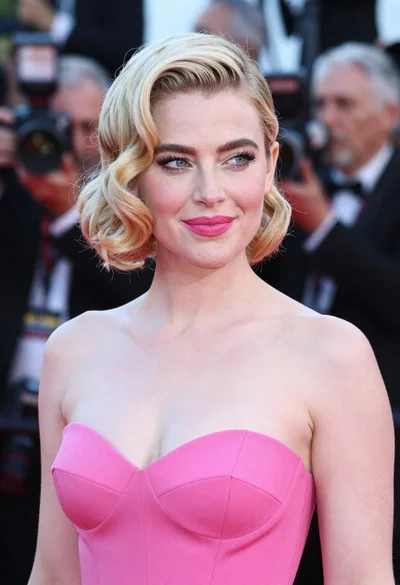
Close up portrait of blonde woman in hot pink gown at event
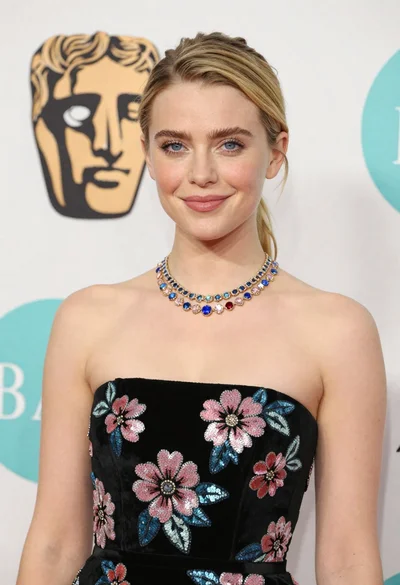
Medium close up portrait of blonde woman in black floral velvet dress

Black and white portrait of confident woman in blazer