Young woman in sage green embroidered gown against orange backdrop
Prompt
A woman stands in a three-quarter profile pose against a warm orange backdrop with partial gold lettering visible behind her.

Subject: A young woman with long, straight light brown hair and fair skin, featuring soft facial features and a subtle smile.

Clothing: She wears a sleeveless, floor-length gown in a muted sage green fabric adorned with large floral embroidery in gold thread and lighter silver-grey accents; the dress has thin spaghetti straps and a draped neckline.

Action: Her hands are gently clasped together near her waist, holding the front of her dress, while she looks slightly away from the camera with a calm expression.

Environment: The background consists of a solid warm orange wall on the right side featuring large gold letters partially spelling out "OSC", and a dark black curtain or void on the left side.

Lighting: Soft, professional event lighting illuminates her face and upper body evenly, creating gentle highlights on her skin and dress without harsh shadows.

Camera: A medium shot captures her from the waist up with a shallow depth of field that keeps her in sharp focus while blurring the background slightly.

Style Details: High-resolution photography with a polished red carpet aesthetic, emphasizing elegance and texture detail in the fabric embroidery.
Description
This prompt is useful for creating high-end event promotional materials, editorial fashion spreads, and luxury brand lookbooks requiring rich color contrast. The combination of 'muted sage green' against a 'warm orange backdrop' establishes an immediate, sophisticated palette, while the 'shallow depth of field' ensures that the intricate gold embroidery remains the primary focal point over any background clutter.
Suggestions
- Change 'large floral embroidery in gold thread' to 'geometric beadwork in antique gold' for a different texture.
- Swap 'warm orange backdrop' for 'terracotta stucco wall' to ground the color scheme.
- Adjust 'soft, professional event lighting' to 'dramatic side-lighting' to add more sculptural form.
Category
Tags
BlondeBrown HairFair SkinFemaleMedium ShotOutdoorsPortrait ShotRealistic
Date added
June 19, 2026
Added by
PromptDexter Team
Related Prompts
More prompts with similar categories and tags.

Woman in black dress by window overlooking ocean at golden hour
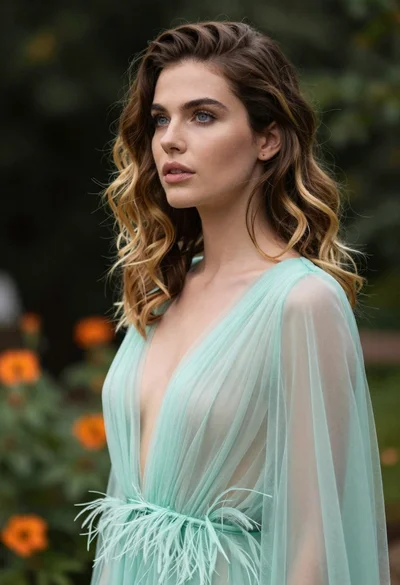
Portrait of woman with brown blonde hair in mint gown garden setting

Fair blonde woman touching hair outdoors overlooking hazy cityscape

Blonde woman in black coat leaning against white wall by window
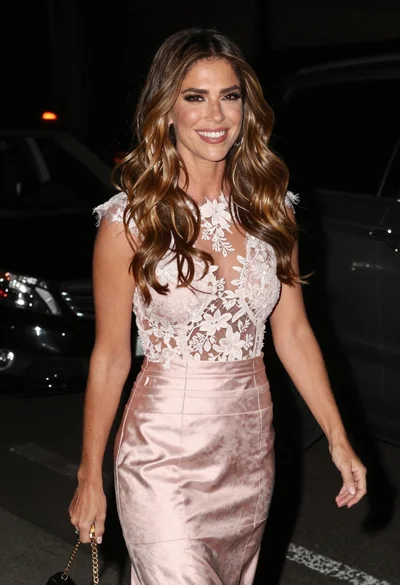
Smiling woman in light pink lace gown against dark blurred nighttime background

Smiling blonde woman in pink satin dress against dark branded backdrop
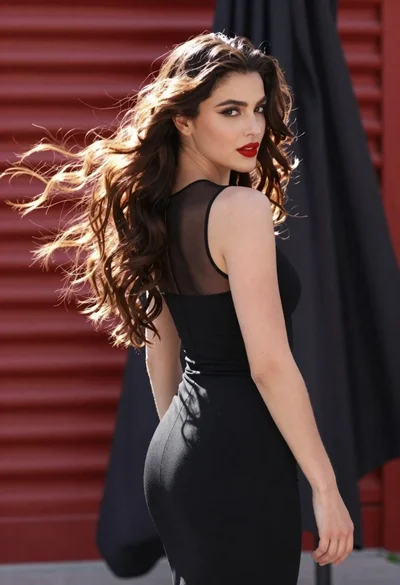
Glamorous woman turning over shoulder with flowing brown hair
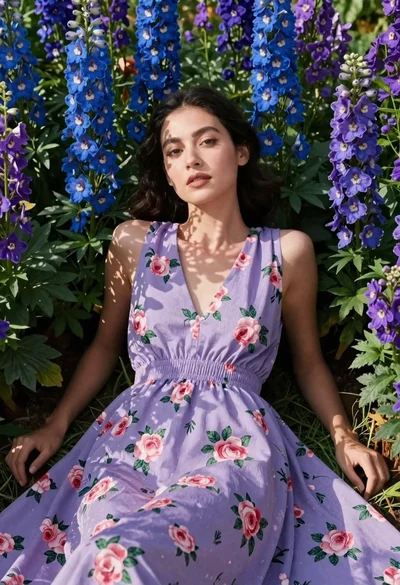
Woman in lavender dress lying among blue and purple flowers
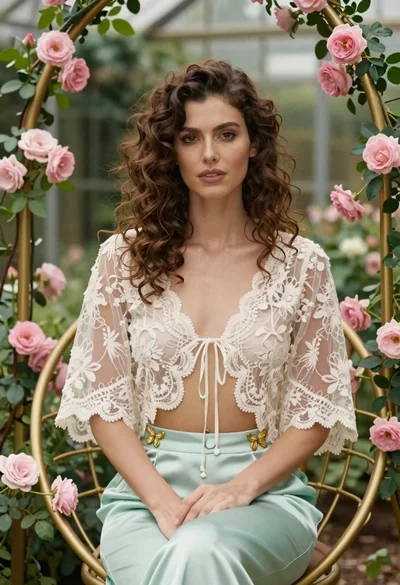
Woman with wavy brown hair in lace jacket sitting among pink roses
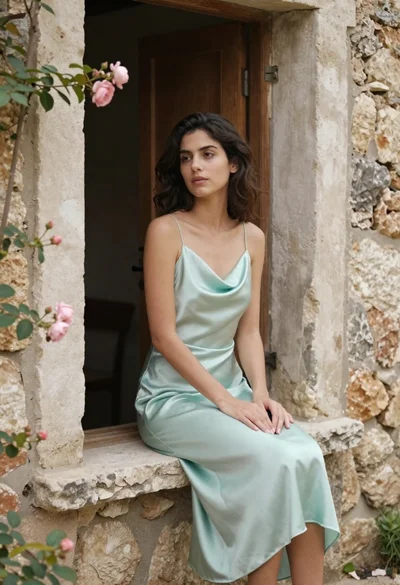
Young woman in mint green satin dress sitting on rustic stone windowsill