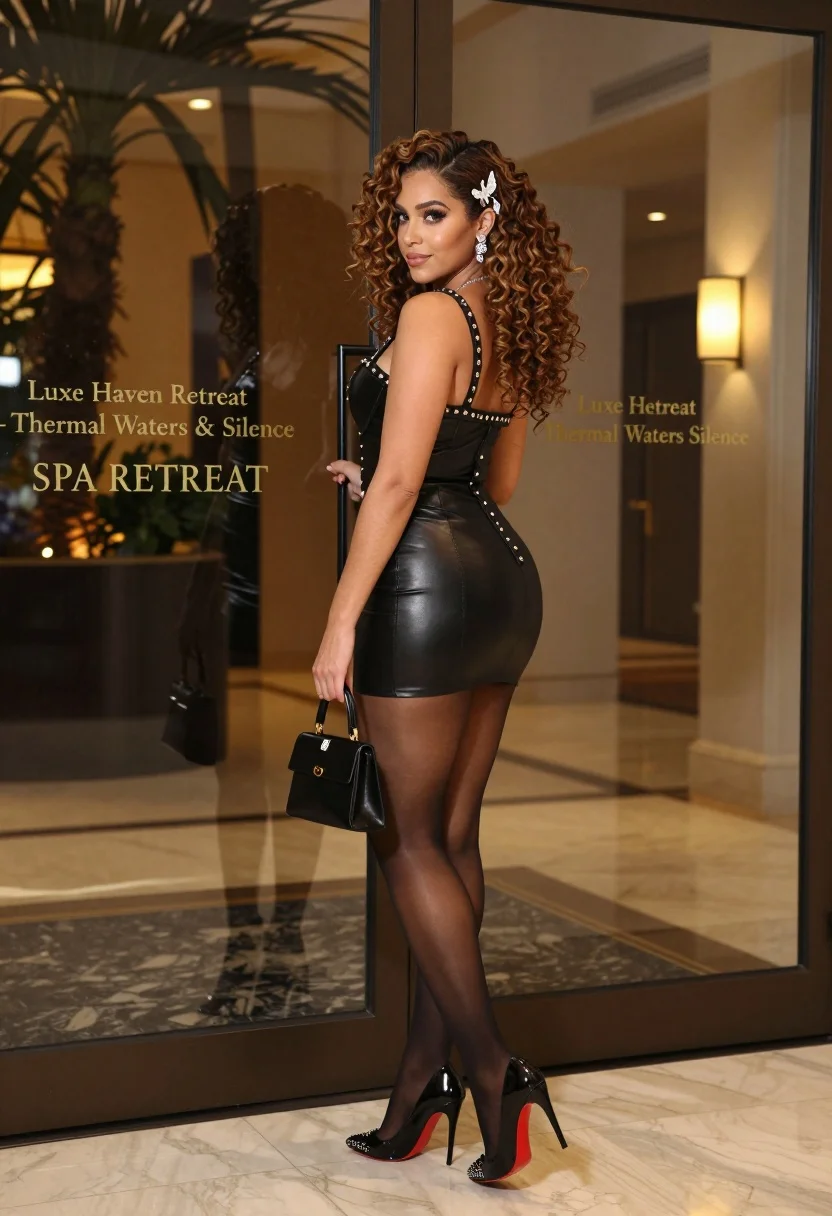
Confident woman in black leather dress by upscale glass entrance
Prompt
A confident woman with voluminous curly brown hair stands in a three-quarter pose holding a glass door handle.

Subject: A woman with long, wavy brown hair styled with silver butterfly hair clips, wearing heavy eye makeup and dangling earrings.

Clothing: She wears a tight black leather mini dress featuring studded straps, cross embellishments on the bodice, and a slit at the hip, paired with sheer black stockings and black patent leather high heels with red soles and studded toes.

Action: She stands in profile facing left while looking back over her shoulder toward the camera with a slight smile, holding a small black handbag in one hand and gripping a glass door handle with the other.

Environment: The setting is an upscale entrance featuring polished marble floors and large glass doors reflecting palm trees and warm interior lighting.

Camera: A medium full-body shot taken from a slightly low angle that emphasizes her figure against the architectural background.

Lighting: Warm ambient light reflects off the glass surfaces, creating soft highlights on her skin and the leather texture of her outfit.

Text/Graphics: The glass door displays gold lettering reading "Luxe Haven Retreat - Thermal Waters & Silence" and "SPA RETREAT".

Style Details: High-definition photorealistic rendering with sharp focus on the subject and a blurred background to emphasize depth.
Description
This prompt is useful for creating high-end commercial advertising, luxury brand lookbooks, and editorial features promoting exclusive lifestyle destinations. The combination of 'polished marble floors' and 'warm ambient light' grounds the subject in an upscale setting, while the 'slightly low angle' composition ensures the viewer perceives her figure as dominant against the architectural backdrop.
Suggestions
- Change 'black leather mini dress' to 'velvet cocktail dress' for a different texture.
- Swap 'gold lettering' for 'silver lettering' to shift the brand tone.
- Adjust 'medium full-body shot' to 'full body, wide angle' to capture more of the entrance.
Category
Tags
Brown HairBrunetteFemaleFull BodyLow AngleMedium ShotPortrait ShotRealistic
Date added
July 3, 2026
Added by
PromptDexter Team
Related Prompts
More prompts with similar categories and tags.

Fair skinned woman in black sequined outfit sitting elegantly indoors

Woman in rust gown posing on white step and repeat backdrop
Smiling woman in champagne satin gown against light blue floral backdrop

Young woman in black velvet dress looking over shoulder at event
Stylish woman in burgundy coat seated on dark leather bench studio portrait
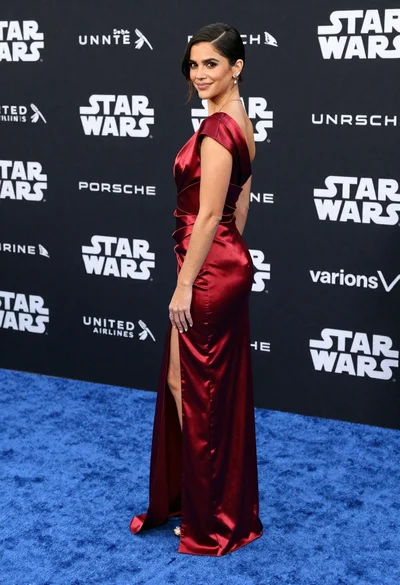
Woman in deep red satin gown standing on blue carpet at an
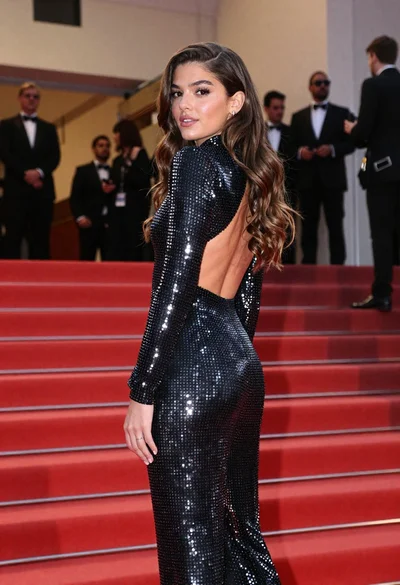
Young woman in silver polka dot jumpsuit on grand red carpet stairs
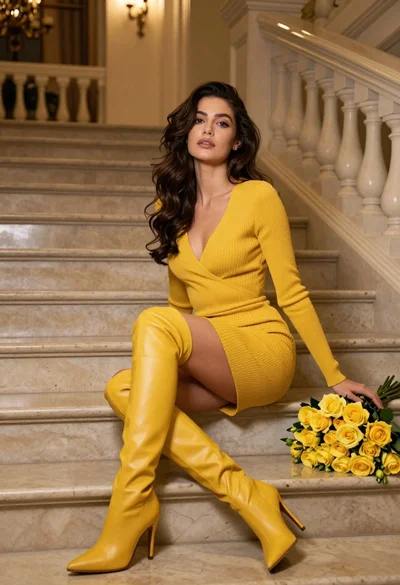
Woman in yellow dress sitting on grand marble staircase with roses
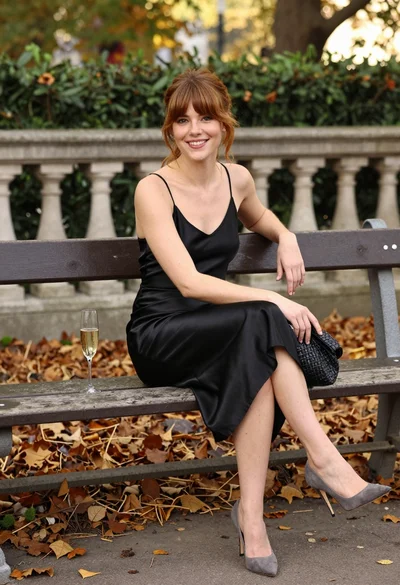
Smiling woman in black satin dress on park bench during autumn afternoon
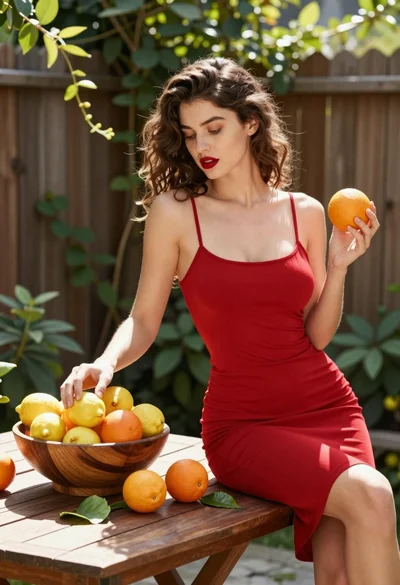
Young woman with brown hair sitting in sunlit garden patio with citrus