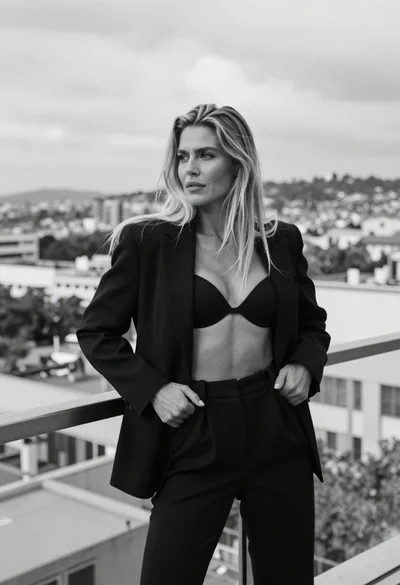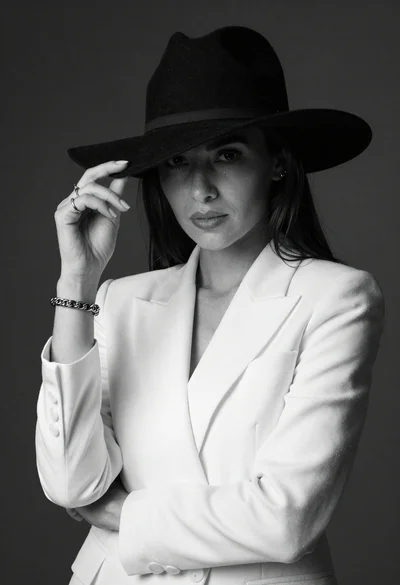
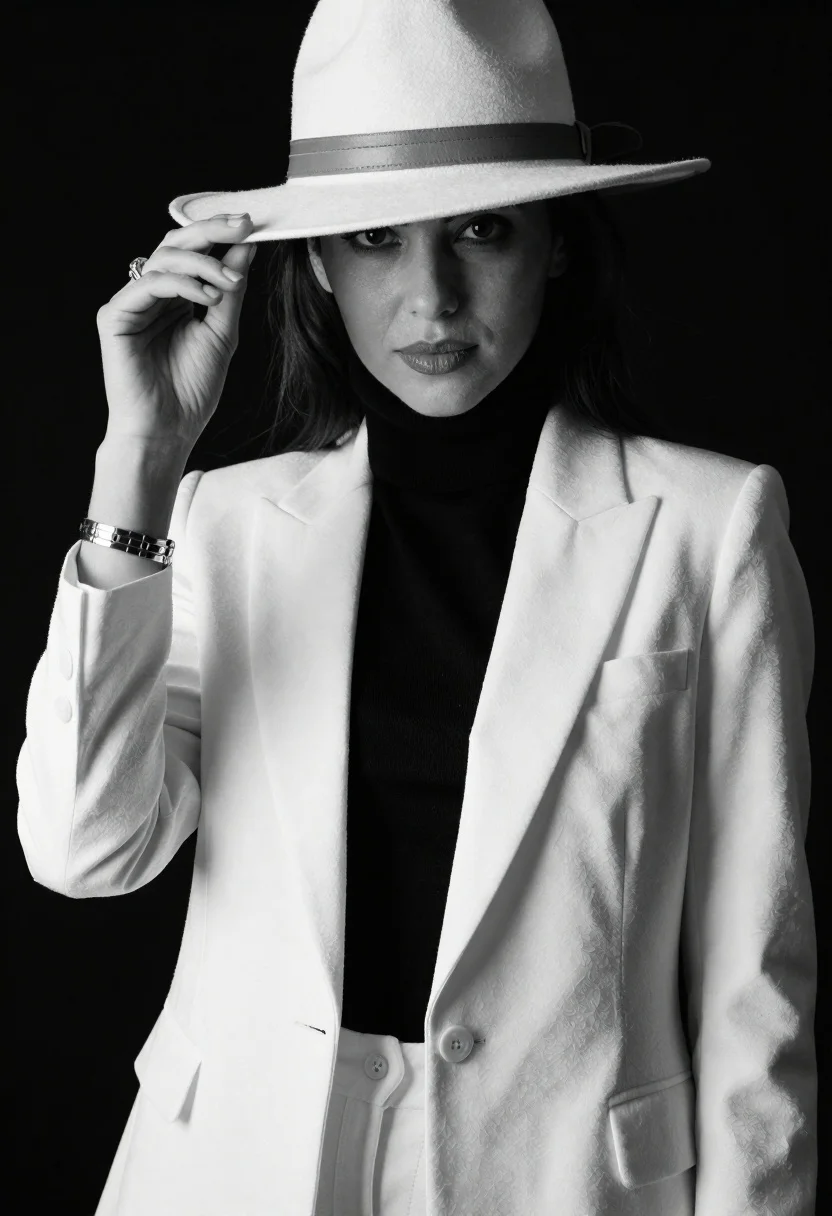
Confident woman in monochrome portrait wearing wide brimmed hat and white blazer
Prompt
A confident woman in a stylish monochrome portrait wearing a wide-brimmed hat and a white blazer over a black turtleneck.

Subject: A poised woman with long dark hair partially obscured by a large fedora-style hat, her face framed elegantly with soft features and a calm expression.

Clothing: She wears a crisp white structured blazer with sharp lapels, a high-necked black turtleneck underneath, and matching light-colored trousers; a wide leather band adorns the hat, and she wears a chunky metallic bracelet on her wrist along with a ring.

Action: Her right hand gently lifts the brim of her hat to reveal her eyes, while her gaze is directed slightly off-camera with an air of mystery and sophistication.

Environment: The background is a solid, deep black void that isolates the subject and emphasizes the high-contrast aesthetic.

Camera: Shot with a medium close-up framing that captures the upper body, utilizing a shallow depth of field to keep the focus sharp on the face and clothing textures while softly blurring the edges.

Lighting: Dramatic studio lighting creates strong chiaroscuro effects, casting deep shadows across one side of her face and hat while highlighting the contours of her cheekbone and the folds of the white fabric.

Style Details: High-contrast black and white photography with a cinematic, editorial fashion look, emphasizing texture, silhouette, and mood over color.
Description
This prompt is useful for creating high-concept magazine editorials, dramatic character studies, and minimalist fashion campaign visuals. The combination of 'dramatic studio lighting' casting strong chiaroscuro effects against the 'solid, deep black void' maximizes contrast, which is essential for emphasizing the sharp lapels of the white blazer and the silhouette inherent in monochrome photography.
Suggestions
- Change 'fedora-style hat' to 'cloche hat' for a different period feel.
- Swap 'chunky metallic bracelet' for 'delicate gold chain' to soften the look.
- Adjust 'medium close-up framing' to 'headshot' for an even tighter focus on the face.
Category
Tags
B&wBlack HairDark SkinFemaleMedium Shot
Date added
June 26, 2026
Added by
PromptDexter Team
Related Prompts
More prompts with similar categories and tags.
Confident woman with dark hair posing in black mini dress against white
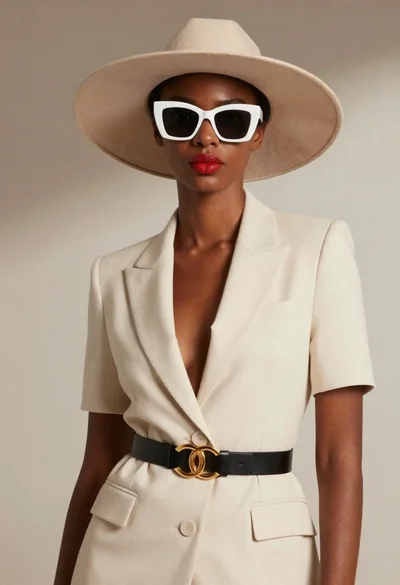
Black woman in cream suit wearing wide brim hat
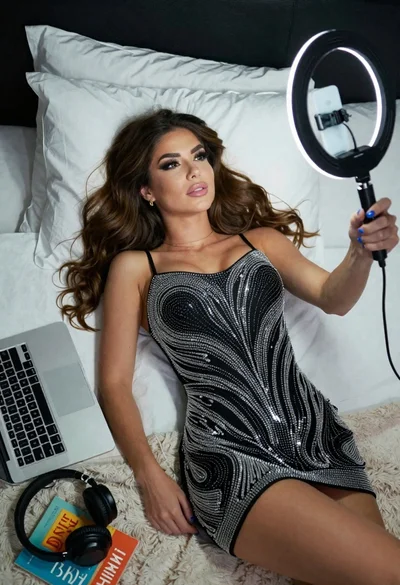
Woman taking a selfie in bed with ring light and patterned black
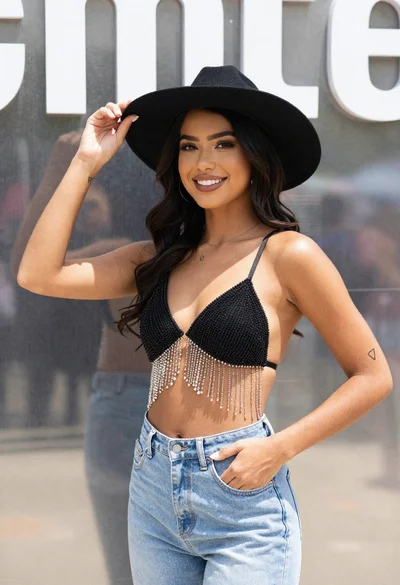
Smiling young woman in black hat and denim jeans at outdoor event
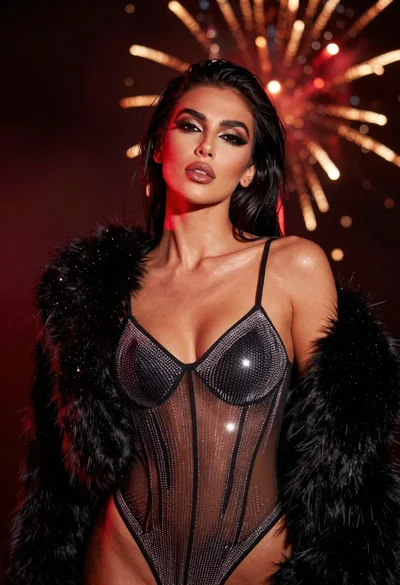
Glamorous portrait of woman with dark hair wearing rhinestone bodysuit
Woman in black trench coat looking over shoulder
Woman in black embroidered blouse looking over shoulder in bedroom
Black and white portrait of woman in sheer lace dress studio setting