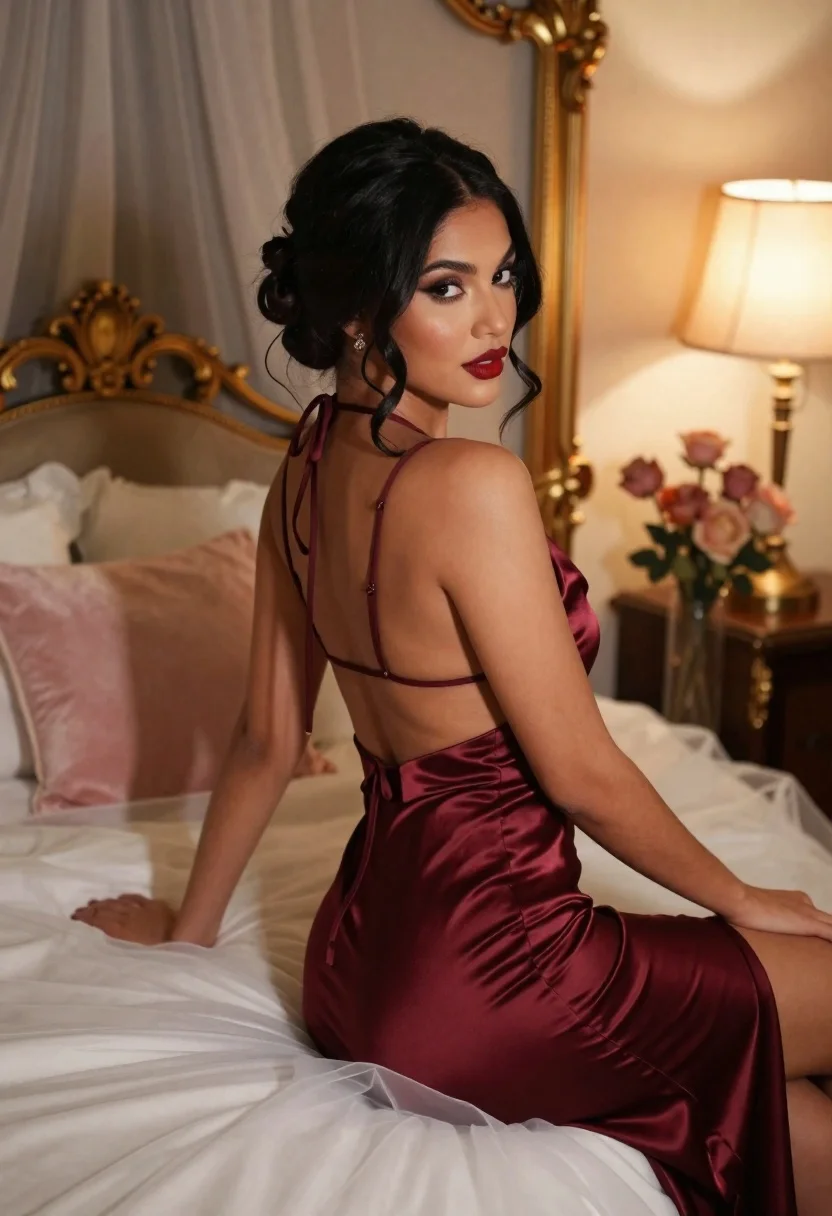
Woman in burgundy satin dress sitting on bed looking over shoulder
Prompt
A woman with dark hair styled in an elegant updo sits on a bed covered in white tulle fabric, looking back over her shoulder at the camera.

Subject: A woman with dark skin and long black hair swept into a sophisticated updo with loose tendrils framing her face. She has defined eyebrows, smoky eye makeup, and bold red lipstick. Her expression is soft and alluring as she gazes directly at the viewer.

Clothing: She wears a deep burgundy satin slip dress featuring thin spaghetti straps that tie in the back, a low-cut open back, and a high thigh slit on the side. The fabric has a glossy, smooth texture that reflects light.

Action: She is seated with her body angled away from the camera while she turns her head to look back over her left shoulder. Her right arm rests gently on the white tulle bedding, and her fingers are slightly curled.

Environment: The setting is an intimate bedroom featuring a large ornate gold-framed mirror behind her reflecting a sheer curtain. A fluffy pink pillow rests against the headboard in the background. To the right, a lamp with a cream shade emits a warm glow next to a vase of dried roses.

Lighting: The scene is illuminated by soft, warm ambient light that creates a romantic mood, casting gentle highlights on her skin and the satin dress while leaving soft shadows in the corners.

Camera: The shot is taken from a medium close-up angle with a shallow depth of field that keeps the subject sharp while blurring the background elements like the mirror and flowers.

Style Details: The image has a high-fashion editorial aesthetic with rich, warm color grading and a polished, cinematic finish.
Description
This prompt is useful for creating intimate boudoir editorials, luxury perfume advertisements, and dramatic character portraits. The combination of 'deep burgundy satin' against the 'white tulle fabric' maximizes textural contrast, while the 'soft, warm ambient light' sculpts highlights on her skin and dress to achieve a polished, cinematic finish suitable for high-fashion editorial work.
Suggestions
- Change 'burgundy satin' to 'emerald velvet' for a richer color depth.
- Swap 'fluffy pink pillow' for 'dark silk throw pillows' to deepen the mood.
- Adjust 'medium close-up angle' to 'full body shot' to better showcase the high thigh slit.
Category
Tags
BedroomBlack HairDark SkinFemaleFull BodyIndoorsMedium ShotPortrait ShotRealistic
Date added
June 21, 2026
Added by
PromptDexter Team
Related Prompts
More prompts with similar categories and tags.
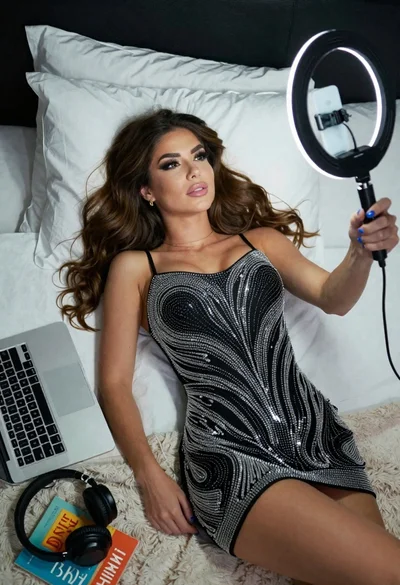
Woman taking a selfie in bed with ring light and patterned black
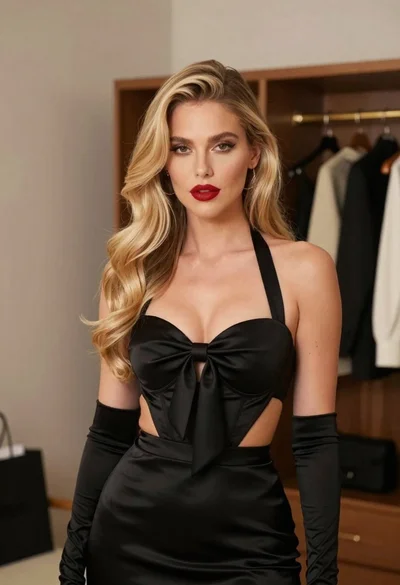
Glamorous blonde woman in black satin dress inside softly lit bedroom

Young woman in mustard yellow outfit looking over shoulder in bedroom

Blonde woman in maid outfit standing in luxurious bedroom setting
Confident woman in beige lace mini dress posing indoors with dark wavy

Young woman seated on grey sofa against pink wall fashion portrait

Poised woman in black gown posing indoors with dramatic low key lighting
Woman in embroidered mini dress seated on bed in soft black and