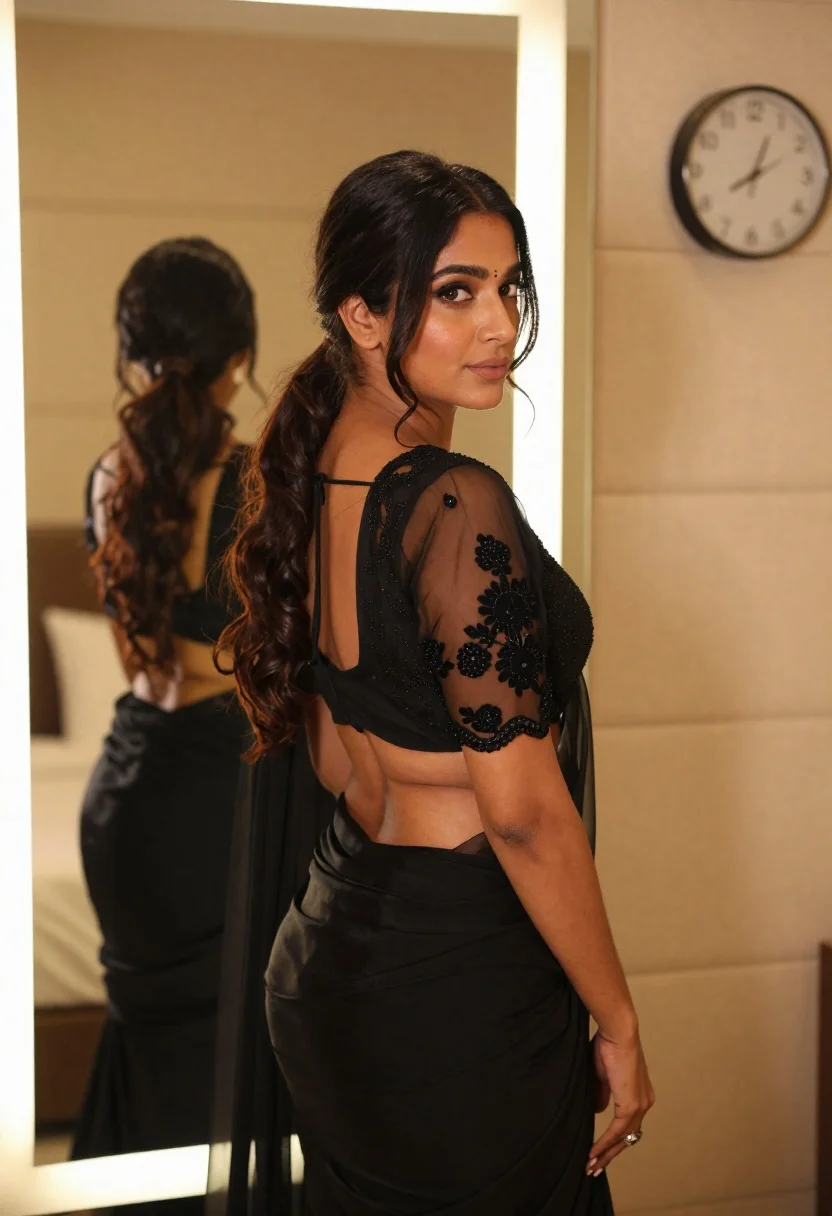
Woman in black embroidered blouse looking over shoulder in bedroom
Prompt
A woman with long dark hair in a ponytail stands in profile looking back over her shoulder at the camera.

Subject: A woman with dark skin and long wavy black hair tied back in a low ponytail with loose tendrils framing her face, featuring defined eyebrows, subtle eye makeup, and a small bindi on her forehead.

Clothing: She wears a sheer black organza blouse with intricate floral embroidery over a black undergarment, paired with a matching black draped skirt or saree pallu that flows down past her waist.

Action: The woman stands in a three-quarter pose facing left but turns her head to look directly at the viewer with a calm, neutral expression and soft lips.

Environment: She is standing indoors in a bedroom next to a large rectangular mirror with an integrated LED light strip around its frame, which reflects her back view; behind her is a beige upholstered bed headboard and a round wall clock showing approximately 10:10.

Lighting: The scene is illuminated by the warm glow of the vertical LED strip on the mirror and soft ambient room lighting that creates gentle highlights on her hair and skin while casting subtle shadows.

Camera: Shot from a medium close-up angle with a shallow depth of field that keeps the subject sharp while softly blurring the background elements like the bed and clock.

Style Details: The image has a polished, high-fashion aesthetic with a focus on elegant textures, rich blacks against warm tones, and a cinematic composition.
Description
This prompt is useful for creating intimate editorial portraits, luxury lingerie campaigns, and mood boards emphasizing dramatic indoor romance. The combination of 'sheer black organza blouse' with the 'warm glow of the vertical LED strip on the mirror' establishes a high-contrast, richly textured aesthetic that focuses attention solely on the subject's profile and the interplay between light and fabric.
Suggestions
- Change 'low ponytail' to 'loose waves' for a softer silhouette.
- Swap 'beige upholstered bed headboard' for 'dark wood headboard' to deepen the contrast.
- Adjust 'medium close-up angle' to 'full body shot' to incorporate more of the draped skirt.
Category
Tags
BedroomBlack HairDark SkinFemaleIndoorsMedium ShotOver The ShoulderPortrait ShotRealisticSide Profile
Date added
June 21, 2026
Added by
PromptDexter Team
Related Prompts
More prompts with similar categories and tags.
Young woman in mustard yellow outfit looking over shoulder in bedroom
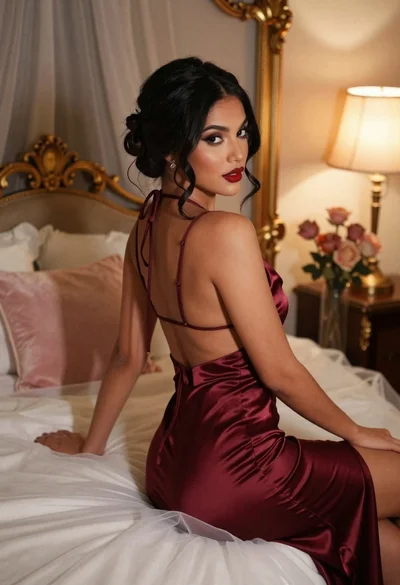
Woman in burgundy satin dress sitting on bed looking over shoulder
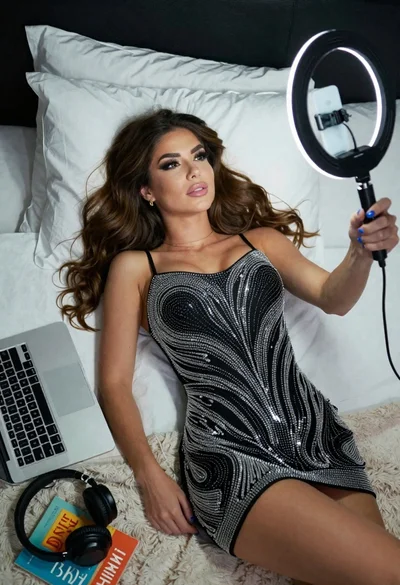
Woman taking a selfie in bed with ring light and patterned black
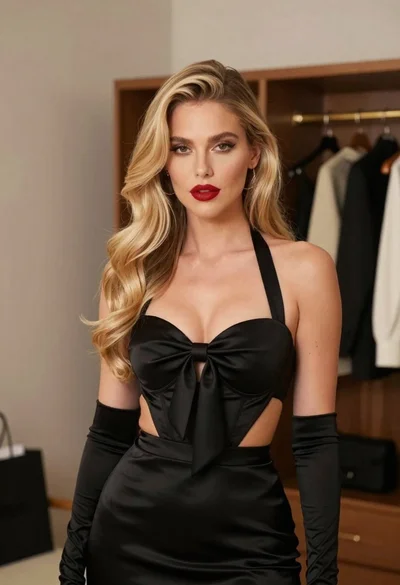
Glamorous blonde woman in black satin dress inside softly lit bedroom
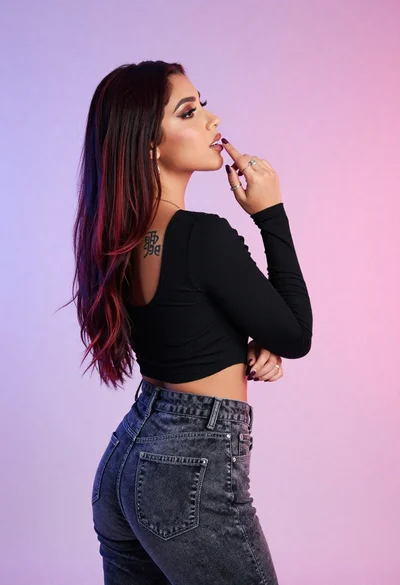
Woman in black crop top posing against purple pink gradient background

Young woman seated on grey sofa against pink wall fashion portrait

Poised woman in black gown posing indoors with dramatic low key lighting
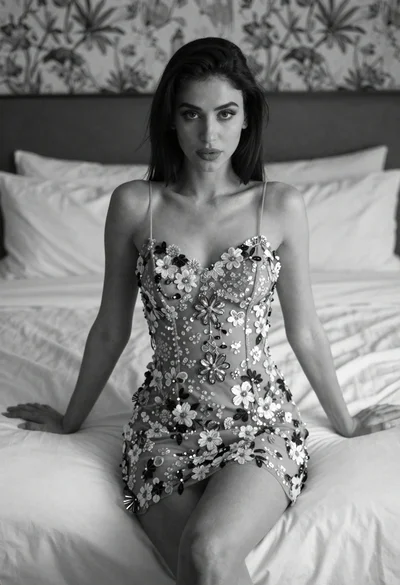
Woman in embroidered mini dress seated on bed in soft black and