
Glamorous woman posing in black dress under blue ambient club lighting
Prompt
A glamorous woman posing confidently in a dimly lit setting with blue ambient lighting.

Subject: A beautiful woman with dark hair styled in a messy high bun and loose strands framing her face, featuring defined eyebrows, glossy lips, and a soft smile while looking directly at the camera.

Clothing: She wears a black halter-neck dress with sheer long sleeves and a deep plunging neckline, accessorized with a sparkly bracelet on her wrist and a ring on her finger.

Action: Her left hand is raised to gently touch her hair near her ear, while her right arm is crossed over her body in a relaxed pose.

Environment: The background is dark and out of focus with vertical blue light streaks suggesting an urban night scene or a club atmosphere.

Camera: Shot with a medium close-up framing that emphasizes the subject's upper body and facial expression, utilizing a shallow depth of field to blur the background.

Lighting: Soft studio lighting highlights her face and shoulders against a cool-toned blue ambient glow coming from behind and to the side.

Style Details: High-fashion photography aesthetic with smooth skin texture, vibrant color contrast between the black dress and blue background, and a polished portrait quality.
Description
This prompt is useful for creating editorial fashion moodboards, album art concepts, and high-end promotional materials for nightlife venues. The combination of 'blue ambient lighting' with 'soft studio lighting' ensures the subject remains visible while maintaining a moody atmosphere; specifically, the 'vibrant color contrast between the black dress and blue background' prevents the dark clothing from merging entirely into the shadows.
Suggestions
- Change 'messy high bun' to 'sleek low ponytail' for a more formal look.
- Swap 'blue ambient lighting' for 'cyan neon glow' to intensify the club feel.
- Adjust 'medium close-up framing' to 'headshot' to focus solely on expression.
Category
Tags
Black HairBrunetteDark SkinFemaleIndoorsPortrait ShotRealisticStudio
Date added
June 19, 2026
Added by
PromptDexter Team
Related Prompts
More prompts with similar categories and tags.
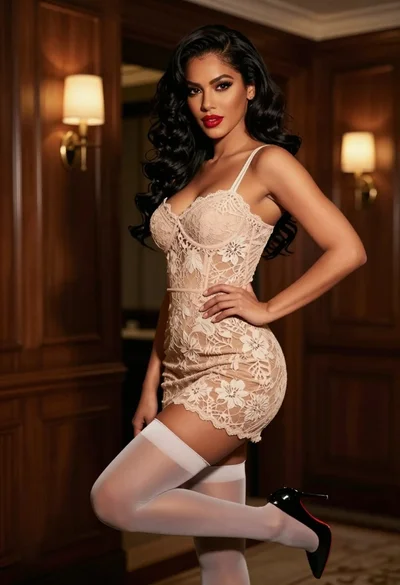
Confident woman in beige lace mini dress posing indoors with dark wavy
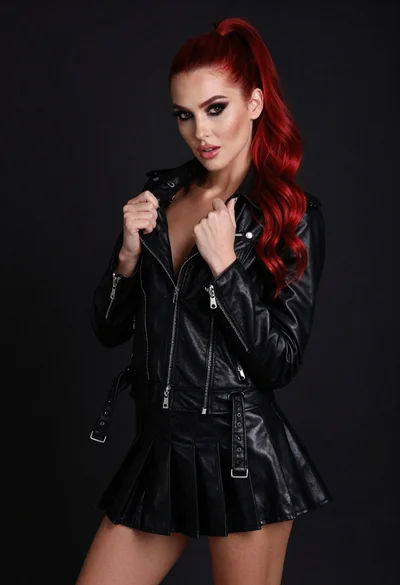
High fashion portrait of woman with red hair in black jacket
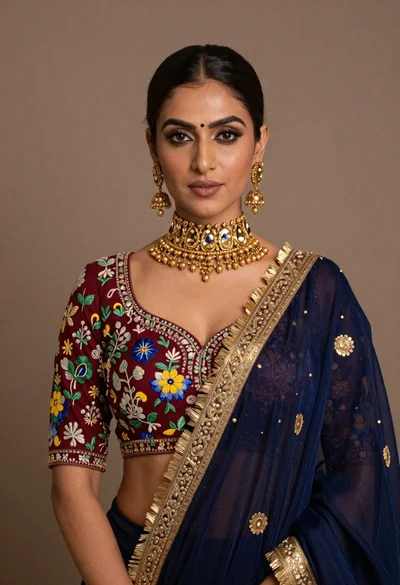
Portrait of woman wearing maroon embroidered blouse and heavy gold jewelry
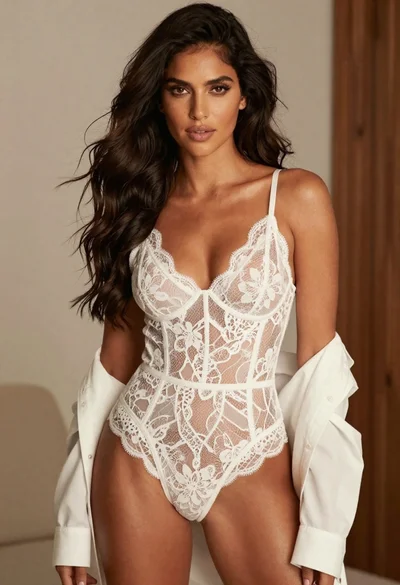
Confident woman with dark wavy hair in white lace bodysuit indoors
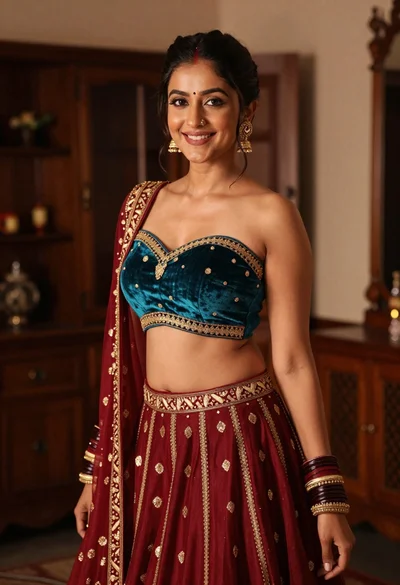
Young woman in teal lehenga choli smiling indoors with gold embroidery
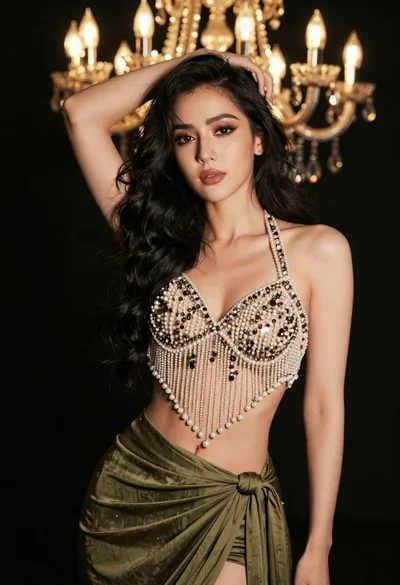
Glamorous woman posing in embellished top against dark chandelier background

Blonde woman in striped swimsuit seated on sofa indoors studio shot
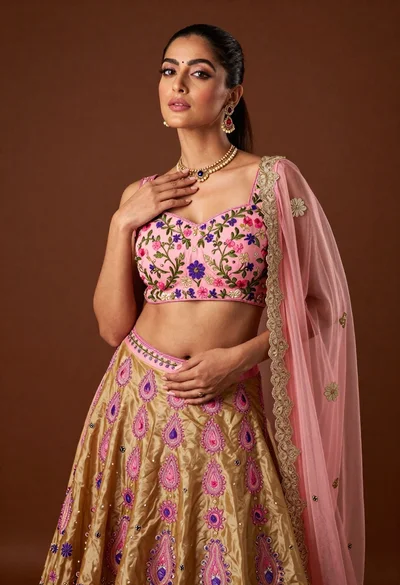
Confident woman posing in pink floral lehenga skirt studio portrait
Glamorous portrait of woman in dark fur stole and black gown
Woman with brown hair in black dress indoors soft focus portrait
