
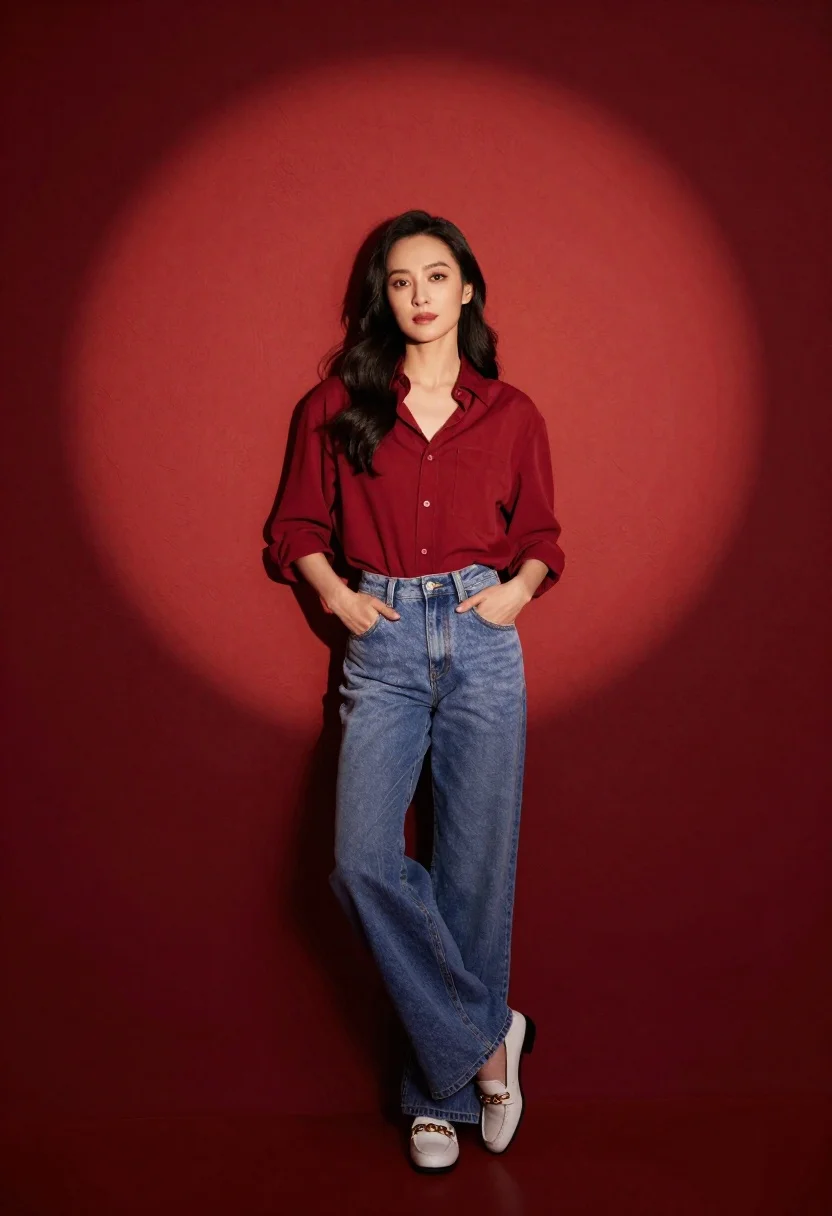
Confident woman in red shirt and blue jeans leaning against textured wall
Prompt
A confident woman stands leaning against a textured red wall illuminated by a dramatic spotlight.

Subject: A woman with long dark wavy hair and a calm, direct gaze.

Clothing: She wears a loose-fitting deep red button-down shirt with rolled-up sleeves tucked into high-waisted light blue wide-leg jeans, paired with white loafers featuring gold chain details.

Action: Her hands are casually placed in her front pockets as she leans back against the wall with one leg slightly crossed over the other.

Environment: A solid textured red wall serves as the background, creating a warm and intimate studio setting.

Lighting: A strong spotlight from above creates a circular pool of light on the wall behind her, casting a soft shadow to her right side while highlighting her face and upper body.

Camera: The shot is taken at eye level with a medium-full length framing that captures the subject from head to toe against the backdrop.

Style Details: High-contrast studio photography with rich saturated colors and a cinematic mood.
Description
This prompt is useful for creating magazine editorial spreads, character portraits for film concepts, and lifestyle advertising featuring strong color blocking. The combination of 'dramatic spotlight' casting a circular pool against the 'textured red wall' ensures that the subject pops out from the background while the specified 'high-contrast studio photography' style prevents the rich saturated colors from looking flat.
Suggestions
- Change 'deep red button-down shirt' to 'burgundy silk blouse' for more sheen.
- Swap 'light blue wide-leg jeans' for 'dark wash denim' to deepen the contrast.
- Adjust 'dramatic spotlight' to 'rim lighting' for a more sculpted silhouette.
Category
Tags
Casual WearFemaleFull BodyMedium ShotOutdoorsRealisticStudio
Date added
June 26, 2026
Added by
PromptDexter Team
Related Prompts
More prompts with similar categories and tags.
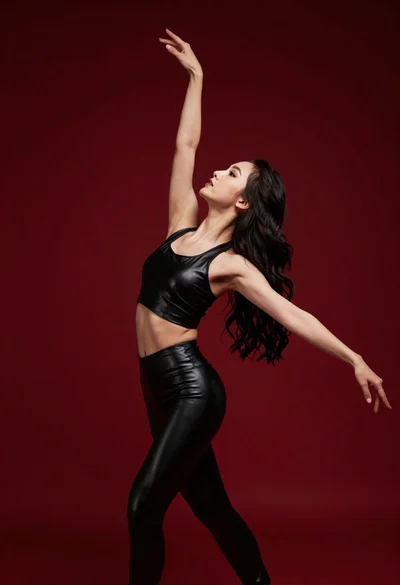
Graceful woman in black leather outfit dancing against deep red studio backdrop
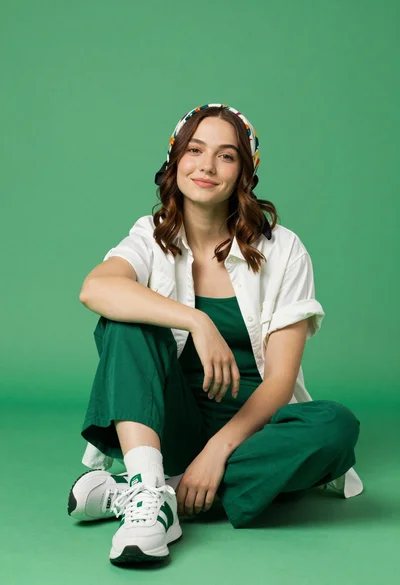
Young woman seated cross legged on solid green floor in studio setting
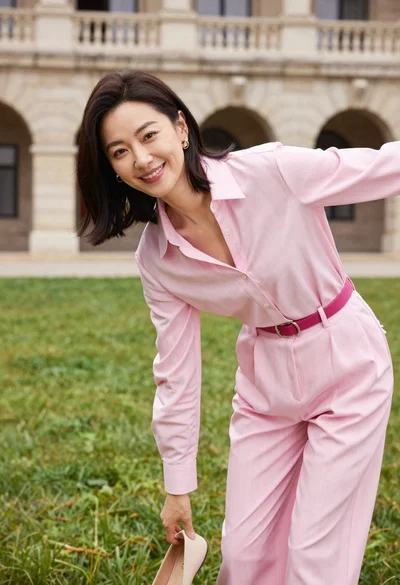
Woman in pink blouse picking up shoe on green lawn near stone
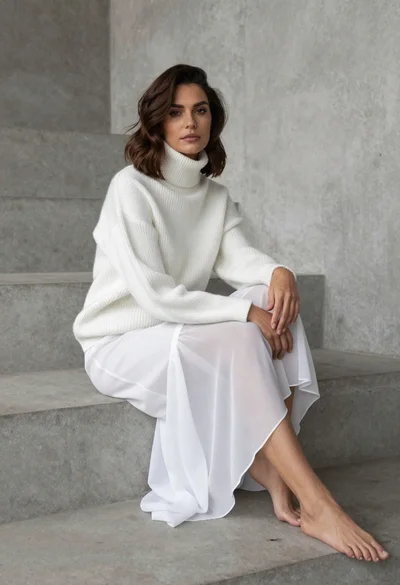
Woman in white ribbed sweater sitting on concrete steps fashion portrait
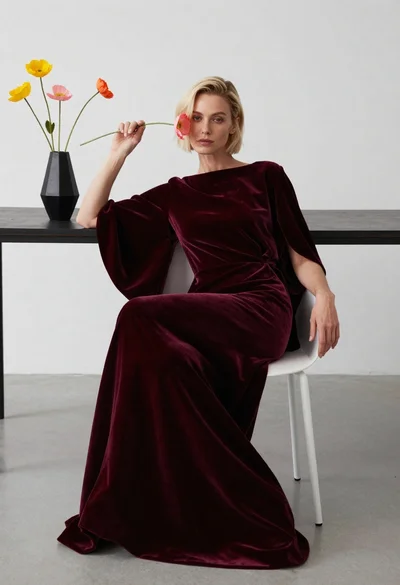
Blonde woman in burgundy velvet gown holding flower in white studio
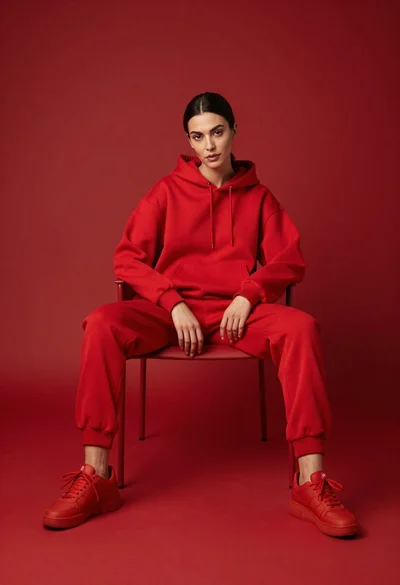
Woman in red hoodie sitting on chair against red background
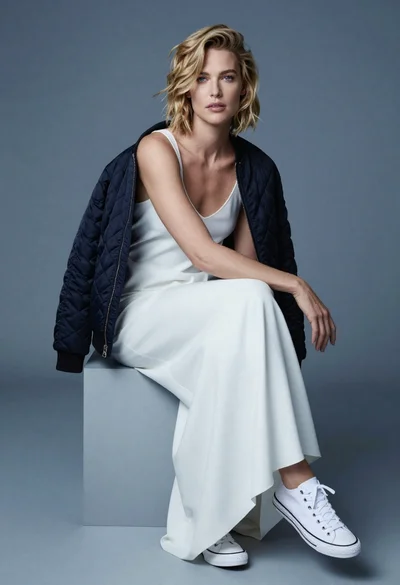
Fair blonde woman in slip dress seated in minimalist studio setting

Young woman with dog sitting on green grass in a garden setting
