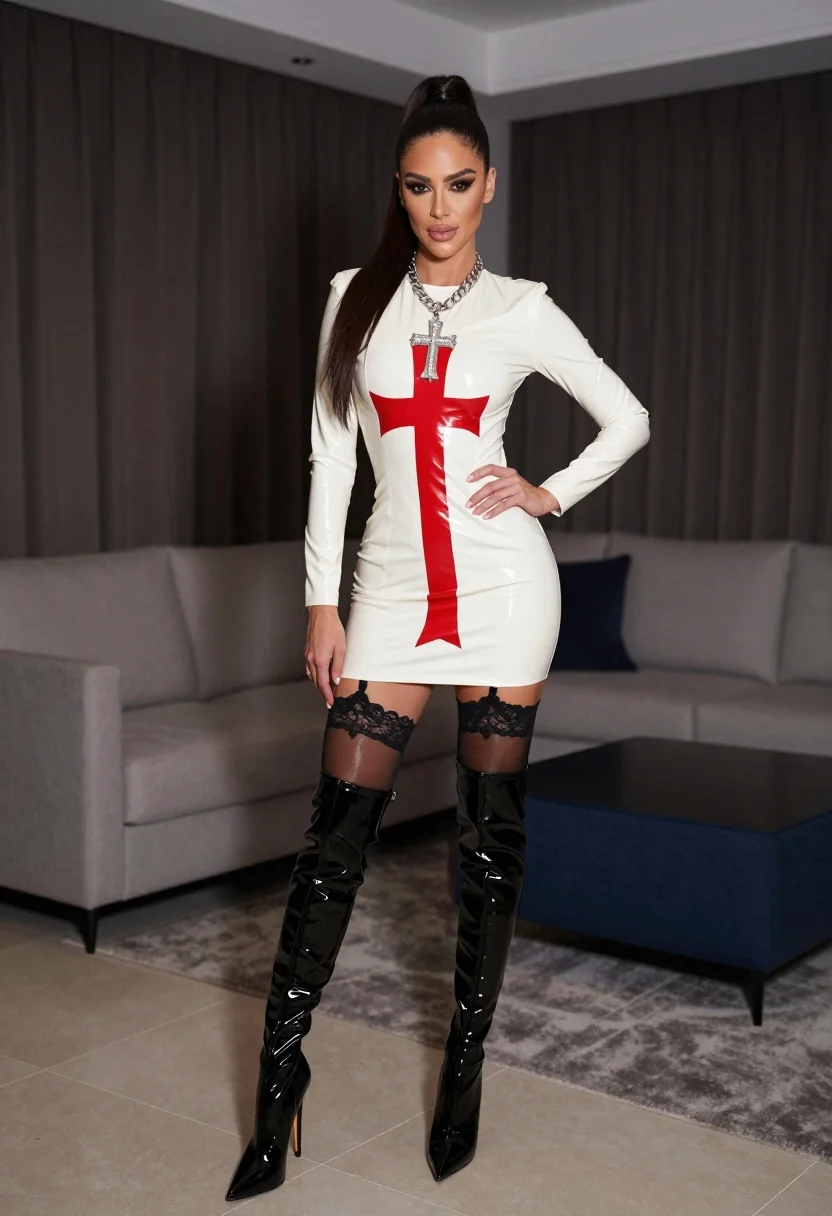
Confident woman in white latex mini dress standing in modern living room
Prompt
A confident woman stands in a modern living room wearing a white latex mini dress with a bold red cross design.

Subject: A woman with long dark hair styled in a high ponytail, featuring heavy dark eye makeup and a neutral expression.

Clothing: She wears a tight-fitting white latex dress with a large vertical red cross on the front, black lace garter tops on her thighs, sheer black stockings, and shiny black patent leather knee-high stiletto boots. She also wears a thick silver chain necklace with a large cross pendant.

Action: She stands facing forward with one hand resting on her hip and the other hanging by her side.

Environment: The setting is an upscale interior room featuring dark brown curtains, a grey sofa, a blue ottoman, and tiled flooring.

Lighting: The scene is lit with soft indoor lighting that highlights the glossy texture of the dress and boots while keeping the background slightly dimmed.

Camera: A medium full-body shot taken from a straight-on angle with a shallow depth of field that blurs the background furniture.

Style Details: High-fashion photography style with sharp focus on the subject, emphasizing the contrast between the white dress and dark surroundings.
Description
This prompt is useful for creating high-concept editorial fashion spreads, character concept art for mature themes, and stylized portfolio pieces focusing on texture contrast. The combination of 'white latex' against the 'dark brown curtains' and 'grey sofa' maximizes visual tension, while the 'shallow depth of field' ensures that the viewer's focus remains sharply locked onto the subject despite the detailed background elements.
Suggestions
- Change 'red cross design' to 'geometric red pattern' for a more abstract look.
- Swap 'shiny black patent leather knee-high stiletto boots' for 'matte black combat boots' to alter the reflectivity.
- Adjust 'soft indoor lighting' to 'dramatic spotlighting' to increase contrast.
Category
Tags
BrunetteFemaleFull BodyIndoorsMedium ShotPortrait ShotRealistic
Date added
July 3, 2026
Added by
PromptDexter Team
Related Prompts
More prompts with similar categories and tags.
Woman in white gown posing near classical column interior setting
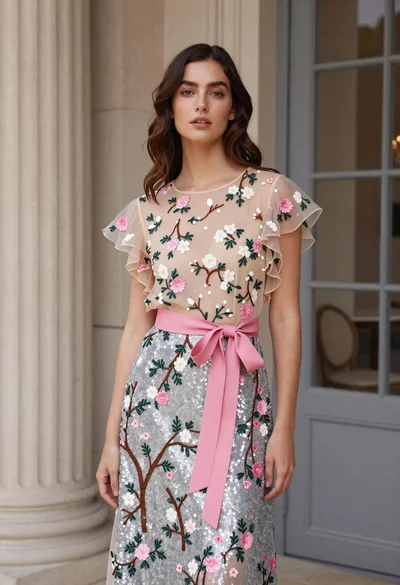
Woman in floral gown standing in elegant interior space
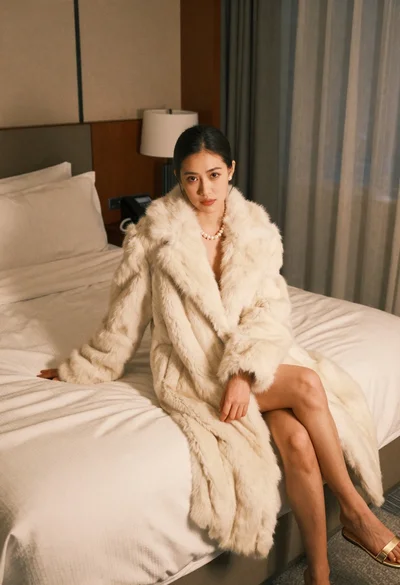
Woman in cream fur coat seated on bed looking at camera
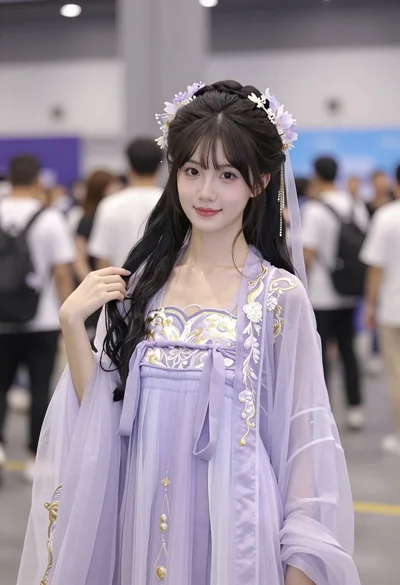
Young east asian woman in lavender hanfu costume at indoor convention hall
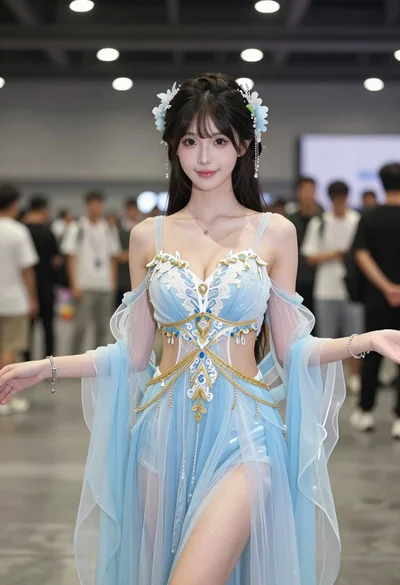
Young woman in ethereal blue gown standing indoors at convention hall
Confident woman in beige lace mini dress posing indoors with dark wavy
Brunette woman in black mini dress looking back from modern bedroom
Fit woman stretching indoors in pink lingerie against city skyline view
Two women posing confidently in a modern highend bathroom setting
Woman in emerald green satin gown seated in an armchair indoors