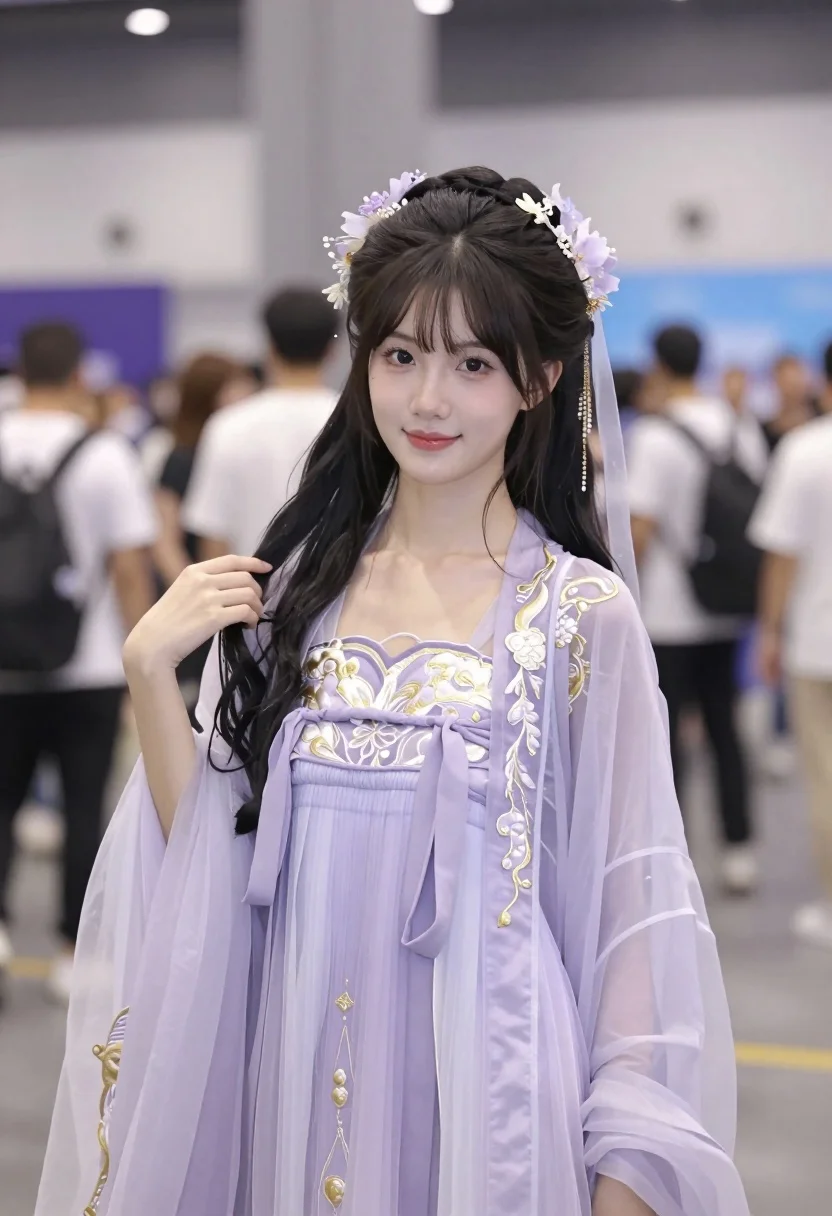
Young east asian woman in lavender hanfu costume at indoor convention hall
Prompt
A young woman with a gentle smile stands in the foreground wearing an elaborate light purple traditional costume.

Subject: A young East Asian woman with long dark hair styled in loose waves and bangs, featuring a delicate floral headpiece with dangling earrings and a sheer veil attached to her hair.

Clothing: She wears a layered, translucent lavender Hanfu-style dress with intricate gold embroidery on the bodice and sleeves, a wide sash tied at the waist, and a matching sheer outer robe that flows loosely over her arms.

Action: She is posing for the camera with a soft, pleasant expression, looking directly forward while gently holding a strand of hair near her shoulder with one hand.

Environment: The setting appears to be a busy indoor convention hall or exhibition center with blurred crowds of people in casual clothing and large banners visible in the background.

Camera: Medium close-up shot with a shallow depth of field that keeps the subject sharp while blurring the background crowd, framed from a slightly low angle looking up at her face.

Lighting: Bright, even indoor lighting with soft highlights on her skin and translucent fabric, creating a clean and airy atmosphere without harsh shadows.

Style Details: High-resolution photography with vibrant pastel color grading, emphasizing the ethereal quality of the sheer fabrics and the detailed textures of the embroidery.
Description
This prompt is useful for creating themed cosplay photography, cultural fashion editorials, and character concept art showcasing traditional garments in modern settings. The combination of 'translucent lavender Hanfu-style dress' with 'soft highlights on her skin and translucent fabric' ensures the ethereal quality remains visible despite the busy background, while the 'shallow depth of field' isolates the subject from the distracting elements of the convention hall.
Suggestions
- Change 'light purple traditional costume' to 'deep indigo Hanfu-style dress' for a richer contrast.
- Swap 'gentle smile' for 'pensive gaze' to shift the mood.
- Adjust 'medium close-up shot' to 'full body shot' to better showcase the layered robes.
Category
Tags
BrunetteFemaleFull BodyIndoorsMedium ShotPortrait ShotRealisticTraditional Wear
Date added
July 3, 2026
Added by
PromptDexter Team
Related Prompts
More prompts with similar categories and tags.
Young woman in pink saree leaning against counter in sunlit room
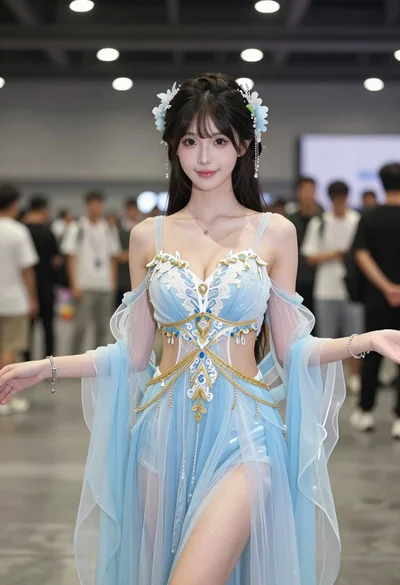
Young woman in ethereal blue gown standing indoors at convention hall
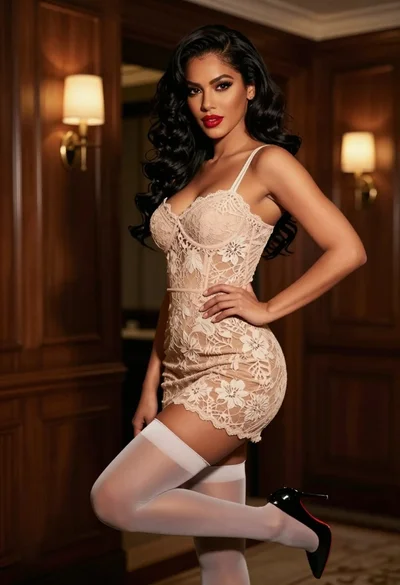
Confident woman in beige lace mini dress posing indoors with dark wavy
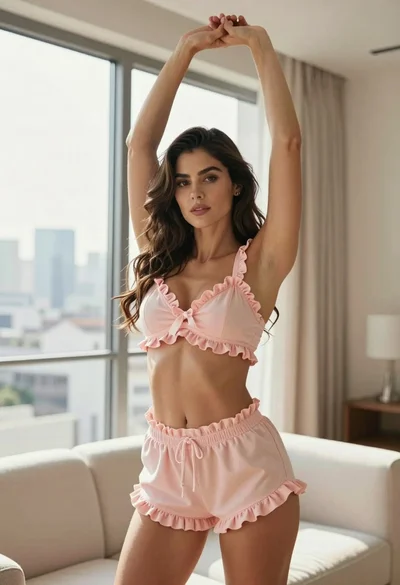
Fit woman stretching indoors in pink lingerie against city skyline view
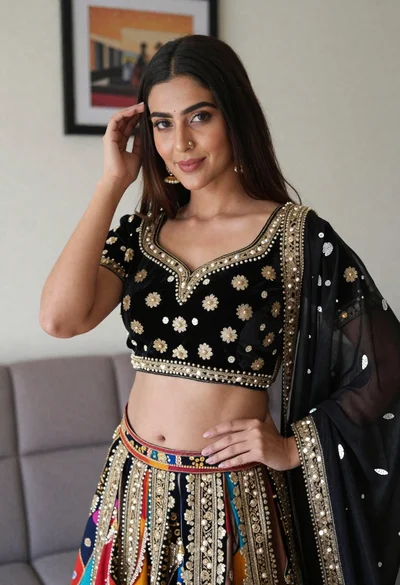
Young woman in ornate black and gold lehenga choli indoors portrait
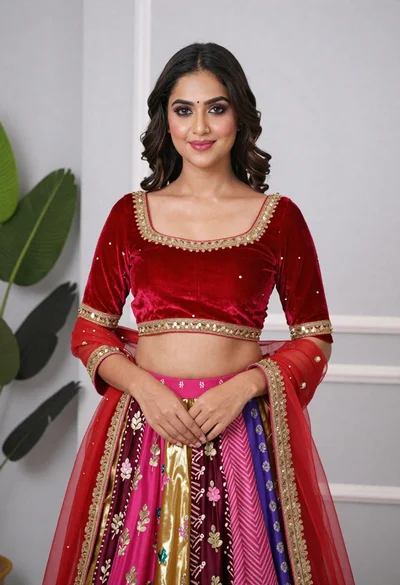
Young woman in elaborate red and pink traditional indian attire indoors
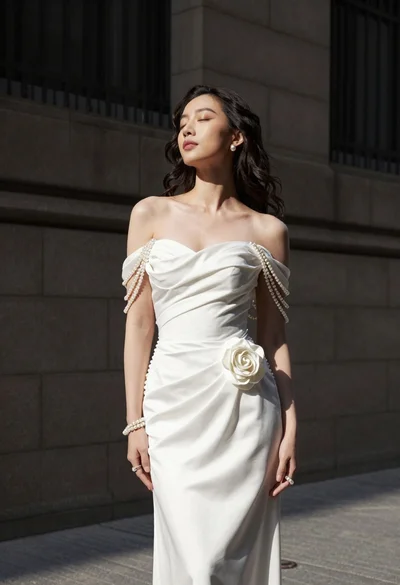
Woman in white gown standing against dark stone architectural wall outdoors

Blonde woman in striped swimsuit seated on sofa indoors studio shot
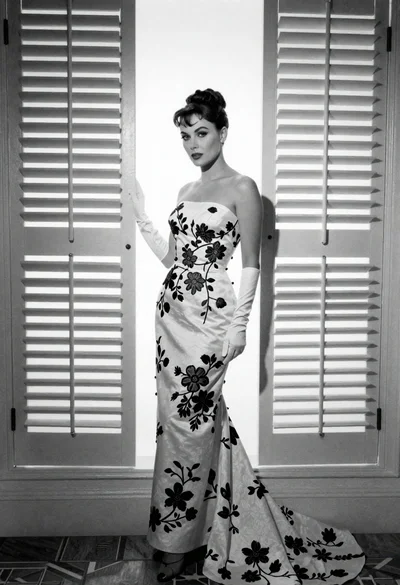
Full length portrait of woman in gown near tall window shutters

Young woman in black graphic tshirt against white paneled wall