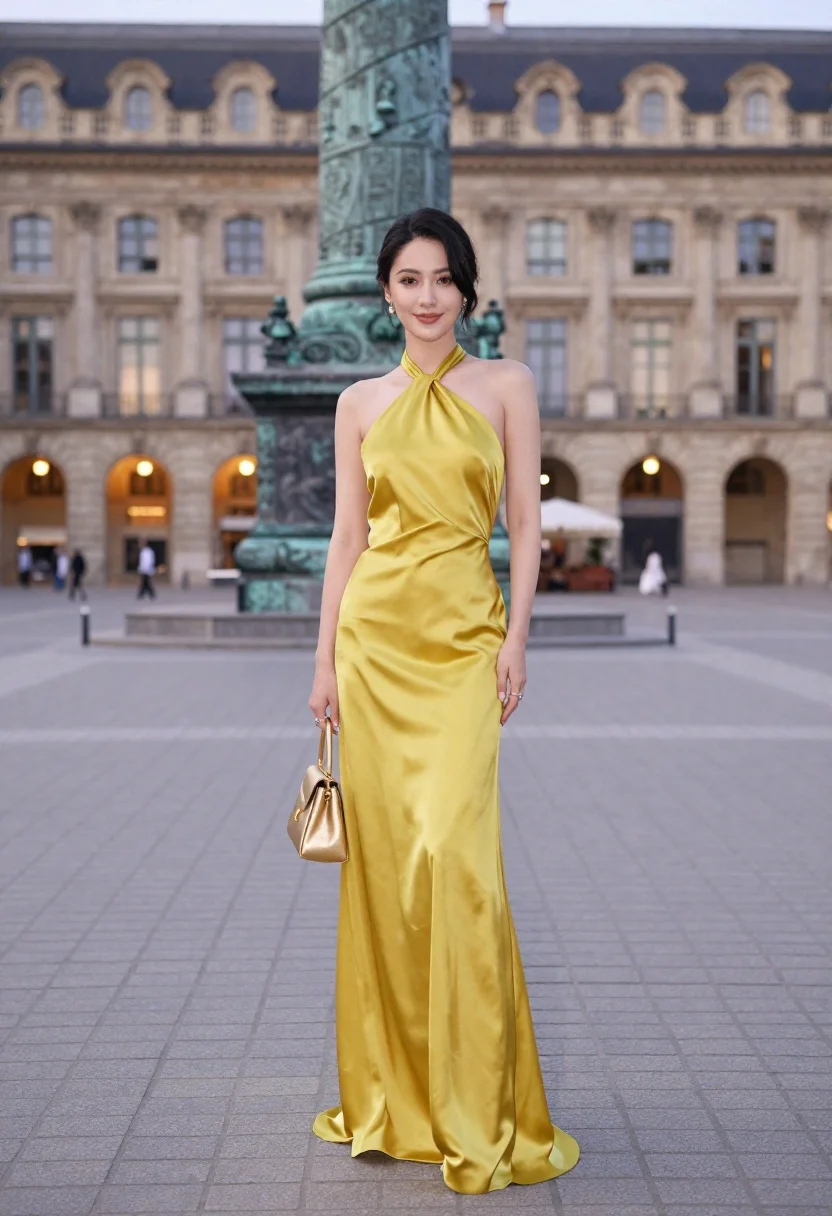
Confident woman in yellow halter gown standing in grand european plaza
Prompt
A confident woman stands in a grand European plaza wearing a shimmering yellow halter-neck gown and holding a matching gold handbag.

Subject: A woman with dark hair styled in an elegant updo with loose tendrils framing her face, featuring defined eyebrows, subtle makeup, and a soft smile.

Clothing: She wears a floor-length, satin-finish yellow dress with a halter neckline and thin straps that tie behind the neck, paired with dangling earrings and rings on her fingers.

Action: She stands upright facing forward with a relaxed posture, holding a small gold handbag in her right hand while her left arm hangs naturally by her side.

Environment: The scene is set in a spacious paved square featuring a large green column monument behind her, surrounded by classical architecture with dormer windows and warm interior lights glowing from the ground floor.

Camera: A medium shot captures the subject from the thighs up, utilizing a shallow depth of field to keep the woman sharp while softly blurring the architectural background.

Lighting: Soft natural daylight illuminates the scene evenly, casting gentle shadows that highlight the smooth texture of the dress and creating a warm, inviting atmosphere.

Style Details: The image exhibits high-definition realism with a polished fashion photography aesthetic, emphasizing rich color saturation and smooth skin textures.
Description
This prompt is useful for creating editorial fashion spreads, destination wedding inspiration boards, and luxury brand lookbooks showcasing vibrant gowns. The combination of 'shimmering yellow halter-neck gown' against the backdrop of 'classical architecture' ensures the subject pops while the 'shallow depth of field' prevents the detailed background from competing with the dress's texture.
Suggestions
- Change 'yellow' to 'mustard yellow' for a more autumnal feel.
- Replace 'dangling earrings' with 'pearl drop earrings' for a softer look.
- Adjust 'soft natural daylight' to 'late afternoon sunlight' for stronger shadows.
Category
Tags
FemaleFormal WearMedium ShotOutdoorsOver The ShoulderPortrait ShotRealisticSide ProfileUrban
Date added
June 23, 2026
Added by
PromptDexter Team
Related Prompts
More prompts with similar categories and tags.

Smiling young woman in pink top and white skirt before sandstone palace

Young woman in green jacket holding plush toy at festive carousel
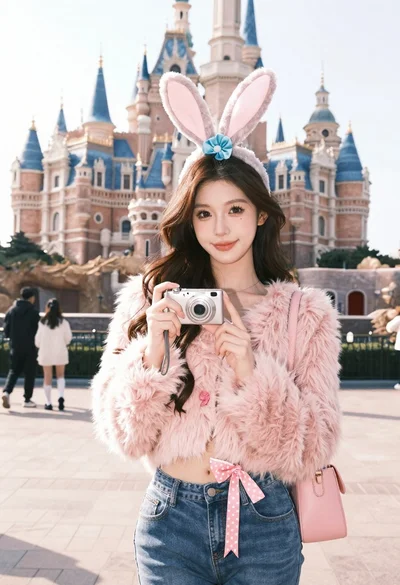
Young woman in pink cardigan holding camera in front of castle
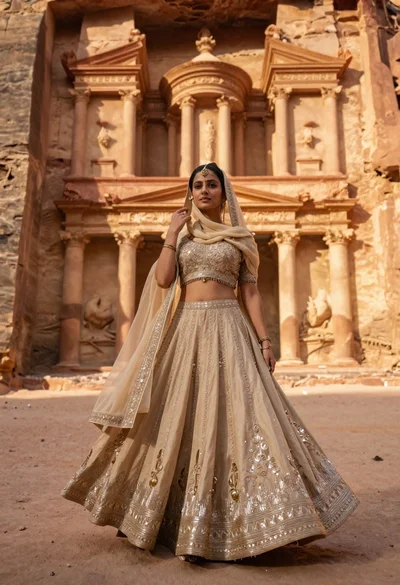
Young woman in beige lehenga standing before ancient carved stone architecture
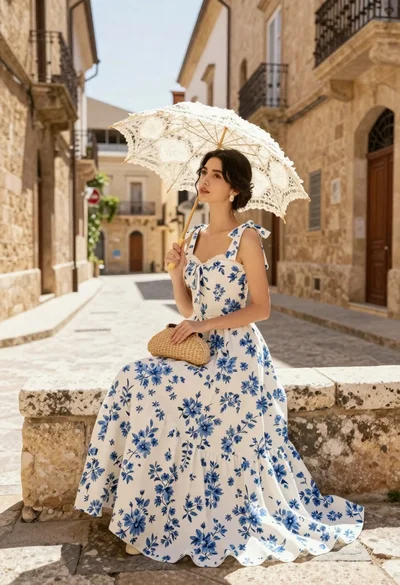
Young woman in white floral dress holding lace parasol on cobblestone street
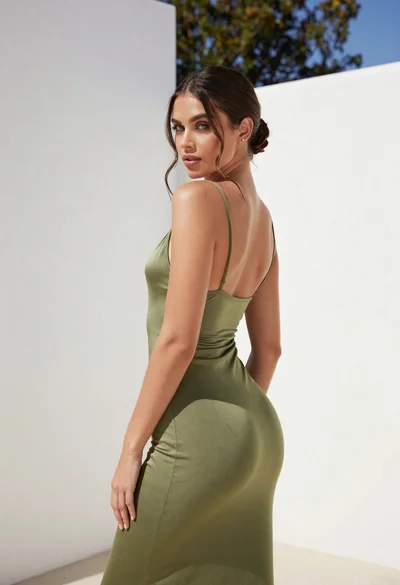
Young woman in olive green dress posing against a white wall
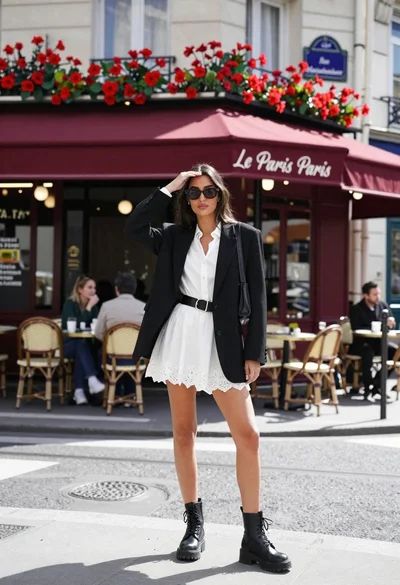
Stylish woman in black blazer on parisian cafe street corner
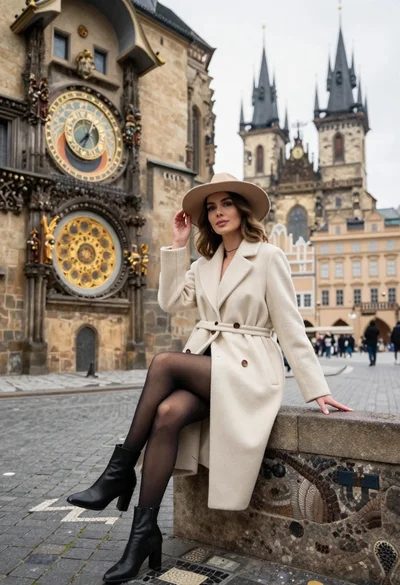
Stylish woman in cream coat sitting by prague astronomical clock
