
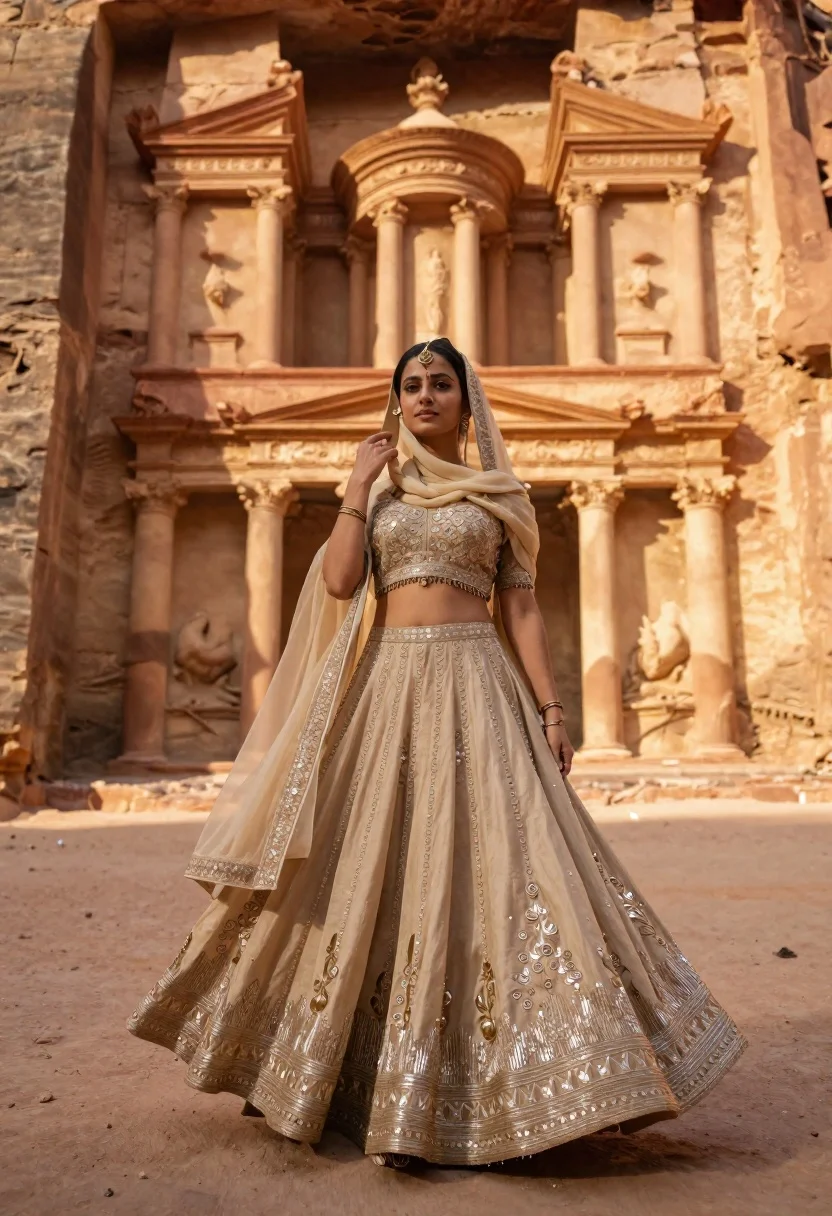
Young woman in beige lehenga standing before ancient carved stone architecture
Prompt
A woman stands in a flowing beige lehenga against the backdrop of ancient carved stone architecture.

Subject: A young woman with dark hair and fair skin, looking directly at the camera with a calm expression.

Clothing: An elaborate beige or light gold lehenga choli featuring heavy silver embroidery, sequins, and fringe detailing along the hem and bodice, paired with a sheer dupatta draped over her head and shoulders.

Action: She stands in a poised pose with one hand gently touching the dupatta near her face while the other hangs by her side, her skirt flaring out slightly as if caught in a breeze.

Environment: A desert landscape featuring massive sandstone cliffs and an ancient rock-cut temple facade with classical columns and pediments in the background.

Camera: Medium shot capturing the full length of the outfit, framed to include the architectural details behind the subject.

Lighting: Warm golden hour sunlight illuminating the scene from the side, casting soft shadows and highlighting the texture of the stone and fabric.

Style Details: Cinematic photography with a focus on rich textures, warm color grading, and high detail in the traditional attire.
Description
This prompt is useful for creating editorial fashion editorials set in historical locales, destination wedding mood boards, and cultural travel features. The combination of 'warm golden hour sunlight' side-lighting accentuates both the 'heavy silver embroidery' on the lehenga and the rough texture of the sandstone cliffs, ensuring the subject remains visually connected to the ancient backdrop rather than floating against it.
Suggestions
- Change 'beige or light gold' to 'deep maroon' for a richer contrast.
- Add 'shallow depth of field' to blur the background architecture slightly.
- Swap 'flowing beige lehenga' for 'structured silk lehenga' to change the drape.
Category
Tags
Black HairFair SkinFemaleMedium ShotOutdoorsPortrait ShotRealisticTraditional WearUrban
Date added
June 21, 2026
Added by
PromptDexter Team
Related Prompts
More prompts with similar categories and tags.

Young woman in white dress on stone terrace at sunset

Young woman in green jacket holding plush toy at festive carousel

Young woman in pink cardigan holding camera in front of castle
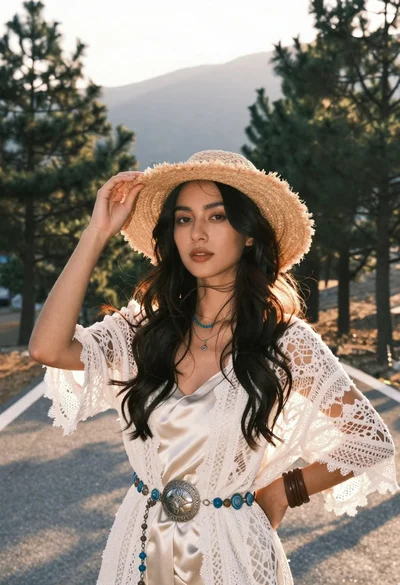
Woman in white lace cardigan and straw hat in mountain landscape
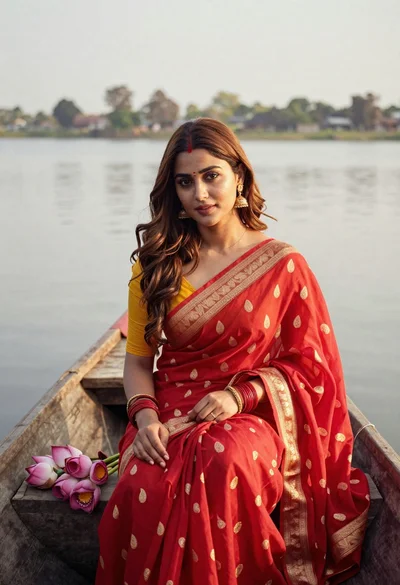
Young woman in red saree sitting in wooden boat on calm water
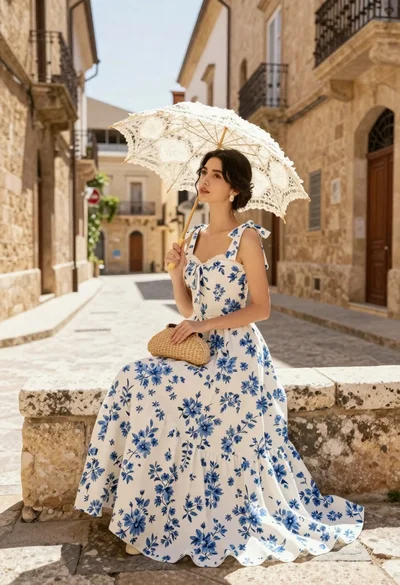
Young woman in white floral dress holding lace parasol on cobblestone street

Young woman in mint green outfit holding cocktail on seaside promenade
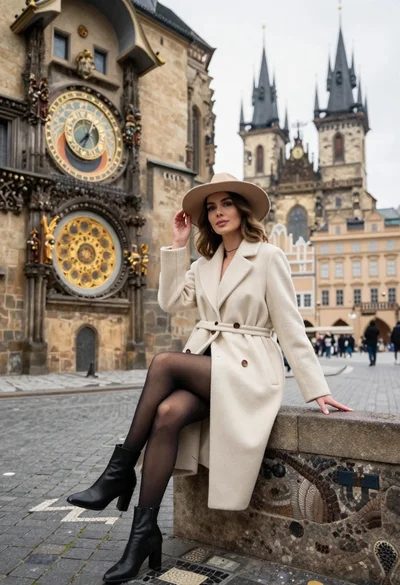
Stylish woman in cream coat sitting by prague astronomical clock
