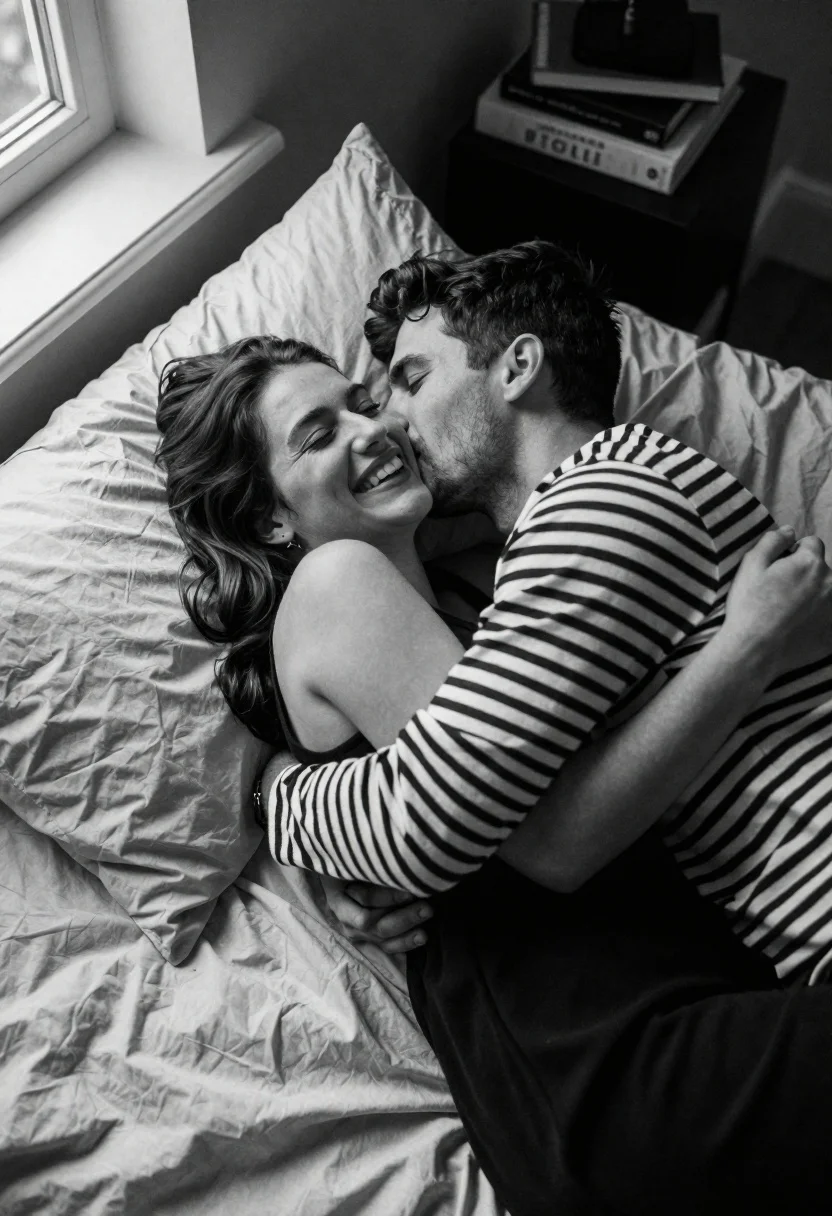
Couple embracing on a bed in soft light captured from high angle
Prompt
A high-angle shot captures an intimate moment between a couple embracing on a bed.

Subject: A young woman with long dark wavy hair lies back against pillows while a man leans in to kiss her cheek; she smiles broadly with eyes closed and he has short dark hair and light stubble.

Clothing: The woman wears a simple black sleeveless top, while the man is dressed in a long-sleeved black and white horizontal striped shirt.

Action: The couple embraces tightly as the man kisses the woman on her cheek; she laughs joyfully with her eyes closed and he looks down at her affectionately.

Environment: They are lying on a bed covered in rumpled light-colored sheets and multiple fluffy pillows, with a window frame visible to the left and a bedside table holding books in the background.

Camera: High-angle perspective looking down from above the subjects, utilizing soft natural lighting that creates gentle shadows and highlights their expressions.

Lighting: Soft natural light streams in from the window on the left, illuminating the couple’s faces and creating a warm, intimate atmosphere with subtle contrast.

Style Details: Black and white photography with a film grain texture, shallow depth of field blurring the background slightly to emphasize the emotional connection between the subjects.
Description
This prompt is useful for creating fine art portraiture, romantic narrative stills, and intimate editorial spreads focusing on emotion. The combination of 'high-angle perspective looking down from above' with 'soft natural lighting' ensures that while the embrace feels close, the composition maintains an artistic overview, and the 'black and white photography with a film grain texture' unifies the scene by stripping away distracting color information to focus solely on expression.
Suggestions
- Change 'simple black sleeveless top' to 'silk slip dress' for more drape.
- Swap 'rumpled light-colored sheets' for 'velvet throw' to change the tactile feel.
- Adjust 'soft natural lighting' to 'dramatic chiaroscuro' for higher contrast.
Category
Tags
B&wBlack HairClose UpFemaleHigh AngleMaleMedium ShotPortrait ShotRealistic
Date added
June 21, 2026
Added by
PromptDexter Team
Related Prompts
More prompts with similar categories and tags.
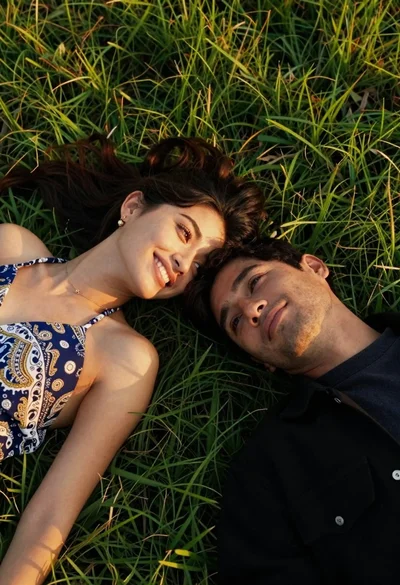
Young couple lying on green grass during golden hour in park

Couple in red sweaters reading a book together at a table
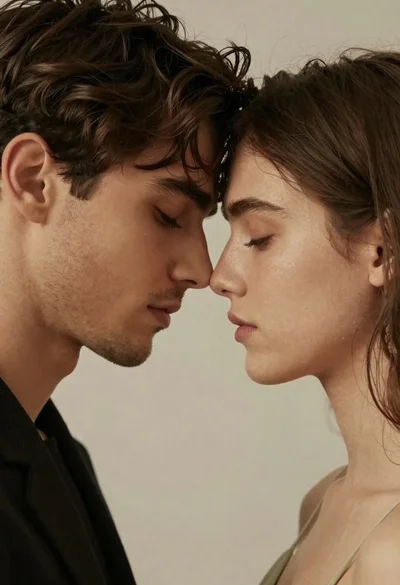
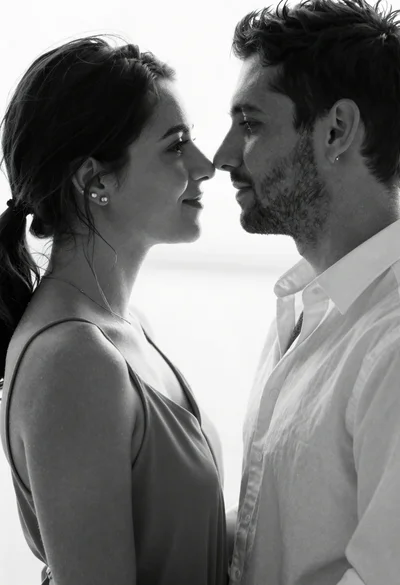
Close up portrait of a man and woman touching foreheads together
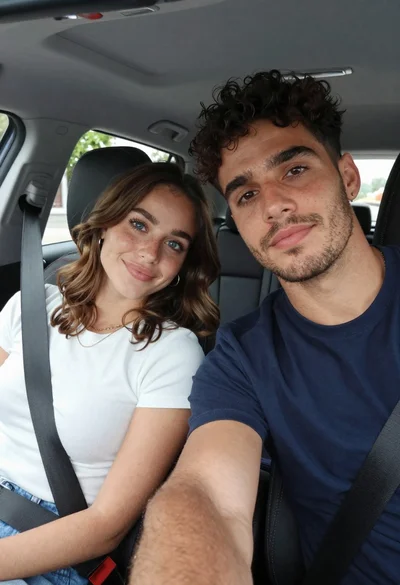
Young couple taking a close up selfie inside a car
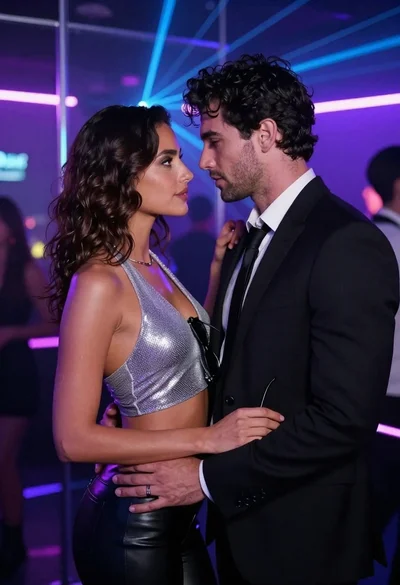
Man and woman in formal wear standing close together in a nightclub
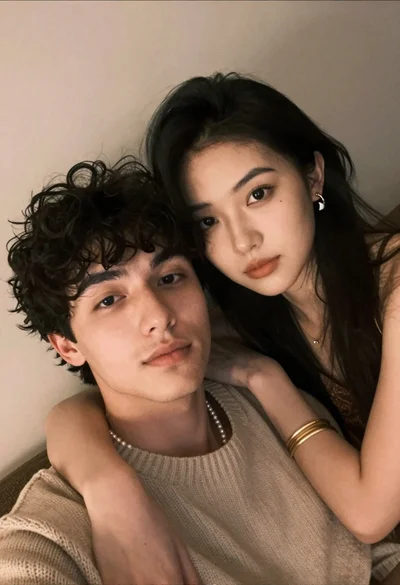
Close up selfie of young couple embracing indoors with warm ambient lighting
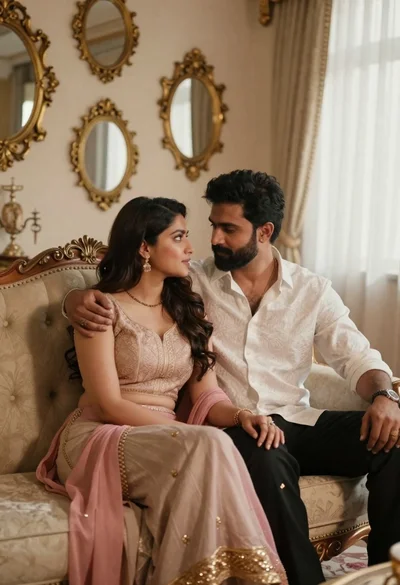
Romantic couple sitting together on an ornate sofa in luxurious room

Black and white portrait of a couple embracing in intimate profile