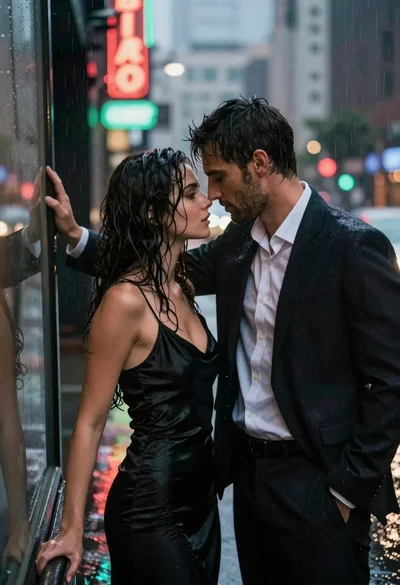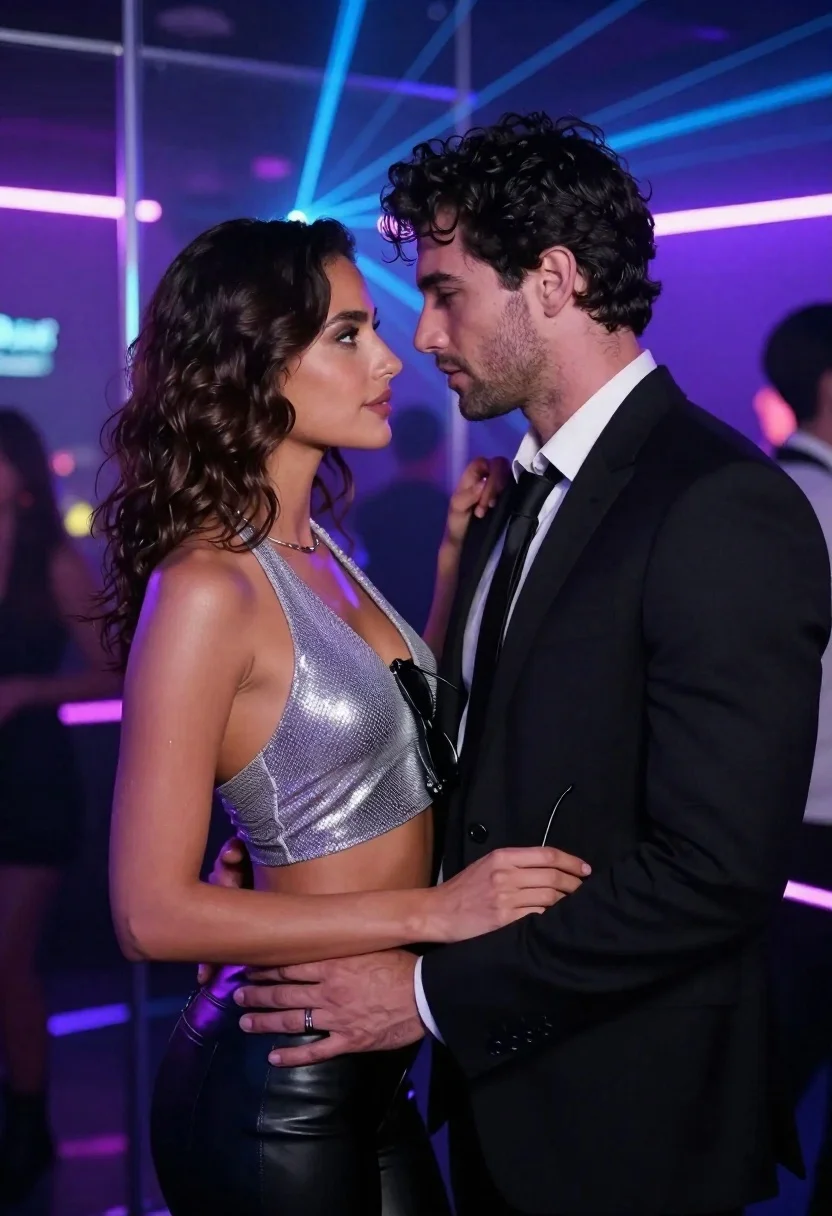
Man and woman in formal wear standing close together in a nightclub
Prompt
A romantic close-up of a man and woman standing intimately face-to-face in a vibrant nightclub setting.

Subject: A woman with dark wavy hair wearing a silver mesh halter crop top and black leather pants stands next to a man with dark wavy hair and stubble wearing a black suit, white shirt, and black tie.

Clothing: The woman wears a shimmering silver mesh halter crop top and high-waisted black leather pants; the man is dressed in a formal black suit with a crisp white dress shirt and a black necktie.

Action: The couple stands in an intimate profile pose facing each other, their foreheads nearly touching as they gaze into one another's eyes; the woman holds a pair of sunglasses near her chest while the man places his hand on her waist and she rests her hand on his shoulder.

Environment: A neon-lit nightclub interior with purple and blue laser lights beaming across the background, glass partitions, and blurred figures of other partygoers in the distance.

Camera: Tight medium shot focusing on the couple's upper bodies with a shallow depth of field that blurs the background crowd and ambient lighting effects.

Lighting: Dramatic club lighting featuring intense purple and blue hues reflecting off the woman's skin and clothing, creating high contrast against the dark suit and moody atmosphere.

Style Details: Cinematic photography style with vibrant neon color grading, soft focus on the background, and a polished, high-definition aesthetic typical of modern fashion or lifestyle photography.
Description
This prompt is useful for creating editorial nightlife editorials, cinematic couple portraits, and moody advertising campaign visuals. The combination of 'dramatic club lighting featuring intense purple and blue hues' against the 'shimmering silver mesh halter crop top' ensures that the subjects pop out from the background blur, preventing them from looking flat against the busy 'neon-lit nightclub interior'.
Suggestions
- Change 'silver mesh halter crop top' to 'iridescent sequin bustier' for more light reflection.
- Swap 'purple and blue laser lights' for 'deep magenta and cyan spotlights' for a different color mood.
- Adjust 'shallow depth of field' to 'bokeh effect' for an even softer background blur.
Category
Tags
Black HairClose UpFemaleFormal WearIndoorsMaleMedium ShotPortrait ShotRealisticUrban
Date added
June 21, 2026
Added by
PromptDexter Team
Related Prompts
More prompts with similar categories and tags.
Couple in red sweaters reading a book together at a table

Stylish couple holding hands in a minimalist white arched corridor
Man and woman in formal wear standing against a stone wall
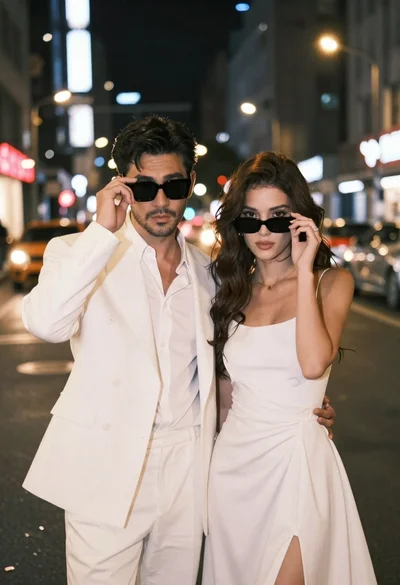
Stylish couple in white outfits posing on busy city street at night
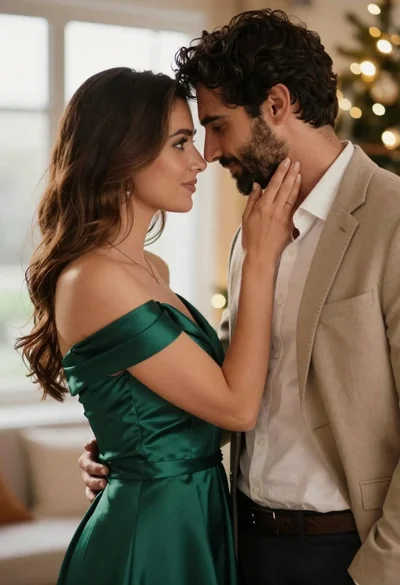
Romantic couple in elegant attire sharing an intimate moment indoors
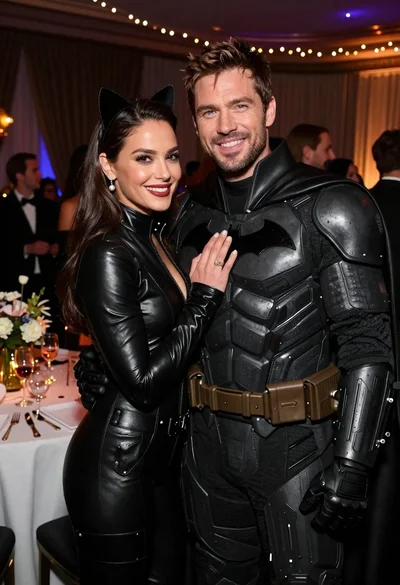
Glamorous couple in catwoman and batman costumes at an indoor party

Laughing couple in formal wear sharing an intimate moment indoors

Black and white portrait of a couple embracing in intimate profile