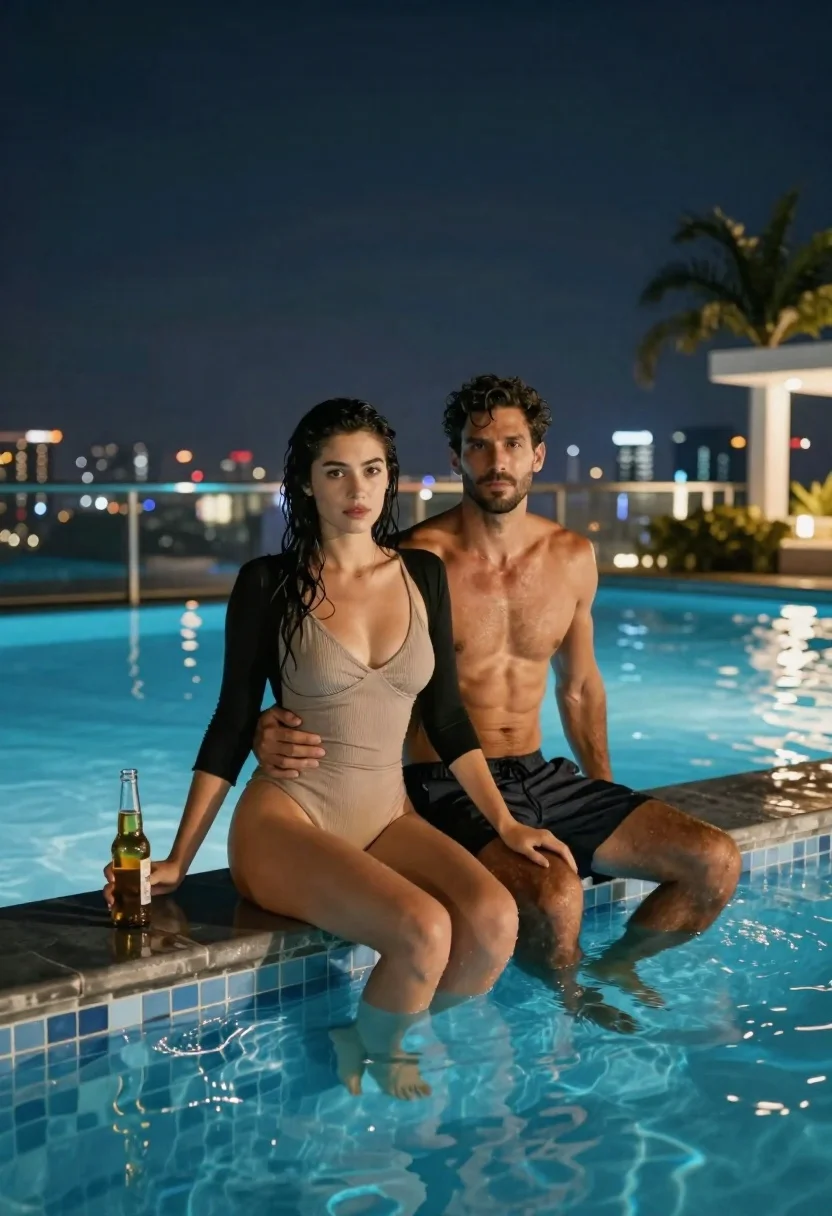
Couple sitting by an infinity pool at night with city skyline
Prompt
A romantic night scene of a couple sitting by an infinity pool with a city skyline in the background.

Subject: A woman with wet dark hair and a muscular man with short dark hair and stubble sit side-by-side on the edge of a swimming pool, their legs dangling into the water.

Clothing: The woman wears a ribbed beige one-piece swimsuit with a black long-sleeved shrug draped over her shoulders. The man is shirtless and wears dark swim trunks.

Action: The woman holds a glass beer bottle in her right hand while looking directly at the camera with a neutral expression. The man sits behind her, his left arm wrapped around her waist and his hand resting on her hip.

Environment: They are positioned at the edge of an infinity pool filled with glowing blue water. Behind them is a glass railing overlooking a city skyline at night with bokeh lights from buildings. Palm trees and white architectural structures are visible in the background to the right.

Camera: The shot is taken from a low angle looking slightly up at the couple, emphasizing their relaxed posture against the dark sky.

Lighting: The scene is lit by ambient night lighting and the bright blue glow of the pool water reflecting off their skin and legs. Soft highlights illuminate their faces and torsos against the dark background.

Style Details: High-resolution photography with a cinematic color palette featuring deep blues, warm skin tones, and soft bokeh in the background.
Description
This prompt is useful for creating romantic travel advertisements, cinematic couple portraits, and high-end lifestyle magazine spreads. The combination of 'low angle looking slightly up' with the 'bright blue glow of the pool water reflecting off their skin' dramatically frames the subjects against the dark sky, ensuring the foreground action remains visible despite the intense background bokeh lights.
Suggestions
- Change 'ribbed beige one-piece swimsuit' to 'black velvet one-piece swimsuit' for a richer texture.
- Swap 'glowing blue water' for 'deep indigo water' to deepen the nighttime mood.
- Adjust 'neutral expression' to 'soft smile' to enhance the romantic tone.
Category
Tags
Black HairFemaleFull BodyLow AngleMalePortrait ShotRealisticSwimwearUrban
Date added
June 21, 2026
Added by
PromptDexter Team
Related Prompts
More prompts with similar categories and tags.

Romantic couple sharing an intimate moment in front of the eiffel tower
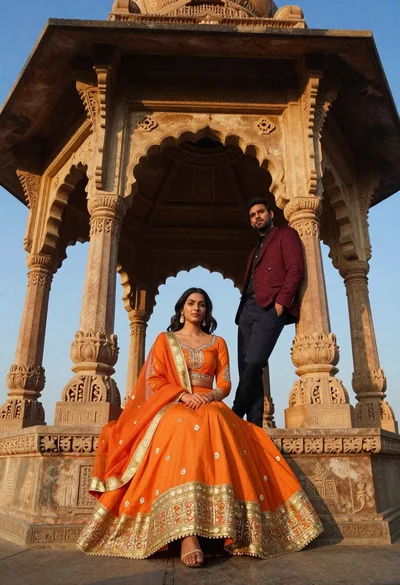
Couple in traditional attire posing inside an ornate stone pavilion
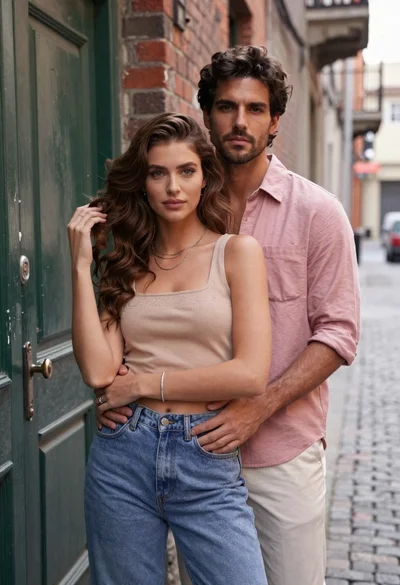
Young couple embracing in an urban alleyway by a green door
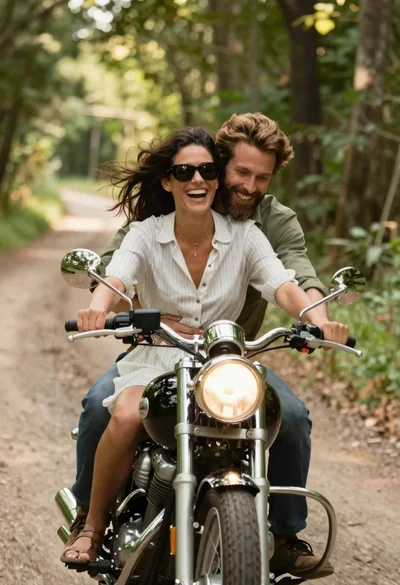
Joyful couple on classic motorcycle through sunlit forest path
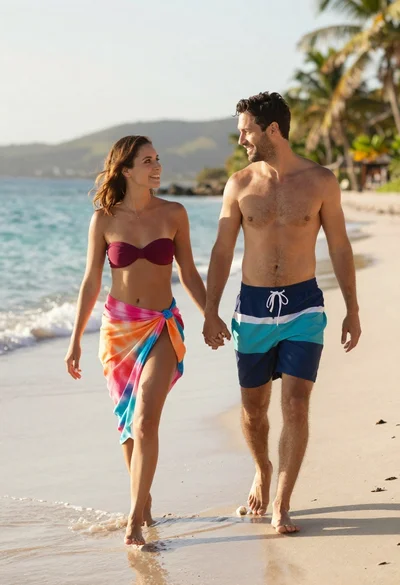
Smiling couple walking hand in hand on beach at sunset

Stylish couple holding hands in a minimalist white arched corridor
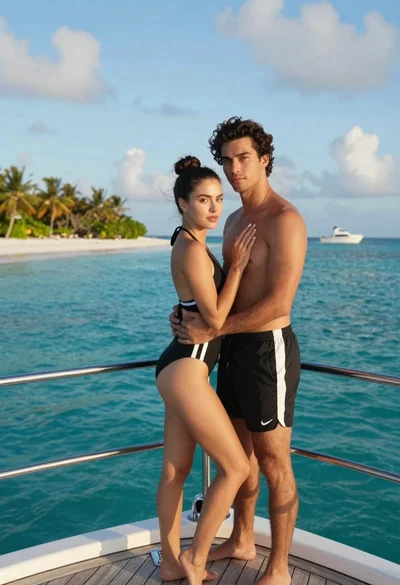
Romantic couple embracing on a luxury yacht in a tropical paradise

Romantic couple dancing intimately on cobblestone street at dusk