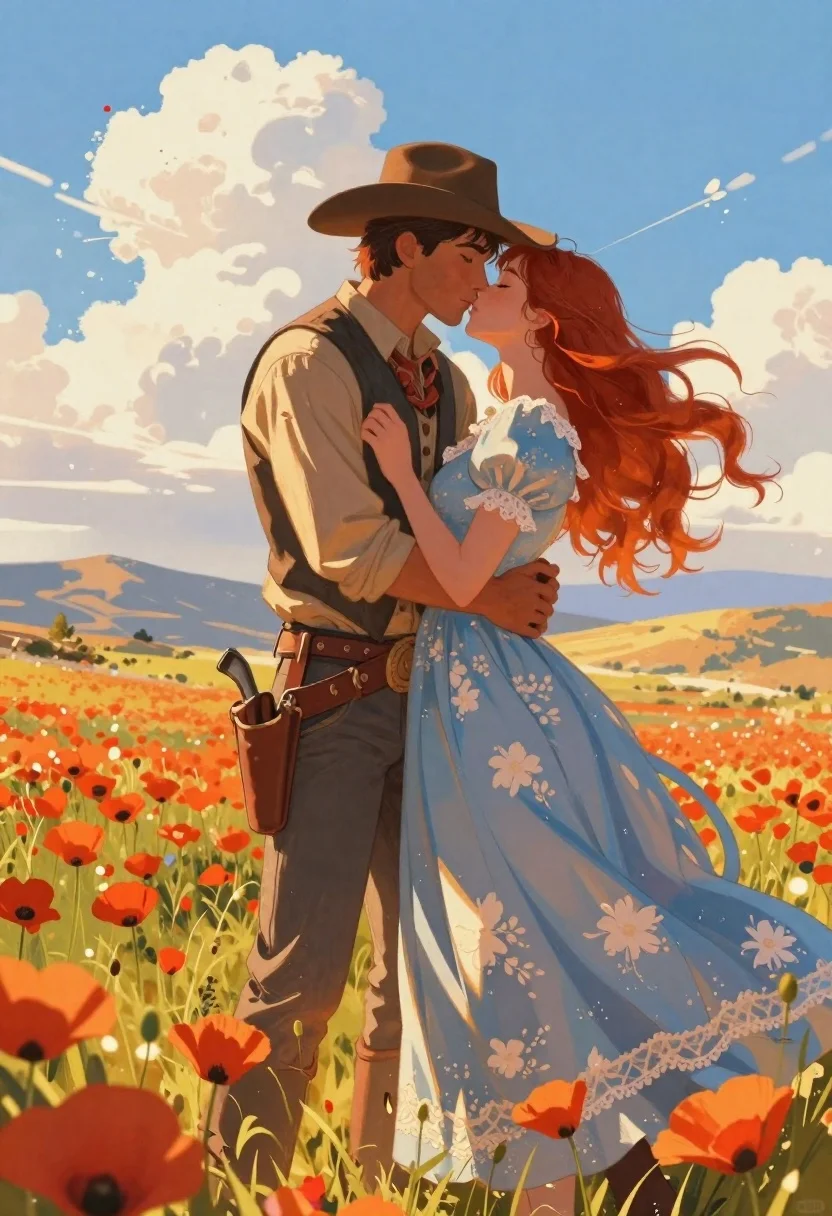
Cowboy and woman embracing in a poppy field
Prompt
Digital painting of a romantic Western scene featuring a cowboy and his partner embracing in a vibrant poppy field under a bright blue sky with fluffy clouds.

Subject: A man wearing a brown wide-brimmed hat, tan shirt, dark vest, grey trousers, leather belt with pouches, holding the woman close; A woman with long flowing red hair, eyes closed leaning into him, dressed in an elegant light-blue floral gown with puffed sleeves and lace details.

Clothing: The man wears rugged Western attire including a brown hat, tan button-up shirt, dark vest over it, grey pants secured by a wide leather belt equipped with gun holster and pouches; the woman is wrapped in a flowing pale blue dress adorned with white floral patterns, featuring puffed sleeves and lace trim around neck and wrists.

Action: They are locked in an intimate embrace facing each other forehead to forehead about to kiss, his arms encircling her waist while she holds onto his vest tightly.

Environment: Rolling orange poppy flowers fill the foreground surrounding their legs; distant hills glow with warm sunset hues under a vast sky filled with soft white clouds and streaks of sunlight.

Lighting: Bright daylight bathes them in golden warmth, casting gentle shadows beneath petals and across fabric folds enhancing depth and texture throughout composition.

Style Details: Soft brushwork blended with clean linework reminiscent of classic Western illustration style mixed with anime-inspired character design elements for fluidity and emotionality.
Description
This prompt is useful for creating romantic storybook illustrations, concept art for animated features, and narrative scene visualizations. The combination of 'soft brushwork blended with clean linework' grounds the piece in a recognizable illustration style while the 'anime-inspired character design elements' ensure the embrace feels emotionally fluid rather than stiffly posed, perfectly supporting intimate storytelling moments.
Suggestions
- Change 'vibrant poppy field' to 'deep crimson poppy field' for more saturated color.
- Adjust 'bright blue sky with fluffy clouds' to 'dramatic stormy sky' for higher contrast.
- Swap 'golden warmth' in the lighting for 'soft dappled sunlight' to change the mood.
Category
Tags
AnimeBrown HairFemaleForestFull BodyMaleOutdoorsRed HairTraditional WearWide Shot
Date added
June 19, 2026
Added by
PromptDexter Team
Related Prompts
More prompts with similar categories and tags.

Man on mushroom in magical forest at night
Elf woman reading map in ruined castle archway
Black and white line drawing of a dancing couple
Girl in puddle during rainstorm surrounded by flowers
Woman on park bench under autumn trees illustration
Girl holding enormous flower in autumn field
Couple embracing in front of a large pink heart watercolor illustration
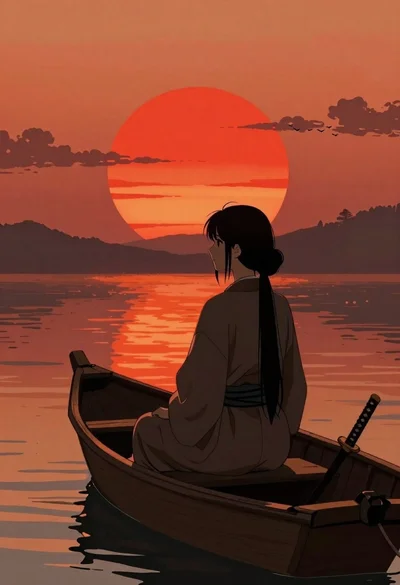
Woman silhouette on boat at sunset anime illustration