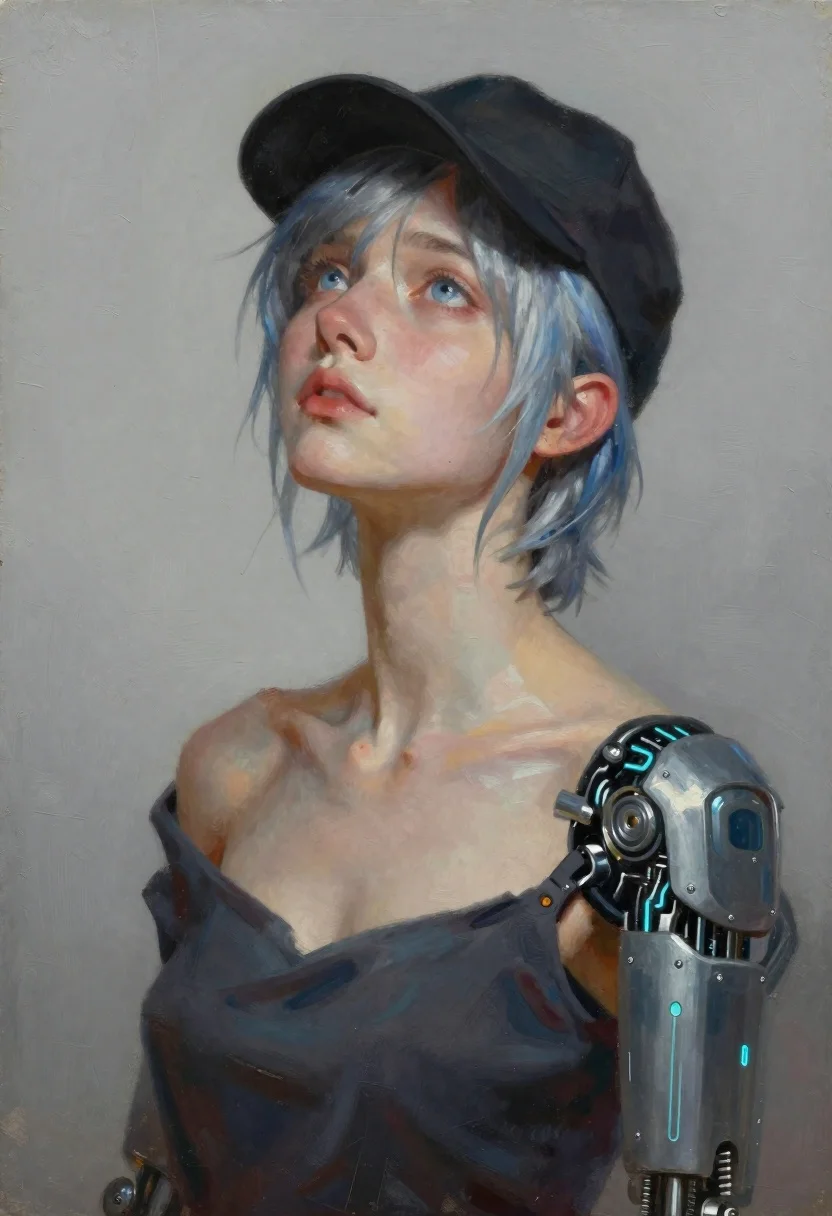
Oil painting portrait of woman with cybernetic arm
Prompt
Oil painting portrait of a young woman with short silver-blue hair and piercing blue eyes gazing upward in quiet contemplation.

Subject: young woman with short silver-blue hair, piercing blue eyes, soft expression of wonder or melancholy, slight upward head tilt.

Clothing: black cap worn low over her forehead, dark off-the-shoulder top revealing collarbones and upper chest.

Action: relaxed shoulders and still posture despite cybernetic enhancement.

Objects: detailed mechanical prosthetic arm featuring metallic plates and glowing cyan circuitry along the forearm.

Environment: flat neutral gray wall with faint painterly brushstroke textures.

Lighting: soft upper-left lighting casting gentle shadows on the right side of her face and shoulder while highlighting cheekbones, nose bridge, and metallic prosthetic details.

Camera: close-up bust shot at eye level with shallow depth of field focusing on facial expression and mechanical joint details.

Style Details: visible impasto brushstrokes, blend of realism and cyberpunk digital art aesthetics, sci-fi concept illustration atmosphere.
Description
This prompt is useful for creating character concept art for video games, book covers for dystopian fiction, and high-end editorial pieces featuring advanced technology. The combination of 'visible impasto brushstrokes' with the 'metallic plates and glowing cyan circuitry' grounds the futuristic subject matter in a tangible, painterly medium, preventing the cybernetic elements from looking purely digital or sterile against the soft focus on her face.
Suggestions
- Change 'silver-blue hair' to 'iridescent blue hair' for more visual complexity.
- Add 'rain streaks on the wall' to enhance the environment's mood.
- Swap 'soft expression of wonder or melancholy' for 'stoic determination' to change the emotional tone.
Category
Tags
ArmorBlack HairClose UpDigital ArtFemalePortrait Shot
Date added
June 19, 2026
Added by
PromptDexter Team
Related Prompts
More prompts with similar categories and tags.

Cybernetic android portrait in red scifi setting
Close up portrait of womans face made of cascading green digital code
Bluehaired cyborg warrior in futuristic tactical gear
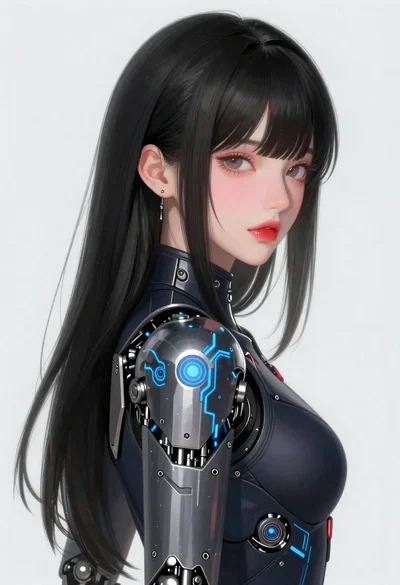
Young woman in futuristic bodysuit with mechanical armor
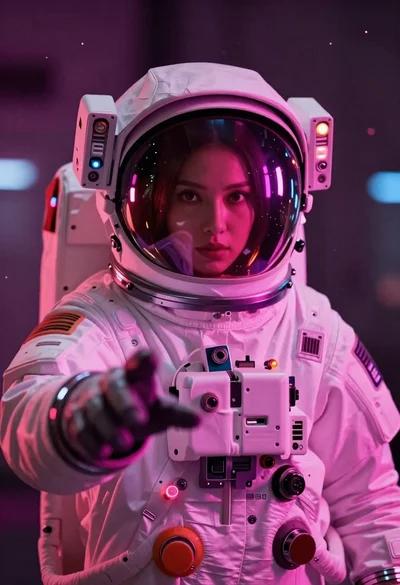
Astronaut portrait reflecting neon city lights

Neon circuitry portrait of a humanoid face
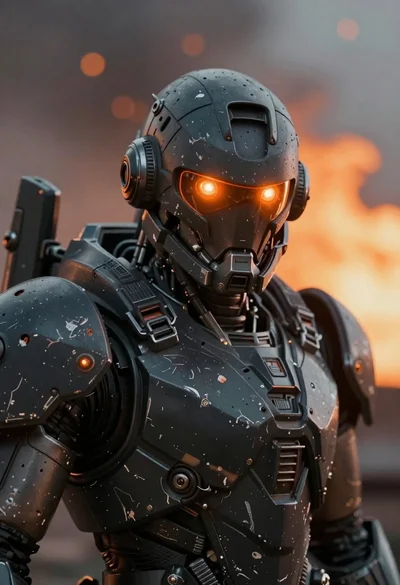
Close up of weathered mecha warrior in a battlefield setting

Futuristic android woman in metallic corridor