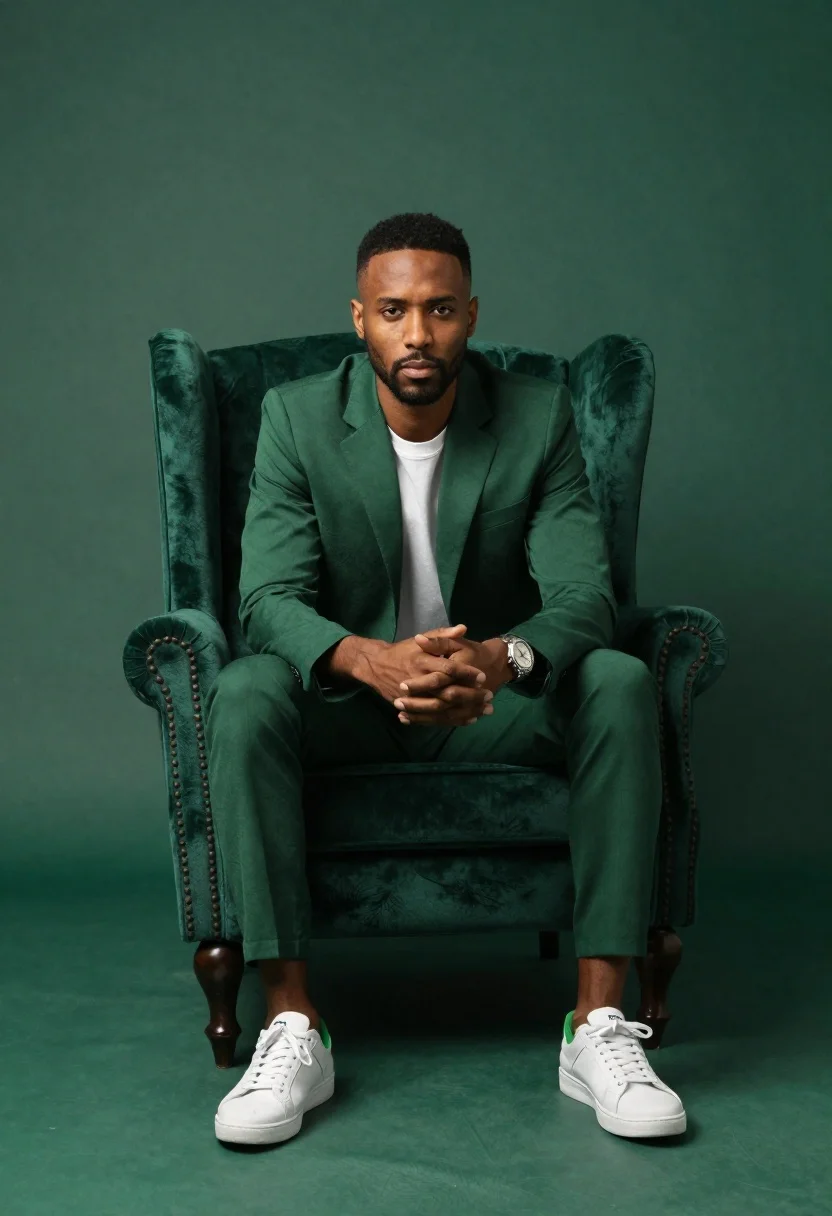
Darkskinned man in emerald suit seated in green armchair
Prompt
A high-end studio portrait of a confident man seated in an emerald green wingback armchair

Subject: A dark-skinned man with short hair and facial stubble, sitting upright facing the camera directly

Clothing: Wearing a matching tailored emerald green suit jacket and trousers over a plain white crew-neck t-shirt, paired with crisp white sneakers featuring green accents on the heel tab

Accessories: Sports a silver wristwatch on his left wrist

Action: His hands are clasped together in his lap, fingers interlaced; he maintains steady eye contact with a neutral to serious expression.

Environment: A seamless studio backdrop and floor painted entirely in varying shades of deep forest green, creating an immersive monochromatic setting that matches the subject's suit.

Lighting: Softbox lighting illuminates him from the front-left side, casting gentle shadows on his face and body while highlighting the texture of the fabric; overall mood is polished yet intimate.

Camera: Eye-level medium shot framing him fully in the chair with slight downward angle to include his shoes; shallow depth of field blurs edges subtly for focus on expression.

Style Details: Cinematic color grading emphasizing rich green tones, clean composition typical of fashion or brand photography, professional retouching quality.
Description
This prompt is useful for creating high-end menswear lookbooks, luxury brand advertising campaigns, and editorial features focusing on monochromatic palettes. The combination of 'emerald green wingback armchair' against the 'deep forest green' backdrop establishes a rich, immersive color field that prevents the subject from looking disconnected, while the 'softbox lighting' ensures facial details remain visible despite the overall dark, polished mood.
Suggestions
- Change 'plain white crew-neck t-shirt' to 'silk turtleneck' for more formality.
- Swap 'silver wristwatch' for a 'black matte watch' to deepen the contrast.
- Adjust 'shallow depth of field' to 'medium depth of field' to keep the chair texture visible.
Category
Tags
Casual WearDark SkinFull BodyMaleMedium ShotPortrait ShotRealisticSportswearStudio
Date added
June 19, 2026
Added by
PromptDexter Team
Related Prompts
More prompts with similar categories and tags.
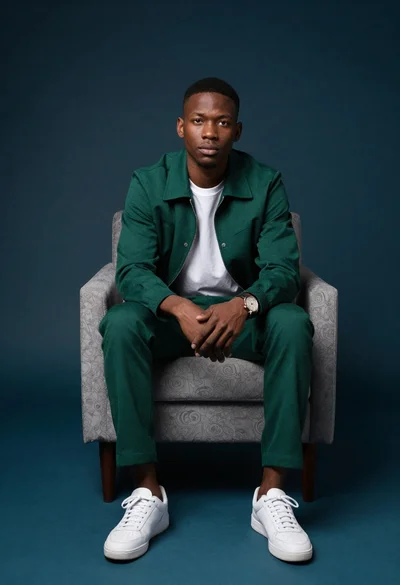
Young black man seated in armchair against teal background

Man in suit sitting on classic red car outdoors
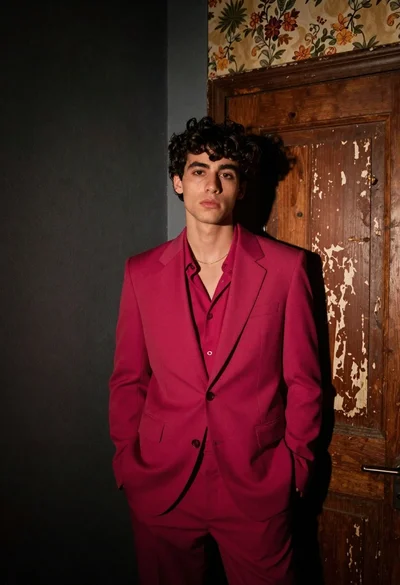
Young man in magenta suit jacket standing in dimly lit room with
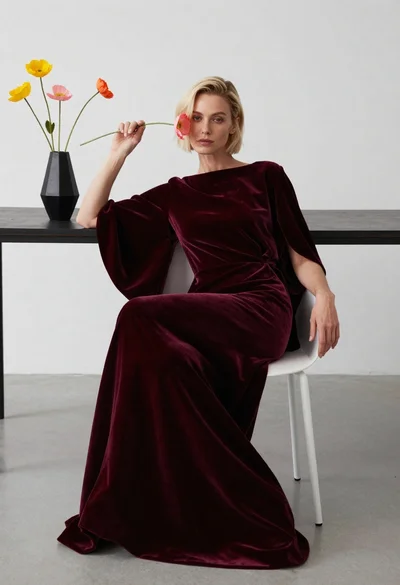
Blonde woman in burgundy velvet gown holding flower in white studio
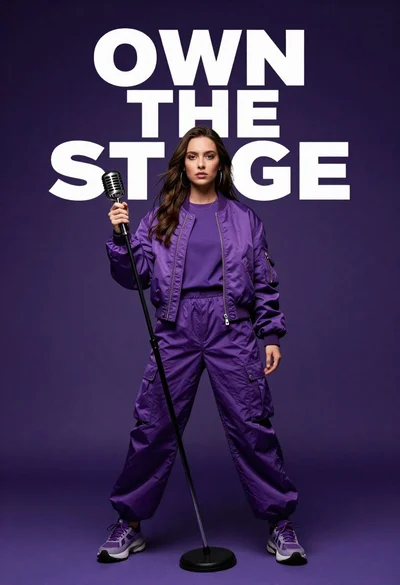
Singer in purple outfit with microphone against violet background
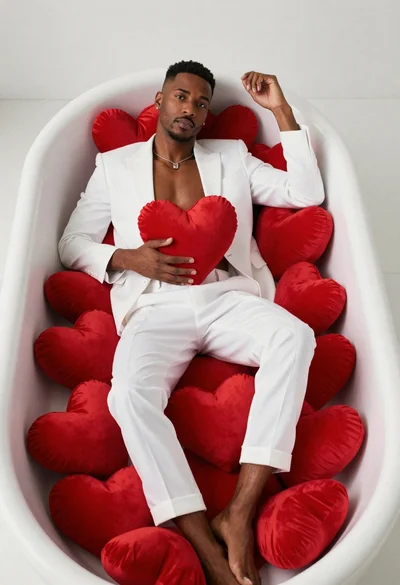
Black man lounging in white bathtub with heart pillows

Stylish man in black blazer against vibrant city skyline at night

Blonde woman in black suit leaning on ladder studio portrait