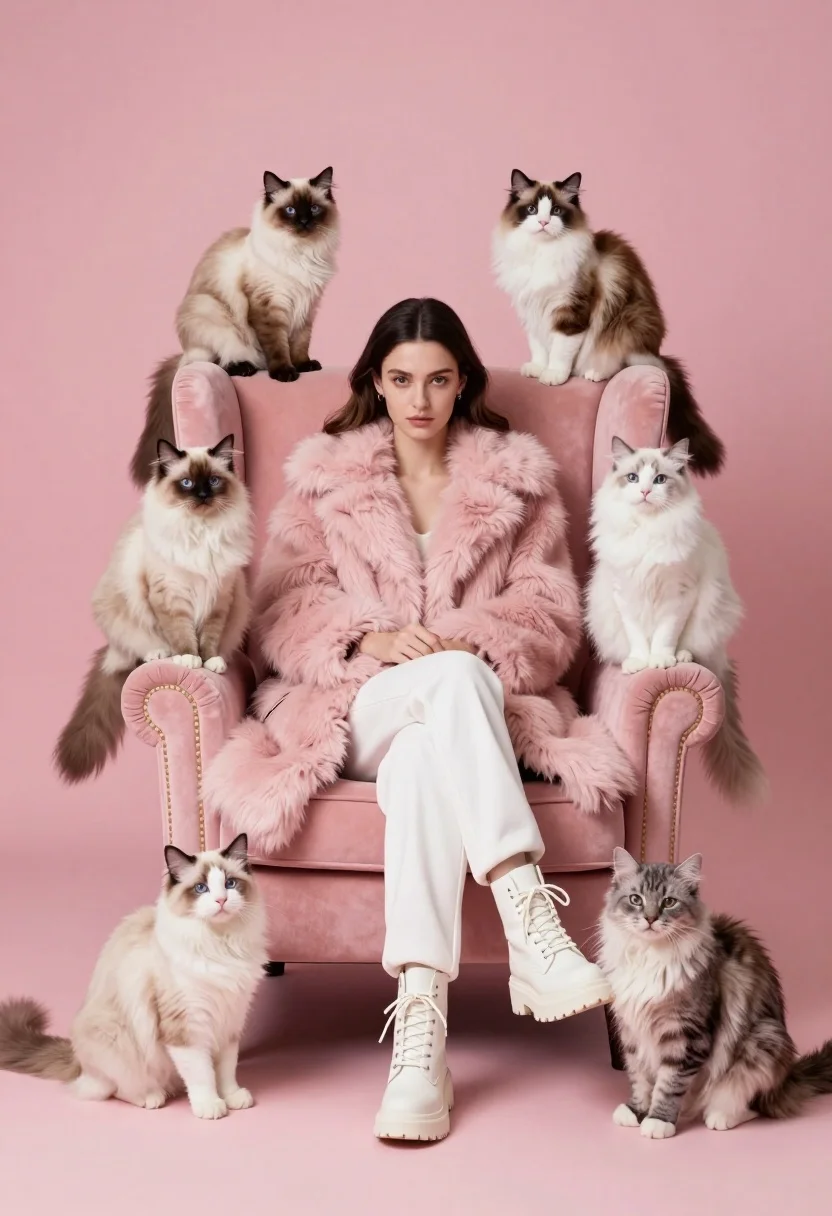
Woman in pink fur coat surrounded by six fluffy cats on pink
Prompt
A woman sits centrally in a plush pink armchair surrounded by six fluffy cats against a solid pink background.

Subject: A young woman with dark hair parted in the middle and fair skin, looking directly at the camera with a neutral expression.

Clothing: She wears a thick, fluffy pink fur coat, white trousers, and chunky white lace-up boots.

Action: The woman sits with her legs crossed at the ankles, hands resting on her lap, while the cats are perched on the chair's backrest, armrests, and floor around her.

Environment: A studio setting featuring a seamless solid pink backdrop that matches the color of the furniture.

Camera: Eye-level medium shot capturing the full seated figure and the surrounding animals with sharp focus.

Lighting: Soft, even studio lighting illuminating the scene from the front to minimize harsh shadows and highlight the textures of the fur.

Subject: Six long-haired cats in varying shades of cream, beige, grey, and white are positioned on the chair and floor around the woman.

Objects: A large, high-backed armchair upholstered in pink faux fur that matches the coat.

Style Details: High-fashion editorial aesthetic with a monochromatic pink color palette and hyper-realistic rendering quality.
Description
This prompt is useful for creating whimsical pet portraiture, luxury brand advertising featuring animals, and highly stylized fashion editorials. The combination of 'soft, even studio lighting' and the 'monochromatic pink color palette' ensures that every texture, from the 'fluffy pink fur coat' to the cats' coats, receives consistent illumination without harsh shadows, which is crucial for maintaining a cohesive, high-end visual narrative.
Suggestions
- Change 'solid pink background' to 'blush pink gradient backdrop' for more depth.
- Swap 'thick, fluffy pink fur coat' for 'velvet pink opera coat' to alter the material feel.
- Add 'bokeh effect' to the camera settings to soften the edges around the cats.
Category
Tags
AnimalCasual WearFair SkinFemaleFull BodyMedium ShotPortrait ShotRealisticStudio
Date added
August 5, 2026
Added by
PromptDexter Team
Related Prompts
More prompts with similar categories and tags.
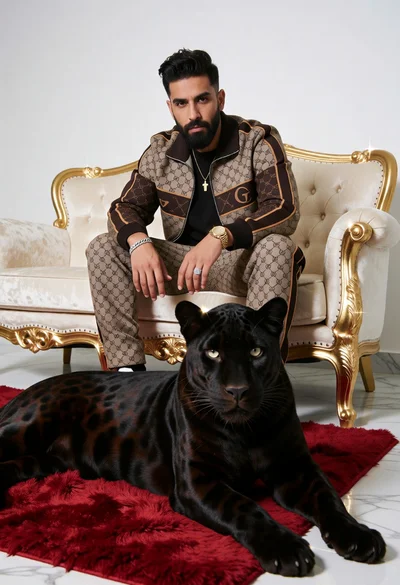
Man in monogrammed tracksuit with black panther on cream sofa
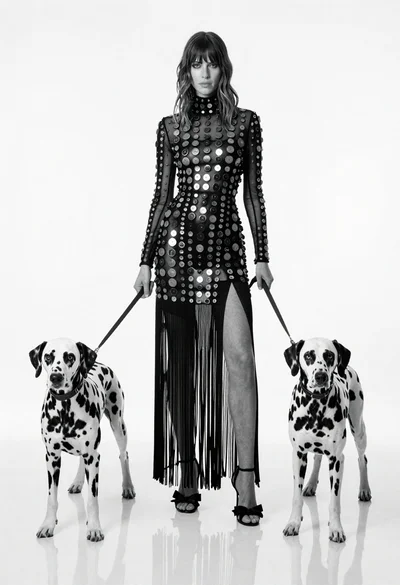
Full length black and white portrait of woman with two dalmatian dogs
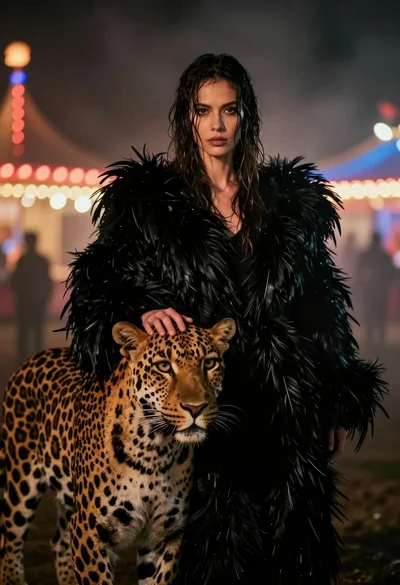
Woman with leopard in feathered coat against misty carnival lights at night
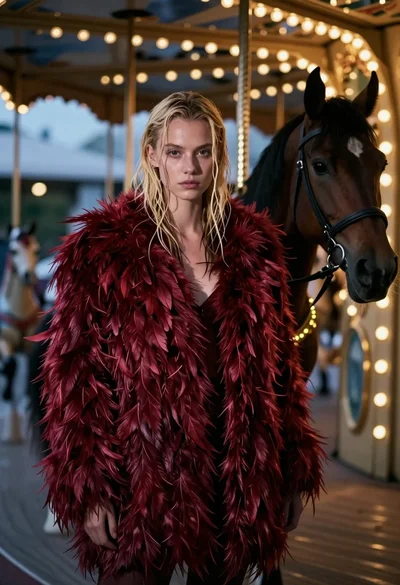
Woman in red feather coat stands near brown horse inside dimly lit
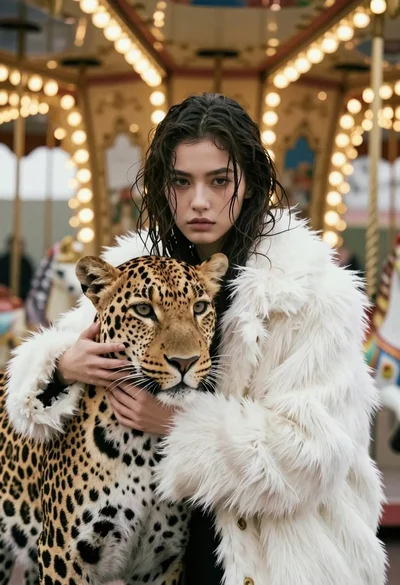
Cinematic portrait of woman holding leopard near glowing carousel lights

Monkey wearing pink feathered high heels in a light grey studio setting
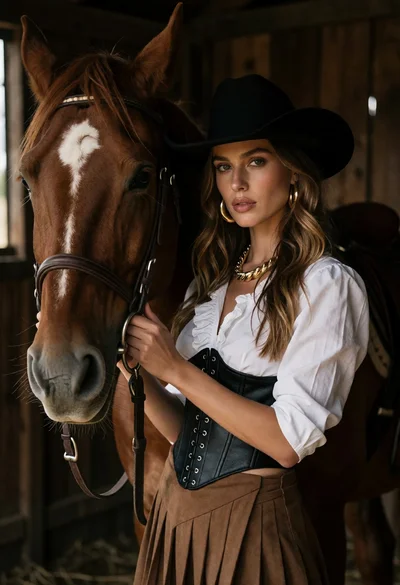
Woman in western attire posing intimately with chestnut horse inside wooden stable
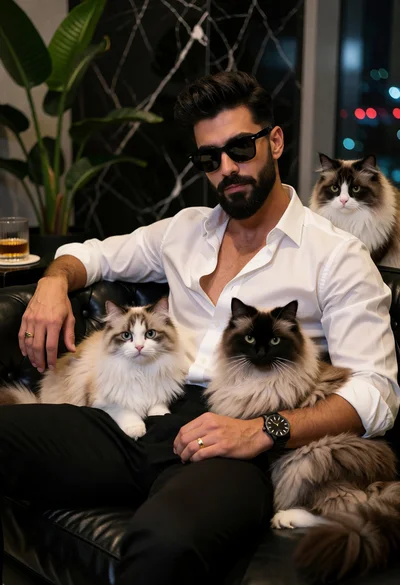
Stylish man with beard sitting on black couch surrounded by three fluffy

Young woman in white lehenga sitting with beagle dog in studio setting
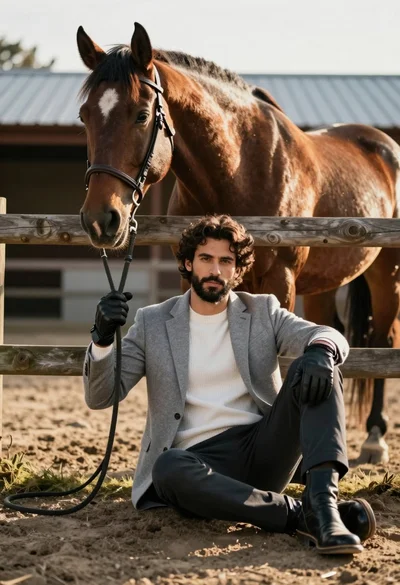
Handsome man with dark curly hair holding reins of large brown horse