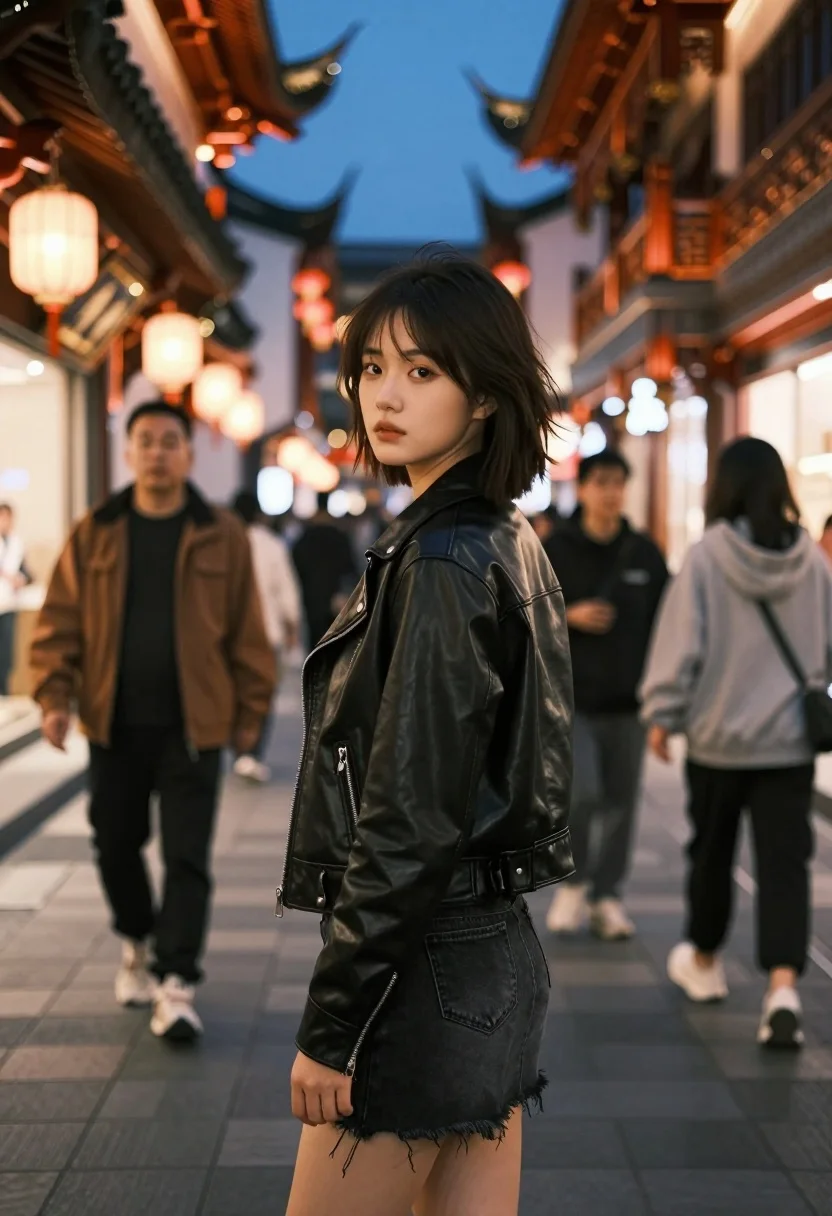
East asian woman in black leather jacket on bustling chinese street at
Prompt
A young woman stands in the foreground looking back over her shoulder at the camera with a neutral expression.

Subject: A young East Asian woman with short, slightly messy dark hair and fair skin.

Clothing: She wears a black leather moto jacket with silver zippers and a black denim mini-skirt with frayed hems.

Action: Standing still in a three-quarter pose, turning her head to look directly at the viewer while facing away from the camera.

Environment: A bustling pedestrian street lined with traditional Chinese architecture featuring ornate wooden eaves and warm glowing lanterns against a dark evening sky.

Camera: Medium shot capturing the subject from the thighs up, utilizing a shallow depth of field that blurs the background crowd and architectural details to emphasize the main figure.

Lighting: Warm ambient light emanating from street lamps and building windows creates a soft glow on the subject's face and jacket, contrasting with the cool blue tones of the night sky.
Second

Subject: Blurred figures of pedestrians walking in both directions in the background, including a man in a brown jacket to the left and a man in a grey hoodie to the right.

Objects: Traditional wooden lanterns hanging from the eaves and paved stone ground.

Style Details: Cinematic photography style with high contrast between warm artificial lights and cool shadows, featuring a bokeh effect on the background elements.
Description
This prompt is useful for creating cinematic streetwear editorials, moody character portraits, and concept art depicting urban mystery. The combination of 'warm ambient light' contrasting with 'cool blue tones of the night sky,' alongside the shallow depth of field, directs all focus onto the subject while using the blurred background crowd to establish a sense of immersive, high-contrast narrative.
Suggestions
- Change 'black leather moto jacket' to 'distressed black leather trench coat' for more drama.
- Swap 'ornate wooden eaves' for 'neon-lit signage' to modernize the setting.
- Adjust 'medium shot' to 'full body shot' to better capture the environment.
Category
Tags
3/4 AngleBack ViewBlack HairCasual WearClose UpDark SkinFemaleFull BodyMedium ShotOutdoorsPortrait ShotRealisticStreetStreetwearTraditional ArtUrban
Date added
July 12, 2026
Added by
PromptDexter Team
Related Prompts
More prompts with similar categories and tags.
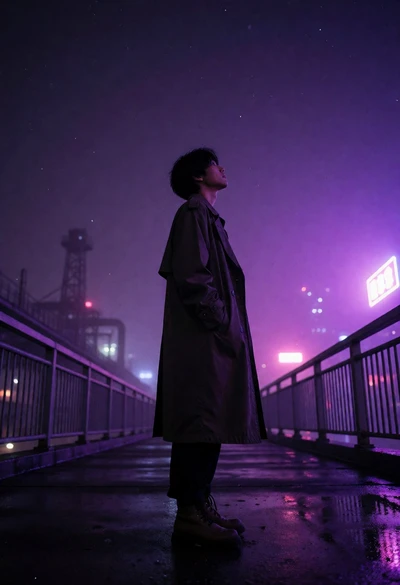
Solitary figure in long coat on wet walkway under purple neon sky
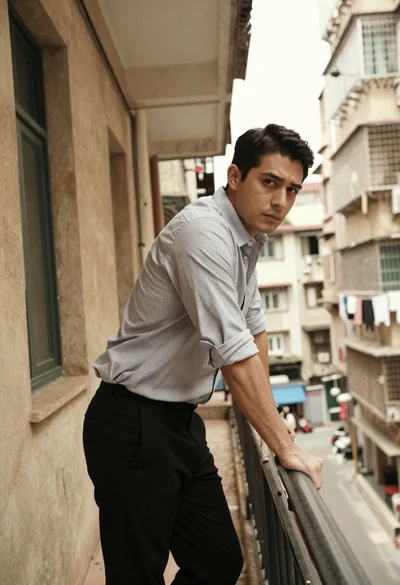
Man in pinstriped shirt leaning on balcony railing in urban alley
Young woman in blue cardigan at rainy city bus stop at night
Young man in black suit profile against smoky backdrop neon lighting
Close up profile portrait of young man with dark curly hair and
Hyperrealistic low angle shot of superhero crouching on cracked asphalt debris
Young east asian woman on railing in busy japanese city street at
Sad young woman in trench coat leaning against glass door at night
Woman in white dress standing in a field of yellow flowers
Man and woman standing close together in the rain on city street