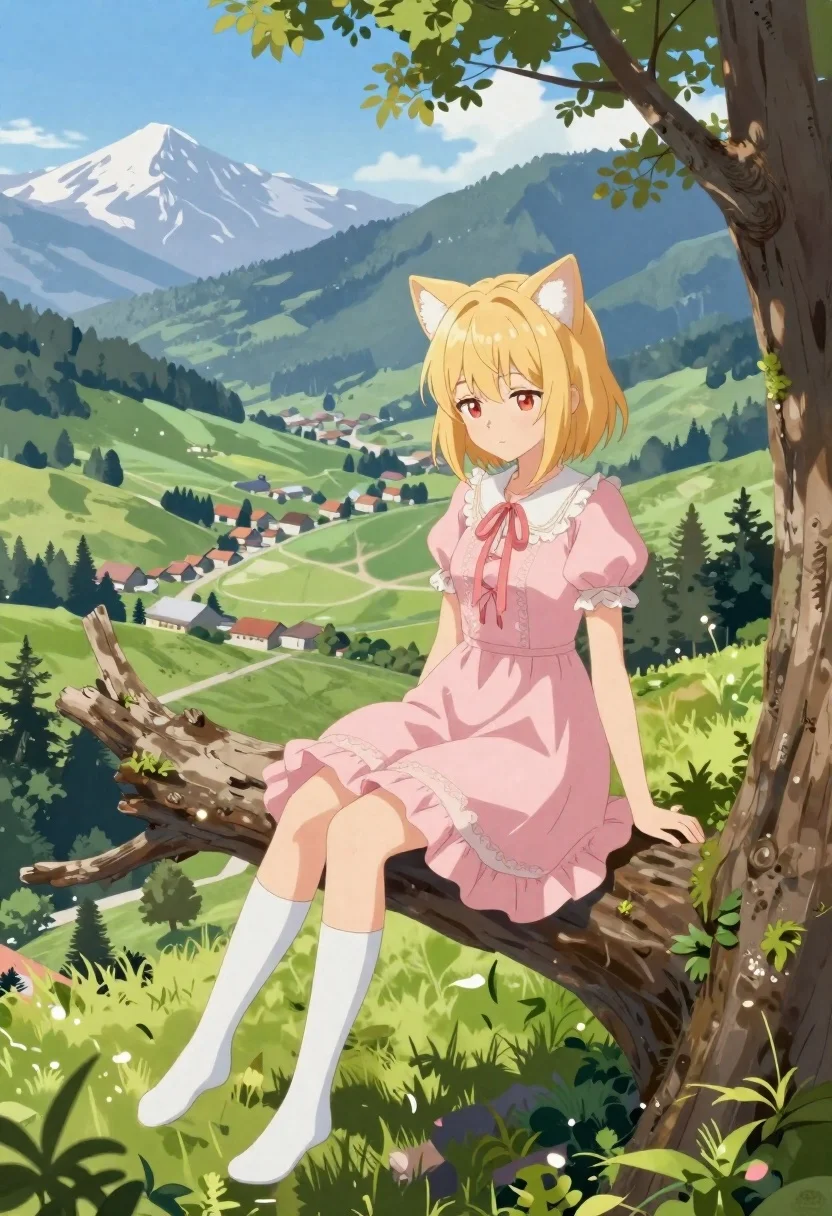
Anime girl on tree branch overlooking green mountain valley
Prompt
Anime illustration of a blonde girl with cat ears sitting on a large tree branch overlooking a mountain valley

Subject: young female anime character with soft golden hair and red eyes, wearing white fluffy cat ears that match her hairstyle

Clothing: elegant pastel pink dress featuring ruffled layers along the hem, lace trim at collar and cuffs, delicate ribbon ties across bodice, matching knee-high socks in white fabric

Action: relaxed seated pose on thick tree limb with legs crossed slightly forward, gentle downward gaze toward valley below, peaceful expression with faint smile

Environment: expansive scenic backdrop of rolling green hills dotted with pine trees, quaint village nestled mid-slope with clustered houses under blue sky, distant snow-capped mountains framing horizon

Camera: wide-angle perspective capturing both character and sweeping landscape, slightly elevated viewpoint emphasizing depth between foreground figure and background scenery

Lighting: bright natural daylight casting soft highlights on hair and dress folds, subtle lens flare near upper left corner adding dreamy atmosphere, even illumination across scene without harsh shadows

Style Details: semi-realistic anime rendering with painterly brushwork textures blended into digital coloring, vibrant saturated colors balanced by gentle gradients in sky and foliage.
Description
This prompt is useful for creating whimsical character concept art, storybook illustrations, and serene background key art. The combination of 'semi-realistic anime rendering' with 'painterly brushwork textures' ensures the subject feels integrated into the vast landscape rather than pasted onto it, while the 'bright natural daylight' prevents the delicate pastel pink dress from looking flat against the saturated green hills.
Suggestions
- Change 'pastel pink dress' to 'sky blue dress' for better contrast with the foliage.
- Add 'bokeh effect in background' to soften the distant village details.
- Swap 'cat ears' for 'fox ears' if you want a different animal motif.
Category
Tags
AnimeBlondeFemaleForestFull BodyMountainsOutdoorsWide Shot
Date added
June 19, 2026
Added by
PromptDexter Team
Related Prompts
More prompts with similar categories and tags.
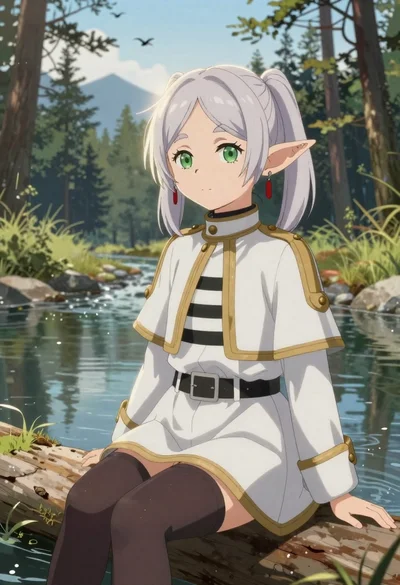
Elf girl by a stream in a serene forest setting
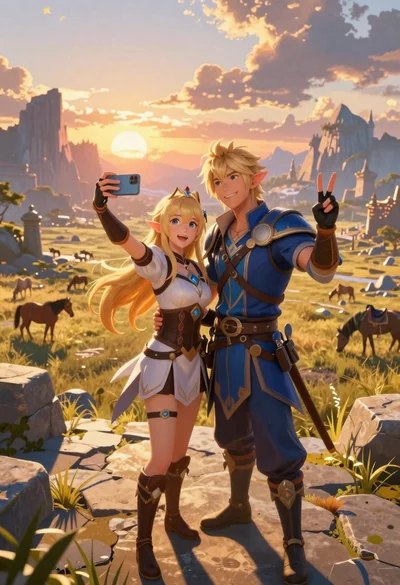
Anime couple taking selfie overlooking fantasy kingdom sunset
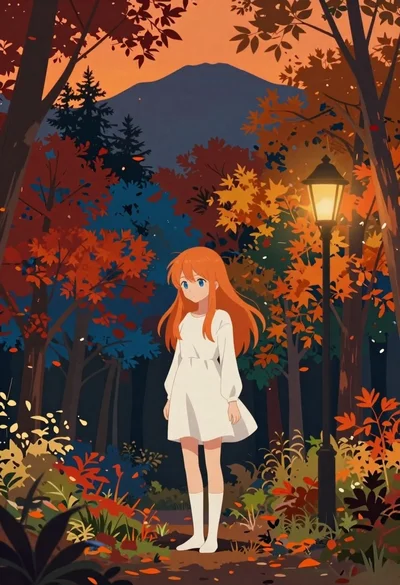
Anime girl in autumn forest with colorful foliage

Elf wizard reading glowing book in starry night field

Anime cosplayer in sailor moon costume against outer space
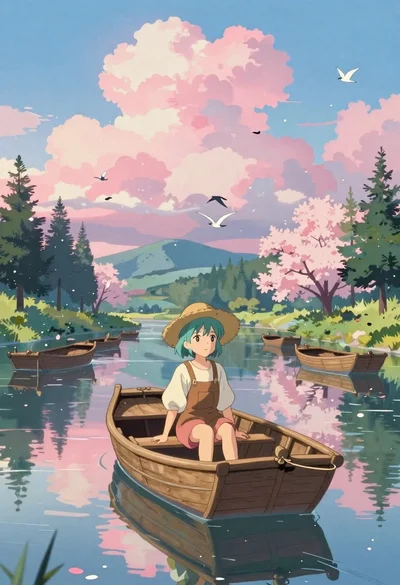
Anime girl in wooden rowboat on calm river

Anime girl walking on clouds under a rainbow sky
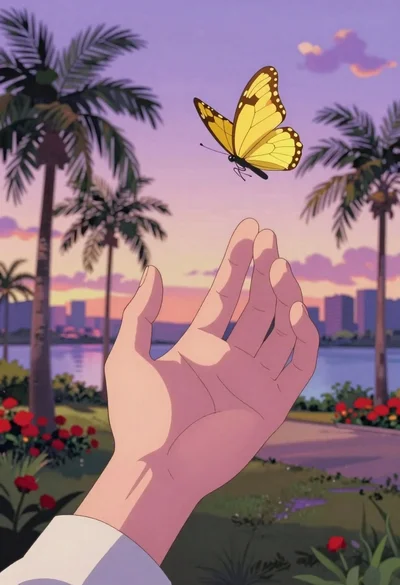
Anime hand reaching for yellow butterfly in tropical park