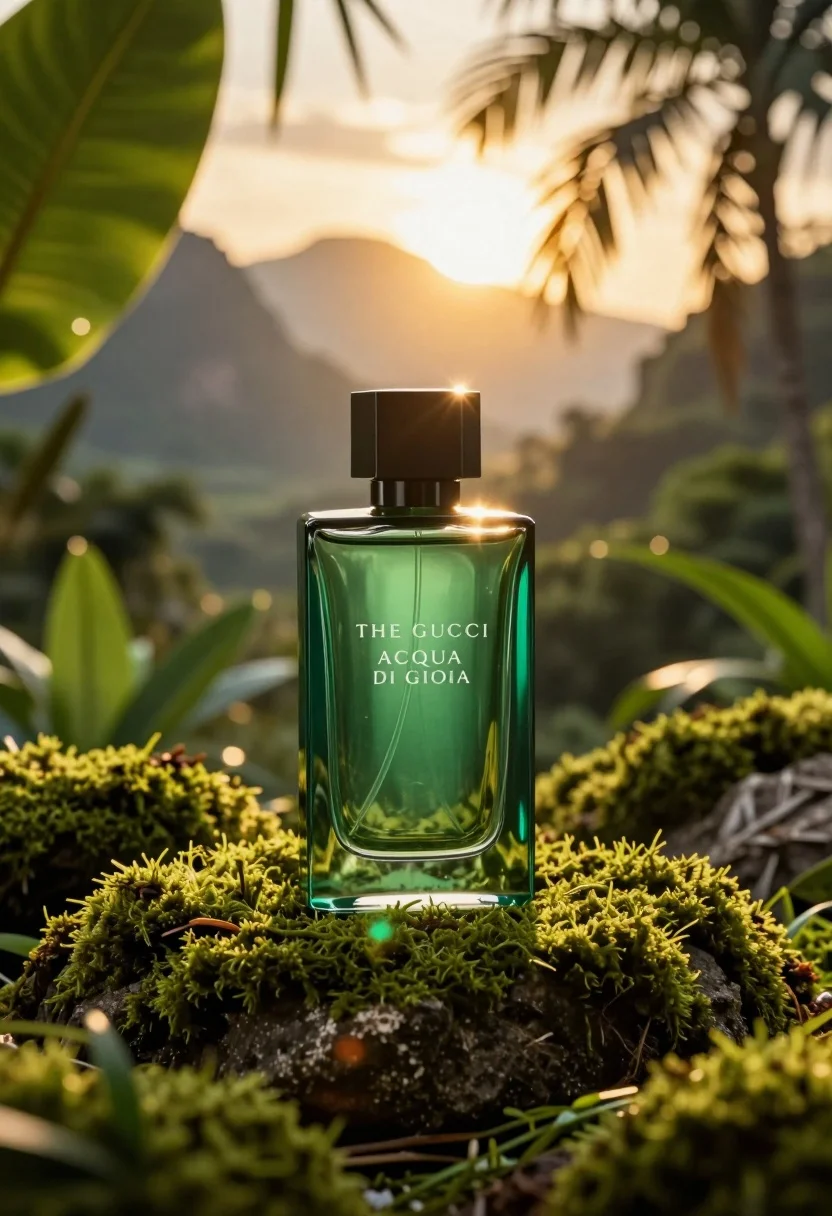
Emerald green perfume bottle on mossy rock in lush jungle setting
Prompt
A rectangular green glass perfume bottle sits centered on a mossy rock in a lush jungle setting with mountains and a bright sunburst in the background.

Subject: A sleek rectangular bottle made of translucent emerald green glass with a dark matte square cap.

Clothing: Not applicable.

Action: The bottle is stationary, standing upright on a bed of vibrant green moss.

Environment: A dense tropical jungle with large broad leaves and palm fronds framing the scene, set against a backdrop of hazy mountains under a golden sky.

Camera: Close-up shot with a shallow depth of field that blurs the background foliage and distant peaks to emphasize the bottle.

Lighting: Warm golden hour sunlight streams from behind the subject, creating a strong backlight effect and lens flares while illuminating the rim of the glass.

Objects: A bed of textured green moss serves as the base for the bottle.

Text/Graphics: The words "THE GUCCI" and "ACQUA DI GIOIA" are printed in white serif font on the front of the bottle.

Style Details: High-end commercial photography style with hyper-realistic textures, vivid color saturation, and a cinematic golden glow.
Description
This prompt is useful for creating high-end cosmetic advertising campaigns, editorial fragrance spreads, and luxury lifestyle catalog imagery. The combination of 'translucent emerald green glass' against the 'vibrant green moss' anchors the product while the 'warm golden hour sunlight' backlighting sculpts the bottle's edges, preventing it from looking flat against the complex jungle backdrop.
Suggestions
- Change 'emerald green glass' to 'deep sapphire glass' for a cooler tone.
- Replace 'golden sky' with 'overcast diffused light' for softer shadows.
- Adjust 'shallow depth of field' to 'bokeh effect' for more abstract background blur.
Category
Tags
Close UpMacro ShotMountainsOutdoorsRealistic
Date added
July 12, 2026
Added by
PromptDexter Team
Related Prompts
More prompts with similar categories and tags.
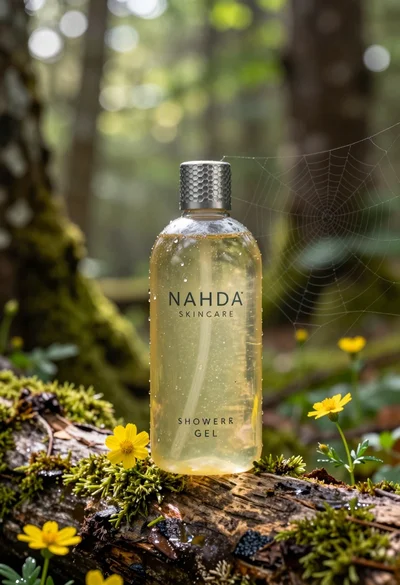
Product shot of shower gel bottle on mossy log in sundappled forest
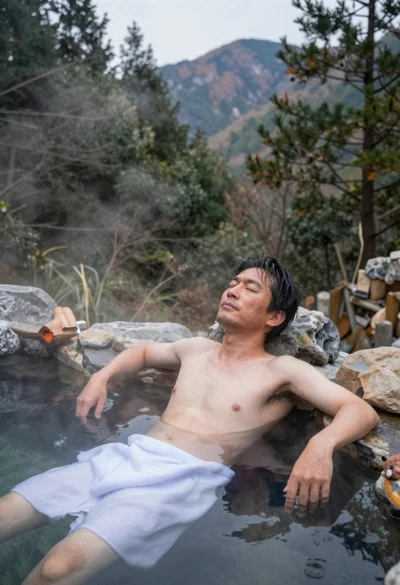
Middle aged japanese man soaking in misty outdoor hot spring among mountains
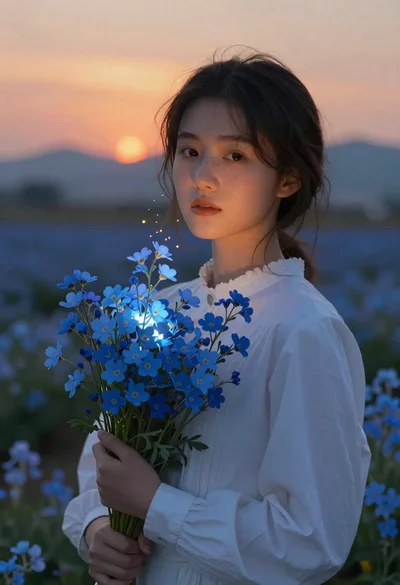
Young woman holding glowing blue flower bouquet at twilight sunset
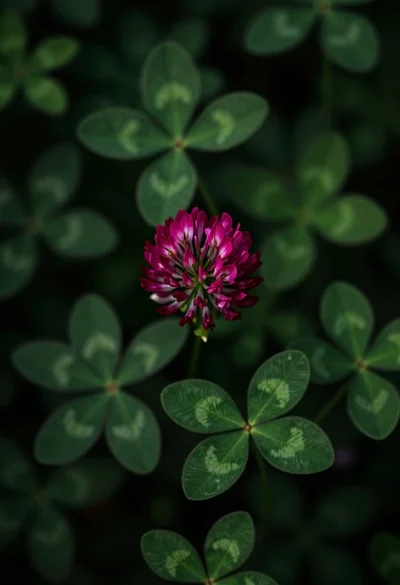
Close up view of vibrant magenta clover flowers in dense green foliage
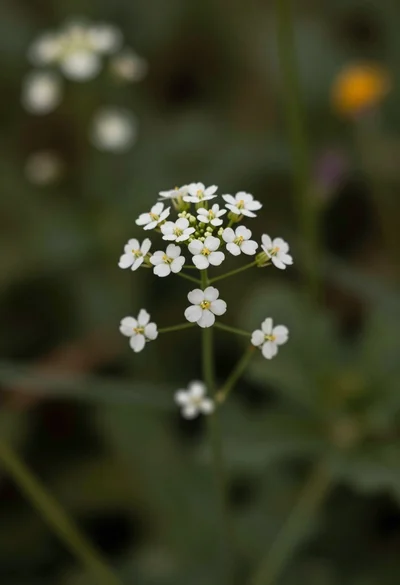
Macro photograph of delicate white wildflowers with yellow centers on dark green
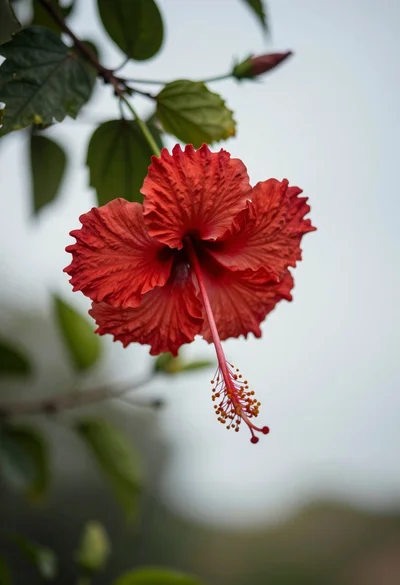
Close up photograph of vibrant red hibiscus flower against soft green bokeh
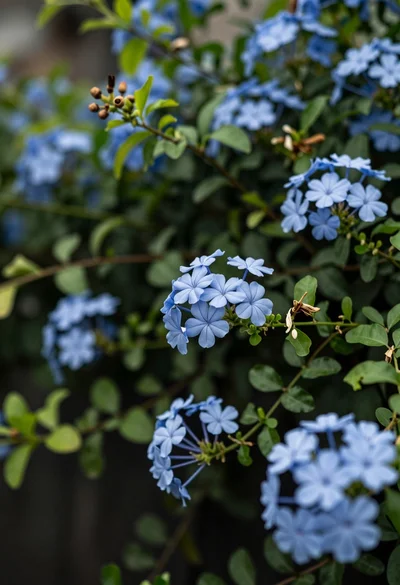
Close up of delicate light blue flowers blooming among dark green foliage
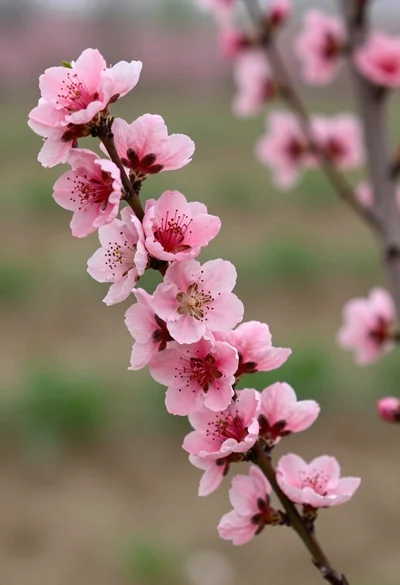
Close up view of vibrant pink peach blossoms on dark branches in
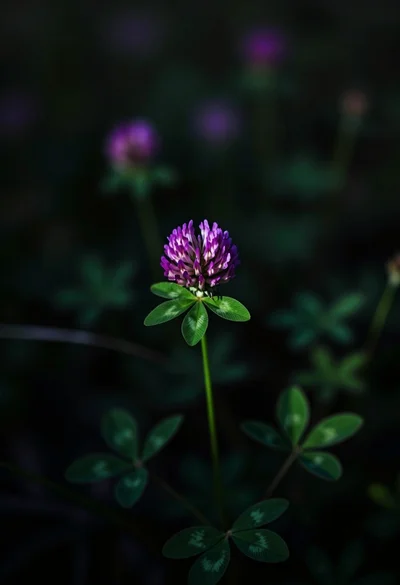
Close up photograph of vibrant purple clover flower on dark moody background
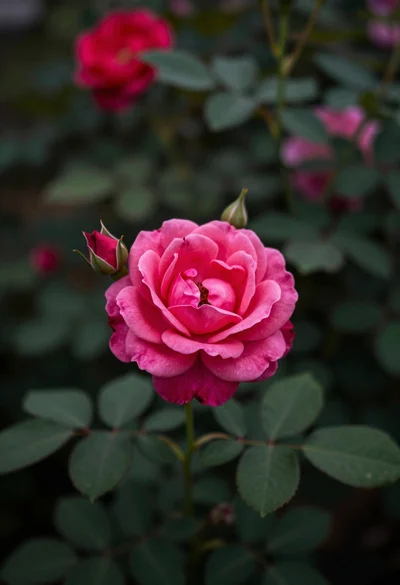
Close up photograph of vibrant pink rose bloom surrounded by lush green