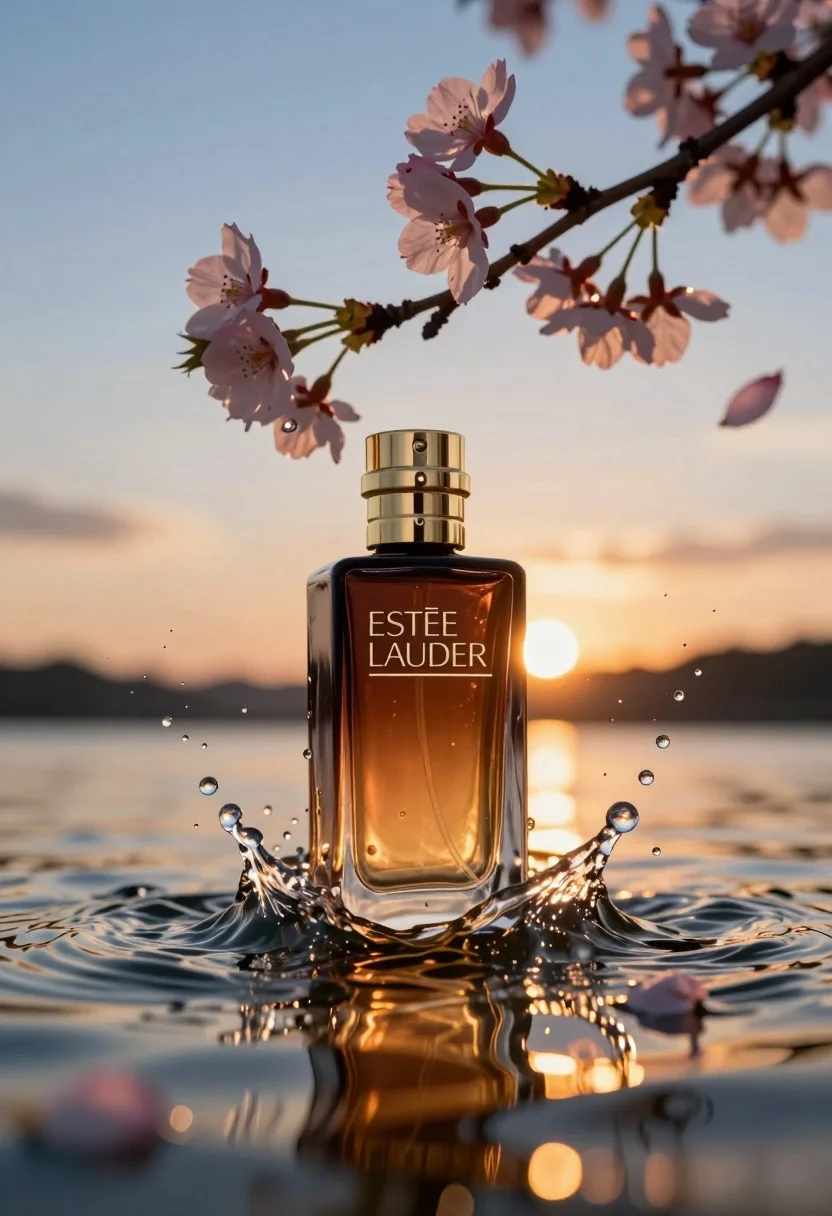
Luxurious amber perfume bottle submerged in water under sunset cherry blossoms
Prompt
A luxurious perfume bottle stands partially submerged in rippling water under a dramatic sunset sky.

Subject: A tall, rectangular glass perfume bottle with a dark amber hue and a polished gold cap.

Clothing: The bottle features the brand name "ESTĒE LAUDER" printed in elegant white serif lettering on its front face.

Action: The bottle is stationary but surrounded by dynamic splashes of water and floating droplets, while delicate cherry blossom branches with pink flowers arch over it from above.

Environment: The setting is a serene body of water reflecting the golden light of a sunset, with a gradient sky transitioning from deep blue to warm orange near the horizon.

Camera: A close-up shot with a shallow depth of field that keeps the bottle in sharp focus while softly blurring the background and foreground elements.

Lighting: Warm backlighting from the setting sun creates a glowing rim light around the gold cap and illuminates the water droplets, casting long reflections on the surface.

Objects: Floating cherry blossom petals and small water droplets are scattered around the bottle to enhance the ethereal atmosphere.

Text/Graphics: The text "ESTĒE LAUDER" is clearly visible in white capital letters on the front of the bottle.

Style Details: High-end commercial photography style with hyper-realistic textures, cinematic color grading, and a polished, elegant aesthetic.
Description
This prompt is useful for creating high-end cosmetic advertisements, luxury brand catalog visuals, and editorial mood boards centered on ephemeral beauty. The combination of 'warm backlighting' to create a glowing rim light around the gold cap, paired with the shallow depth of field, ensures the product remains sharply focused against the soft blur of the background elements, which is crucial for conveying premium quality.
Suggestions
- Change 'dark amber hue' to 'smoked glass' for a more modern look.
- Swap 'cherry blossom petals' for 'peony blossoms' to alter the floral feel.
- Adjust 'deep blue to warm orange' to 'magenta to gold' for a richer sunset gradient.
Category
Tags
Close UpMacro ShotOutdoorsRealistic
Date added
July 12, 2026
Added by
PromptDexter Team
Related Prompts
More prompts with similar categories and tags.
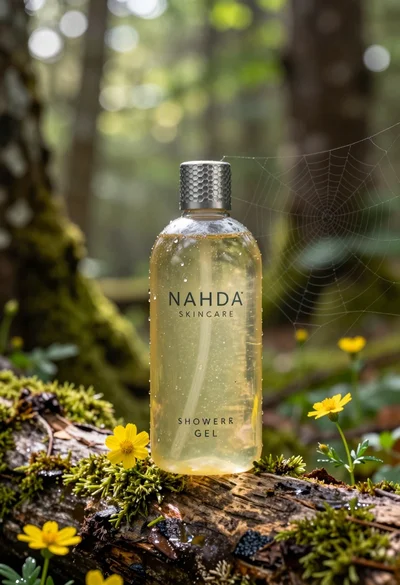
Product shot of shower gel bottle on mossy log in sundappled forest
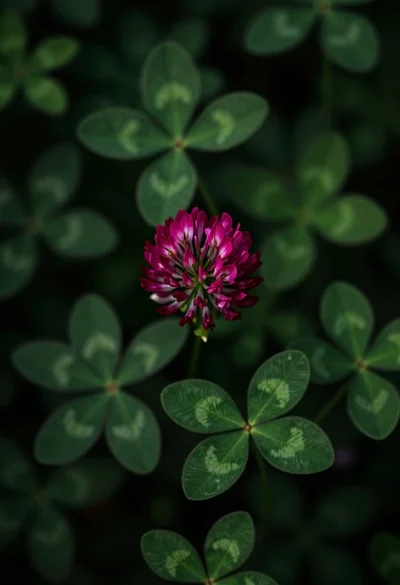
Close up view of vibrant magenta clover flowers in dense green foliage
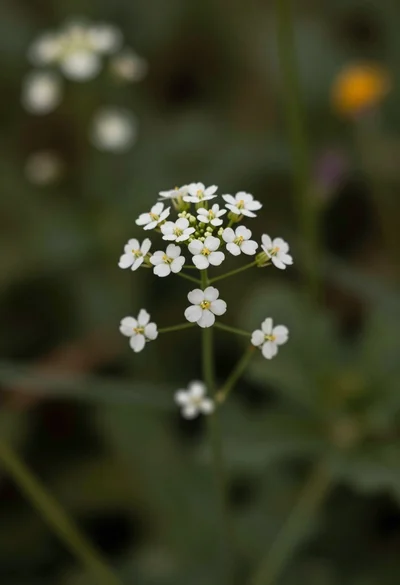
Macro photograph of delicate white wildflowers with yellow centers on dark green
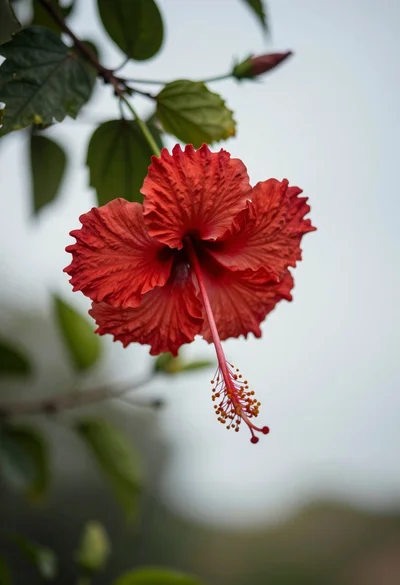
Close up photograph of vibrant red hibiscus flower against soft green bokeh
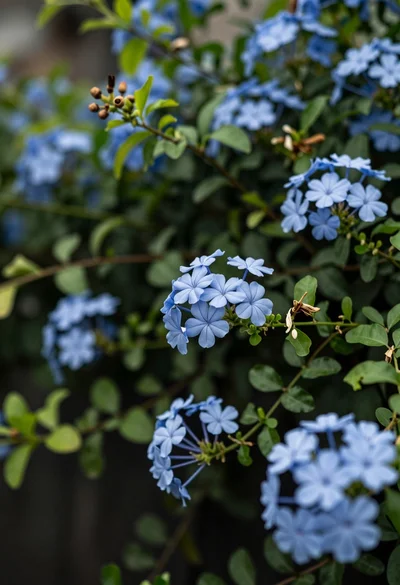
Close up of delicate light blue flowers blooming among dark green foliage
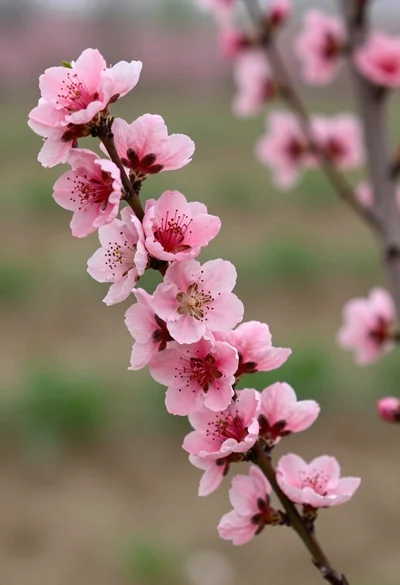
Close up view of vibrant pink peach blossoms on dark branches in
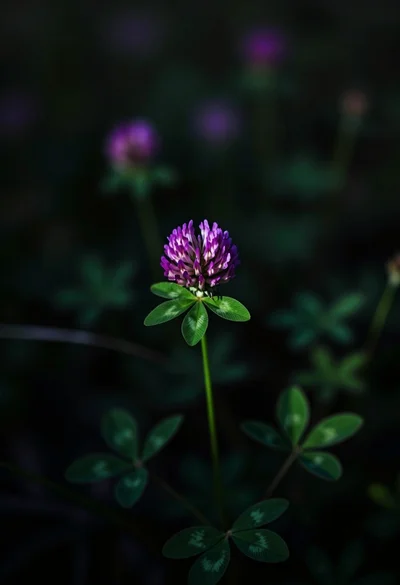
Close up photograph of vibrant purple clover flower on dark moody background
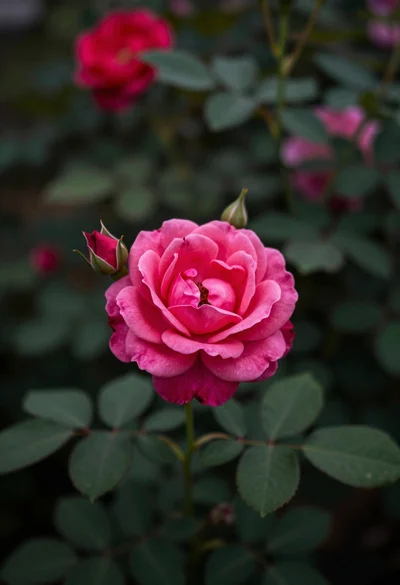
Close up photograph of vibrant pink rose bloom surrounded by lush green
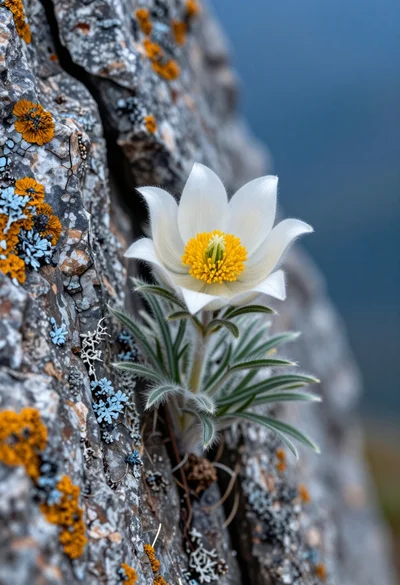
Close up macro shot of white edelweiss flower growing from a rugged
Middle aged japanese man soaking in misty outdoor hot spring among mountains