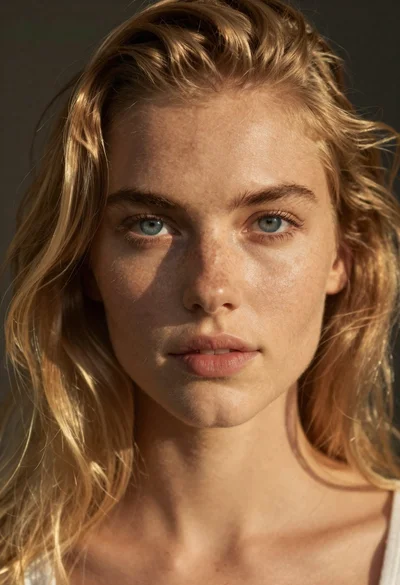
Fair skinned young woman with freckles wrapped in towels indoors
Prompt
A young woman with freckles stands in a softly lit room, wrapped in white towels and wearing a thick knitted head wrap.

Subject: A fair-skinned young woman with prominent freckles across her nose and cheeks, dark eyes, and a gentle, direct gaze at the camera. Her hair is tucked under a large, chunky-knit off-white towel turban that sits high on her head. She has a slender build and visible collarbones.

Clothing: She wears no shirt, only a thick, textured white towel wrapped around her torso to cover her chest, held in place by her hands at the bottom edge. A delicate, thin gold chain necklace rests against her skin.

Action: She stands facing forward with a relaxed posture, looking directly into the lens with a subtle, closed-mouth smile. Her hands are gently clasped over the bottom of the towel wrap.

Environment: An indoor setting that appears to be a bedroom or bathroom, featuring warm beige walls and a wooden ladder shelf in the background holding a striped fabric item. A wall sconce is mounted on the right side.

Lighting: Warm, soft, and directional lighting coming from the upper right, casting a gentle glow on her face and creating a cozy, intimate atmosphere with soft shadows.

Camera: A medium close-up shot framed to capture her head and shoulders, utilizing a shallow depth of field that keeps her in sharp focus while blurring the background elements slightly.

Style Details: High-resolution photography with natural skin textures, warm color grading, and a clean, lifestyle aesthetic.
Description
This prompt is useful for creating intimate boudoir photography, wellness editorial spreads, and personal portrait sessions emphasizing vulnerability. The combination of 'warm, soft, and directional lighting' with the 'shallow depth of field' ensures that the focus remains intensely on the subject's visible freckles and gentle gaze, while the blurred background prevents any distracting elements from pulling attention away from her skin texture.
Suggestions
- Change 'thick knitted head wrap' to 'silk scarf turban' for a different material feel.
- Adjust 'warm beige walls' to 'cool grey concrete' for a more modern contrast.
- Swap 'delicate, thin gold chain necklace' for 'no jewelry' to emphasize the raw skin texture.
Category
Tags
BedroomFair SkinFemalePortrait ShotRealistic
Date added
June 19, 2026
Added by
PromptDexter Team
Related Prompts
More prompts with similar categories and tags.

Young woman with brown hair and glasses lying on a bed in

Young woman with dark hair wearing black sweater indoors in bedroom setting
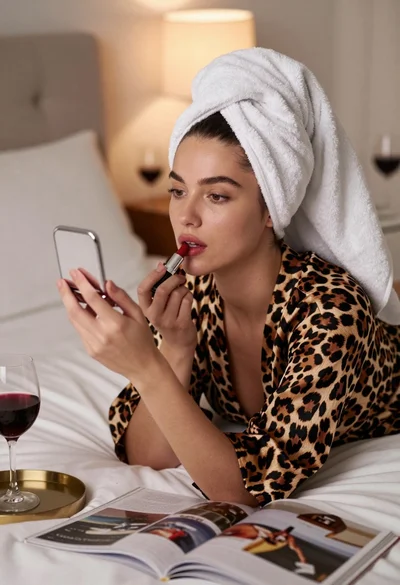
Young woman in leopard robe applying red lipstick while lying on bed

Young woman with brown hair in beige cardigan smiling indoors at camera
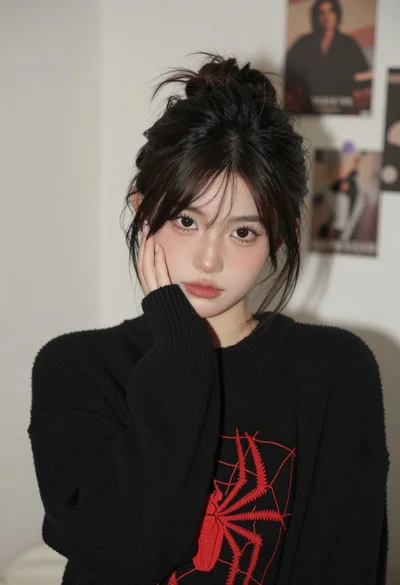
Young woman with dark hair resting cheek on hand in a softly

Close up portrait of young woman with bindi framing face
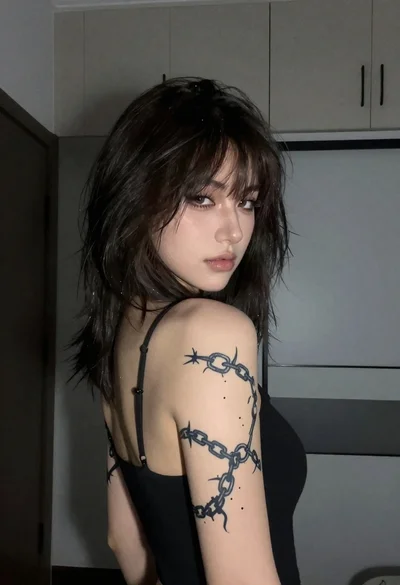
Young woman with tattoo looking over shoulder in dimly lit room

Close up portrait of woman with dark hair touching ear wearing gold

Young woman in white satin dress seated on an ornate sofa indoors

Close up portrait of woman with red hair in floral dress