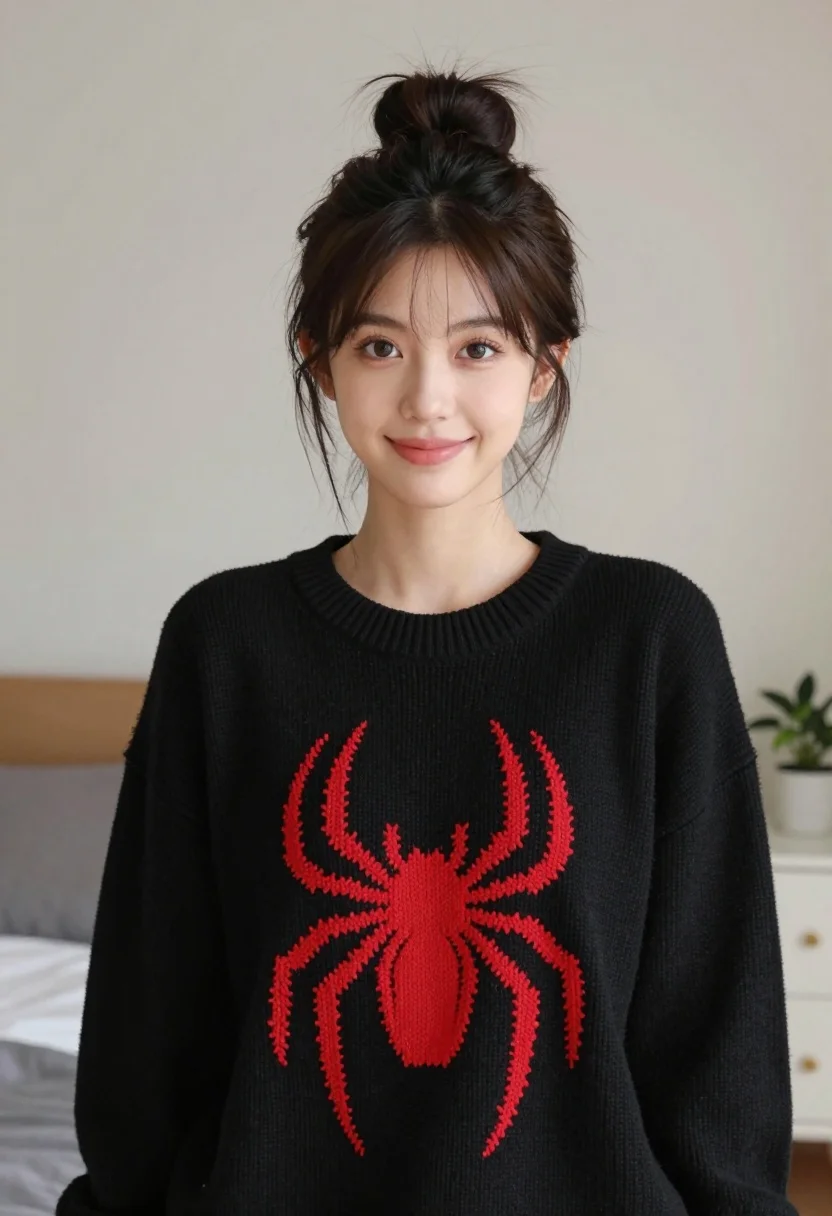
Young woman with dark hair wearing black sweater indoors in bedroom setting
Prompt
A young woman with dark hair tied in a messy bun smiles gently at the camera.

Subject: A young woman with fair skin and dark brown hair pulled back into a casual, slightly messy bun with loose strands framing her face. She has soft features, defined eyebrows, and warm brown eyes looking directly forward.

Clothing: She wears an oversized black knit sweater featuring a large, bright red spider graphic on the chest. The texture of the sweater appears soft and ribbed around the neckline.

Action: She is standing still with a relaxed posture, offering a subtle, closed-mouth smile while gazing straight ahead.

Environment: An indoor bedroom setting with a plain light-colored wall behind her. A white nightstand with a small potted plant is visible to the right, and a bed with grey linens is partially visible to the left.

Camera: The shot is a medium close-up framed from the chest up, utilizing a shallow depth of field that keeps the subject sharp while blurring the background elements softly.

Lighting: Soft, diffused lighting illuminates her face evenly, creating gentle shadows and a calm, natural mood without harsh highlights.

Style Details: The image has a clean, modern aesthetic with high color contrast between the black sweater and the red spider logo, rendered in photorealistic detail.
Description
This prompt is useful for creating intimate lifestyle portraits, casual e-commerce lookbooks featuring apparel, and personal blog content with a cozy atmosphere. The combination of 'soft, diffused lighting' and the 'plain light-colored wall' ensures that the focus remains entirely on the subject and the high color contrast provided by the black sweater and red spider graphic, preventing distracting background elements from competing for attention.
Suggestions
- Change 'oversized black knit sweater' to 'chunky cream cable knit sweater' for a lighter feel.
- Swap 'red spider graphic' for 'subtle gold embroidery' to shift the mood.
- Adjust 'medium close-up framed from the chest up' to 'head and shoulders portrait' for more focus on facial expression.
Category
Tags
BedroomBrunetteCasual WearFair SkinFemaleIndoorsMedium ShotPortrait ShotRealistic
Date added
August 5, 2026
Added by
PromptDexter Team
Related Prompts
More prompts with similar categories and tags.

Young girl smiling in messy bedroom with string lights

Young woman with dark wavy hair sitting in modern bright indoor living

Young woman in red velvet gown standing indoors against white wall
Young woman leaning over table in cafe with dessert and drink
Red haired woman in workshop with tools background
Young woman with brown hair and glasses lying on a bed in
Young woman in black slip dress standing by window in bright bedroom
Young woman in white embroidered saree smiling indoors with soft natural light
Young woman with dark hair resting cheek on hand in a softly
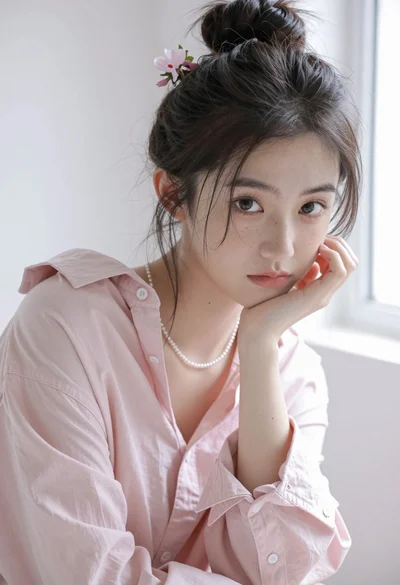
Portrait of young woman with dark hair in pink shirt against white