Young woman in white satin dress seated on an ornate sofa indoors
Prompt
A young woman with long brown hair sits in a luxurious room wearing a white satin halter dress with ruffles and a bow at the waist.

Subject: A young woman with long dark brown hair, fair skin, and large expressive eyes looking directly at the camera.

Clothing: She wears a white satin halter-neck dress featuring delicate ruffled trim along the bustline and a small bow at the center of the bodice.

Action: She is seated on an ornate cream-colored sofa, leaning slightly forward with one hand resting on the armrest, her expression calm and confident.

Environment: The setting is an elegant interior room with light blue walls adorned with framed panels and wallpaper featuring painted birds and floral branches. A tall green topiary plant stands near a window with gold-framed glass panes.

Camera: Shot from a medium close-up angle at eye level, capturing the subject from the waist up with soft focus on the background elements.

Lighting: Soft, diffused natural light illuminates the scene from the side, creating gentle highlights on her skin and dress while casting subtle shadows that add depth.

Style Details: The image has a polished, high-fashion aesthetic with smooth textures, rich colors, and a slightly vintage-inspired atmosphere enhanced by the ornate surroundings.
Description
This prompt is useful for creating luxury brand advertisements, historical portraiture concepts, and editorial beauty spreads requiring an opulent setting. The combination of 'white satin' against the 'light blue walls' and 'ornate cream-colored sofa' establishes a specific period elegance, while the 'soft, diffused natural light' prevents harsh reflections on the satin that would distract from the subject's 'calm and confident' expression.
Suggestions
- Change 'white satin' to 'ivory silk charmeuse' for a warmer sheen.
- Swap 'light blue walls' for 'dusty rose velvet' for a richer color palette.
- Adjust 'medium close-up angle' to 'full body shot' to better showcase the sofa.
Category
Tags
Brown HairFair SkinFemaleIndoorsPortrait ShotRealistic
Date added
June 19, 2026
Added by
PromptDexter Team
Related Prompts
More prompts with similar categories and tags.

Young woman in black crop top and cream trousers indoors looking over
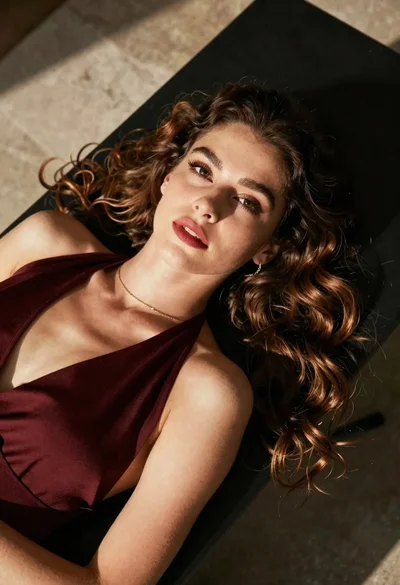
High angle portrait of woman with brown hair on dark surface

Woman in black dress seated in dimly lit diner booth

Young girl smiling in messy bedroom with string lights
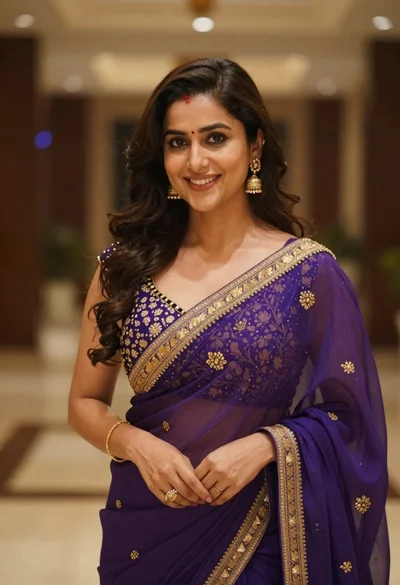
Young woman in purple embroidered saree standing indoors with warm smile

Young woman with dark wavy hair in black jacket at cafe

Young woman in red velvet gown standing indoors against white wall

Young woman in classroom looking over shoulder at camera
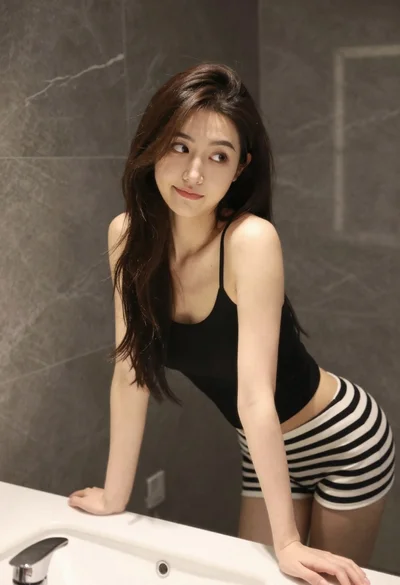
Young woman leaning on white sink in modern bathroom setting

Young woman with brown hair holding camera and winking in indoor setting