
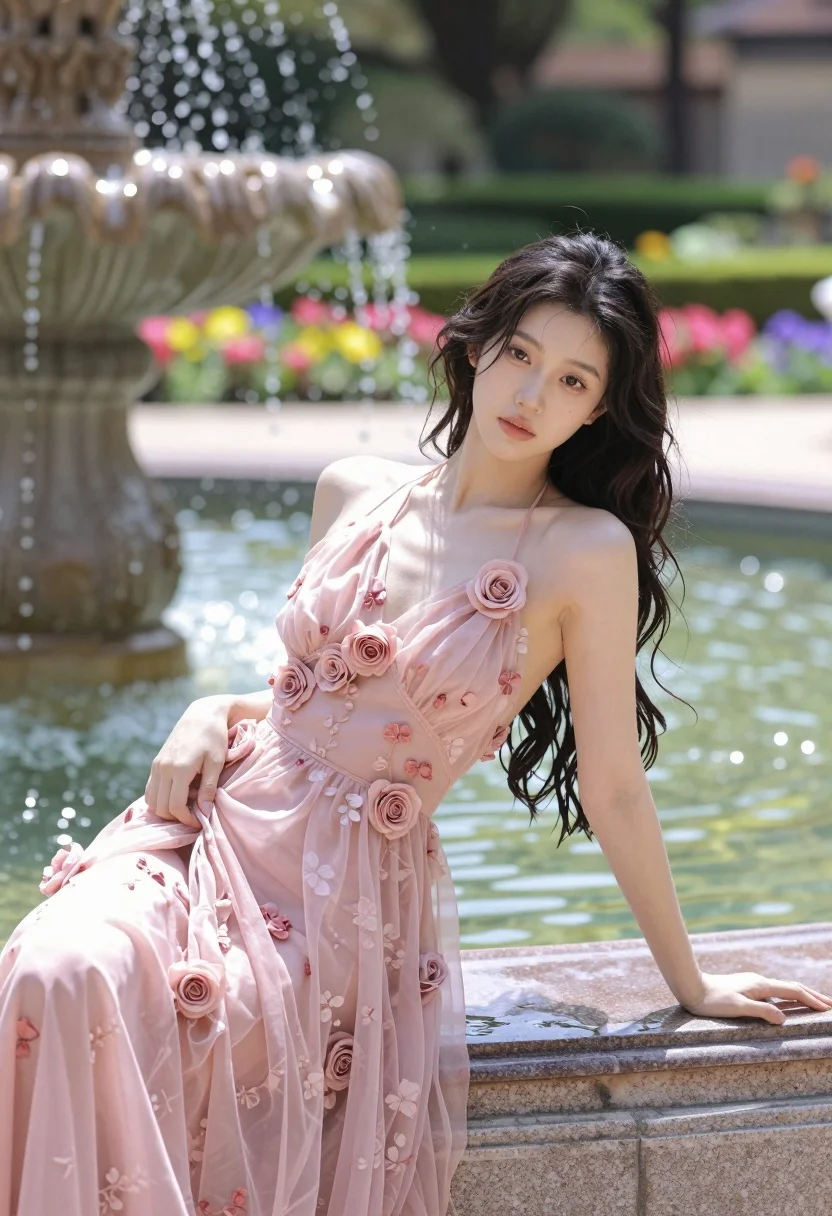
Fair young woman in sheer pink gown leaning on stone fountain in
Prompt
A young woman with long dark wavy hair leans elegantly against the stone rim of a water fountain in a lush garden.

Subject: A fair-skinned young woman with long, dark, wavy hair that appears slightly damp, featuring a soft and contemplative facial expression.

Clothing: She wears a flowing, sheer pink halter-neck gown adorned with a delicate floral pattern and three-dimensional rose embellishments along the bodice and skirt.

Action: The subject is leaning back against the fountain's edge with her left arm resting on the stone and her right hand gently touching the fabric of her dress, looking directly at the camera.

Environment: A vibrant garden setting featuring manicured green hedges, colorful flowerbeds with pink, yellow, and purple blooms, and a classic stone fountain with water splashing upwards in the background.

Camera: Shot from a medium-low angle to emphasize the subject's pose against the fountain, utilizing a shallow depth of field that keeps the woman sharp while softly blurring the garden background.

Lighting: Bright, natural sunlight illuminates the scene from above and slightly behind, creating a warm glow on her skin and highlighting the translucent texture of her dress.

Style Details: The image exhibits a soft-focus aesthetic with high color saturation, particularly in the pinks and greens, resembling a polished fashion editorial photograph.
Description
This prompt is useful for creating romantic bridal editorials, luxury resort advertising, and fine art portraiture featuring natural elements. The combination of 'sheer pink halter-neck gown' with 'bright, natural sunlight' ensures the fabric catches light beautifully, while the 'medium-low angle' composition directs the viewer's eye up toward her contemplative expression against the detailed background.
Suggestions
- Change 'delicate floral pattern' to 'embroidered lace' for a more vintage feel.
- Swap 'manicured green hedges' for 'wild overgrown foliage' to increase drama.
- Adjust 'soft and contemplative facial expression' to 'candid, laughing gaze' for a lighter mood.
Category
Tags
Fair SkinFemaleLow AngleMedium ShotOutdoorsRealistic
Date added
August 5, 2026
Added by
PromptDexter Team
Related Prompts
More prompts with similar categories and tags.

Blonde woman in black dress leaning on stone pillar in garden setting
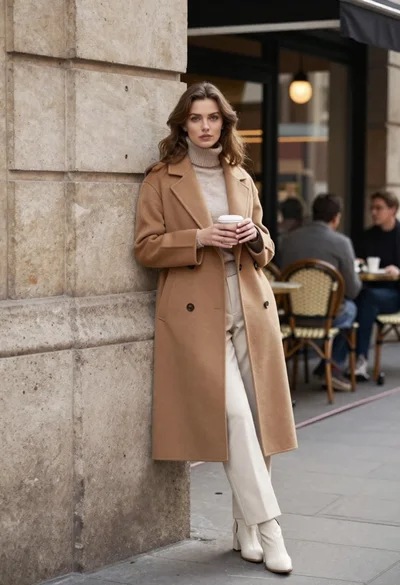
Stylish woman in camel coat leaning on stone building corner street
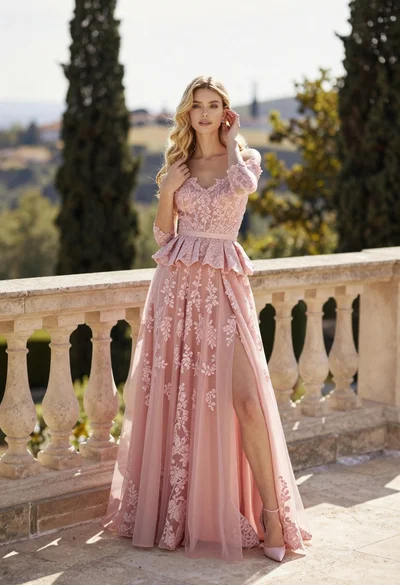
Fair skinned woman in pink ballgown on stone terrace outdoors

Smiling blonde woman in cream slip dress sitting on vintage orange scooter

Blonde woman sitting on concrete ledge in urban alleyway sunlight

Young woman in pink outfit crouching against solid pink studio backdrop
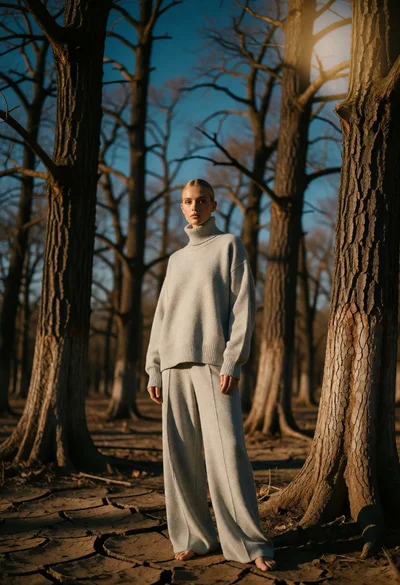
Blonde woman in grey sweater standing in sparse forest woodland setting

Fair blonde woman in metallic corset mini dress against light blue studio

Woman in gold sequin slip dress looking over shoulder in forest
Woman in black velvet jacket on stone balcony against green hills
