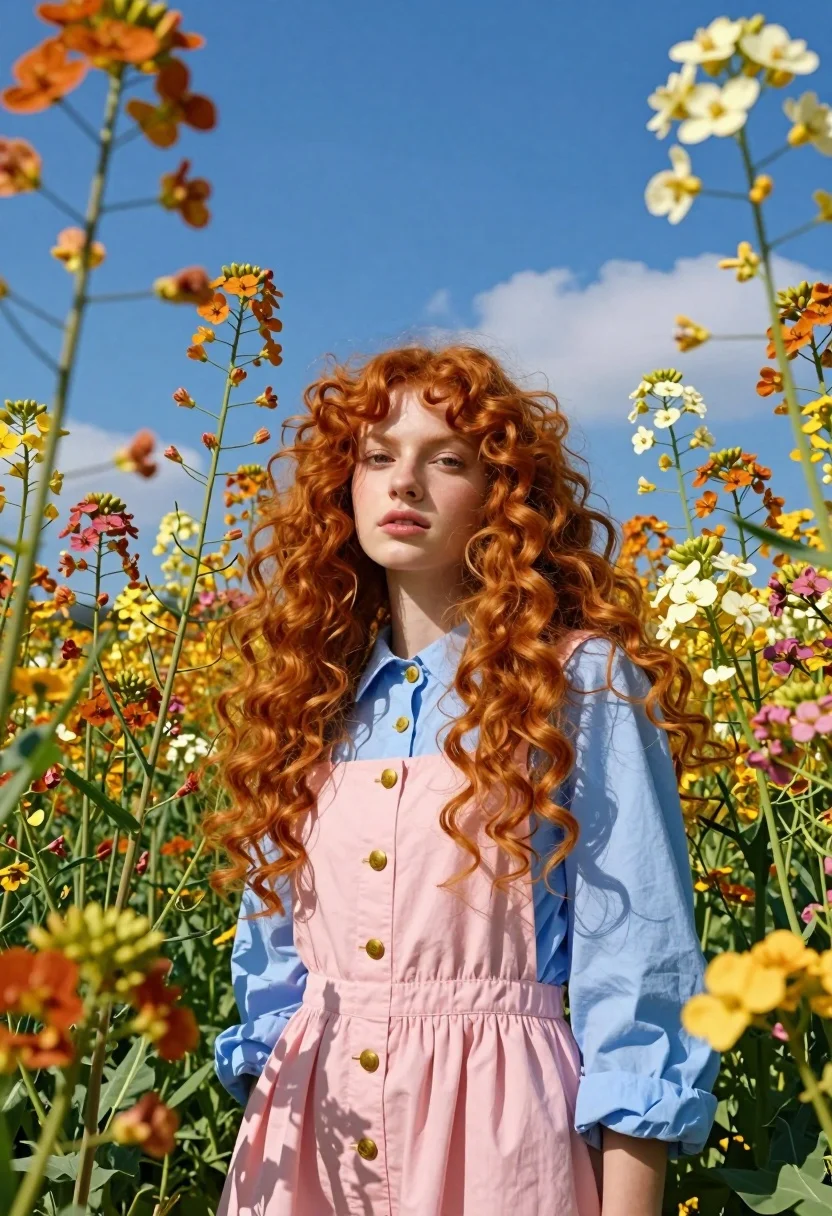
Fair young woman with red hair standing in a vibrant field of
Prompt
A young woman with voluminous red curly hair stands amidst a field of tall colorful flowers under a bright blue sky.

Subject: A fair-skinned young woman with long, wavy red hair cascading over her shoulders and chest, looking directly at the camera with a calm expression.

Clothing: She wears a light blue button-up shirt layered over a pink pleated dress or pinafore with gold buttons.

Action: Standing still in a field of flowers, surrounded by blooms that frame her face and body.

Environment: A vibrant meadow filled with tall orange, yellow, and pink flowers reaching up towards the camera, set against a clear deep blue sky with faint clouds.

Camera: Low angle shot looking up at the subject, emphasizing the height of the flowers and the expansive sky above.

Lighting: Bright natural sunlight illuminating the scene from above, casting soft shadows and highlighting the texture of the hair and petals.

Objects: Tall flower stems and large blooms in shades of orange, yellow, pink, and white surrounding the central figure.

Style Details: Vibrant color palette with high saturation, dreamy aesthetic, soft focus on background elements, cinematic composition.
Description
This prompt is useful for creating vibrant editorial fashion spreads, romantic portraiture for wedding stationery, and magazine feature editorials showcasing natural beauty. The combination of 'low angle shot' emphasizing the height of the flowers against a 'deep blue sky' directs the viewer's eye upward, while the 'soft focus on background elements' ensures the subject remains the primary point of interest despite the 'vibrant meadow'.
Suggestions
- Change 'light blue button-up shirt' to 'cream lace blouse' for a softer contrast.
- Swap 'orange, yellow, and pink flowers' for 'lavender and white wildflowers' for a cooler palette.
- Adjust 'bright natural sunlight' to 'golden hour sidelight' to enhance hair texture.
Category
Tags
Fair SkinFemaleFull BodyLow AngleNatureOutdoorsRealisticRed Hair
Date added
July 12, 2026
Added by
PromptDexter Team
Related Prompts
More prompts with similar categories and tags.
Young woman in silver top sitting on mossy stone steps in forest
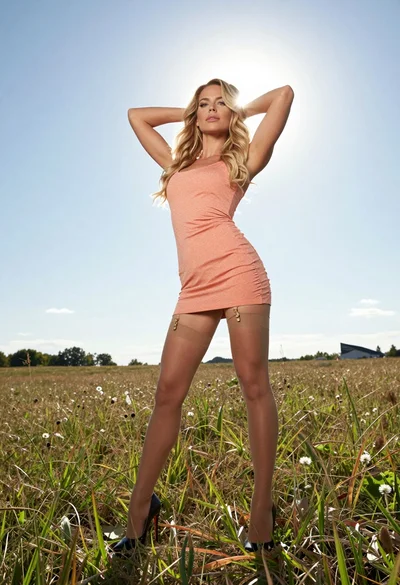
Fit blonde woman in peach dress standing in grassy field under bright
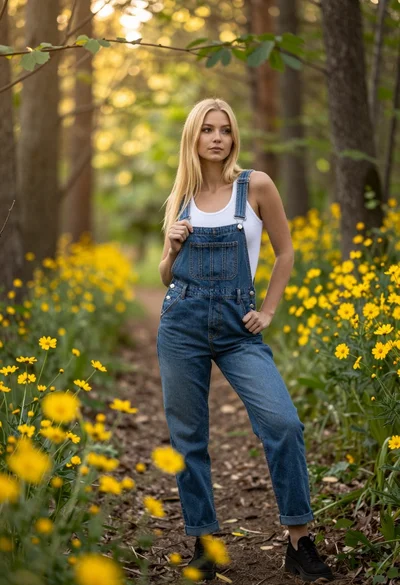
Blonde woman in denim overalls on a sunny forest path with wildflowers
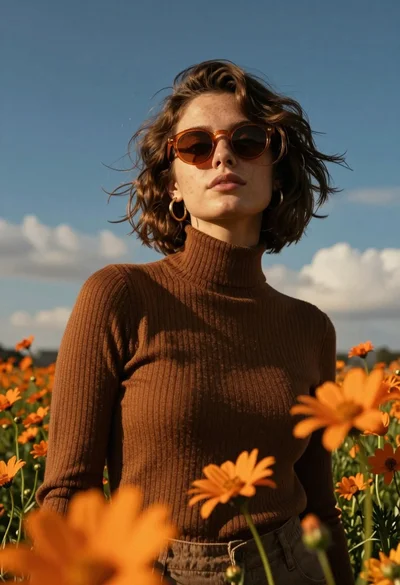
Young woman in brown sweater standing in orange flower field under deep
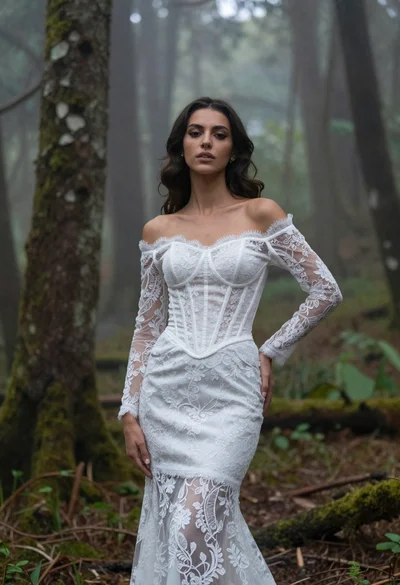
Woman in white lace gown standing in misty forest medium shot
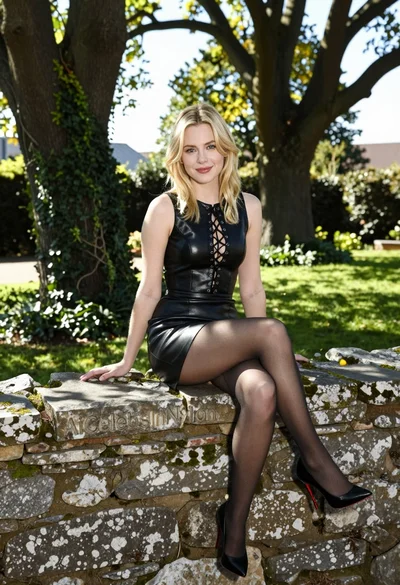
Blonde woman in black leather dress sitting on mossy stone wall in
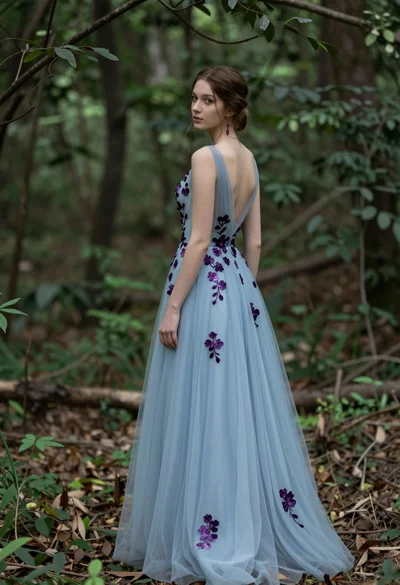
Young woman in light blue gown standing in a lush forest setting
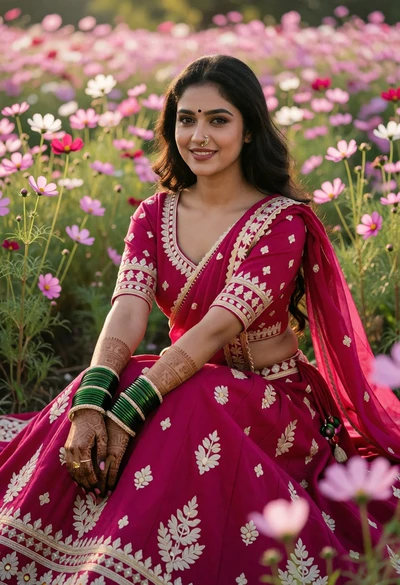
Young woman in magenta lehenga amidst pink and white cosmos flowers

Smiling woman with red hair in floral twotoned dress outdoors
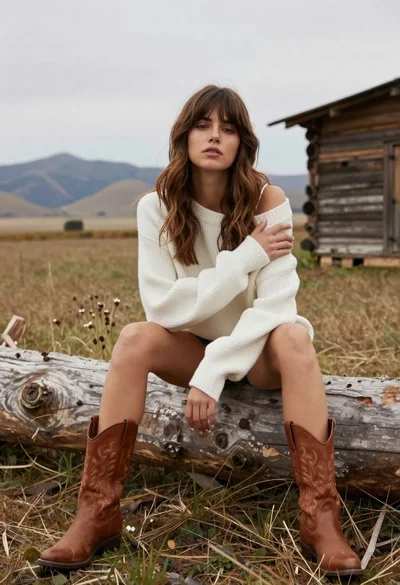
Young woman in white sweater sitting on log in grassy field