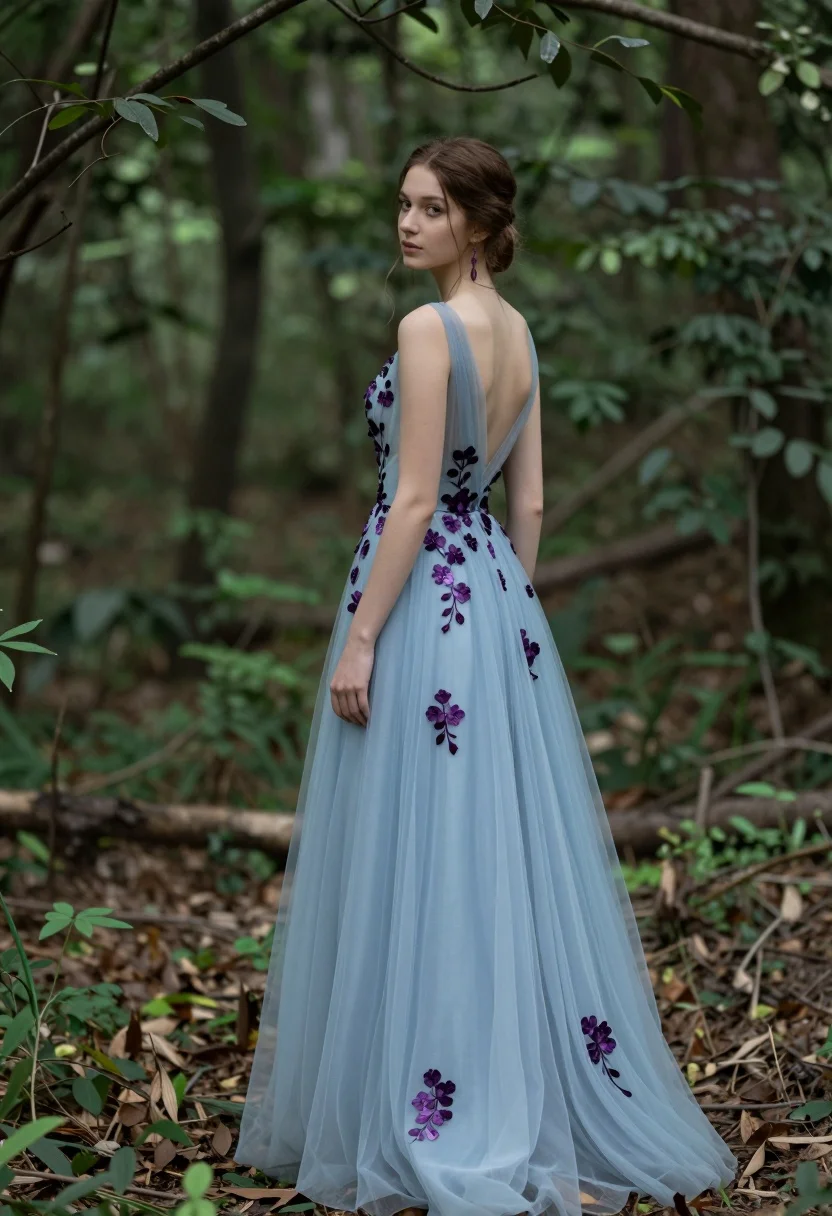
Young woman in light blue gown standing in a lush forest setting
Prompt
A young woman stands in a lush forest wearing an elegant light blue evening gown adorned with dark purple floral appliqués.

Subject: A young woman with brown hair styled in an updo, wearing a sleeveless light blue floor-length gown featuring a sheer tulle skirt and scattered dark purple flower embellishments along the bodice and hemline. She wears matching purple earrings.

Action: The woman stands facing away from the camera but turns her head to look over her left shoulder with a calm expression. Her right hand rests lightly on the fabric of her dress near her hip.

Environment: A dense forest setting with blurred green foliage in the background and soft earth tones on the ground, suggesting a natural woodland atmosphere.

Camera: Medium full-body shot captured from a slightly low angle that emphasizes the length and flow of the gown, with shallow depth of field blurring the background to focus attention on the subject.

Lighting: Soft diffused natural light illuminates the scene evenly, creating gentle highlights on the sheer fabric of the dress without harsh shadows, contributing to a dreamy and ethereal mood.

Style Details: Photorealistic portrait with painterly softness in the background, high detail in fabric textures, subtle color grading with cool blue and green tones dominating the palette.
Description
This prompt is useful for creating editorial fashion editorials, fantasy concept art, and ethereal bridal lookbooks. The combination of 'soft diffused natural light' and a 'shallow depth of field' ensures that the intricate details of the gown's 'dark purple floral appliqués' remain visible while preventing harsh shadows that would distract from the subject's graceful pose.
Suggestions
- Change 'light blue evening gown' to 'icy periwinkle silk gown' for a cooler tone.
- Swap 'dark purple floral appliqués' for 'iridescent thistle embroidery' for more visual interest.
- Adjust 'low angle' to 'eye-level shot' if you want a more direct connection with the viewer.
Category
Tags
Brown HairFemaleForestFull BodyLow AngleMedium ShotOutdoorsRealistic
Date added
July 12, 2026
Added by
PromptDexter Team
Related Prompts
More prompts with similar categories and tags.
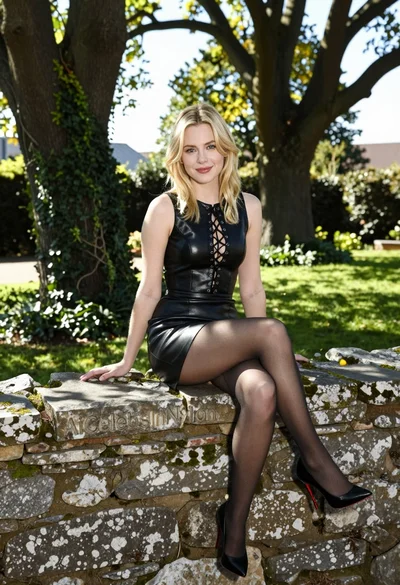
Blonde woman in black leather dress sitting on mossy stone wall in
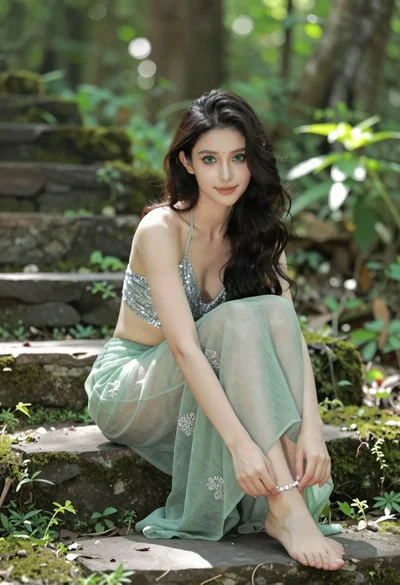
Young woman in silver top sitting on mossy stone steps in forest
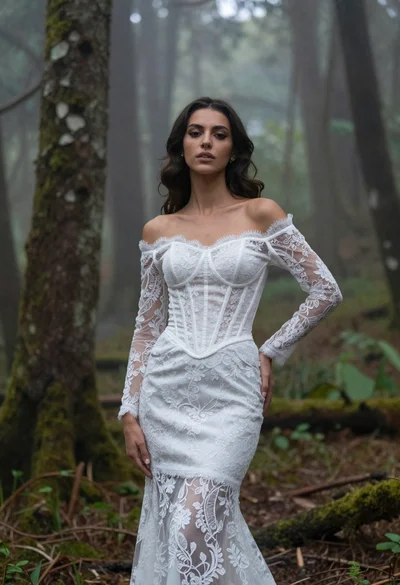
Woman in white lace gown standing in misty forest medium shot
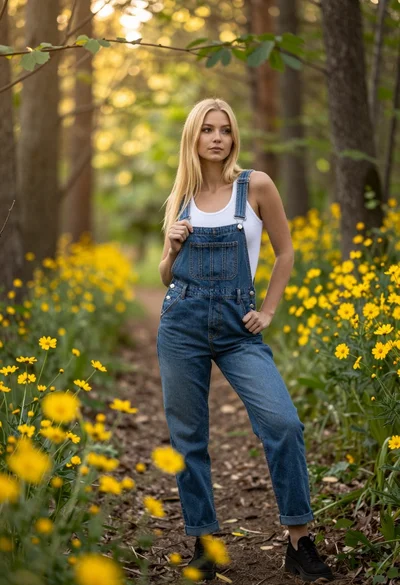
Blonde woman in denim overalls on a sunny forest path with wildflowers
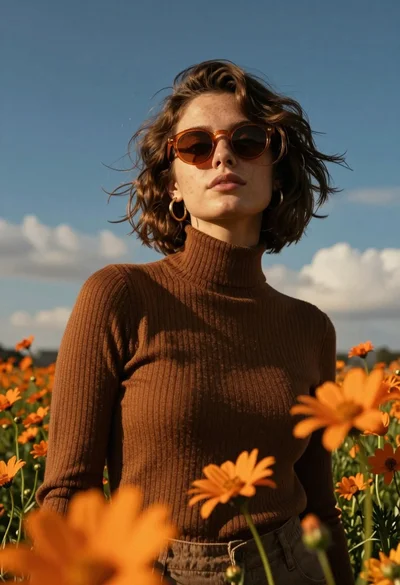
Young woman in brown sweater standing in orange flower field under deep
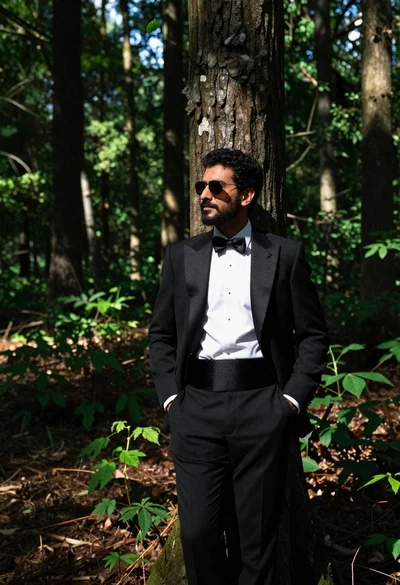
Man in black tuxedo leaning against tree trunk in lush green forest
Fit blonde woman in peach dress standing in grassy field under bright
Fair young woman with red hair standing in a vibrant field of

Woman standing barefoot in dry autumn field at golden hour

Fit woman in black cutout swimsuit standing on lush outdoor patio
