
Fashion portrait of woman in black leather dress studio setting
Prompt
A confident woman stands in a studio setting wearing a black leather strapless dress with a high-low hemline and matching gloves.

Subject: A fit woman with her hair styled in a messy bun on top of her head, featuring defined facial features and a focused gaze directed slightly to the side.

Clothing: She wears a structured black leather corset-style bodice that transitions into a voluminous skirt with a high front slit revealing her legs, paired with black strappy high heels and long black leather gloves.

Action: The woman stands with her feet apart on two separate wooden blocks, holding the sides of her skirt outwards with both hands while maintaining a poised posture.

Environment: A minimalist studio space featuring a plain white wall background and a dark floor area to the right, with a large shadow cast against the wall behind her.

Camera: The shot is taken from a low angle looking up at the subject, utilizing a medium-full frame that captures her entire body and the spatial relationship between her and the blocks.

Lighting: Strong directional light creates high contrast with deep shadows, casting a distinct silhouette of the woman onto the white wall behind her.

Style Details: The image features a fashion photography aesthetic with sharp focus on the leather textures and dramatic lighting effects.
Description
This prompt is useful for creating edgy editorial spreads, high-contrast album art, and avant-garde beauty campaigns. The combination of 'strong directional light' and 'deep shadows' emphasizes the glossy texture of the 'black leather,' which prevents the material from looking flat under illumination, while the 'low angle' shot exaggerates the drama inherent in the structured bodice.
Suggestions
- Change 'messy bun' to 'sleek ponytail' for a more severe look.
- Swap 'plain white wall background' for 'concrete backdrop' to alter the mood.
- Adjust 'medium-full frame' to 'full body portrait' to emphasize the high-low hemline.
Category
Tags
Black HairBrunetteFemaleFull BodyLow AngleMedium ShotRealisticStudio
Date added
June 19, 2026
Added by
PromptDexter Team
Related Prompts
More prompts with similar categories and tags.
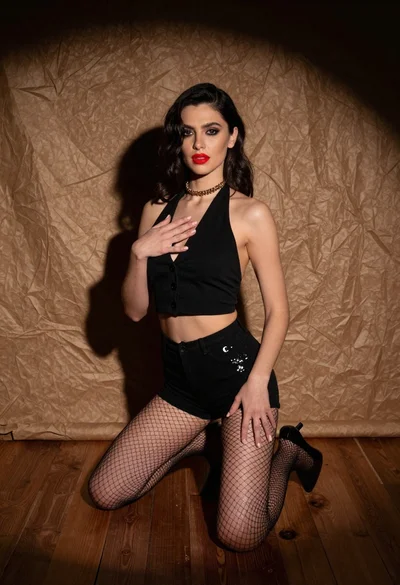
Woman kneeling in black outfit under dramatic spotlight studio lighting
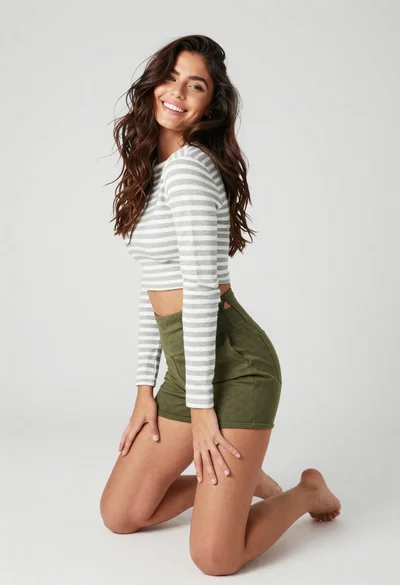
Smiling woman kneeling in striped crop top against white studio background
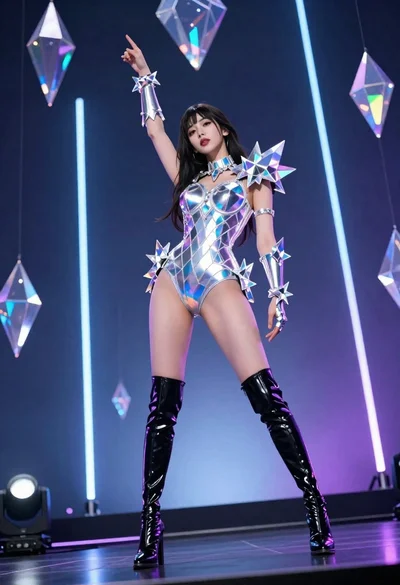
Woman in futuristic crystal bodysuit on glowing stage

Fair blonde woman in black corset and denim shorts studio portrait
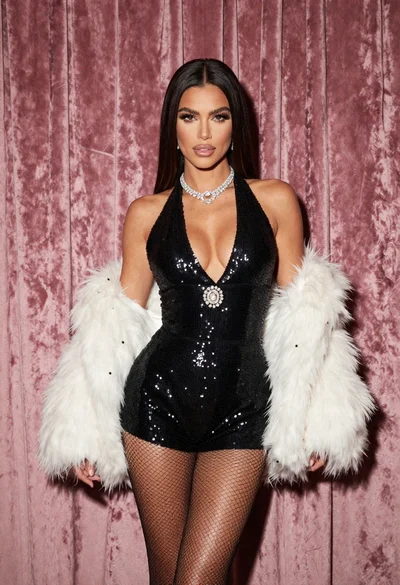
Glamorous woman in black sequined romper standing before dusty rose velvet curtains
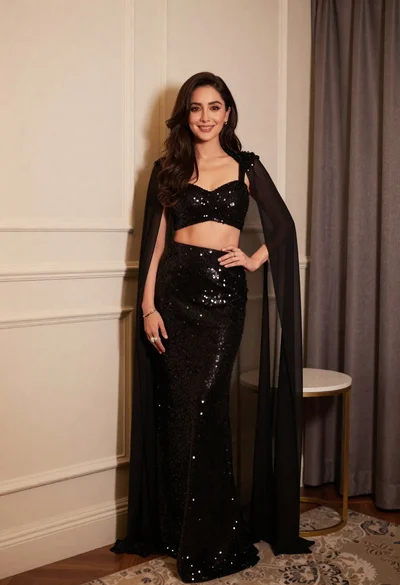
Poised woman in black sequined two piece outfit indoors
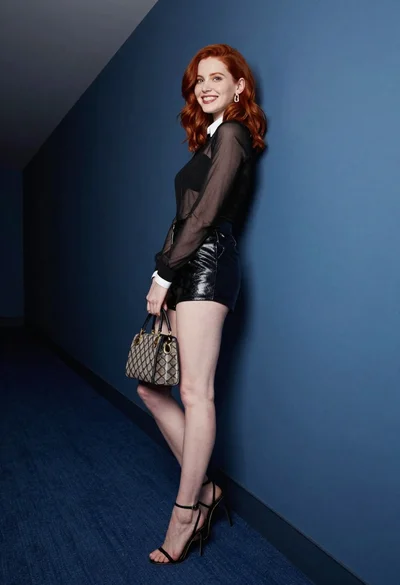
Red haired woman in black top and shorts leaning against blue wall
Confident woman in black striped outfit posing against a plain white background
Full length studio portrait of woman in elaborate black and gold ensemble

Blonde woman in black gown posing against white studio background