
Glamorous woman in black sequined romper standing before dusty rose velvet curtains
Prompt
A glamorous woman with long dark hair stands confidently in a deep V-neck black sequined romper and fishnet stockings.

Subject: A woman with long, straight dark hair parted in the middle, featuring defined eyebrows, glossy lips, and a direct gaze at the camera.

Clothing: She wears a sparkling black halter-neck romper with a plunging neckline, accessorized with a large diamond necklace, a statement brooch on her chest, and fishnet stockings. A voluminous white faux fur stole is draped over her shoulders.

Action: She stands facing forward with a poised posture, holding the edges of the white fur stole out to her sides.

Environment: The background consists of floor-to-ceiling dusty rose velvet curtains with vertical folds.

Lighting: Soft, frontal lighting illuminates her face and upper body, creating a polished look with subtle shadows on the curtain behind her.

Camera: A medium shot captures her from the thighs up, framed vertically against the backdrop.

Style Details: High-fashion photography aesthetic with sharp focus on the subject and rich textures in the clothing and background.
Description
This prompt is useful for creating high-end editorial fashion editorials, costume concept art, and luxury catalog imagery. The combination of 'soft, frontal lighting' against 'dusty rose velvet curtains' ensures that the subject remains sharply illuminated while the background provides a rich, deep color field that prevents the sequins from looking flat under harsh light.
Suggestions
- Change 'diamond necklace' to 'emerald choker' for a contrasting pop of color.
- Swap 'white faux fur stole' for 'black feather boa' to match the romper.
- Adjust 'medium shot' to 'full body shot' to better showcase the stockings.
Category
Tags
Black HairBrunetteFemaleFormal WearFull BodyMedium ShotPortrait ShotRealisticStudio
Date added
June 19, 2026
Added by
PromptDexter Team
Related Prompts
More prompts with similar categories and tags.

Portrait of woman in elaborate red feathered gown against vivid blue background
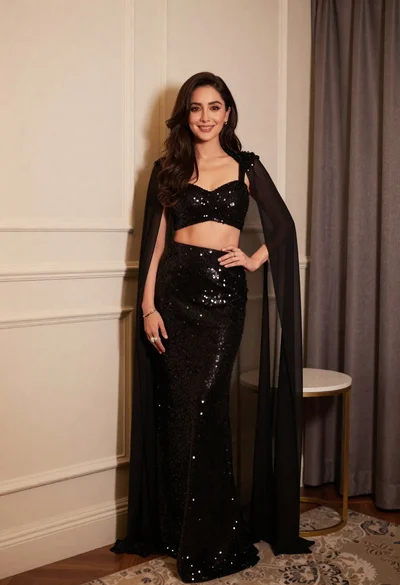
Poised woman in black sequined two piece outfit indoors
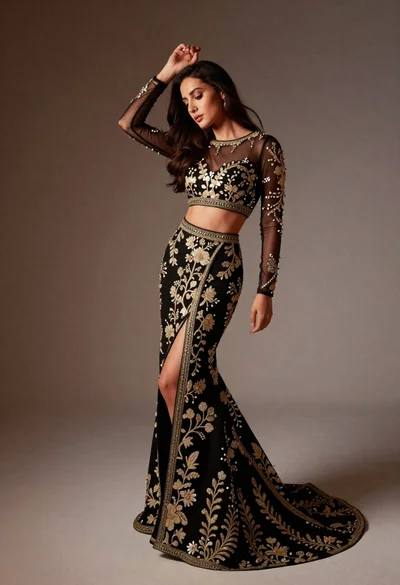
Full length studio portrait of woman in elaborate black and gold ensemble

Blonde woman in black gown posing against white studio background
Studio portrait of woman in monochrome attire
Studio portrait of woman in black bunny costume
Confident woman in gold gown against beige textured wall studio portrait
Two women posing confidently in a modern highend bathroom setting
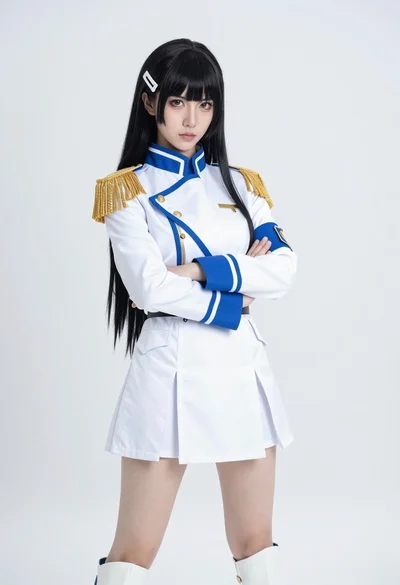
Cosplay portrait of woman in white military uniform against white studio background
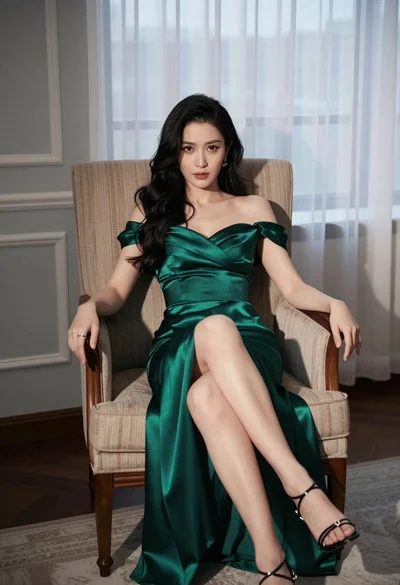
Woman in emerald green satin gown seated in an armchair indoors