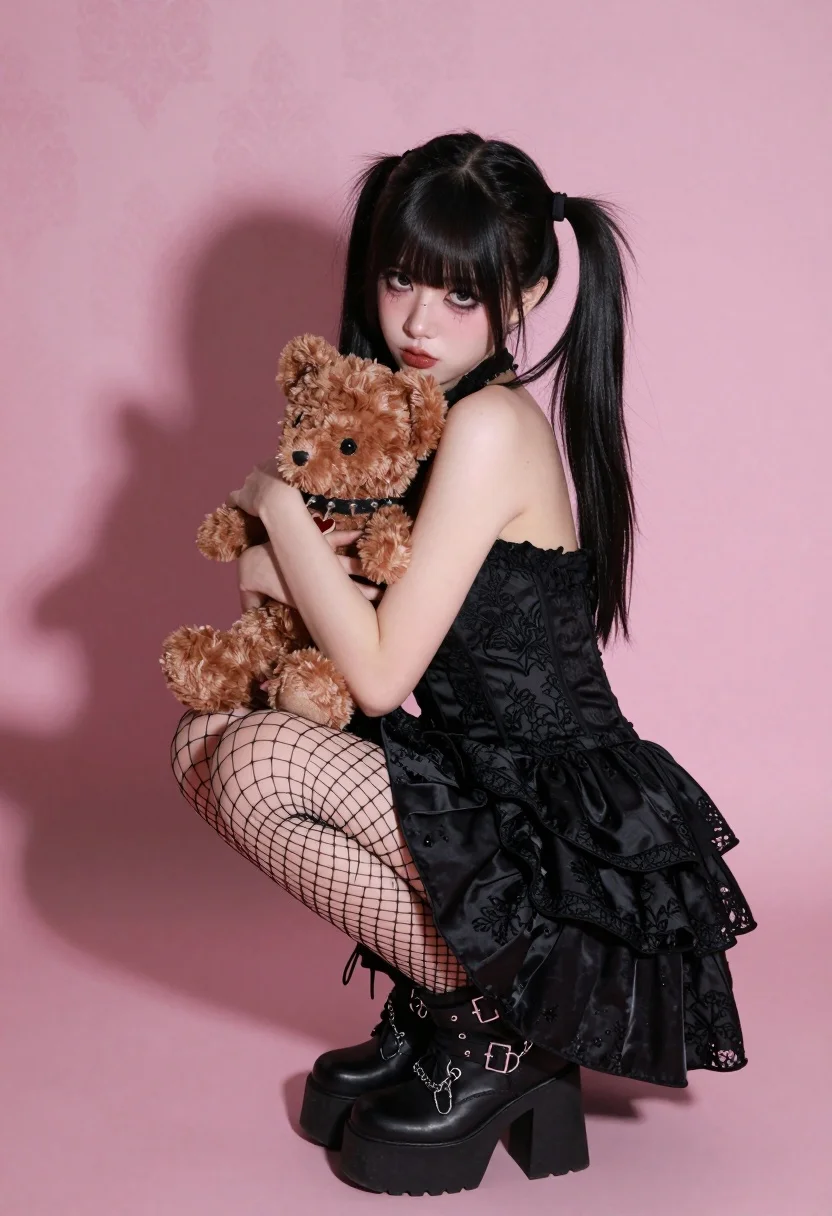
Young woman in black gothic dress hugging teddy bear against pink studio
Prompt
A young woman with black hair styled in high pigtails and bangs crouches while hugging a brown teddy bear against a solid pink background.

Subject: A young woman with pale skin, dark eyes, and distinct spiderweb makeup around her eyes. She has long black hair tied into two high pigtails with straight bangs covering her forehead.

Clothing: She wears a black strapless dress featuring lace floral embroidery on the bodice and ruffled tiers at the skirt. She is wearing black fishnet stockings and chunky black platform combat boots with metal buckles and chains.

Action: The subject is crouching low to the ground, hugging a brown teddy bear tightly against her chest with both arms. Her gaze is directed straight at the camera with a neutral expression.

Environment: A plain pink studio backdrop with a subtle damask pattern texture visible in the upper left corner.

Objects: A plush brown teddy bear held by the subject, which has a small heart-shaped patch on its chest and a spiked collar around its neck.

Lighting: Strong directional lighting from the right side creates a sharp, dark shadow of the subject cast onto the pink background to the left. The light is soft but high-contrast, highlighting the textures of the dress and hair.

Camera: Medium shot framing the subject from head to toe, with a slight low angle perspective looking up at the crouching figure.

Style Details: High-fashion photography aesthetic with a distinct gothic lolita style, characterized by dark clothing mixed with soft plush elements and bold makeup.
Description
This prompt is useful for creating alternative portraiture editorials, themed character concept art, and stylized fashion lookbooks exploring darker aesthetics. The combination of 'strong directional lighting from the right side' casting a sharp shadow against the 'plain pink studio backdrop' establishes a high-contrast drama that complements the gothic elements like the 'lace floral embroidery' while keeping the focus on the subject's dramatic pose.
Suggestions
- Change 'brown teddy bear' to 'vintage taxidermy bear' for a more macabre feel.
- Swap 'solid pink background' for 'dusty rose velvet backdrop' to deepen the texture.
- Adjust 'high-fashion photography aesthetic' to include 'Victorian portraiture style' for historical weight.
Category
Tags
Black HairBrunetteFemaleFull BodyLow AngleMedium ShotRealisticStudio
Date added
July 12, 2026
Added by
PromptDexter Team
Related Prompts
More prompts with similar categories and tags.
Woman kneeling in black outfit under dramatic spotlight studio lighting
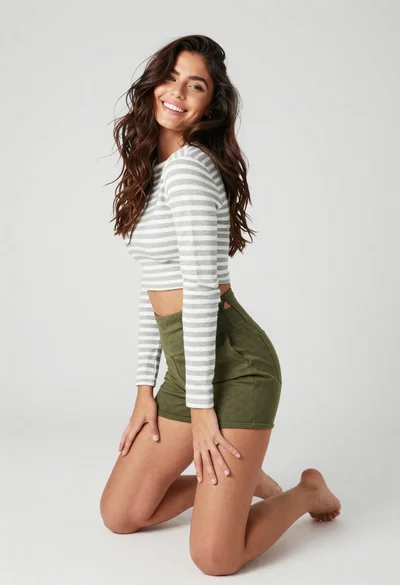
Smiling woman kneeling in striped crop top against white studio background
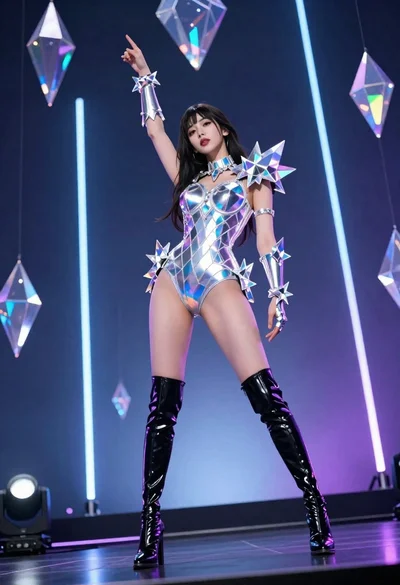
Woman in futuristic crystal bodysuit on glowing stage

Fair blonde woman in black corset and denim shorts studio portrait
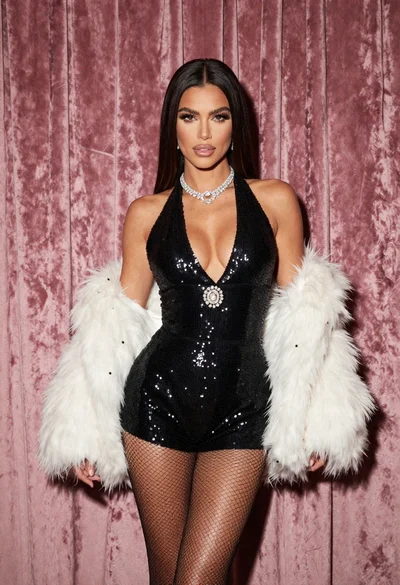
Glamorous woman in black sequined romper standing before dusty rose velvet curtains
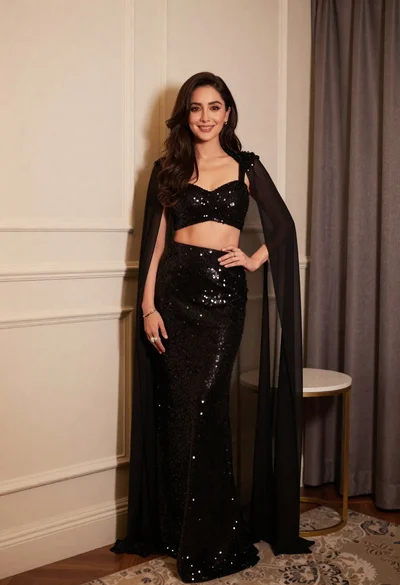
Poised woman in black sequined two piece outfit indoors
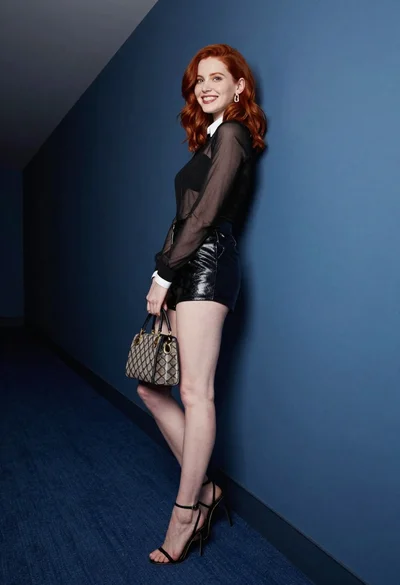
Red haired woman in black top and shorts leaning against blue wall
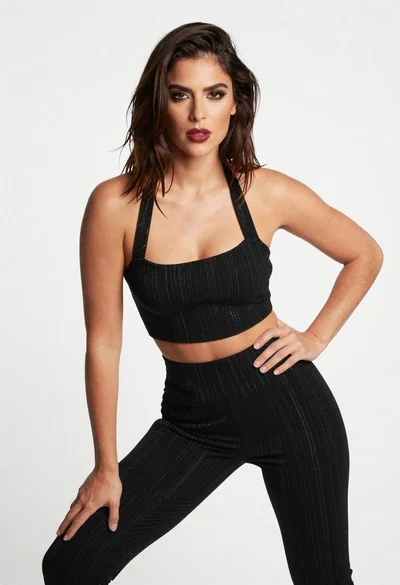
Confident woman in black striped outfit posing against a plain white background
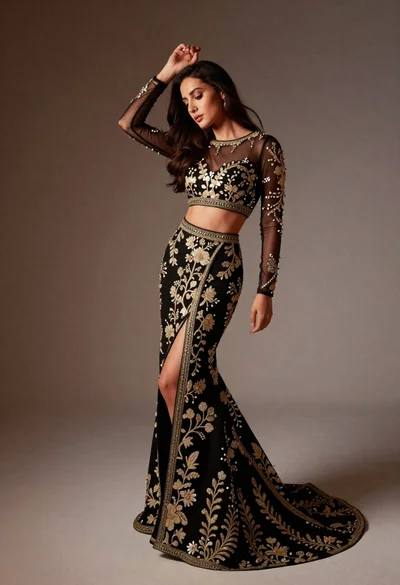
Full length studio portrait of woman in elaborate black and gold ensemble

Blonde woman in black gown posing against white studio background