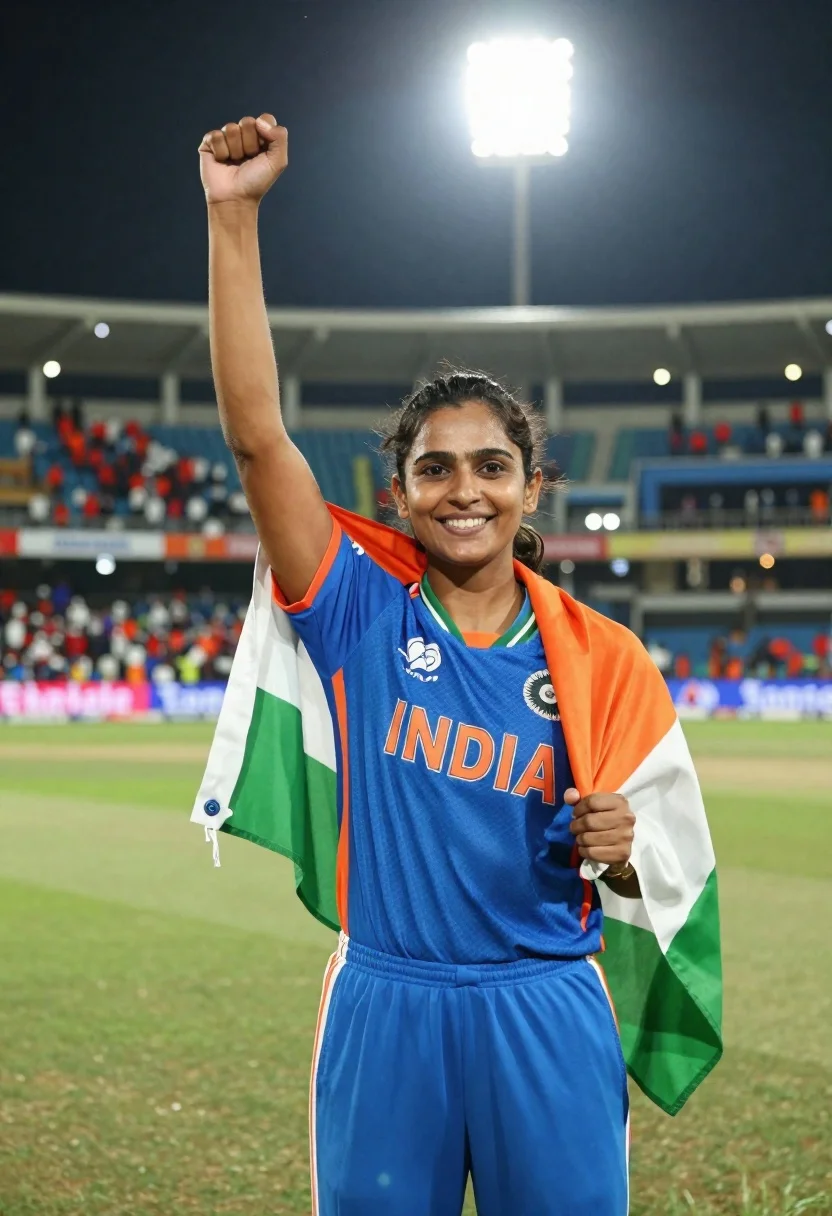
Female cricket player celebrating victory in stadium at night with flag
Prompt
A triumphant female athlete stands in the center of a cricket stadium at night, smiling confidently with her right fist raised in victory while draped in an Indian flag.

Subject: A young woman with fair skin and dark hair pulled back into a neat bun, featuring prominent eyebrows and a bright, confident smile.

Clothing: She wears a royal blue India cricket jersey with orange trim on the collar and sleeves, displaying the word "INDIA" in large orange letters across the chest, paired with matching blue athletic trousers. An Indian flag is draped over her shoulders, showing its saffron, white, and green stripes.

Action: Her right arm is raised with a clenched fist in a gesture of victory or celebration, while her left arm hangs relaxed by her side holding the edge of the flag.

Environment: The setting is a large outdoor cricket stadium at night, featuring a green grass pitch in the foreground and blurred stadium seating filled with spectators in the background.

Camera: A medium shot captures the subject from the waist up, utilizing a shallow depth of field to keep the athlete in sharp focus while blurring the background crowd and lights into soft bokeh.

Lighting: Bright stadium floodlights illuminate the scene from above, creating a high-contrast look with strong highlights on the subject's face and jersey against the dark night sky.

Style Details: The image has a cinematic, photorealistic quality with vibrant colors and a polished sports photography aesthetic.
Description
This prompt is useful for creating victory announcements, professional sports highlight reels, and celebratory editorial features. The combination of 'bright stadium floodlights' providing strong highlights against the dark night sky emphasizes the subject's triumphant pose and the vibrant colors of the 'royal blue India cricket jersey', ensuring the athlete remains the sharp focal point despite the blurred background bokeh.
Suggestions
- Change 'medium shot' to 'full body shot' to better capture the flag drape.
- Swap 'bright stadium floodlights' for 'rim lighting from side angles' to add more drama.
- Add 'sweat sheen on skin' to enhance the athletic realism.
Category
Tags
Black HairFair SkinFemaleMedium ShotOutdoorsPortrait ShotRealisticSportswearUrban
Date added
June 21, 2026
Added by
PromptDexter Team
Related Prompts
More prompts with similar categories and tags.
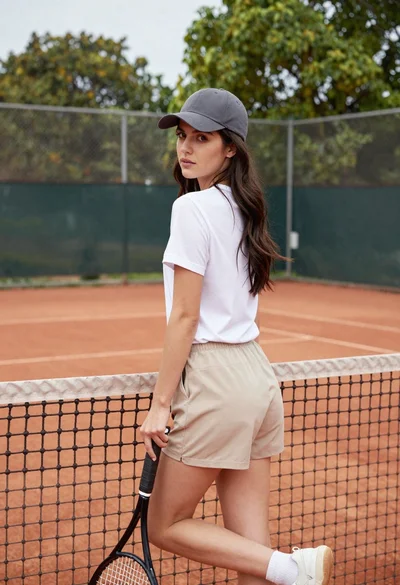
Young woman in white tshirt and cap leaning on tennis net
Young woman in white tshirt and baseball cap walking on tennis court

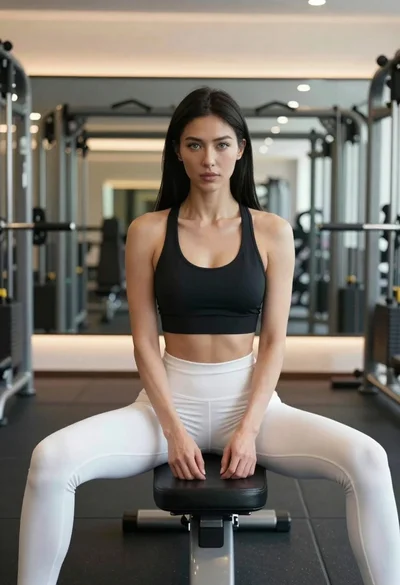
Fit woman with black hair in sports bra posing in a gym
Blonde woman in athletic wear against the great wall of china backdrop
Young woman in pink sports bra and pleated skirt on blue tennis
Smiling woman in white ski gear on snowy mountain slope under blue
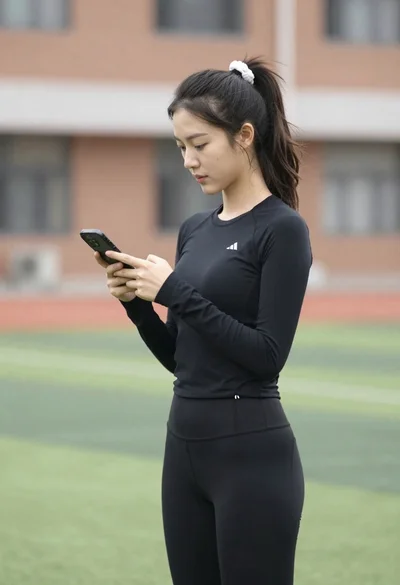
Young woman looking at phone outdoors wearing athletic compression wear

Young woman in yellow athletic wear holding iced coffee on sunny sidewalk