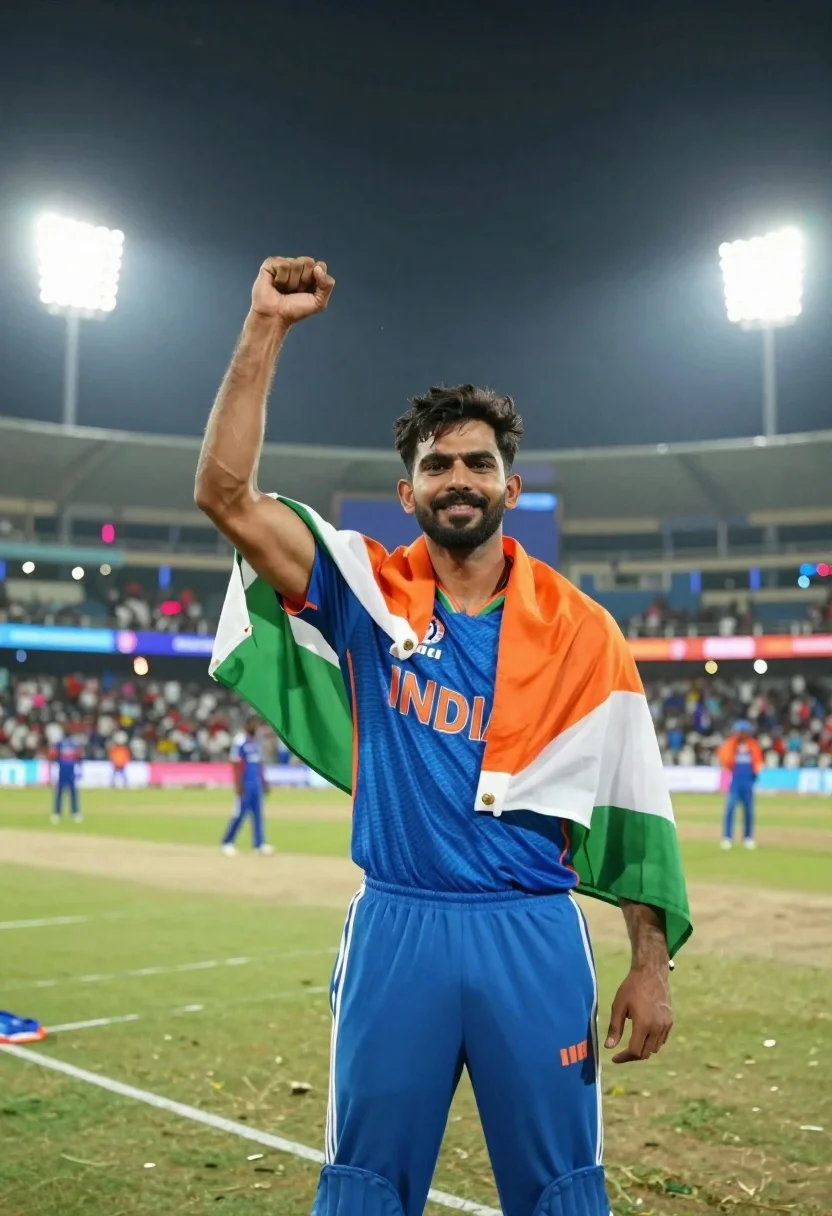
Male cricket athlete in blue jersey celebrating victory in stadium at night
Prompt
A triumphant male athlete stands in the center of a cricket stadium at night, draped in an Indian flag and wearing a blue jersey with INDIA printed across the chest.

Subject: A young man with dark wavy hair and stubble, smiling confidently at the camera while raising his right fist in a gesture of victory.

Clothing: He wears a royal blue athletic jersey with orange lettering spelling INDIA, matching blue track pants with white stripes down the side, and an Indian flag draped over his shoulders like a cape.

Action: The subject stands upright facing forward with his right arm raised in a clenched fist gesture of celebration while holding the flag with his left hand near his waist.

Environment: A large cricket stadium filled with spectators under bright floodlights at night, with green grass pitch and white boundary lines visible in the foreground.

Camera: Medium shot capturing the subject from the waist up, slightly low angle emphasizing his stature against the towering stadium lights and crowd.

Lighting: Bright artificial stadium lighting creates strong highlights on the subject’s face and jersey, casting soft shadows and illuminating the vibrant colors of the flag and uniform.

Style Details: High-resolution sports photography with vivid color saturation, sharp focus on the subject, and a cinematic depth of field blurring the background crowd and distant players.
Description
This prompt is useful for creating victory celebration posters, sports documentary stills, and athletic merchandise mockups. The combination of 'bright artificial stadium lighting' casting strong highlights ensures the subject pops against the blurred background, while the 'slightly low angle' composition exaggerates his stature, making him appear monumental within the vast stadium setting.
Suggestions
- Change 'royal blue' to 'navy blue' for a more subdued uniform look.
- Add 'sweat beads visible on skin' to enhance the intensity of the moment.
- Swap 'cinematic depth of field' for 'shallow depth of field' for stronger background separation.
Category
Tags
Brown HairFull BodyMaleMedium ShotOutdoorsRealisticSportswearUrban
Date added
June 21, 2026
Added by
PromptDexter Team
Related Prompts
More prompts with similar categories and tags.
Muscular man sitting on ledge against graffiti mural

Muscular man in white tank top posing inside a fitness gym
Muscular man in blue pool splashing water under sunlight
Woman with dark hair holding bow at outdoor archery range setting
Young woman in white tshirt and cap leaning on tennis net
Young woman in white tshirt and baseball cap walking on tennis court
Female cricket player celebrating victory in stadium at night with flag
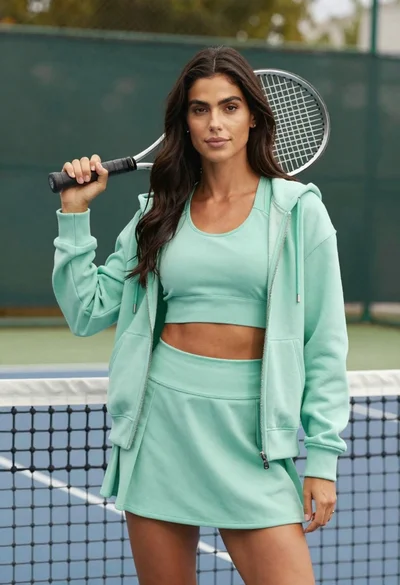
Confident woman in mint green athletic wear holding tennis racket on court
