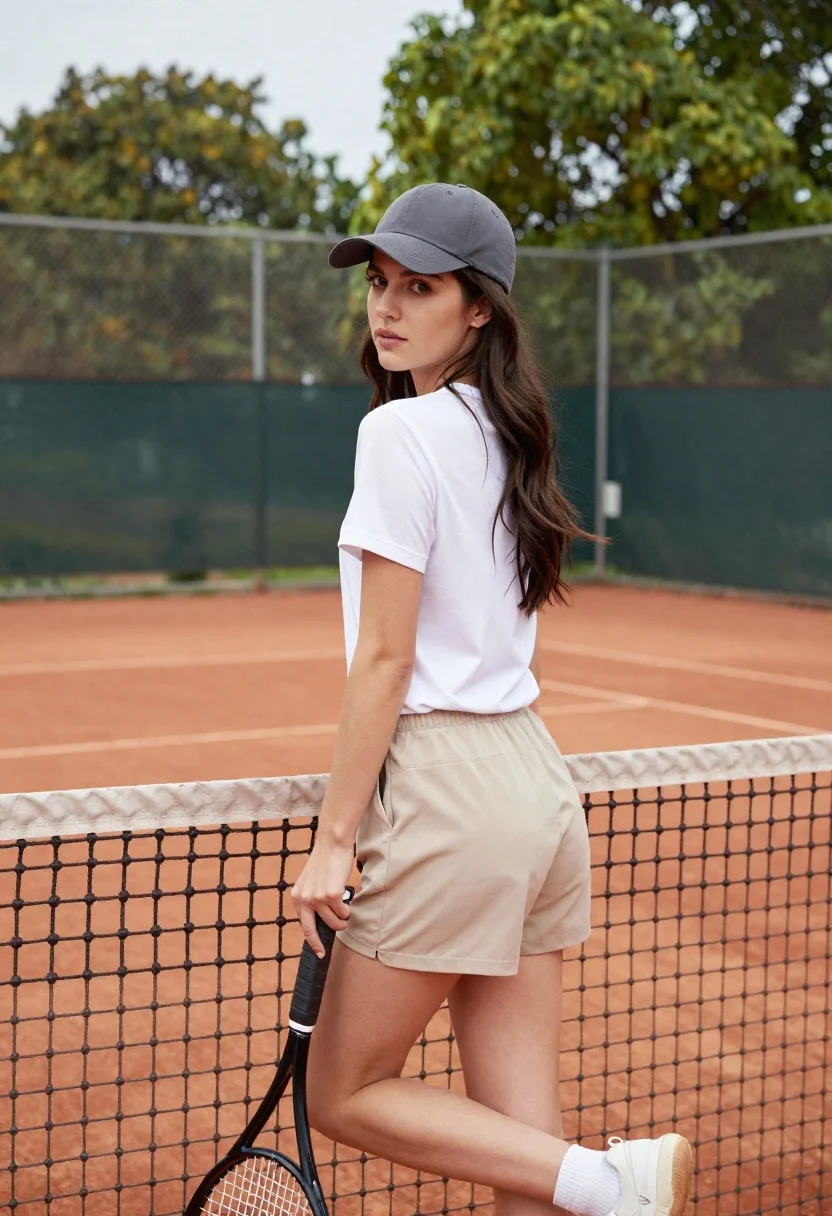
Young woman in white tshirt and cap leaning on tennis net
Prompt
A young woman with long dark wavy hair stands leaning against a tennis net on an outdoor court.

Subject: A young woman with long, dark brown wavy hair and fair skin looking over her shoulder at the camera.

Clothing: She wears a plain white short-sleeved t-shirt, beige shorts, and a grey baseball cap worn forward.

Action: She is leaning back against the tennis net with one leg bent and resting on top of the net, holding a black tennis racket handle in her right hand while looking over her left shoulder.

Environment: The setting is an outdoor tennis court featuring red clay or hard court surface with white boundary lines, surrounded by a chain-link fence and green trees in the background under an overcast sky.

Camera: Medium shot capturing the subject from the thighs up, framed slightly from behind to show her profile as she looks back, with a shallow depth of field blurring the background fence and trees.

Lighting: Soft, diffused natural light typical of an overcast day, creating gentle shadows and even illumination on the subject's face and clothing without harsh highlights.

Style Details: High-resolution photography with a clean, modern aesthetic, sharp focus on the subject, and muted natural color palette emphasizing the grey, white, beige, and green tones.
Description
This prompt is useful for creating fitness lifestyle content, athletic portraiture for brand campaigns, and casual editorial shots featuring sports elements. The combination of 'soft, diffused natural light' and a 'shallow depth of field' ensures the subject remains sharply focused against a blurred background, which prevents distracting details from the 'chain-link fence' while maintaining an authentic, unposed feel suitable for athletic documentation.
Suggestions
- Change 'beige shorts' to 'navy athletic shorts' for stronger color contrast.
- Swap 'black tennis racket handle' for 'wooden grip' to alter the prop's material.
- Adjust 'overcast sky' to 'late afternoon diffused light' for warmer tones.
Category
Tags
Brown HairCasual WearFair SkinFemaleMedium ShotOutdoorsPortrait ShotRealisticUrban
Date added
June 21, 2026
Added by
PromptDexter Team
Related Prompts
More prompts with similar categories and tags.
Woman with dark hair holding bow at outdoor archery range setting
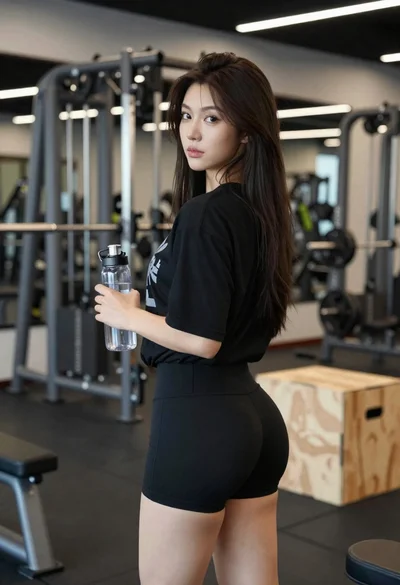
Young woman in black athletic wear looking over shoulder in modern gym
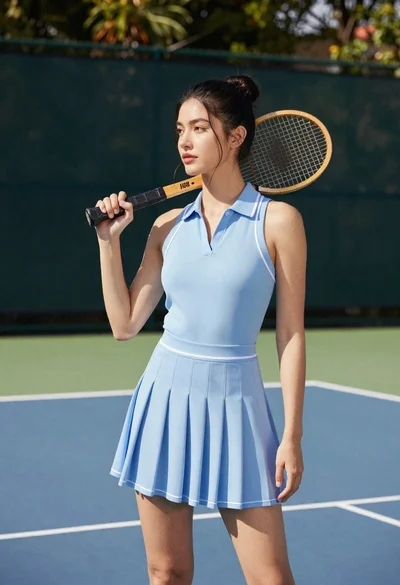
Young woman in blue dress holding wooden tennis racket on outdoor court
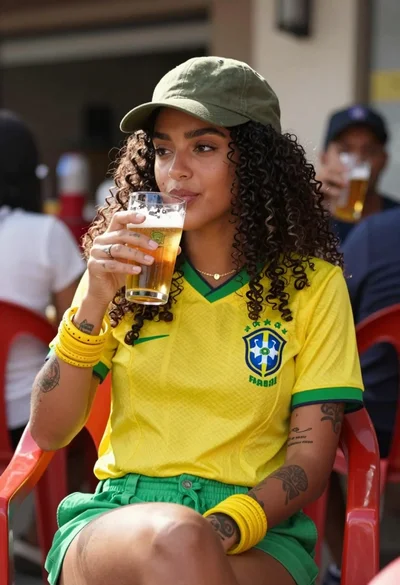
Young woman with curly dark hair holding beer outdoors at natural sunlight
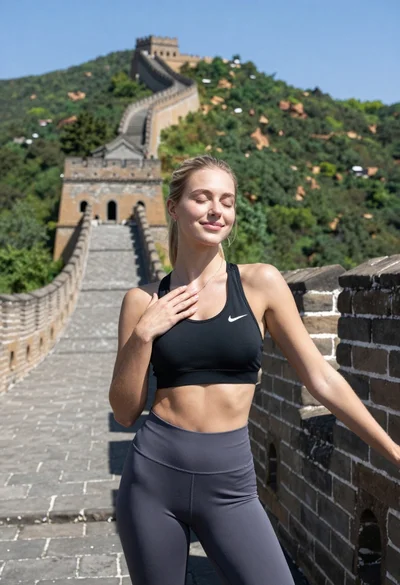
Blonde woman in athletic wear against the great wall of china backdrop
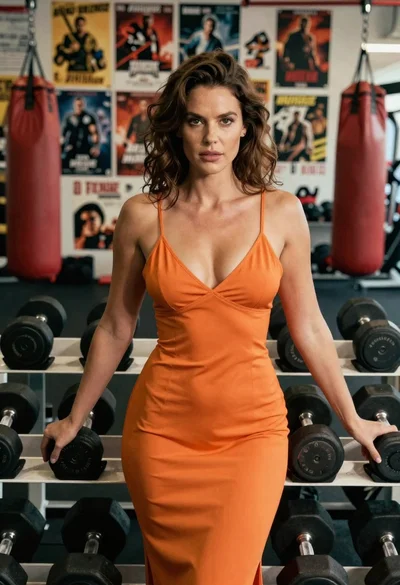
Woman in orange slip dress posing with dumbbells in a gym setting
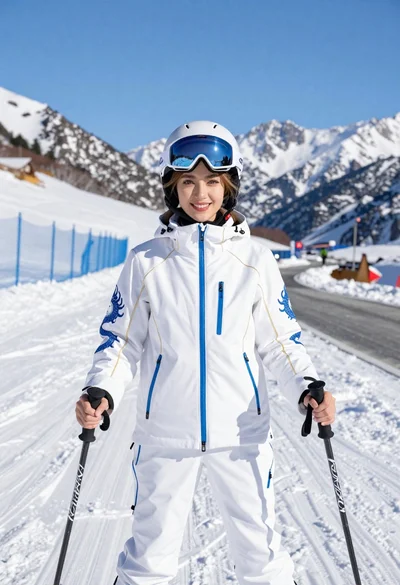
Smiling woman in white ski gear on snowy mountain slope under blue

Young woman in green jacket holding plush toy at festive carousel