

Fit woman in pink bodysuit singing on stage under red lights
Prompt
A woman stands confidently on a concert stage holding a microphone in one hand while resting the other on her hip.

Subject: A fit woman with wavy brown hair styled loosely around her shoulders and face.

Clothing: She wears a light pink, lace-trimmed bodysuit featuring sheer mesh panels across the torso and legs, paired with high-heeled boots.

Action: She stands in a relaxed pose with one hand on her hip and the other holding a microphone near her waist, looking off to the side with a calm expression.

Environment: The setting is a dimly lit stage with deep red background lighting and out-of-focus musicians visible in silhouette behind her.

Camera: The shot is taken from a low angle, emphasizing the subject’s height against the stage lights, with a shallow depth of field that blurs the background elements.

Lighting: Warm red stage lights illuminate the scene from behind and below, casting soft highlights on her skin and outfit while creating dramatic shadows.

Style Details: The image has a polished, high-contrast aesthetic typical of professional concert photography, with vibrant color grading and sharp focus on the central figure.
Description
This prompt is useful for creating album cover art, live performance promotional materials, and editorial music feature spreads. The combination of 'low angle' perspective and 'warm red stage lights' exaggerates the subject's stature against the background, while the 'shallow depth of field' ensures that the viewer's focus remains sharply fixed on the central figure despite the visible silhouettes.
Suggestions
- Change 'light pink' to 'magenta' for a more intense color pop.
- Add 'sweat sheen' to the skin description for added performance grit.
- Swap 'high-heeled boots' for 'patent leather combat boots' for a tougher edge.
Category
Tags
Brown HairBrunetteFemaleLow AngleOutdoorsPortrait ShotRealistic
Date added
June 19, 2026
Added by
PromptDexter Team
Related Prompts
More prompts with similar categories and tags.
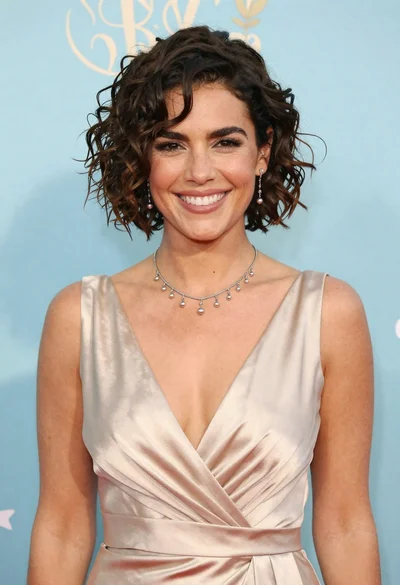
Smiling woman in champagne satin gown against light blue floral backdrop
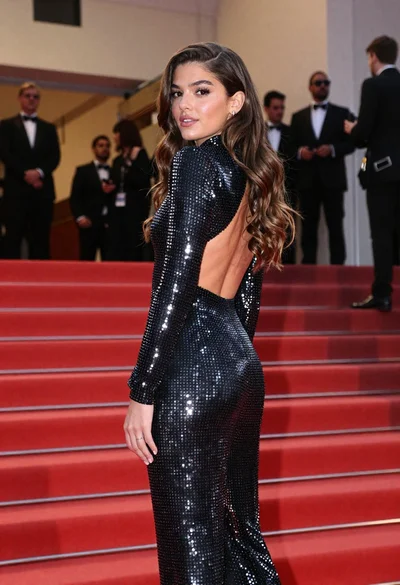
Young woman in silver polka dot jumpsuit on grand red carpet stairs

Woman in black dress by window overlooking ocean at golden hour

Woman seated on mid century chair wearing beige suit

Poised woman in black blazer sitting on stool against blue gradient background

Smiling blonde woman in black dress at sports illustrated event backdrop
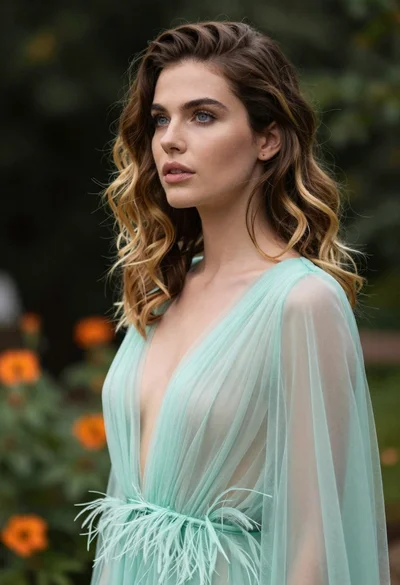
Portrait of woman with brown blonde hair in mint gown garden setting
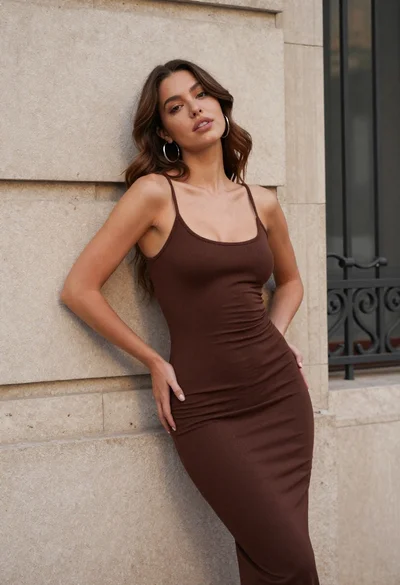
Young woman in brown dress leaning against beige stone wall
Dark skinned woman in black top posing with gold jewelry studio portrait

Glamorous woman in red satin dress seated against light studio background
