
Fit woman taking mirror selfie in maroon athletic wear at gym
Prompt
A woman with long brown hair sits on a black gym bench taking a mirror selfie with an orange smartphone.

Subject: A fit woman with long, straight brown hair featuring lighter highlights and a neutral facial expression looking into the camera.

Clothing: She wears a matching maroon athletic set consisting of a long-sleeved crop top with a large cutout at the chest and high-waisted leggings made of smooth, stretchy fabric.

Action: She is seated on a black padded gym bench, holding an orange smartphone in her right hand to take a photo, while her left hand rests casually on her thigh.

Environment: The setting is a modern gym with light wood-paneled walls, visible weightlifting equipment including a cable machine and barbells in the background, and a framed picture on the wall.

Camera: A medium shot taken from a slightly low angle looking up at the subject through a mirror reflection, capturing the full upper body and legs.

Lighting: Bright, even indoor lighting that highlights the contours of her physique and creates soft shadows within the clothing cutouts.

Style Details: High-resolution photography with sharp focus on the subject, realistic skin texture, and vibrant color saturation typical of modern smartphone camera output.
Description
This prompt is useful for creating fitness blog content, athletic brand advertising mockups, and personal lifestyle social media posts documenting workout routines. The combination of 'low angle' perspective through a mirror reflection emphasizes the subject's physique while the 'bright, even indoor lighting' ensures that the details of the 'maroon athletic set' remain visible without harsh shadows obscuring the fabric texture.
Suggestions
- Change 'orange smartphone' to 'black smartphone' for a more subdued aesthetic.
- Swap 'light wood-paneled walls' for 'exposed brick' to add industrial grit.
- Adjust 'medium shot' to 'full body shot' to better capture the leggings.
Category
Tags
Brown HairBrunetteFemaleIndoorsLow AngleMedium ShotRealisticStudio
Date added
June 19, 2026
Added by
PromptDexter Team
Related Prompts
More prompts with similar categories and tags.
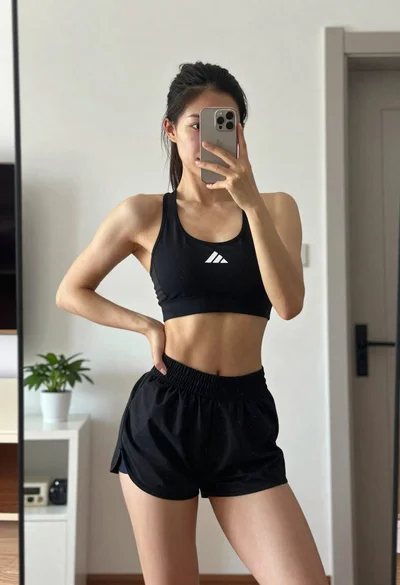
Fit woman taking mirror selfie in black athletic wear indoors
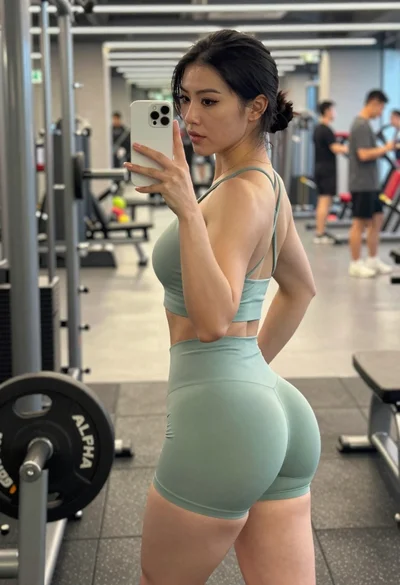
Fit woman taking mirror selfie in gym wearing sage green athletic set
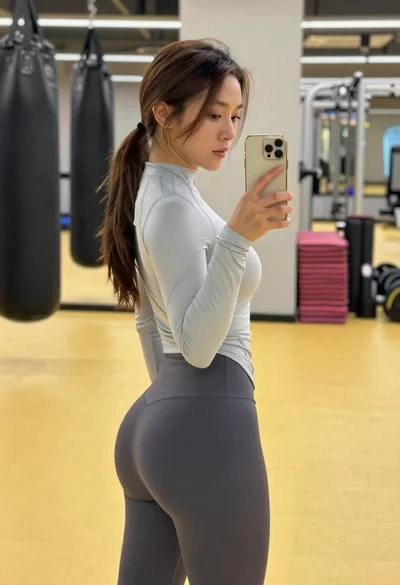
Fit woman taking a mirror selfie in a gym holding a gold smartphone

Young woman taking mirror selfie in modern gym setting with blonde hair
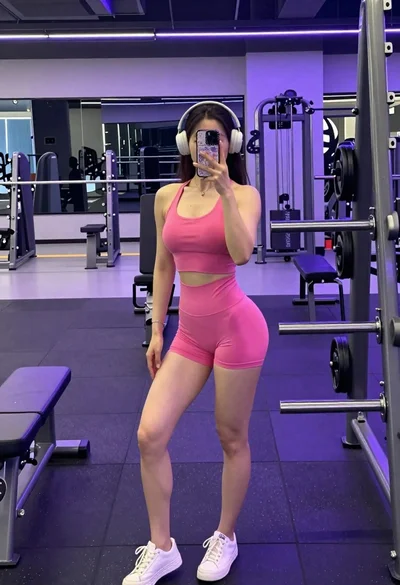
A woman taking a mirror selfie in a gym wearing a pink tank top
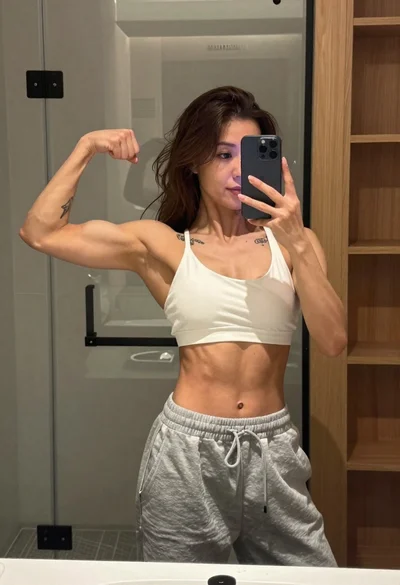
Muscular woman taking a mirror selfie in modern bathroom setting
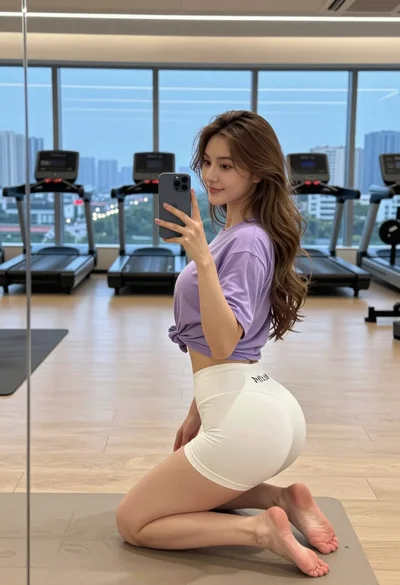
Young woman taking mirror selfie in modern gym overlooking city skyline at
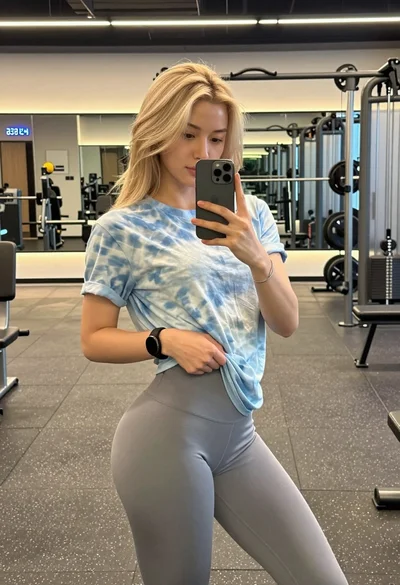
Blonde woman taking mirror selfie in modern gym setting
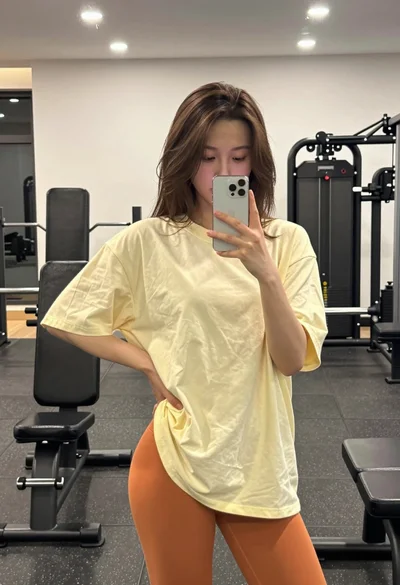
Young woman taking a mirror selfie in a gym setting indoors
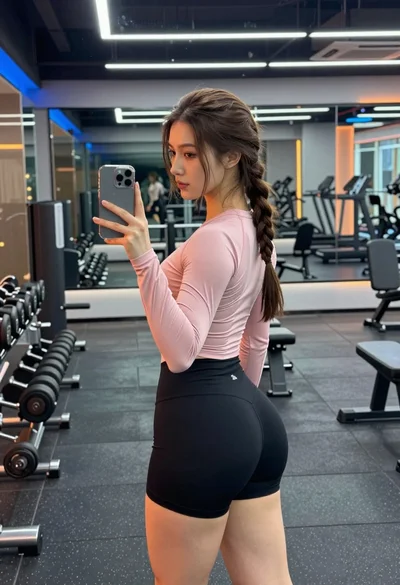
Young woman taking mirror selfie in modern gym setting with athletic wear