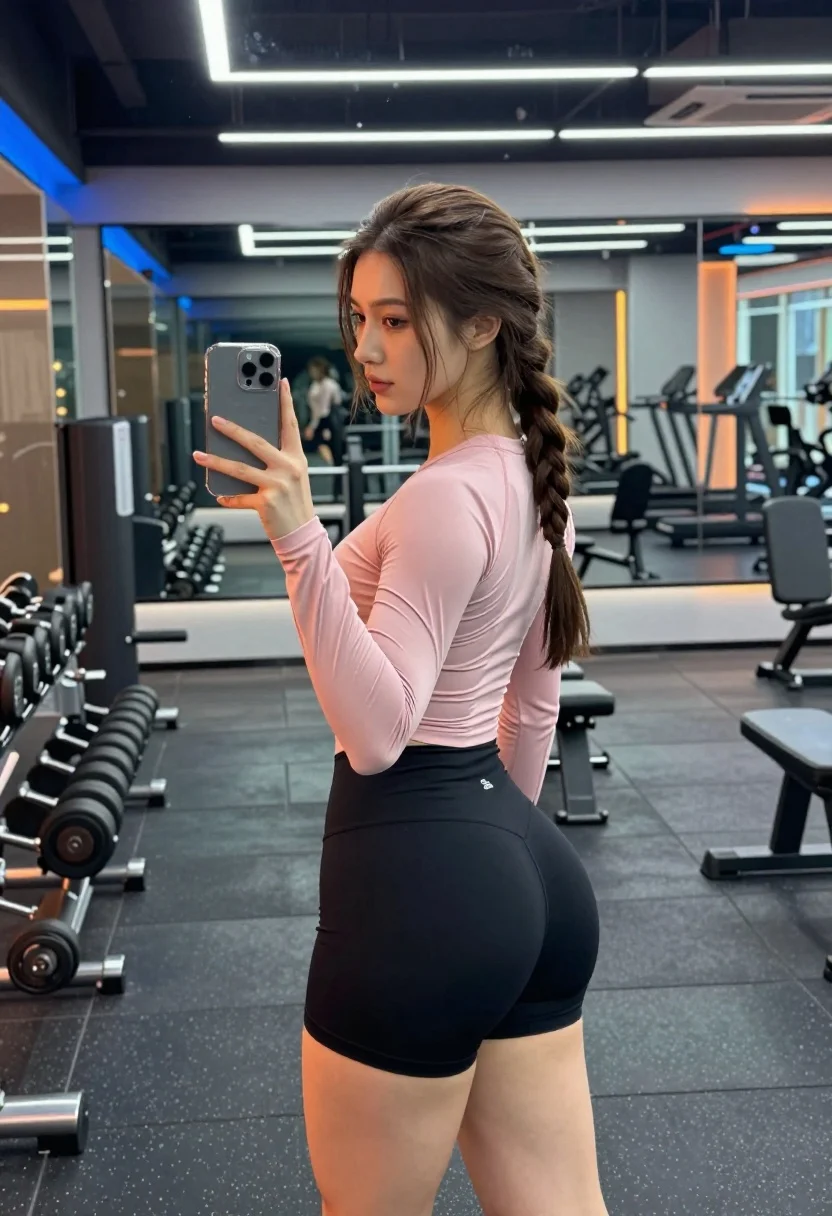
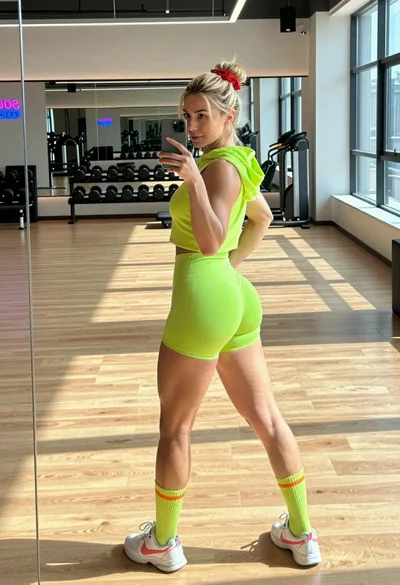
Young woman taking mirror selfie in modern gym setting with athletic wear
Prompt
A young woman with long brown hair styled in a side braid stands in profile facing a mirror while holding a smartphone to take a selfie.

Subject: A fit young woman with long brown hair featuring a braided section near the crown, fair skin, and a neutral facial expression looking at her phone screen.

Clothing: She wears a tight-fitting, light pink long-sleeved athletic top with a small logo on the lower back and black high-waisted compression shorts.

Action: The woman holds a grey smartphone in her right hand to capture a mirror selfie, standing still with her body angled slightly away from the camera.

Environment: A modern gym interior featuring dark rubber flooring, large wall mirrors reflecting the room, weight racks with dumbbells on the left, and cardio machines visible in the background.

Camera: The shot is framed as a medium full-body view captured through the reflection in a mirror, utilizing a vertical composition that emphasizes the subject's silhouette against the gym backdrop.

Lighting: The scene is illuminated by cool-toned neon strip lights mounted on the ceiling and walls, casting a blue and orange glow that reflects off the mirrors and creates a high-contrast, moody atmosphere.

Style Details: The image features a sleek, modern aesthetic with sharp reflections in the glass surfaces and a color palette dominated by deep blacks, metallic greys, and vibrant neon accents.
Description
This prompt is useful for creating fitness brand advertising, personal workout documentation, and editorial sportswear editorials. The combination of 'cool-toned neon strip lights' casting a blue and orange glow against the 'dark rubber flooring' establishes a high-contrast, moody atmosphere that prevents the scene from looking flat or overly bright, which is ideal for showcasing athletic wear textures.
Suggestions
- Change 'light pink long-sleeved athletic top' to 'charcoal grey seamless crop top' for a more monochromatic look.
- Add 'sweat beads visible on skin' to enhance the fitness narrative.
- Swap 'blue and orange glow' for 'single overhead spotlight' to focus attention solely on the subject.
Category
Tags
Brown HairCasual WearFair SkinFemaleFull BodyIndoorsMedium ShotRealisticStreetwear
Date added
July 12, 2026
Added by
PromptDexter Team
Related Prompts
More prompts with similar categories and tags.
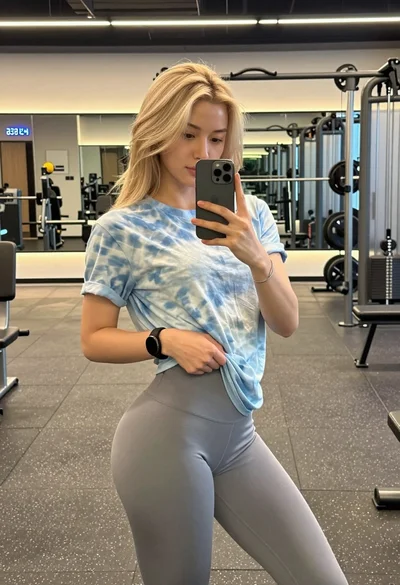
Blonde woman taking mirror selfie in modern gym setting
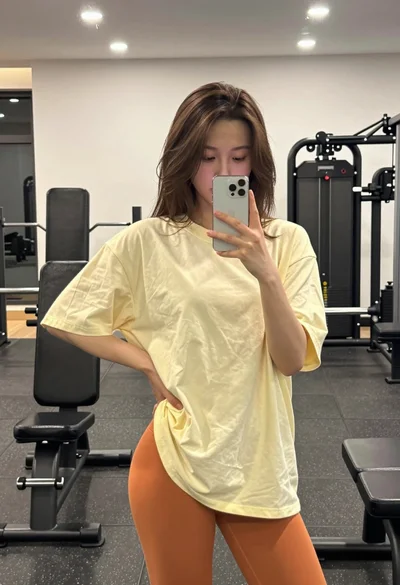
Young woman taking a mirror selfie in a gym setting indoors
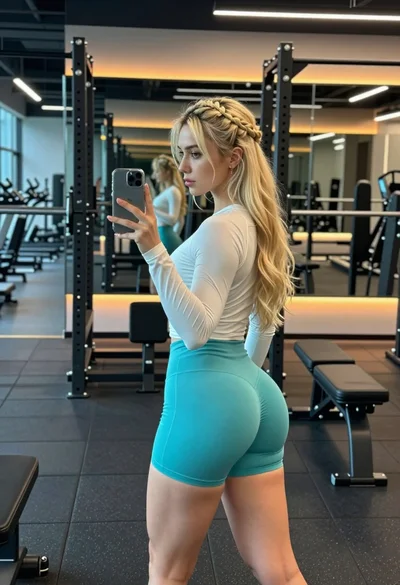
Young woman taking mirror selfie in modern gym setting with blonde hair
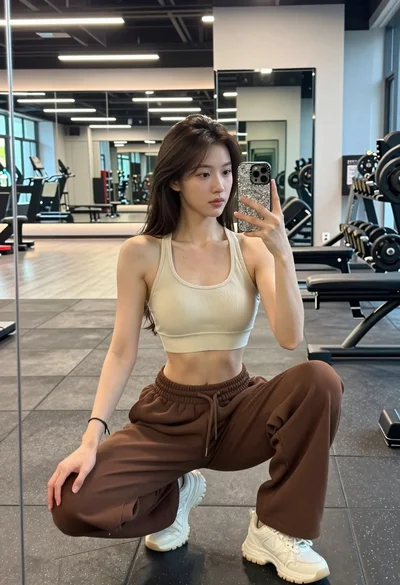
Young woman taking mirror selfie squatting in a modern gym setting
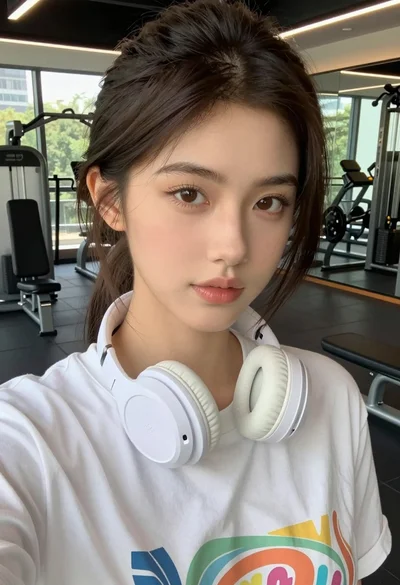
Close up selfie of young woman in white t shirt at modern
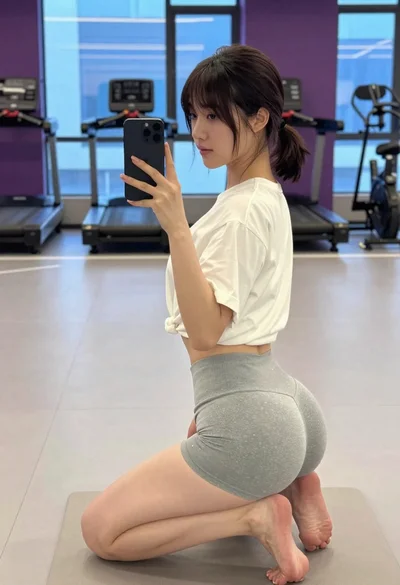
Young woman taking mirror selfie in modern gym setting
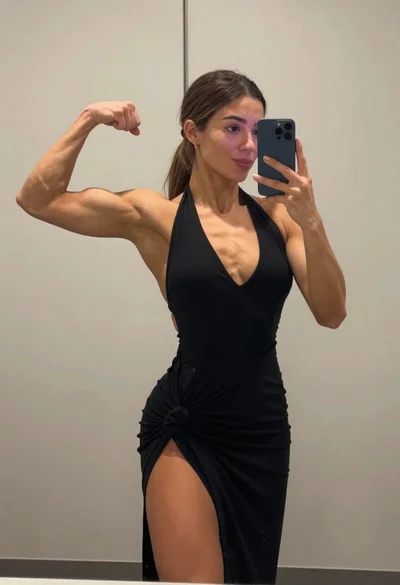
Muscular woman taking a mirror selfie flexing bicep in an indoor room
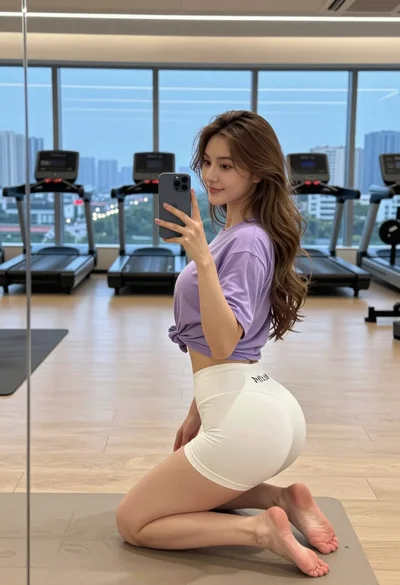
Young woman taking mirror selfie in modern gym overlooking city skyline at
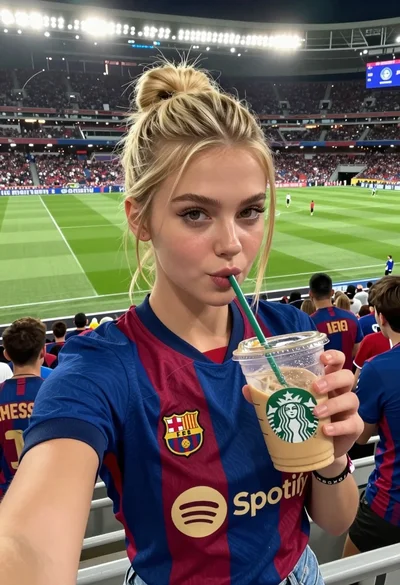
Young woman taking selfie at packed football stadium wearing barcelona jersey
Blonde woman taking mirror selfie in neon athletic wear at modern gym