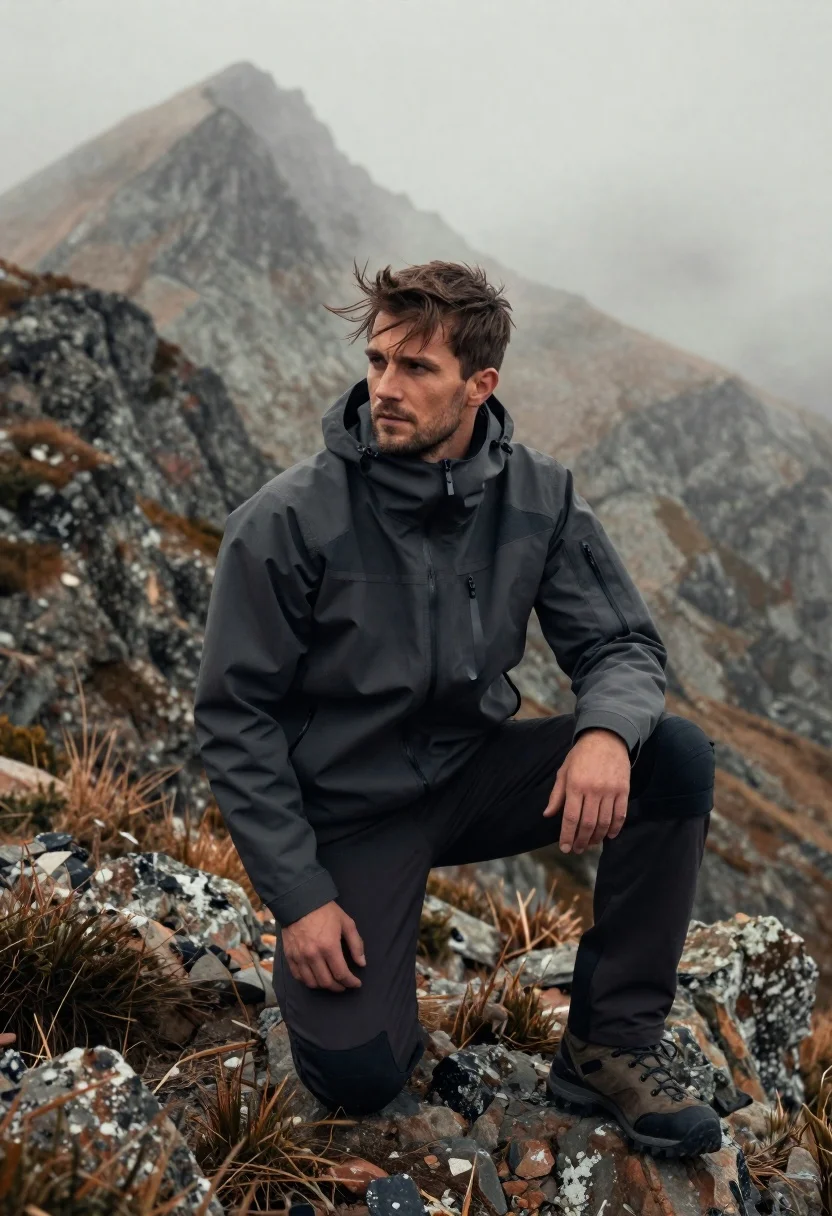
Fit young man kneeling on rocky mountain ridge with misty peaks behind
Prompt
A rugged man kneels on a rocky mountain ridge with misty peaks rising behind him.

Subject: A fit young man with short brown hair and light facial stubble, his expression serious and focused as he gazes off to the side. His hair is slightly tousled by the wind.

Clothing: He wears a dark grey tactical-style jacket with a high collar and visible pockets, paired with dark trousers that have reinforced knee patches and heavy-duty hiking boots.

Action: The man is kneeling on one knee on uneven terrain, his body angled slightly forward as if pausing during a hike or climb. His hands rest naturally near his thighs, and the wind catches strands of hair across his forehead.

Lighting: Soft, diffused natural light filters through the mist, creating gentle highlights on his face and jacket while casting subtle shadows that enhance the texture of his clothing and the rocky ground.

Environment: A high-altitude mountain landscape with jagged rock formations and sparse vegetation under a cloudy sky, partially obscured by swirling fog or low clouds that add depth and atmosphere to the background.

Camera: Shot from a medium-low angle to emphasize the subject’s presence against the vast terrain, with shallow depth of field blurring the distant mountains for dramatic effect.

Style Details: Cinematic realism with high dynamic range, muted earth tones, and atmospheric haze that evokes a sense of solitude and adventure in nature.
Description
This prompt is useful for creating cinematic adventure posters, wilderness survival narratives, and editorial outdoor lifestyle photography. The combination of 'medium-low angle' and 'shallow depth of field' ensures the subject remains dominant against the vastness of the background, while the 'soft, diffused natural light' prevents harsh shadows that would detract from the rugged texture suggested by the 'dark grey tactical-style jacket'.
Suggestions
- Change 'dark grey tactical-style jacket' to 'olive drab canvas jacket' for a more muted palette.
- Swap 'misty peaks' for 'snow-capped peaks' to increase visual contrast.
- Adjust 'medium-low angle' to 'eye-level shot' if you want the subject to feel less imposing.
Category
Tags
Brown HairFull BodyLight SkinMaleMedium ShotMountainsOutdoorsRealistic
Date added
June 23, 2026
Added by
PromptDexter Team
Related Prompts
More prompts with similar categories and tags.
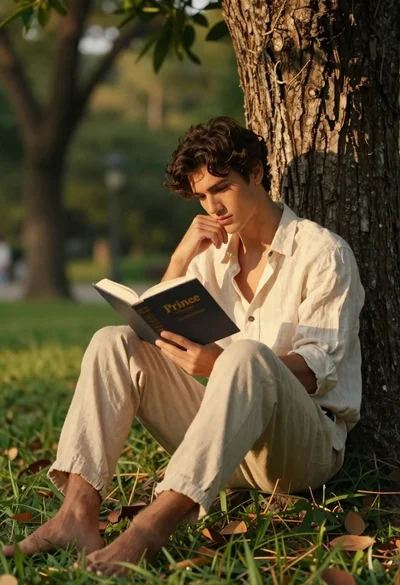
Young man reading a book while leaning against a tree trunk

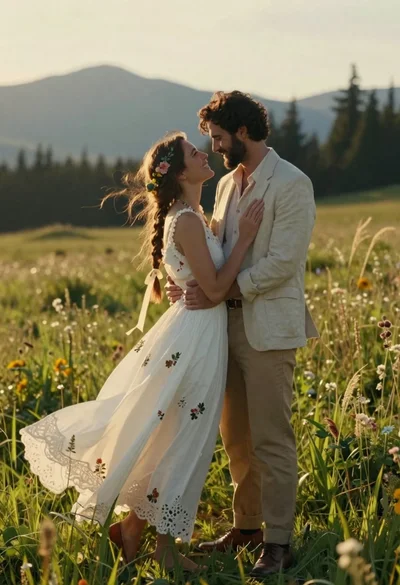
Romantic couple embracing on misty mountains during golden hour sunrise
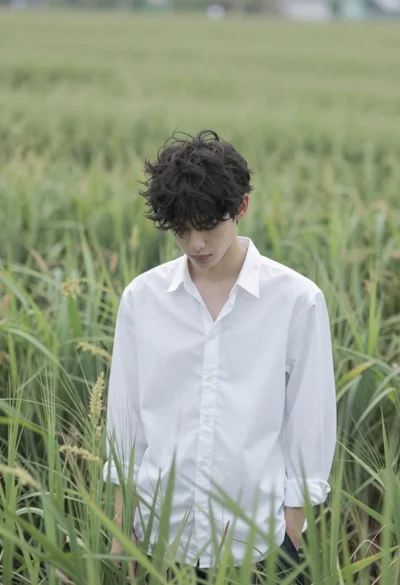
Young man in white shirt standing in tall swaying green grass field
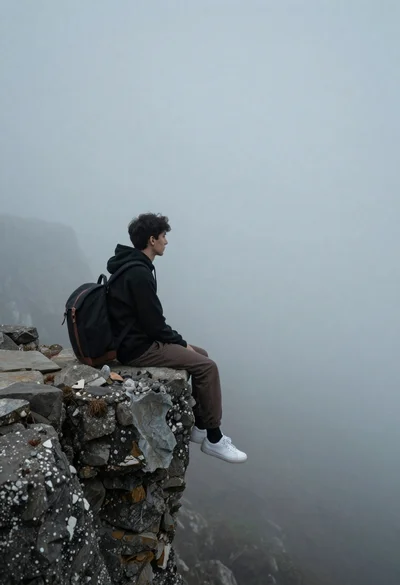
Young man in black hoodie sitting on rocky cliff in thick mist
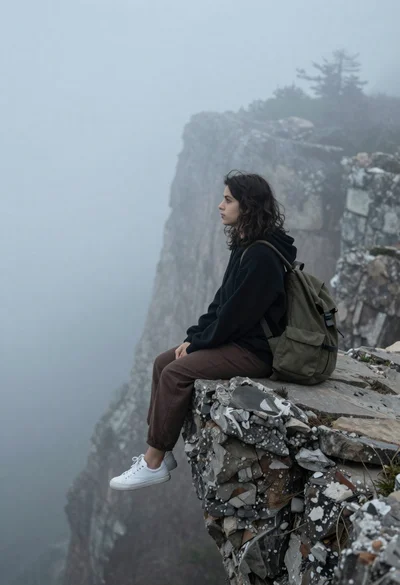
Young woman in black hoodie sitting on rocky cliff in thick fog
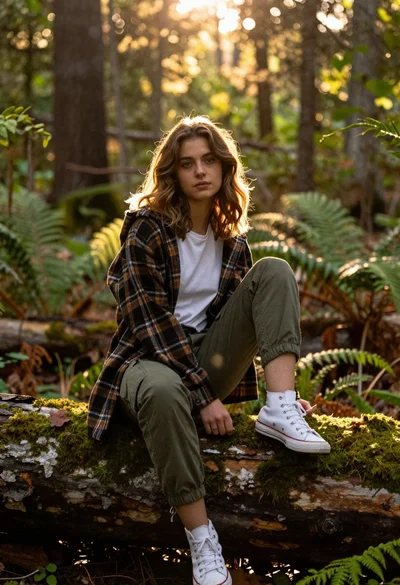
Young woman with brown hair sitting on a log in sunlit forest
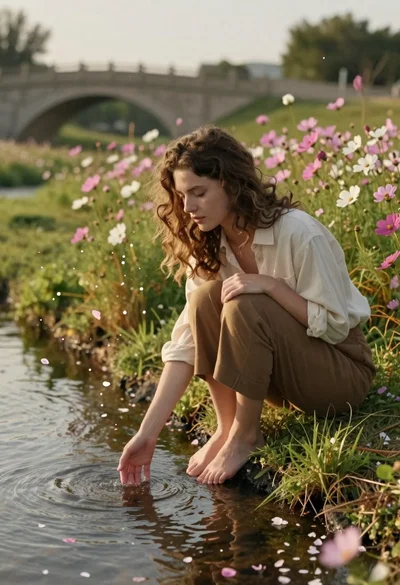
Young woman with brown hair sitting by stream in flowery meadow
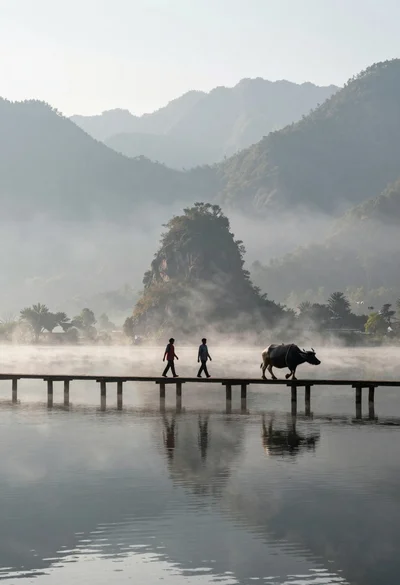
Two figures and buffalo walking across wooden pier over misty lake mountains