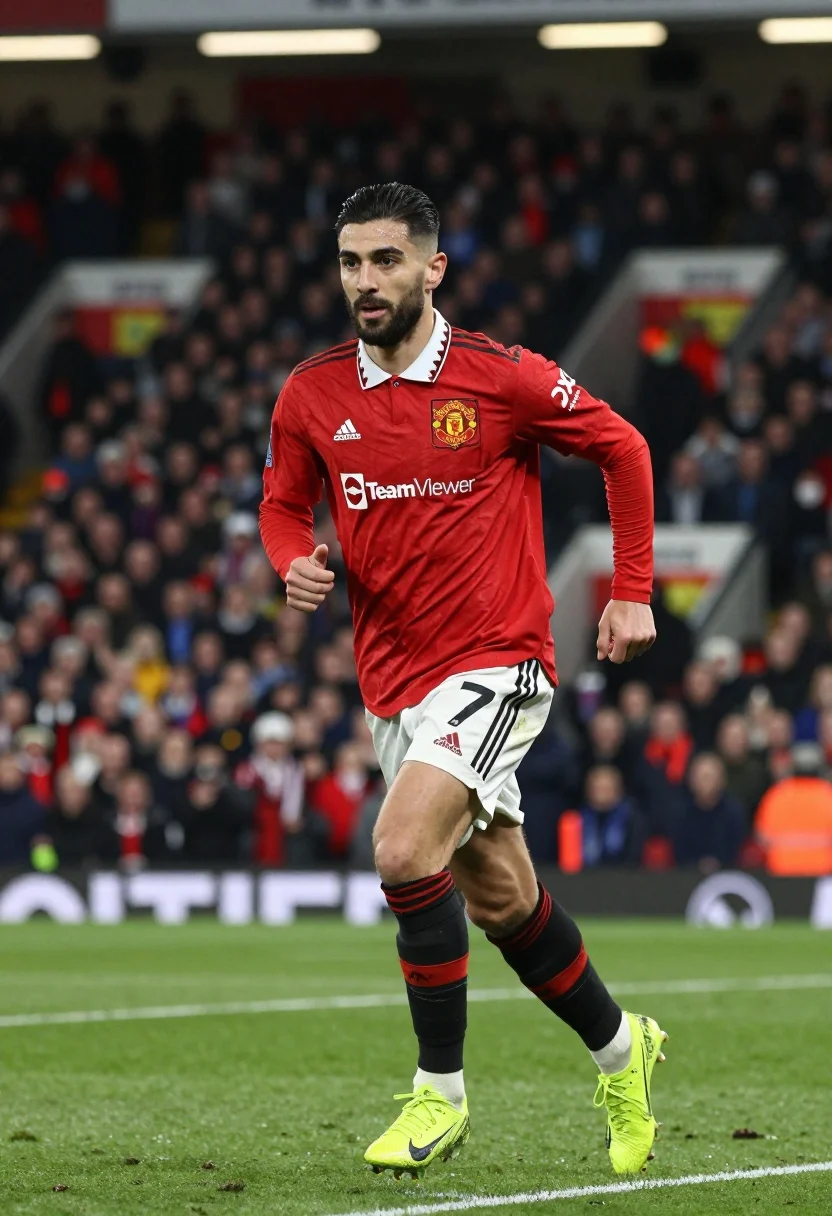
Football player running dynamically on green pitch under bright stadium lights
Prompt
A professional football player in mid-stride on a green pitch wearing a red long-sleeved jersey with white collar trim and the Manchester United crest, white shorts with black stripes and the number seven, black socks with red detailing, and bright neon yellow cleats.

Subject: A male football player with dark hair styled back and a short beard, looking forward with a focused expression.

Clothing: Red long-sleeved jersey featuring an Adidas logo on the right chest, a TeamViewer sponsor logo across the front, and a DXC Technology logo on the left sleeve; white shorts with black stripes down the side; black socks with red bands at the top; neon yellow Nike football boots.

Action: Running forward with knees bent and arms pumping in a dynamic athletic pose.

Environment: A professional football stadium with a green grass pitch, blurred crowd in the stands, and advertising hoardings visible in the background.

Camera: Medium shot capturing the player from the waist up to the knees, utilizing a shallow depth of field that blurs the background significantly.

Lighting: Bright, even stadium floodlights illuminating the subject clearly against the darker, out-of-focus background.

Style Details: High-quality sports photography with sharp focus on the athlete and vibrant color saturation.
Description
This prompt is useful for creating action sequences for sportswear advertisements, dynamic athletic portraiture, and concept art for video game cinematics. The combination of 'bright, even stadium floodlights' ensuring clear visibility against the 'blurred crowd in the stands' prevents harsh shadows on the subject while the 'shallow depth of field' isolates the athlete's intense focus from background clutter.
Suggestions
- Change 'neon yellow Nike football boots' to 'metallic gold cleats' for a premium feel.
- Add 'motion blur effect' to the arms pumping action for increased dynamism.
- Swap 'Manchester United crest' for a generic team logo to increase versatility.
Category
Tags
MaleMedium ShotOutdoorsRealisticSportswearStudio
Date added
July 3, 2026
Added by
PromptDexter Team
Related Prompts
More prompts with similar categories and tags.
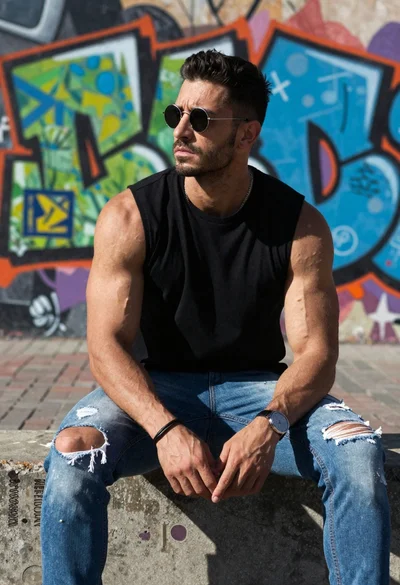
Muscular man sitting on ledge against graffiti mural
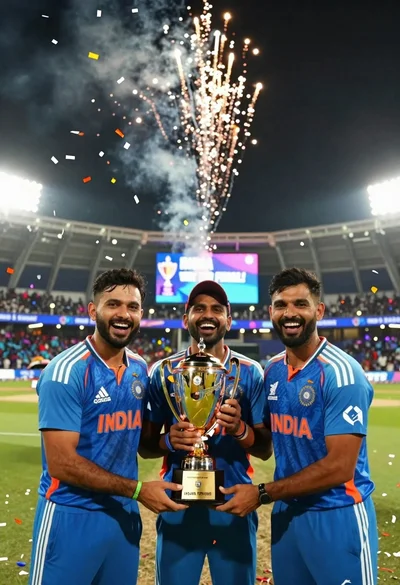
Three indian cricket players celebrating victory with a gold trophy under fireworks
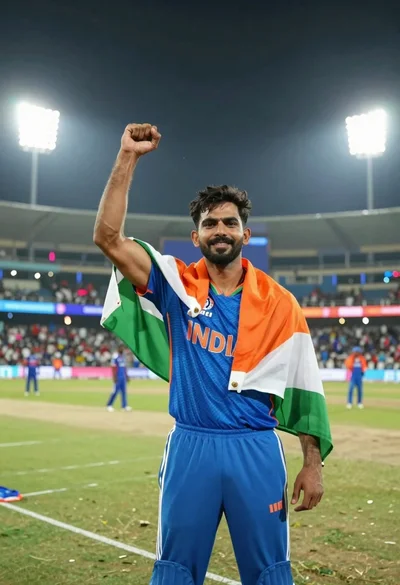
Male cricket athlete in blue jersey celebrating victory in stadium at night
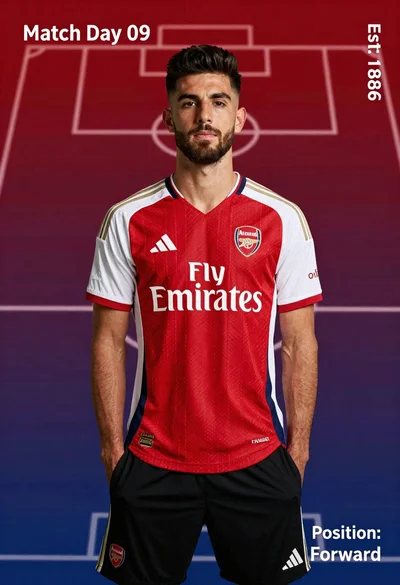
Young man in red and white arsenal football jersey standing on a
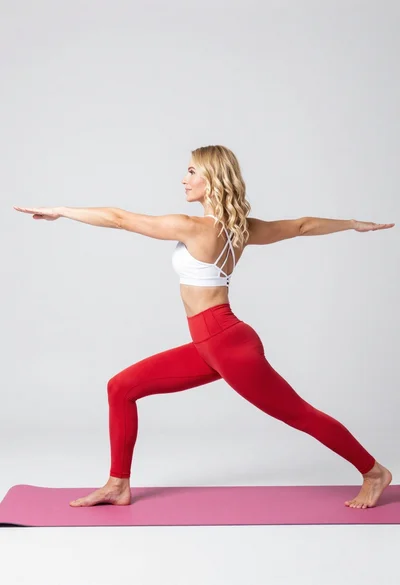
Fit blonde woman in white sports bra and red leggings doing yoga
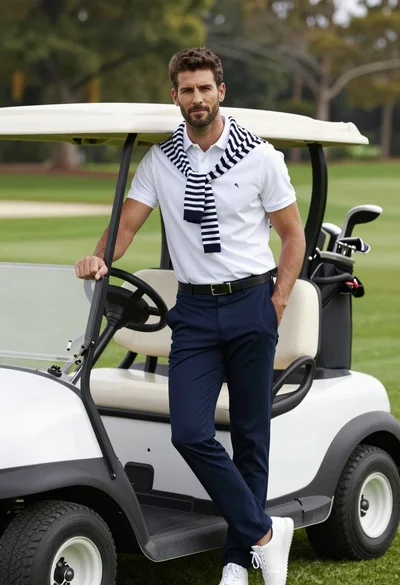
Handsome man leaning on white golf cart at sunny green outdoor course
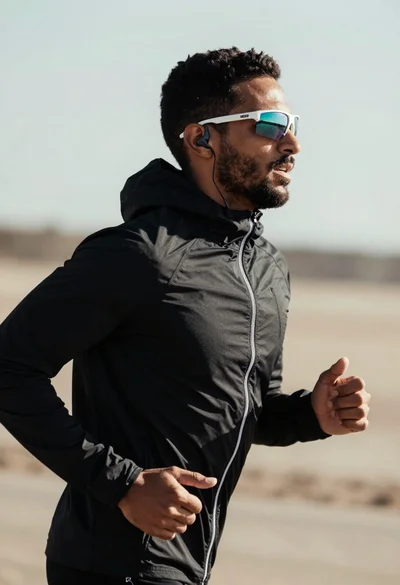
Fit man jogging outdoors in black jacket against blurred natural landscape
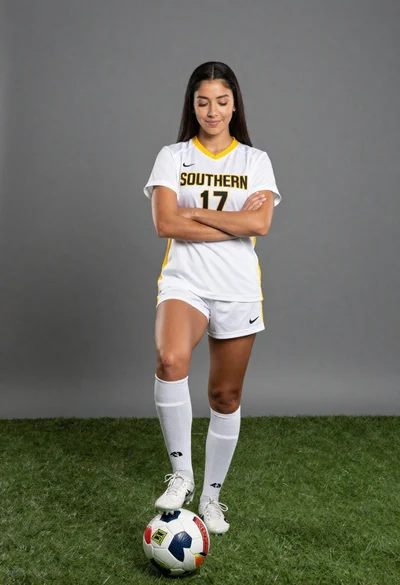
Fit young woman posing with a soccer ball on artificial turf in