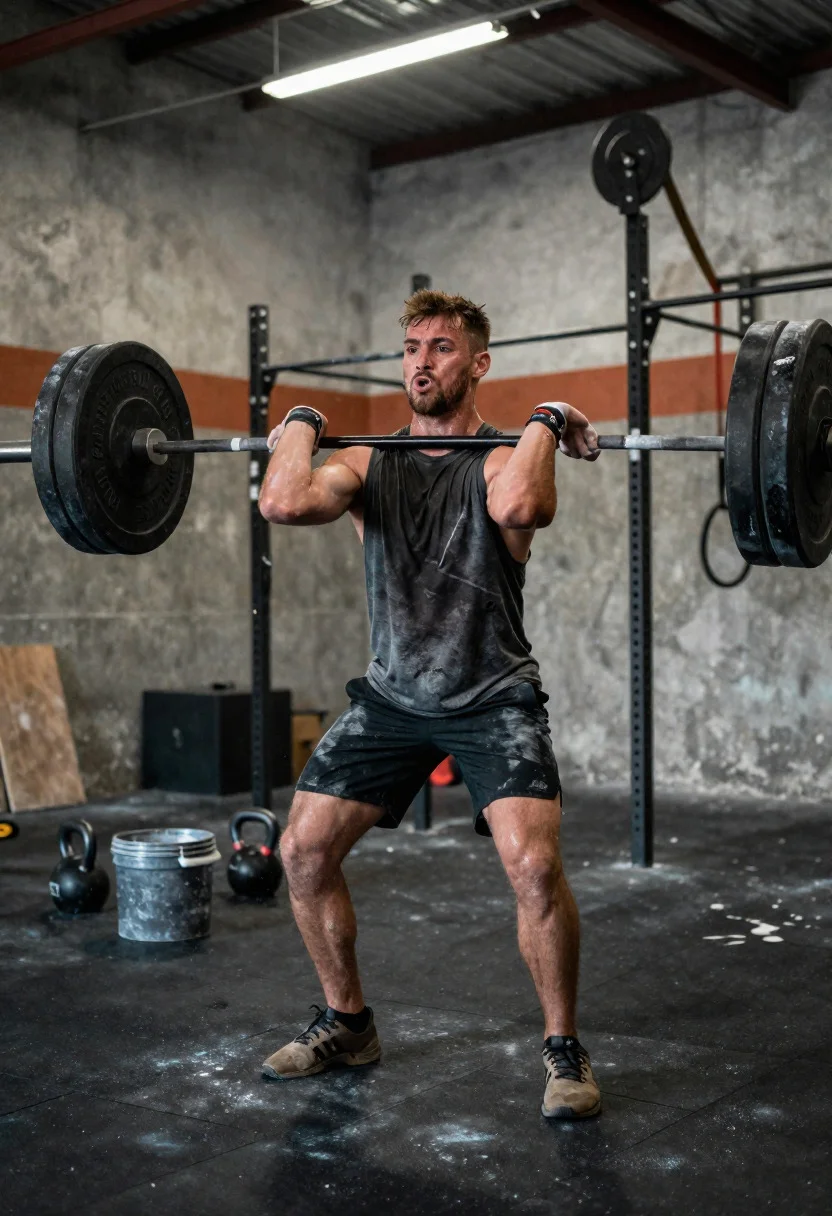
Low angle close shot of male athlete deadlifting in gritty gym
Prompt
High-energy CrossFit session capturing raw endurance and grit in a rugged training space

Subject: rugged male athlete with a determined, strained expression, sweat-drenched and muscular

Clothing: sleeveless performance top and durable training shorts, visibly worn from intense use

Accessories: chalked hands, wrist wraps

Action: mid-rep during a heavy deadlift, back straight and muscles fully engaged

Environment: gritty CrossFit gym with concrete walls, metal rigs, and chalk dust hanging in the air

Camera: low-angle close shot from the front, emphasizing power and effort with shallow depth of field

Lighting: harsh overhead industrial lighting creating sharp highlights and deep shadows across the body

Objects: loaded barbell with bumper plates, chalk bucket, scattered kettlebells

Interaction: hands gripping the bar tightly, chalk particles dispersing into the air during the lift

Style Details: raw documentary-style fitness photography with high contrast, textured realism, and an intense, unfiltered aesthetic
Description
This prompt is useful for creating gritty sports editorial spreads, athletic action sequences for film trailers, and visceral fitness branding materials. The combination of 'low-angle close shot' and 'harsh overhead industrial lighting' exaggerates the subject's musculature and strain, which is essential for conveying the raw power suggested by the 'sweat-drenched' appearance against the backdrop of concrete walls.
Suggestions
- Change 'sleeveless performance top' to 'ripped tank top' for a more aggressive look.
- Add 'motion blur on chalk dust' to emphasize speed.
- Swap 'harsh overhead industrial lighting' for 'single spotlight from above' to focus the intensity.
Category
Tags
Close UpFull BodyLow AngleMaleRealisticSportswearStreetwearStudio
Date added
June 19, 2026
Added by
PromptDexter Team
Related Prompts
More prompts with similar categories and tags.
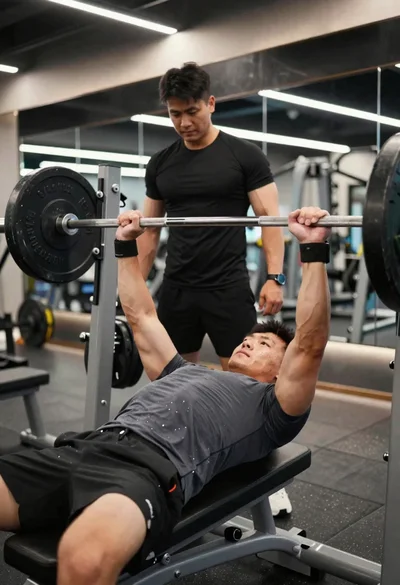
Muscular male athlete performing heavy bench press in modern gym setting

Low angle shot of muscular athlete lifting heavy weights in industrial gym

Muscular man sitting on ledge against graffiti mural

Muscular fighter recoiling from punch in bright arena
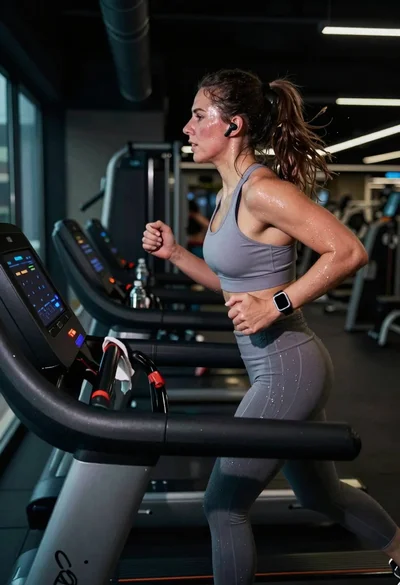
Exhausted female athlete sprinting on treadmill in dim modern gym
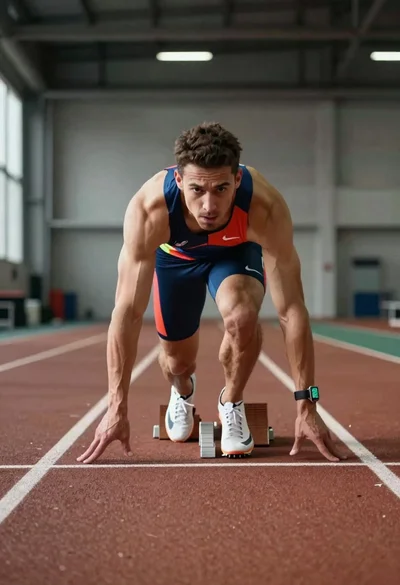
Elite male sprinter launching from starting blocks on indoor track
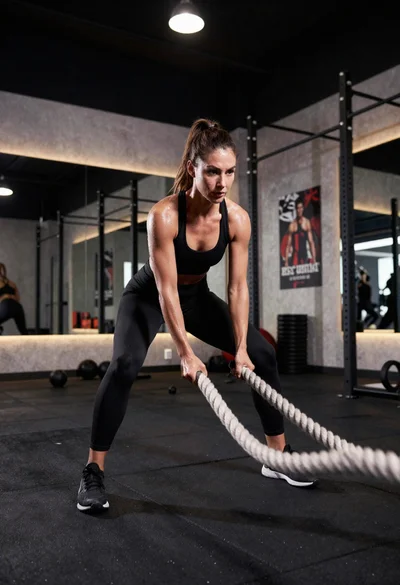
Fit athletic woman slamming battle ropes in modern gym studio
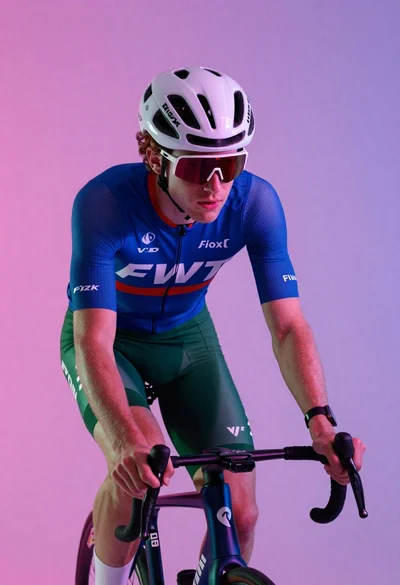
Cyclist in aerodynamic tuck pose studio portrait

Determined male bodybuilder flexing biceps in gritty gym setting

Young soccer player in argentina jersey against cosmic fire and lightning