
Football player running through debris field with football
Prompt
Photorealistic action shot of a young woman football player mid-stride charging through a debris field in an American football uniform

Subject: Fit female with long wavy blonde hair flying back from wind, blue eyes looking directly at camera with focused intense expression, red face paint streaks on cheeks and forehead

Clothing: Muddy red jersey with white number 12 partially obscured by dirt, captain patch labeled 'C' with three stars, NFL shield logo, team crest reading 'KASCT', matching beige pants with red stripe down side, black belt buckle, Nike swoosh on hip, red cleats, white wristband on left arm

Action: Dynamic forward motion through debris field with dirt and dust particles floating around body indicating speed and impact, hair caught in breeze suggesting movement, holding brown leather football in right hand

Environment: Chaotic battlefield scene with blurred background showing broken concrete structures, scattered rubble, faint orange construction pillars and supports rising behind creating depth

Lighting: Bright directional sunlight from upper left casting soft shadows across face and jersey highlighting texture of mud splatters on fabric

Camera: Shallow depth of field blurring distant elements while keeping subject sharply detailed, frozen moment capturing high-speed motion emphasizing intensity and gritty realism

Style Details: Cinematic sports photography aesthetic with motion blur effects in background enhancing sense of speed and power.
Description
This prompt is useful for creating intense action sequences for movie posters, athletic brand campaigns, and dramatic concept art illustrating struggle or victory. The combination of 'Bright directional sunlight from upper left' casting soft shadows across the face and jersey helps emphasize the grit and texture of the mud splatters on fabric, while the 'shallow depth of field' keeps the subject sharply detailed against a blurred background to maximize the sense of high-speed motion.
Suggestions
- Change 'blonde hair flying back from wind' to 'wet black hair plastered to forehead' for a different mood.
- Swap 'muddy red jersey' for 'weathered navy blue jersey' to alter team identity.
- Adjust 'faint orange construction pillars' to 'overgrown jungle foliage' for an environmental shift.
Category
Tags
BlondeBrown HairFemaleFull BodyRealisticSportswearUniform
Date added
June 19, 2026
Added by
PromptDexter Team
Related Prompts
More prompts with similar categories and tags.

Fit blonde woman taking mirror selfie in bright gym setting

Fit blonde woman in white sports bra and red leggings doing yoga

Soccer player walking down stadium tunnel toward cheering crowd at night
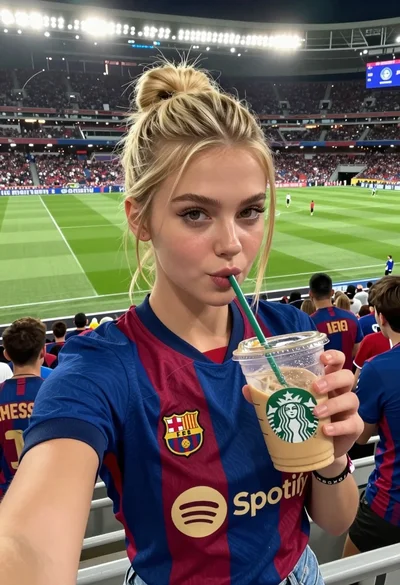
Young woman taking selfie at packed football stadium wearing barcelona jersey
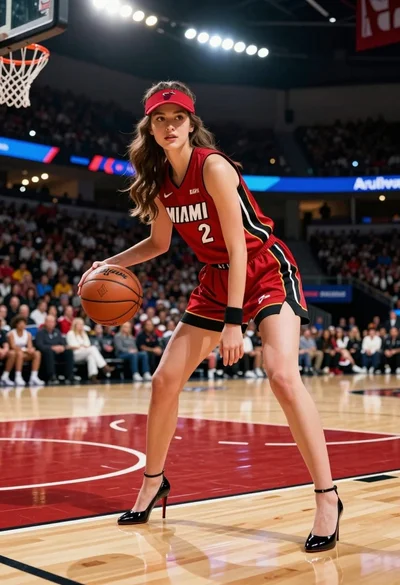
Woman in miami heat uniform posing dynamically on a wooden basketball court

Fit woman in beige athletic wear by bright window

Muscular woman with braid making peace signs in gym setting
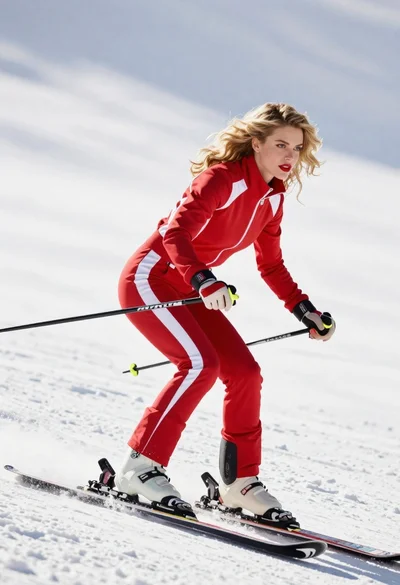
Blonde woman skiing in red tracksuit against snowy bright landscape