
Soccer player walking down stadium tunnel toward cheering crowd at night
Prompt
A female soccer player walks away from the camera down a stadium tunnel toward a cheering crowd in a large sports arena.

Subject: A fit woman with short wavy blonde hair and a serious expression, viewed from behind as she walks forward.

Clothing: She wears a white cropped jersey with black sleeves featuring the number 10 and the word DEUTSCHLAND on the back, paired with a black pleated skirt with gold trim, tall white socks with black and red stripes, and gold cleats.

Action: Walking confidently down a tunnel while holding a soccer ball in her left hand, looking over her shoulder toward the viewer.

Environment: A dark stadium tunnel flanked by walls painted with German flags and large eagles, leading out to a brightly lit football pitch filled with spectators waving flags.

Camera: Low angle shot from behind capturing the player walking forward into the distance with depth of field blurring the crowd slightly.

Lighting: Dramatic backlighting from the stadium lights creating a glowing halo effect around her hair and shoulders while casting soft shadows on the wet tunnel floor.

Text/Graphics: Large bold text at the top reads DEUTSCHLAND in white distressed font with three gold stars above, GERMANY in yellow below it, and motivational phrases Mut. Kraft. Sieg. Built for Victory in stylized fonts along the left side.

Style Details: Cinematic poster-style composition with high contrast, vibrant colors, confetti falling through the air, and a gritty textured finish reminiscent of sports advertising photography.
Description
This prompt is useful for creating cinematic sports posters, athletic merchandise mockups, and dramatic event promotional materials. The combination of 'dramatic backlighting' producing a glowing halo effect and the 'low angle shot from behind' emphasizes the player's powerful forward momentum toward the brightly lit pitch, while the 'gritty textured finish' grounds the high contrast elements in a tangible, advertising aesthetic.
Suggestions
- Change 'white cropped jersey' to 'navy cropped jersey' for better contrast against the gold trim.
- Swap 'confetti falling through the air' for 'rain streaks on the tunnel walls' for a different mood.
- Adjust 'low angle shot from behind' to 'eye-level tracking shot' to capture more of her expression.
Category
Tags
Black HairBlondeFemaleFull BodyLow AngleOutdoorsRealisticSportswearUniform
Date added
July 3, 2026
Added by
PromptDexter Team
Related Prompts
More prompts with similar categories and tags.
Blonde woman skydiving in freefall against fluffy white clouds
Confident young woman in blue sports outfit at vibrant football stadium

Fit blonde athlete in black uniform standing on green pitch with soccer
Blonde woman sitting on basketball court in athletic wear low angle shot
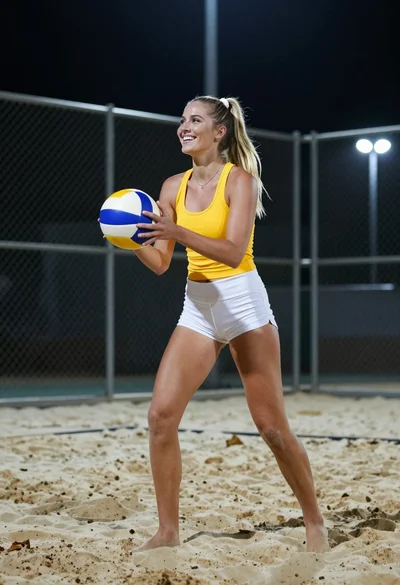
Smiling blonde woman in athletic wear holding volleyball on sand at night
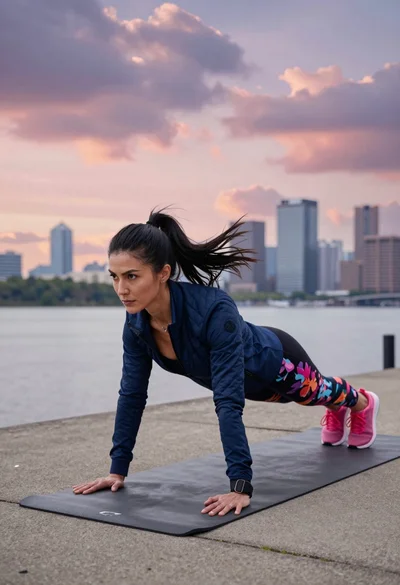
Fit woman planking outdoors near river with city skyline at dusk
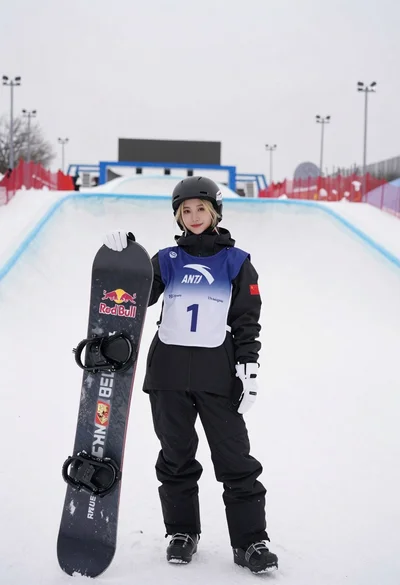
Blonde snowboarder in winter gear standing by halfpipe arena
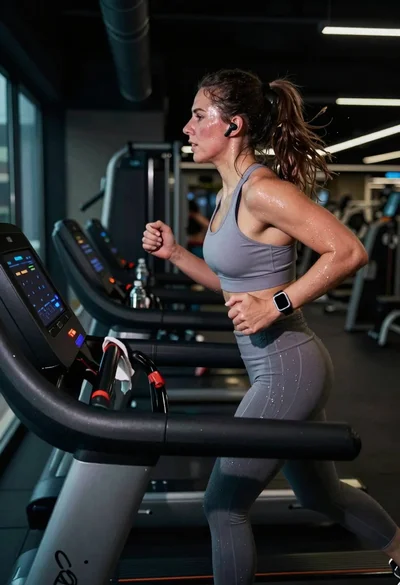
Exhausted female athlete sprinting on treadmill in dim modern gym
Young woman with blonde hair sitting on kitchen island

Football player running through debris field with football