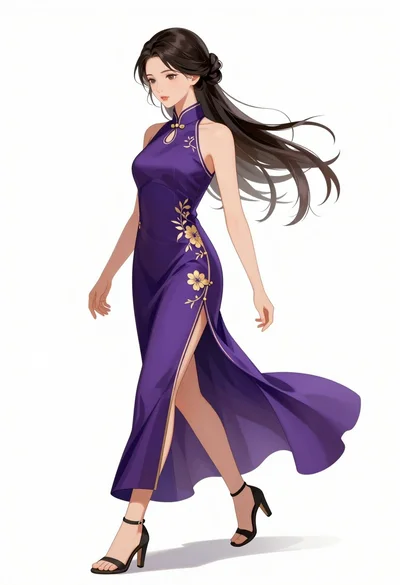
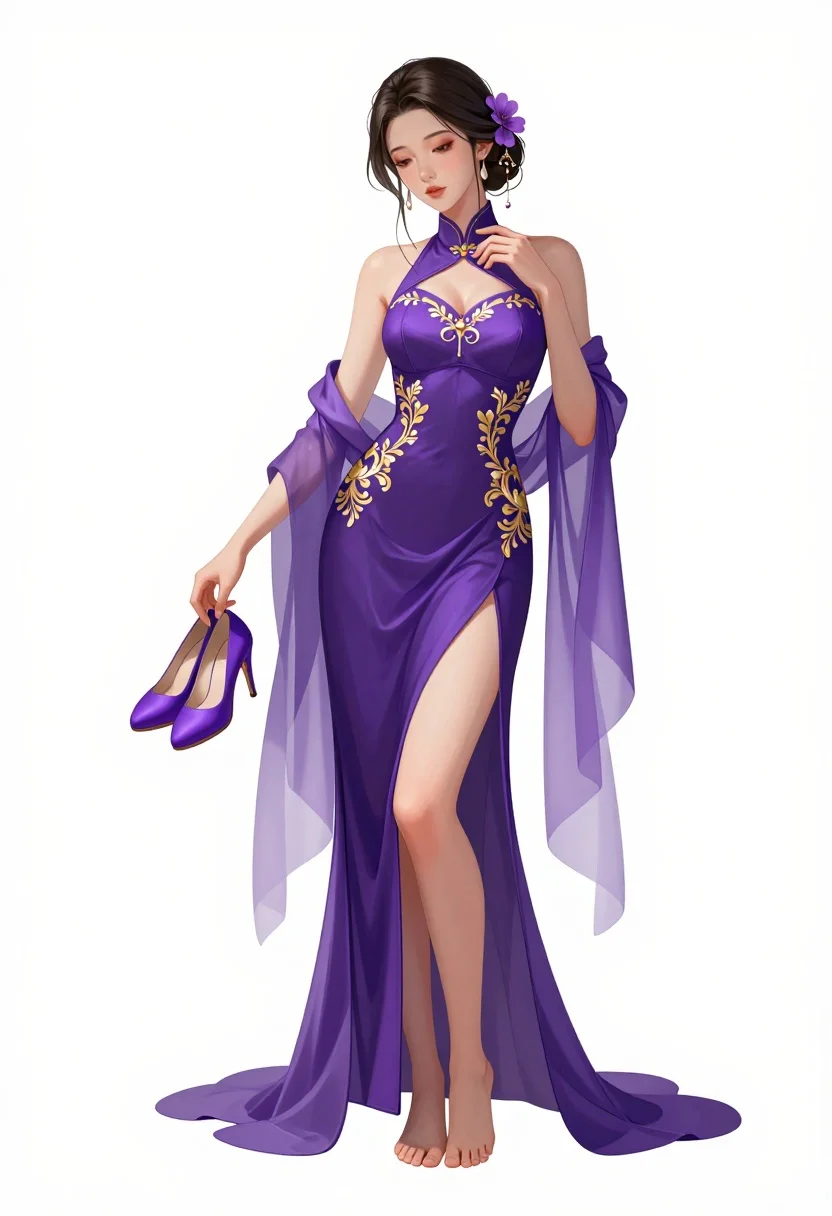
Full body digital illustration of woman in purple gown against white background
Prompt
A full-body shot of a graceful woman with dark hair styled in an updo adorned with purple flowers and dangling earrings.

Subject: A slender woman with pale skin and long legs, standing barefoot against a plain white background.

Clothing: She wears a form-fitting, deep purple halter-neck gown featuring intricate gold floral embroidery on the bodice and hips. The dress has a high slit revealing her left leg and is layered with sheer, translucent purple fabric that flows from her shoulders like sleeves, fading into lighter lavender tones at the hem.

Action: She stands in a relaxed pose, holding a pair of matching purple high-heeled shoes in her right hand while her left hand gently touches the collar of her dress. Her head is tilted slightly downward with a soft, contemplative expression.

Environment: A stark white studio background that isolates the figure completely.

Camera: Full-body vertical framing with a straight-on angle and a medium telephoto lens feel to minimize distortion.

Lighting: Soft, diffused lighting from the front that creates gentle highlights on her skin and dress without harsh shadows.

Style Details: Digital art style with smooth rendering, clean lines, and a polished aesthetic typical of high-quality character illustrations.
Description
This prompt is useful for creating concept art for fantasy characters, digital fashion editorials, and book cover illustrations requiring isolated subjects. The combination of 'deep purple halter-neck gown' with 'intricate gold floral embroidery' against a 'stark white studio background' ensures the subject remains the absolute focus, preventing any environmental distraction while the 'soft, diffused lighting' keeps the rendering polished rather than dramatic.
Suggestions
- Change 'purple flowers' to 'iridescent orchids' for a more exotic feel.
- Swap 'deep purple halter-neck gown' for 'velvet bias-cut gown' to alter the material weight.
- Adjust 'medium telephoto lens feel' to 'full body portraiture' for a less compressed view.
Category
Tags
Digital ArtFemaleFormal WearFull BodyMedium ShotStudio
Date added
July 3, 2026
Added by
PromptDexter Team
Related Prompts
More prompts with similar categories and tags.

Woman standing above glowing lotus flower in dark setting

Woman in forest with purple hair and gradient skirt
Surreal living room illustration with man in armchair
Cartoon illustration of a couple in formal wear against purple background
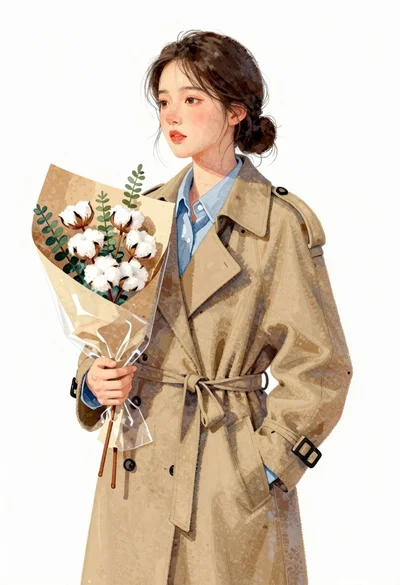
Young east asian woman in camel trench coat holding cotton flowers
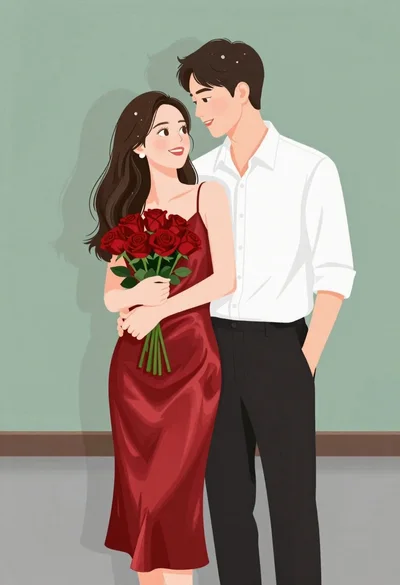
Smiling couple embracing indoors woman in red satin dress holding roses
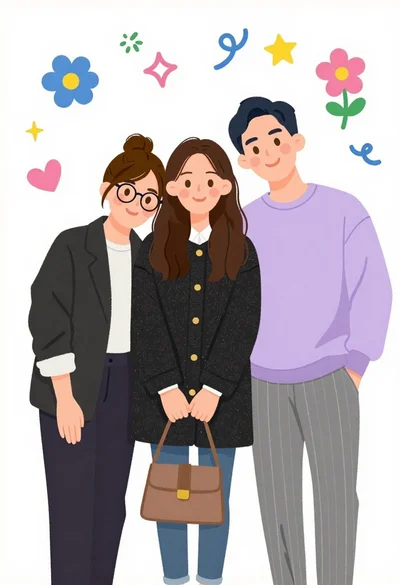
Three friends standing together in a cheerful group pose with doodles
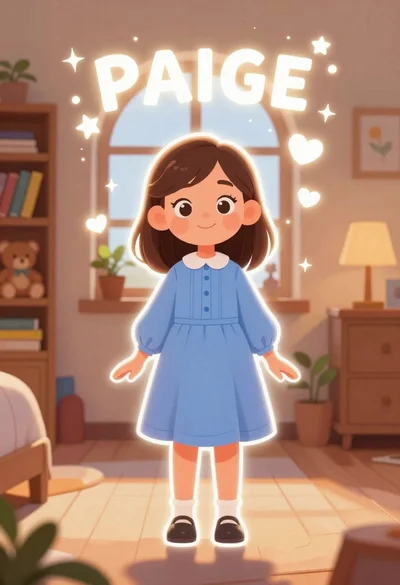
Young girl named paige standing in a cozy bedroom with magical sparkles
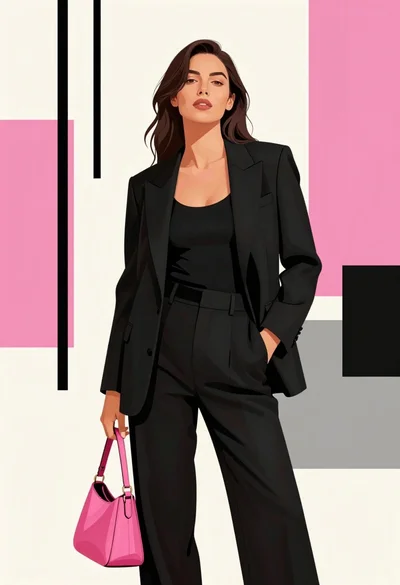
Poised woman in black tailored outfit against pink geometric background
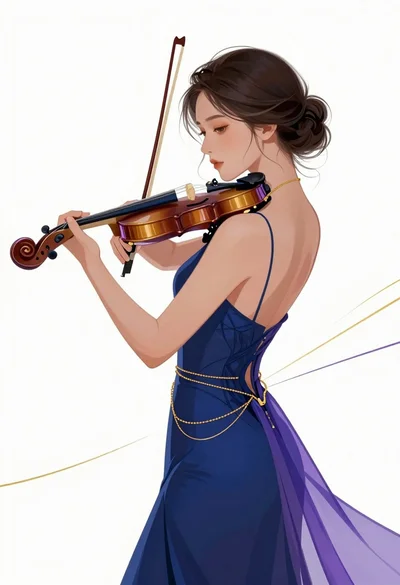
Profile view of woman playing violin against white void digital illustration